





arrange in order

Featured 12 WordPress Live Chat Plugins to Help Boost Customer Interaction and Sales Conversion
This article introduces 12 of the most popular WordPress live chat plugins, including Tidio, LiveChat, Zendesk Chat, and more, that boost customer satisfaction, drive more sales and conversions, and help organizations manage customer communications efficiently.

How to Add Social Sharing Buttons in WordPress
Learn how to easily add social share buttons and display share counts in WordPress. This article presents detailed steps to create a floating share bar using the Sassy Social Share plugin to help boost user engagement, increase website traffic and enhance social media exposure.

How to Create Custom Page Templates in WordPress
Learn how to create custom page templates in WordPress, build unique page layouts, optimize user experience and SEO performance with the Full Site Editor (FSE) and Elementor Page Builder, no programming skills required!
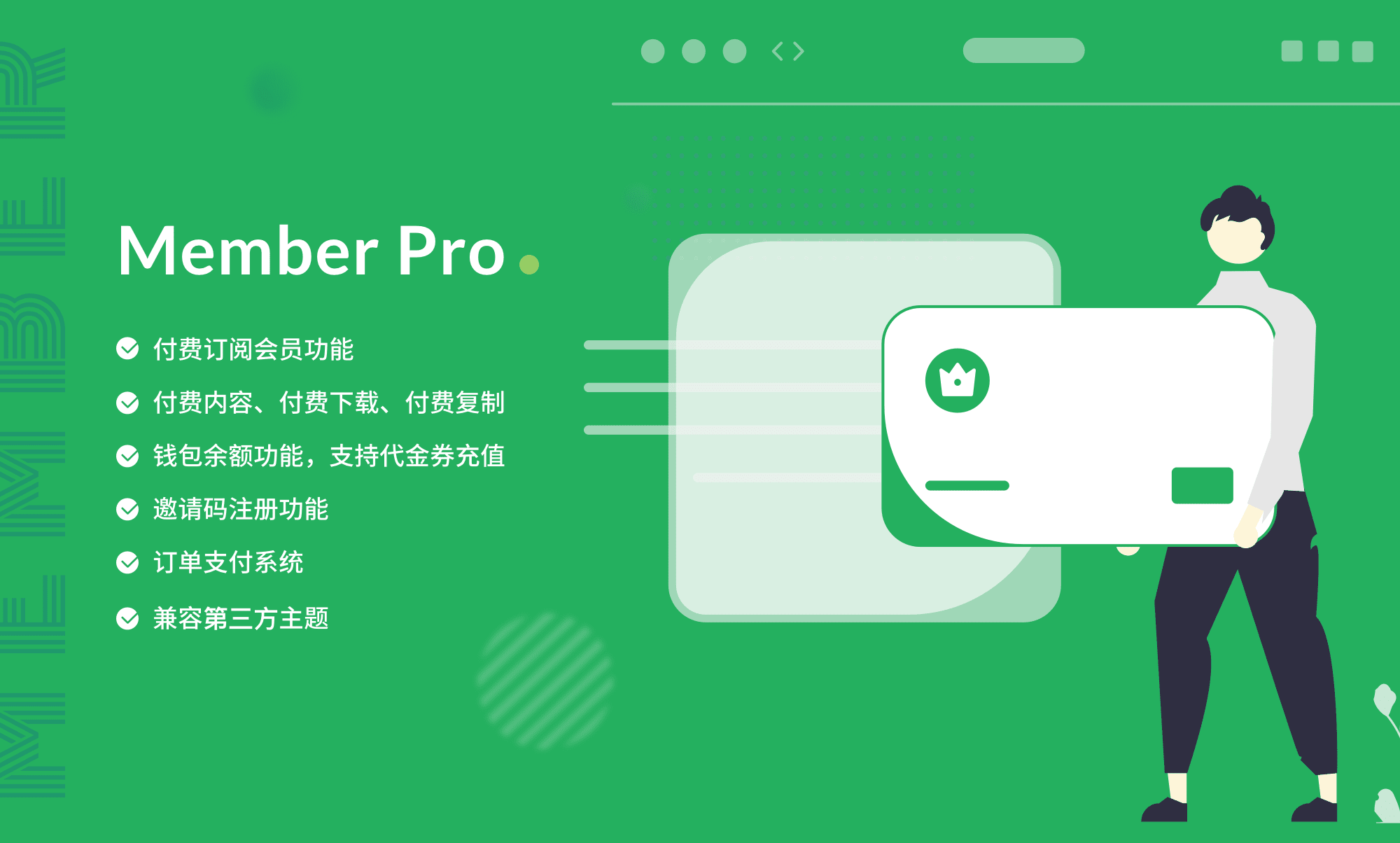
Total WordPress Membership Management: WPCOM Member Pro
WPCOM Member Pro plugin provides comprehensive member subscription, content payment, resource download and social login functions for WordPress websites, helping content creators and educational platforms to realize content cash and enhance user stickiness.

Comprehensive Analysis: How to Edit HTML in WordPress to Optimize Website Design and Functionality
Learn detailed steps and tips on how to edit HTML in WordPress, including pages, posts, widgets, and converting HTML templates to WordPress themes to enhance website design and functionality.
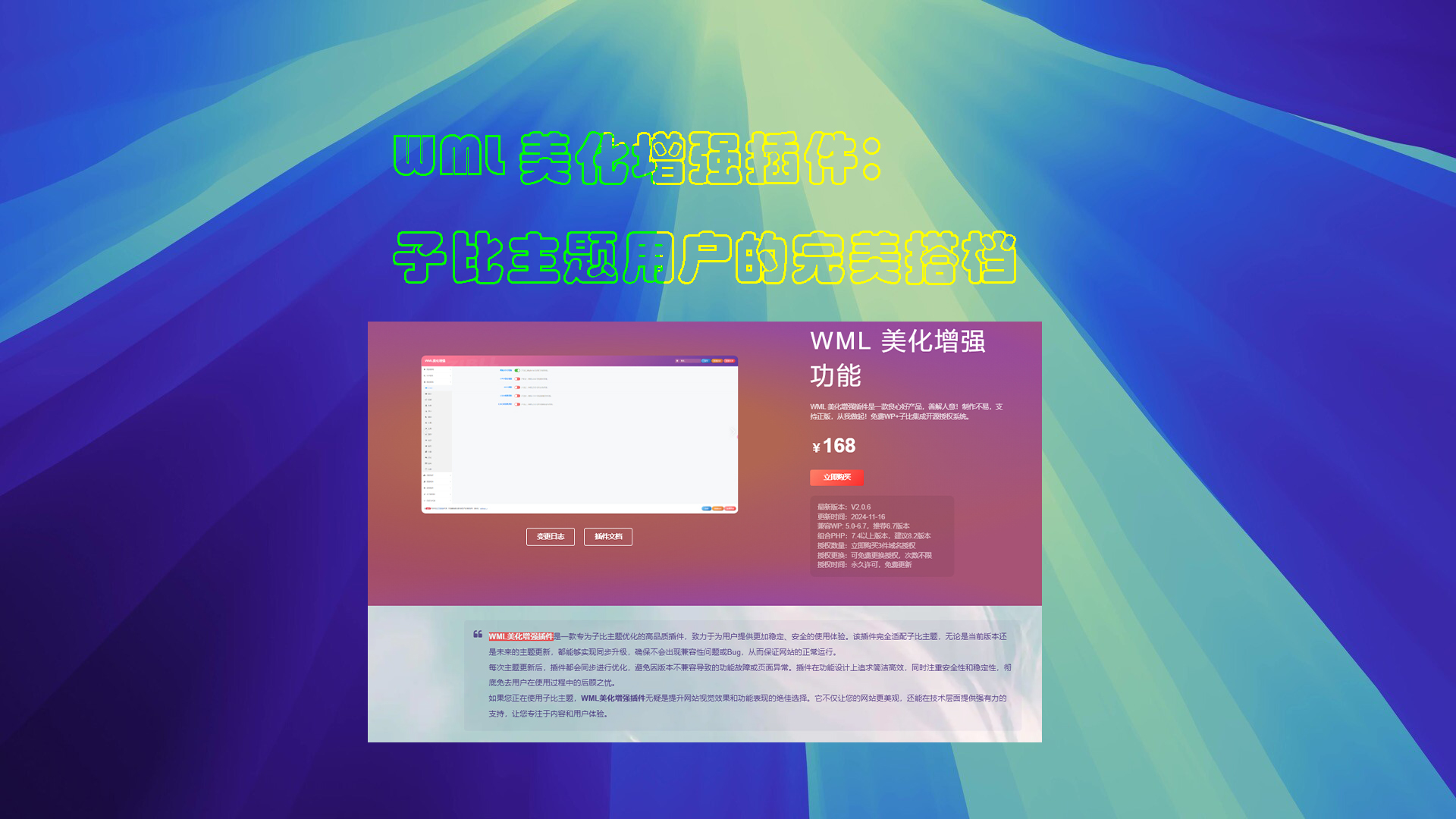
WML Beautify Plugin Tutorial
Detailed description of the WML beautification enhancement plugin installation, authorization verification and function configuration. Includes cover image creation, automatic card sales, digital sales, article layout and other powerful features to optimize the WordPress site experience.
How to Revert a WordPress Multisite to a Single Site
Learn how to migrate WordPress multisite sub-sites to a single site, this article explains in detail the two methods of manual migration and the use of Prime Mover plugin, suitable for both technicians and novices, to help you easily complete the separation of the site and data migration.

How to Efficiently Use the WordPress Revision Feature to Undo Changes: A Complete How-To Guide
A comprehensive explanation of how to undo changes in WordPress, including the use of the revision feature to restore historical versions, limiting the number of revisions to optimize performance, and methods of content restoration through backups and plugins to help you manage your site's content efficiently.

How to Fix Cloudflare Error 521 in WordPress: Simple Solution
Learn the causes and fixes for Cloudflare Error 521, including server overload, DNS misconfiguration, firewall blocking, SSL certificate issues, and more, with effective preventive measures to protect your website's normal operation and SEO performance.

How to Showcase Blog Posts on WordPress Pages and Boost SEO Results
Learn how to improve your website's SEO ranking and user experience by displaying blog posts on dedicated pages with WordPress. This article describes ways to use default settings, the Gutenberg editor, and plugins to help you choose the most appropriate display method.
Tips for Efficient Multisite Management: WordPress Maintenance in Detail
Managing multiple WordPress websites can be a headache: you need to keep the core software, themes, and plugins up to date, and you need to monitor the site's security and performance at all times. And as the number of sites you manage increases, the workload and complexity grows exponentially, especially for individuals or small teams...

How to Add a Mega Menu to a WordPress Website: A Step-by-Step Tutorial
Learn how to add a mega menu to your WordPress website using the Max Mega Menu plugin. This tutorial provides a step-by-step guide to help you create feature-rich, visually appealing navigation menus that enhance user experience and website usability.

 简体中文
简体中文  English
  日本語
日本語  Français
  Español



