





arrange in order

WordPress Text Effects Guide: Implementing Text Colors, Shadows and Animations to Easily Enhance Page Aesthetics
Learn how to add rich visual effects to text on a WordPress page or post, including color shifts, shadows, underline animations, typewriter effects, and more, to enhance page aesthetics and user experience.
How to Fix Common SSL Issues in WordPress
This guide provides a comprehensive analysis of how to fix common SSL/HTTPS issues in WordPress, including mixed content errors, too many redirects, invalid certificates, etc., to help you quickly optimize your site's security and user experience.
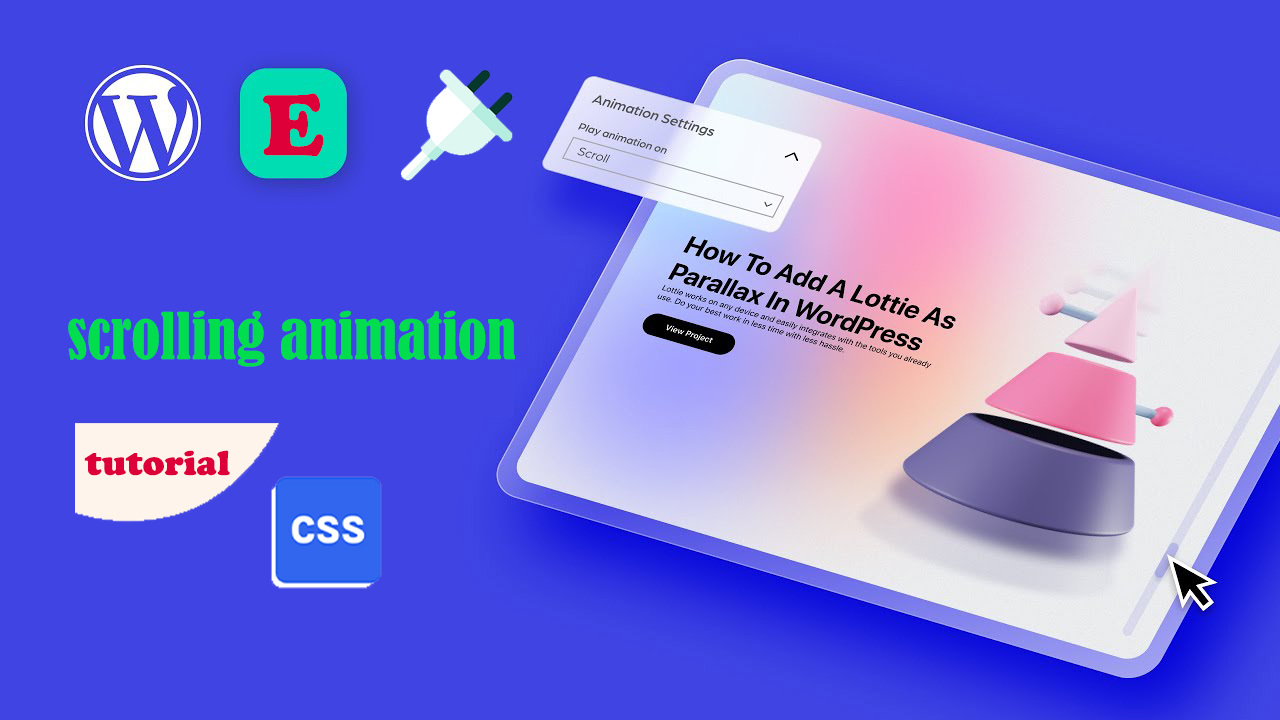
Three Ways to Implement Scrolling Animation in WordPress: Plugins, Elementor and CSS Tutorials
Add scrolling animation in WordPress to enhance web page dynamics and user experience. This article introduces a variety of ways to achieve scrolling animation through the Scrollsequence plugin, Elementor builder, and HTML anchor tags and CSS, suitable for different needs.
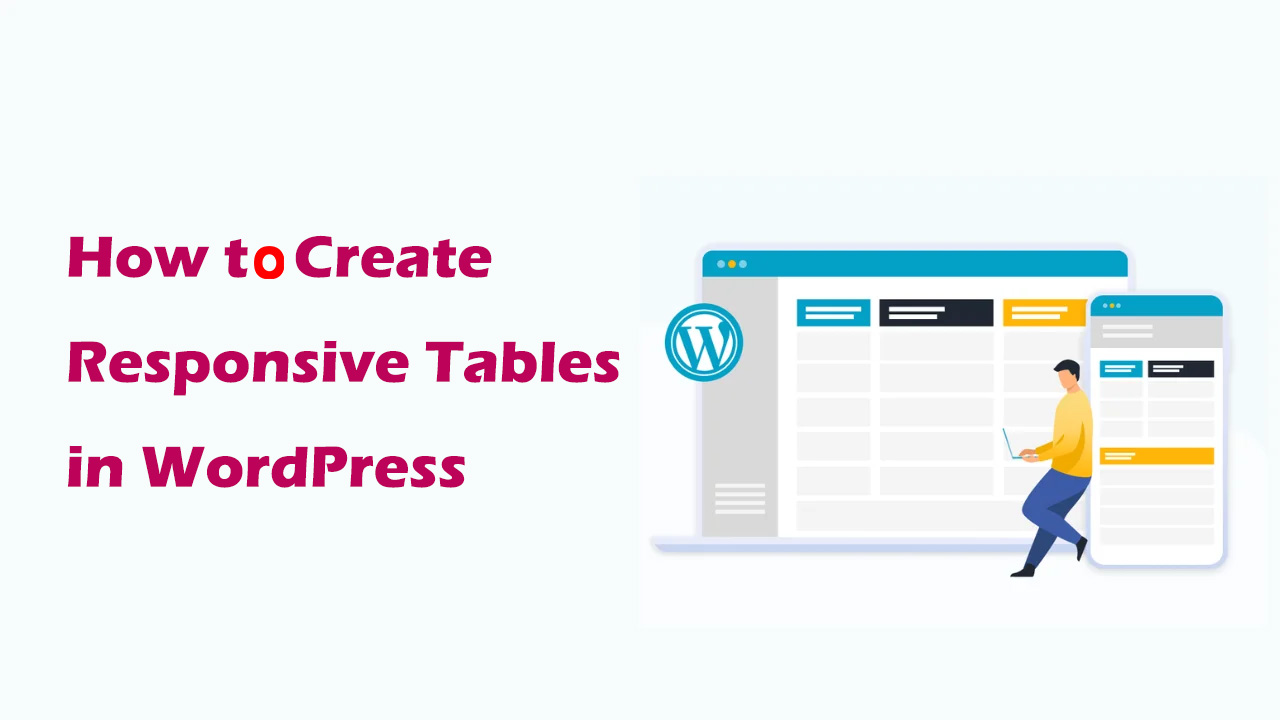
How to Create Responsive Tables in WordPress: Plugin and Manual Methods Explained
Learn how to create responsive tables in WordPress, including the easy way to use the TablePress plugin and the manual HTML+CSS customization method. Whether you're a beginner or a developer, it's easy to create tables that adapt to different screen sizes.
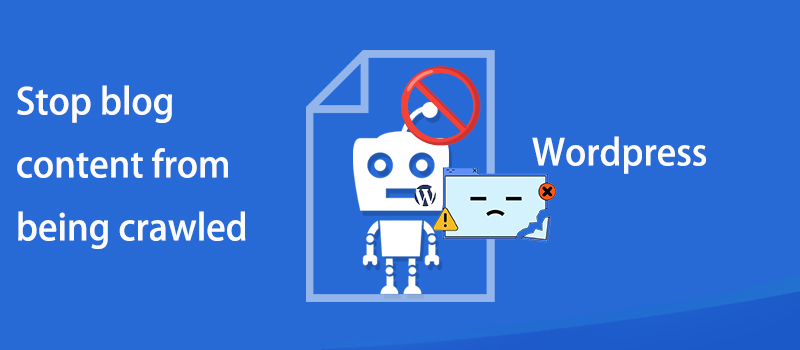
How to prevent WordPress blog content from being crawled: practical tips for protecting original content
Learn how to effectively prevent WordPress blog content from being crawled, including using copyright protection, disabling Trackback and Pingback, limiting RSS feeds, blocking crawlers from accessing your site, and other tactics that will help you protect your original content and improve your site's SEO ranking.

How to Fix WordPress Admin Ajax 400 (Bad Request) Error
Learn how to fix Admin Ajax 400 (Bad Request) error in WordPress. This article will cover the common causes of this error, such as invalid URLs, browser caching, plugin conflicts, etc., and provide solutions that will help you get your site back to functionality quickly.

The Complete Beginner's Guide to Troubleshooting WordPress Errors
This article details how to troubleshoot and fix common WordPress errors, including white screen of death, database connection errors, plugin and theme conflicts, and more. With this guide, you can quickly resolve issues, ensure your website runs smoothly and improve user experience.
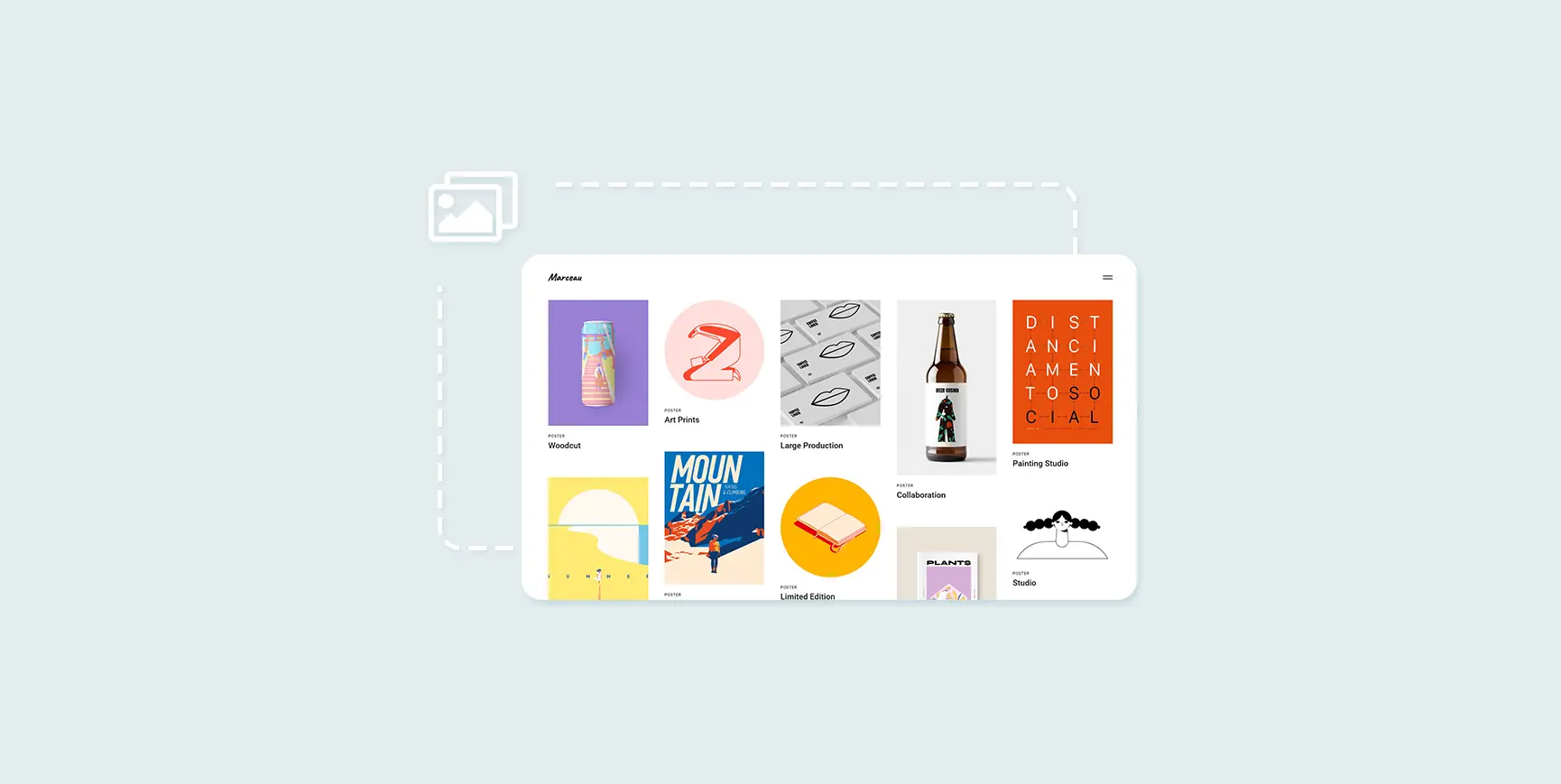
How to Create and Optimize Gallery in WordPress with Gutenberg Gallery Block
Gutenberg Gallery Block is a popular WordPress tool for photographers, artists, bloggers and businesses that makes creating galleries easy, intuitive and requires no coding knowledge. If you want to enhance your website with professional, stylish galleries...

Why does the WordPress admin bar overlap with the navigation menu? A complete guide to fixing it
An in-depth look at the causes of WordPress admin bar and navigation menu overlap issues, as well as detailed solutions, including hiding the admin bar, tweaking CSS, and checking for plugin conflicts, to ensure that your site's navigation displays correctly and improves the user experience.

Comprehensive Guide: How to Create and Customize User Registration Forms in WordPress
Learn how to create user registration forms in WordPress, covering enabling the built-in registration functionality, customization with plugins, code development, and best practices for optimizing user experience and form security.

WordPress Top Admin Bar Missing Problems and Solutions
Experiencing WordPress admin bar loss issues? This guide details how to fix this issue by checking user configurations, theme files, plugin conflicts, and more to help you quickly restore the normal display of your site's admin bar.

Easily Remove WordPress Sidebars: 8 Ways to Improve the Simplicity of Your Website
Learn how to remove WordPress sidebars in 8 easy ways to optimize your website layout and improve user experience. Whether through theme settings, plugins, or manual code editing, this article provides detailed steps.

 简体中文
简体中文  English
  日本語
日本語  Français
  Español



