





arrange in order

The Best Way to Customize Your WordPress Dashboard: 5 Practical Tips to Enhance Your Experience
Learn how to customize your WordPress dashboard with code and plugins. From removing unnecessary widgets to adding shortcut menus and personalizing your login page, this guide provides the 5 best ways to help you optimize your WordPress backend experience.

5 Practical Ways to Add Custom CSS in WordPress and FAQs
Adding custom CSS to WordPress is a very practical way to give you complete control over the look and feel of your website. Custom CSS is a very flexible and powerful tool in WordPress website customization, helping you to have fine control over your website's visuals, cloth...
WordPress Multisite vs. Multidomain: How to choose the best way to manage it?
In many business scenarios, one website may not be enough to fulfill all the needs of a client. For example, when there are multiple brands, selling customized products for different regions, running a chain of organizations, or managing a network of blogs, there may be a need for multiple related websites. At this point, how to effectively manage this...
How to Add a Sidebar in WordPress
What is a WordPress Sidebar? A sidebar is a widgetized portion of a WordPress website in which content not found on the homepage can be displayed. Widgets are used to bring secondary material to a website. For example, a widget can display a list of recently posted blogs, a tag cloud, or a search...

How to Add a Table of Contents to WordPress: a Complete Guide to Improving Readability and SEO
Adding a table of contents to a long WordPress post not only improves readability but also enhances the overall structure of the site. A table of contents provides readers with clear navigation and helps them quickly locate the content they are interested in. In this post, we will detail how to add a table of contents in WordPress...
Enhancing User Experience: How to Easily Adjust Line Spacing in WordPress
Although line spacing may seem like a small detail in web design, it has a huge impact on user experience. Especially in a text-based website, line spacing is directly related to the reader's reading experience, information absorption and the overall aesthetics of the website. Appropriate line spacing can enhance the website...
How to Easily Modify Menu Colors in WordPress: a Comprehensive Guide
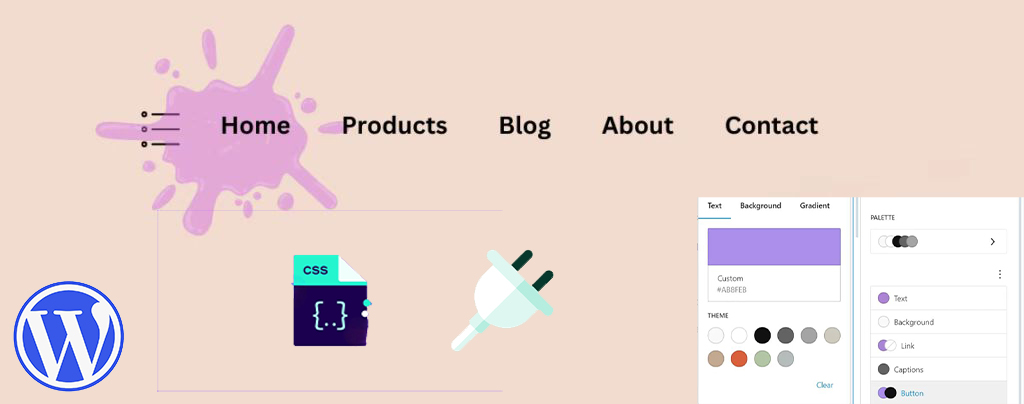
An eye-catching and easy-to-navigate menu can greatly enhance the user experience and encourage them to browse further through your site's content. Adjusting the menu color can make your website design more personalized. This article will take you through the details of how to change menu colors in WordPress, teach...
How to Quickly Fix "jQuery Undefined" Error in WordPress
The "jQuery undefined" error is a common JavaScript error in WordPress that usually occurs when the jQuery library fails to load correctly. When a web page loads in the browser, the JavaScript code relies on jQuery for interactive functions (e.g.,...
In-depth analysis: how to solve WordPress can not send e-mail problem
When your WordPress website fails to send emails, it can lead to serious user experience issues. Although WordPress itself has basic email functionality, due to incorrect settings, spam filters, server configuration issues, or plugin malfunctions, it can...
How to Optimize admin-ajax.php in WordPress: Reduce Performance Issues Caused by High Usage
The file admin-ajax.php plays a key role in WordPress websites, it is the core file that manages AJAX requests and allows you to implement dynamic features such as real-time notifications, asynchronous form submissions, infinite scrolling, and more without having to refresh the entire page. When admin-ajax.p...
How to Quickly Find Out What Themes a WordPress Site is Using
As a web developer or freelancer, finding WordPress themes you like and borrowing them for your own projects is a great way to boost your website design efficiency. In this article, we'll detail a few simple and effective ways to help you figure out what a WordPress website uses...
Quick Fix for "Missing Temporary Folder" Error in WordPress: Detailed Tutorial and Solution
In this article, we will take an in-depth look at the "Missing Temporary Folder" error encountered by WordPress and provide you with detailed steps to fix it. With the guidelines in this article, you can easily fix the "Missing Temporary Folder" error and restore WordPress to its normal functionality. What is "Missing ...

 简体中文
简体中文  English
  日本語
日本語  Français
  Español



