





arrange in order
Why should we always use the latest version of WordPress for our WordPress website?
Hello everyone! Today there is no tutorial, but mainly an answer to one of the most frequently asked questions by our readers in our community. The question is "Why should we always use the latest version of WordPress for our WordPress website? Why should we update WordPress WordPress is free,...
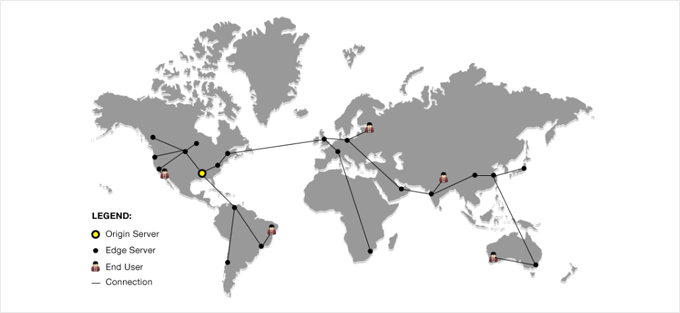
How to set up Cloudflare free CDN in WordPress
We all know that using a CDN service can increase the speed of our website.Cloudflare is one of the best WordPress CDN service in the market. And it offers free CDN service with strong security features for small business websites. Including some of our own websites are using...
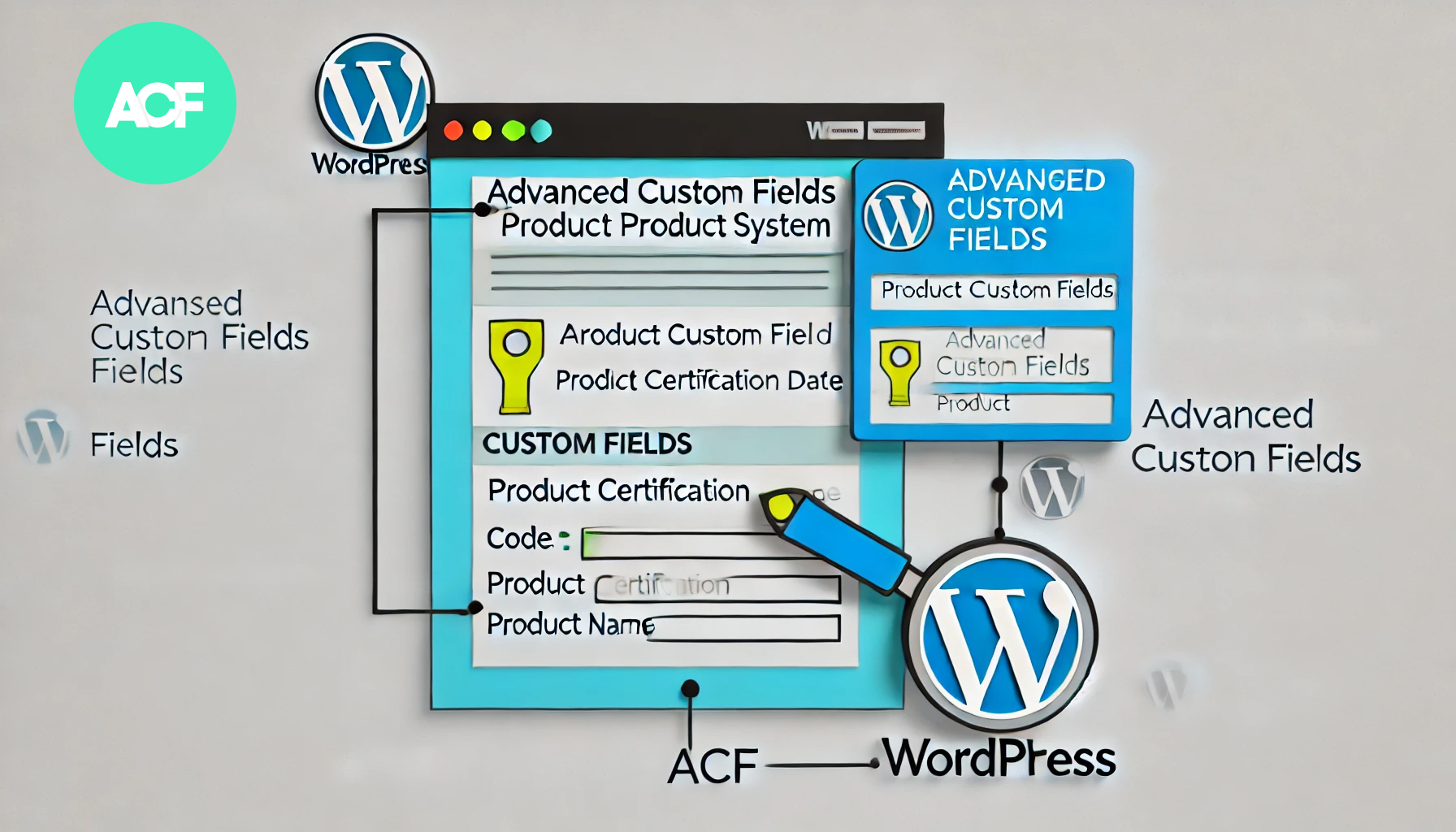
How to Build a Product Authentication Lookup in WordPress Using ACF
In WordPress, using the plugin Advanced Custom Fields (ACF), we can create a user-friendly product authentication query system. This article will detail how to implement this feature using ACF and provide clear step-by-step instructions. Step 1: Install and setup...

How to Fix "Googlebot Cannot Access CSS and JS Files" Error in WordPress
Why does Google need access to CSS and JS files? Google has been providing better rankings, fast speeds, good user experience for user friendly websites and more. In order to determine the user experience of a website, Google needs access to access the website's CSS and JavaS...
How to Fix WordPress Not Sending Emails Issue
I don't know if you have encountered WordPress website can't send email, contact form submission disappeared, important notification email did not deliver and so on. In fact, the problem does not lie in WordPress, but in the way the website sends emails. Let's see what are the...
How to Send WordPress Emails with Free SMTP Server
I don't know if you guys have noticed that the default PHP email feature of WordPress doesn't work well. It often sends important emails directly to the spam folder, or even not at all. We ourselves use an SMTP server to make sure we get our emails every time. But...

WordPress Slug: Definition, Importance and its Impact on SEO
A slug is the part of a URL that sits after the domain name and helps users and search engines locate a specific page or post. Optimizing a WordPress slug can improve your website's ranking and accessibility. In this article, we will introduce the concept of slug, its role, how to optimize it and its effect on SEO ...
How to Properly Configure WordPress Email Settings
Properly configuring your WordPress website's email settings is important to stay in touch with your users. If the settings are not correct, emails may not be sent successfully. This can damage a website's reputation and user experience. Why WordPress email settings don't work...
How to Migrate WordPress to a New Server Without Downtime
Many webmasters want to know how to safely migrate their website to a new server. This tutorial organizes a step-by-step procedure for newbies, so some plugins will be used. Let's take a look together! Step 1: Choose a new WordPress server If even after optimizing ...

How to Configure Google Search Console to a WordPress Website: A Detailed Guide
What is Google Search Console? Google Search Console (GSC) is a free tool provided by Google that allows website owners to monitor and manage their website's performance in Google search results.GSC is a key tool for improving your website's search visibility. It...

How to Optimize WordPress Product Category Sorting
In WordPress, product category ordering is an important factor in determining how users browse and discover your products. If your product categories are in a confusing order, customers may have trouble finding the products they want, which can affect conversions and sales. In this article, we will introduce several simple and effective wo...

How to Enable WordPress Debug Mode to Fix Site Errors
Why should I enable WordPress Debug Mode? Sometimes, WordPress plugins, themes, or custom code (such as PHP or JavaScript) can cause conflicts on a website. It can lead to different errors and the website may not work properly. Now, it is possible to stop at any time...

 简体中文
简体中文  English
  日本語
日本語  Français
  Español



