





arrange in order
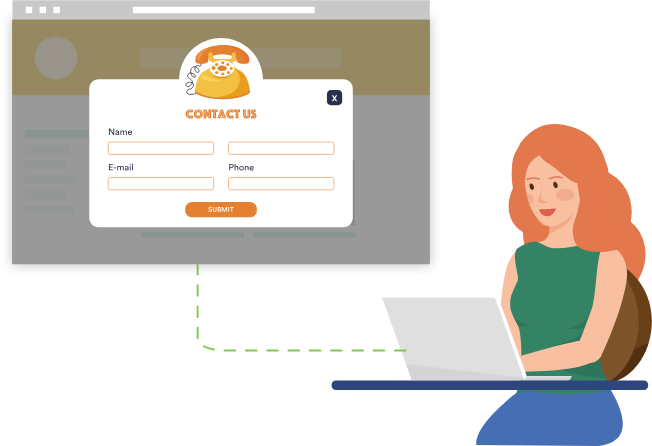
How to Add a Popup Form in WordPress
Popup forms are effective in grabbing users' attention and directing them to perform specific actions, such as signing up for a newsletter or completing a purchase, by displaying a popup window at the right time and place. In this detailed tutorial, we will guide you step-by-step on how to use WordPres...
2024: Which should I choose, Shopify or WordPress to build my website?
Hello everyone! A lot of friends have left comments about wanting to start building their own independent website. Many friends around me say that Shopify and WordPress are better. However, I am not familiar with these two platforms. So, in today's article, I will start from Shopify and WordPress descriptive features...
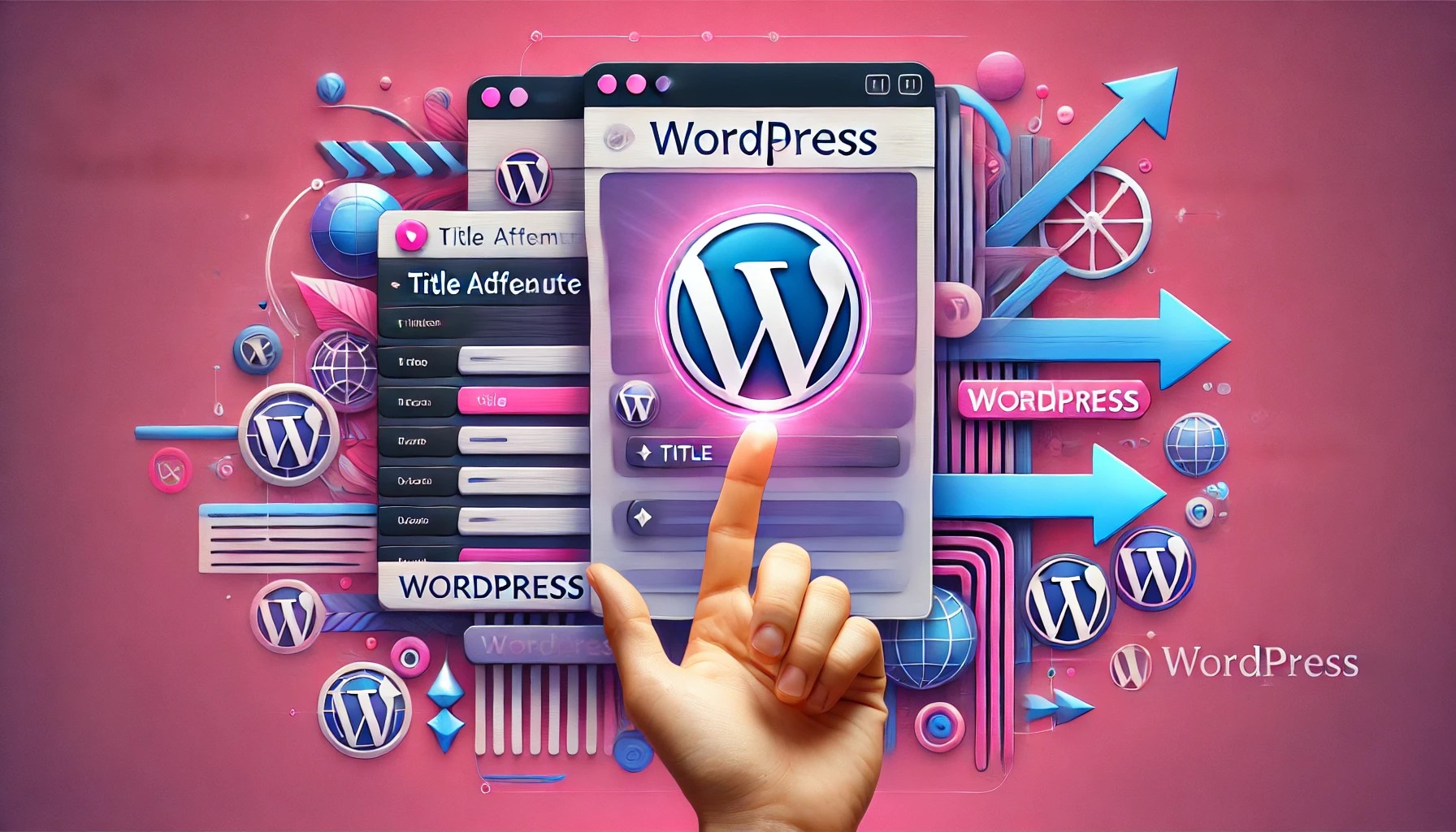
How to Add Title Attribute to WordPress Navigation Menu
In website design, the navigation menu is one of the main ways for users to interact with the website. To enhance the user experience, we can provide users with more background information about the menu items by adding a title attribute to the WordPress navigation menu. This not only helps users to better ge...

How do I customize the colors of my WordPress website?
What are WordPress themes? Can I change the theme colors? WordPress themes control the appearance of a website and the visual experience users have while using it. A typical WordPress theme is a set of pre-designed templates that can be installed on a website to change its...
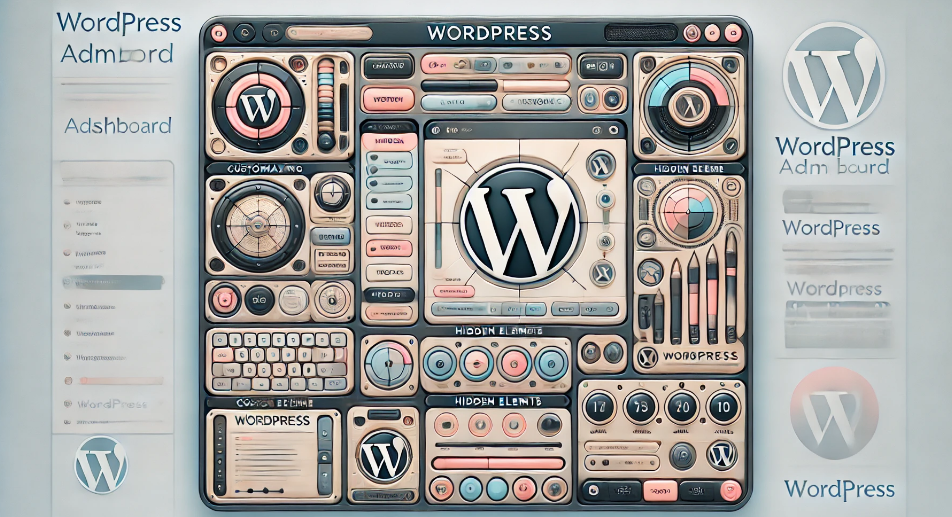
Customizing the WordPress Admin Dashboard: a comprehensive guide to enhancing the website management experience
In order to improve administrative efficiency and user experience, it is important to customize your WordPress admin dashboard. By hiding unnecessary items, adjusting the admin screen layout, and optimizing the color scheme, you can create a more organized and efficient workspace. This guide will detail how to customize...
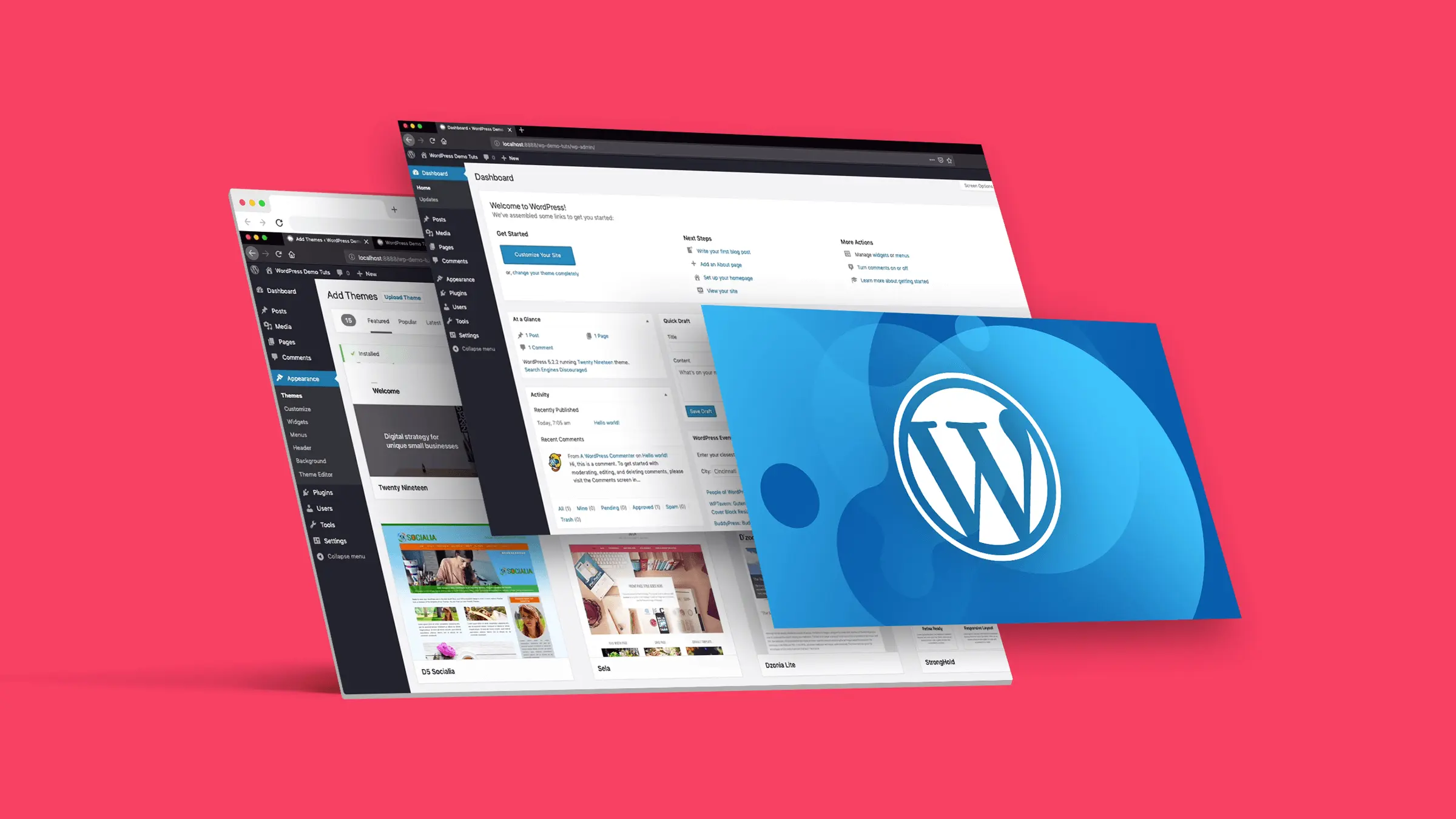
How to Customize the Background Color of WordPress Block Editor (Gutenberg)
Want to change the Gutenberg editor background color in WordPress to match the site branding colors and showcase the site culture. Detailed tutorial today it's here! Why should I change the background color of the block editor in WordPress? Want to change the background color of...
Enhancing WordPress Security: A Guide to Changing Database Table Prefixes
By default, WordPress assigns a prefix to all tables in the database during installation: wp_. While this may seem like a small, inconsequential detail, this default prefix may actually make your site more vulnerable to attacks. In this article, we'll dive into...
4 Ways to Add WordPress Anchor Links to Improve User Experience and SEO
Anchor links are very useful in web design. Not only do they help users quickly navigate to specific parts of a page, but they can also enhance the overall user experience and even have a positive impact on SEO. With anchor links, visitors can be directed to jump from one part of the page to another...
How to Fix "The Link You Followed is Expired" Error in WordPress
What causes the "The link you follow has expired" error? When trying to upload a WordPress theme or plugin that is larger than the file size limit set by the server WordPress is running on, it is common to get a "The link you follow is outdated" error. The message is shown below...
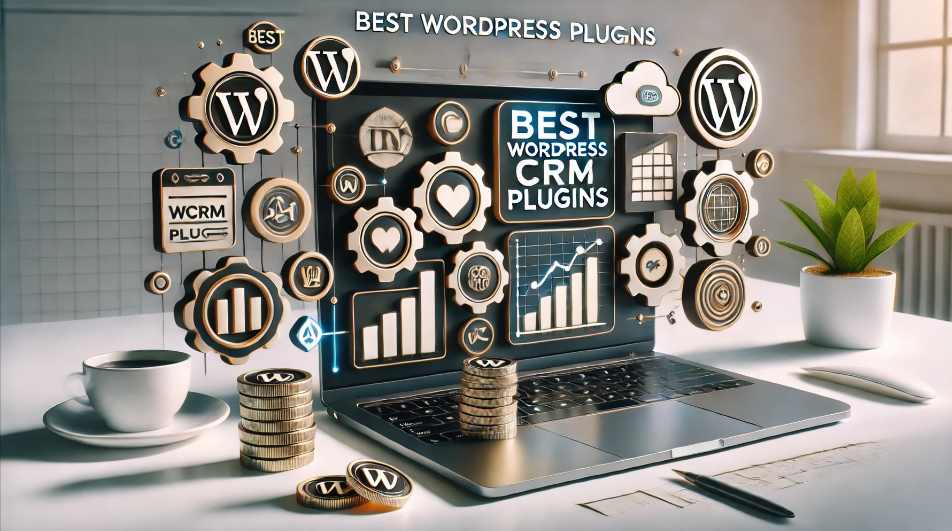
Best WordPress CRM Plugin Recommendations and Reviews: essential tools to enhance customer management and business growth
Customer Relationship Management (CRM) Whether it's following up on leads, increasing sales, and managing interactions with customers, WordPress CRM plugins can help you streamline these tasks. In this article, we dive into 8 recommended WordPress CRM plugins to help you optimize customer...

How to Implement Advanced Design Features in Gutenberg with Elementor Blocks
Gutenberg is a block editor for WordPress that allows users to create and edit content in the form of blocks. In order to allow users to utilize the power of Elementor in Gutenberg, Elementor has developed a program called 'Elementor Blocks for Gutenberg'...
How to Easily Add Custom Code in WordPress Without Breaking Your Site
In WordPress web development, custom code is an important tool for enhancing functionality and optimizing site performance. However, many WordPress users feel uneasy about directly modifying their theme's functions.php file or creating site-specific plugins because even a small mistake...

 简体中文
简体中文  English
  日本語
日本語  Français
  Español



