





arrange in order
WordPress Page Password Protection: Why It's Important and How to Achieve It
WordPress is the world's most popular Content Management System (CMS) and has become the platform of choice for many websites due to its flexibility and wide range of features. However, with the growing number of Internet security threats, it has become crucial to protect website content from unauthorized access...

How to Fix WordPress "Add Media" Button Not Working Issue
Interestingly enough, I was approached by a fan of Little Red Book who said that the WordPress "Add Media" button didn't work when he was editing a post. This is one of the more common WordPress issues. Let's put together a tutorial on how to fix it! What is it...
How to Fix Mixed Content Errors in WordPress
Today we are going to talk about "Mixed Content Error in WordPress", I don't know if you haven't encountered it before.Mixed Content Error in WordPress is caused by incorrect HTTPS/SSL settings. Normally it does not affect the functionality of the site, but it will have an impact on the site's SEO ...

How to Secure Your WordPress Administrator Login
WordPress has become the dominant platform for content management systems (CMS). However, this popularity has also made WordPress a popular target for hackers and malicious actors. They usually try to gain unauthorized access to your website to perform data theft, plant malware, or disrupt web...
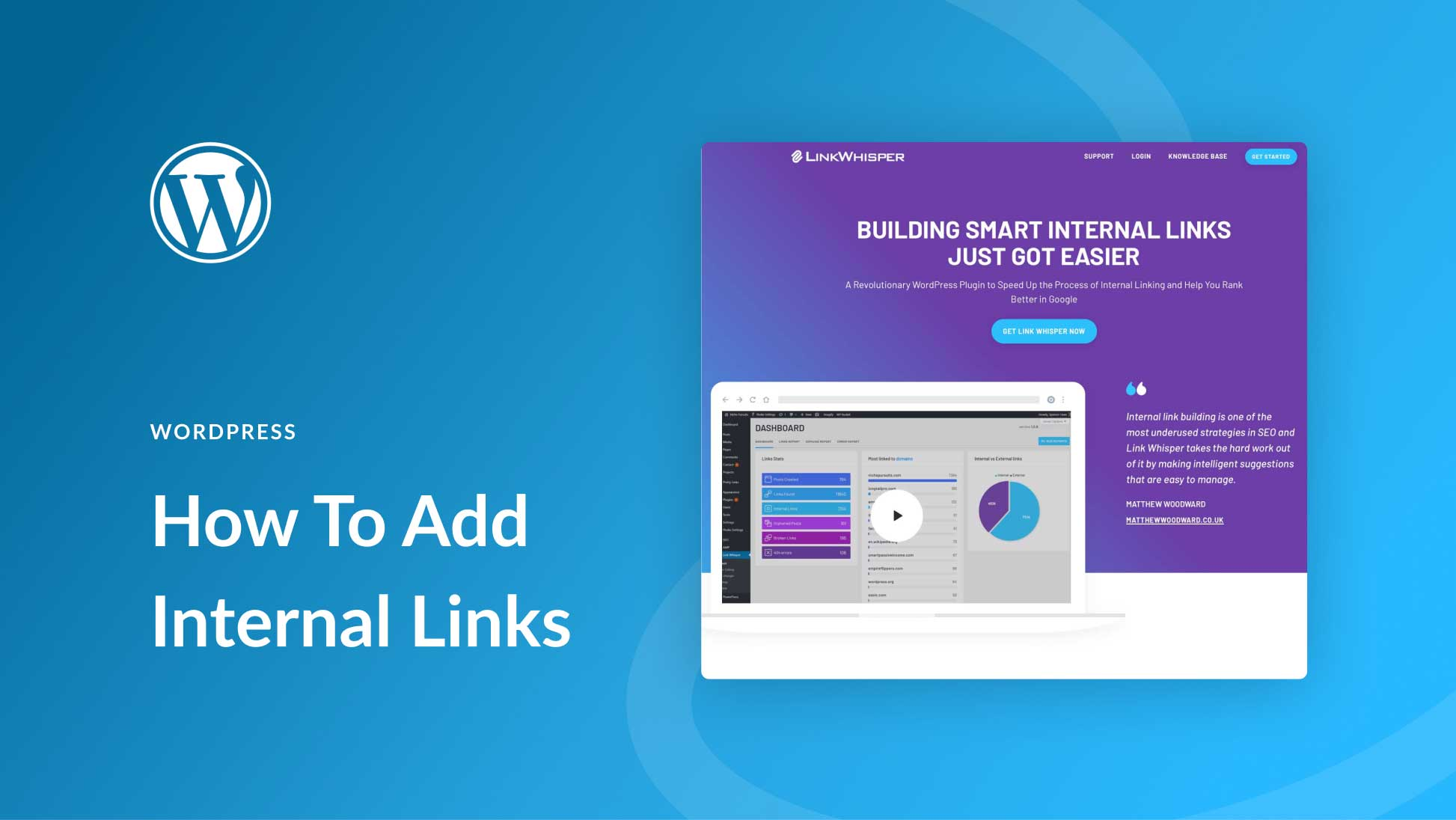
How to Add and Manage Internal Links in WordPress: A Comprehensive Guide
Adding and managing internal links in WordPress is a crucial step in improving your website's SEO and user experience. Not only do internal links help improve the accessibility of your website, but they also enhance the relevance of pages to each other, which in turn improves search engine rankings. In this article, we will delve...

How to Change and Customize Permalinks in WordPress
Changing and customizing the structure of permalinks in WordPress is an important but infrequent operation. Changing the URL structure without proper planning can result in 404 errors, which can negatively impact visitor experience and SEO. In this detailed article...

How to Fix WordPress Constantly Quitting
Our site's "Q&A Community" has a user message, the content is: his recent WordPress site constantly logged out of the administration area, it just so happens that we have encountered before. Therefore, today to give you a tutorial to fix, I hope to help you. Why is WordPress constantly ...

How to Fix "Too Many Redirects" Error in WordPress
What causes 'Error: Too Many Redirects' issue in WordPress? "Error: too many redirects" is caused by a misconfiguration of the redirection issue in WordPress. WordPress has an SEO-friendly URL structure feature that uses redirects...
How to Fix 504 Gateway Timeout Error in WordPress
Have you seen the 504 Gateway Timeout Error when entering your WordPress website? This error can prevent users from accessing your site. What makes it even more of a headache is that it may go away on its own and reappear if the problem is not resolved. What is the 504 Gateway Timeout Error...

How to Fix "Upload: Unable to write file to disk" Error in WordPress
When uploading files in WordPress, sometimes you will see "Upload: Unable to write file to disk" error. This is a headache for newbies, as this error prevents you from uploading files to your WordPress site. Let's see how to fix this error you...
How to Add Custom CSS to Your WordPress Site: An Exhaustive Guide
Custom CSS is a powerful tool when building and managing your WordPress website, giving you the freedom to go beyond the standard options and adjust the layout and appearance of your website. By using custom CSS, you can take full control of your site's design, from fonts and colors to spacing and animation...
How to Fix 403 Forbidden Error in WordPress
What is 403 Forbidden Error in WordPress? The 403 Forbidden error code is displayed when server permissions do not allow access to a specific page on a WordPress website. This error is usually accompanied by the following text: 403 Forbidden - You are not authorized to access this service...

 简体中文
简体中文  English
  日本語
日本語  Français
  Español



