





arrange in order
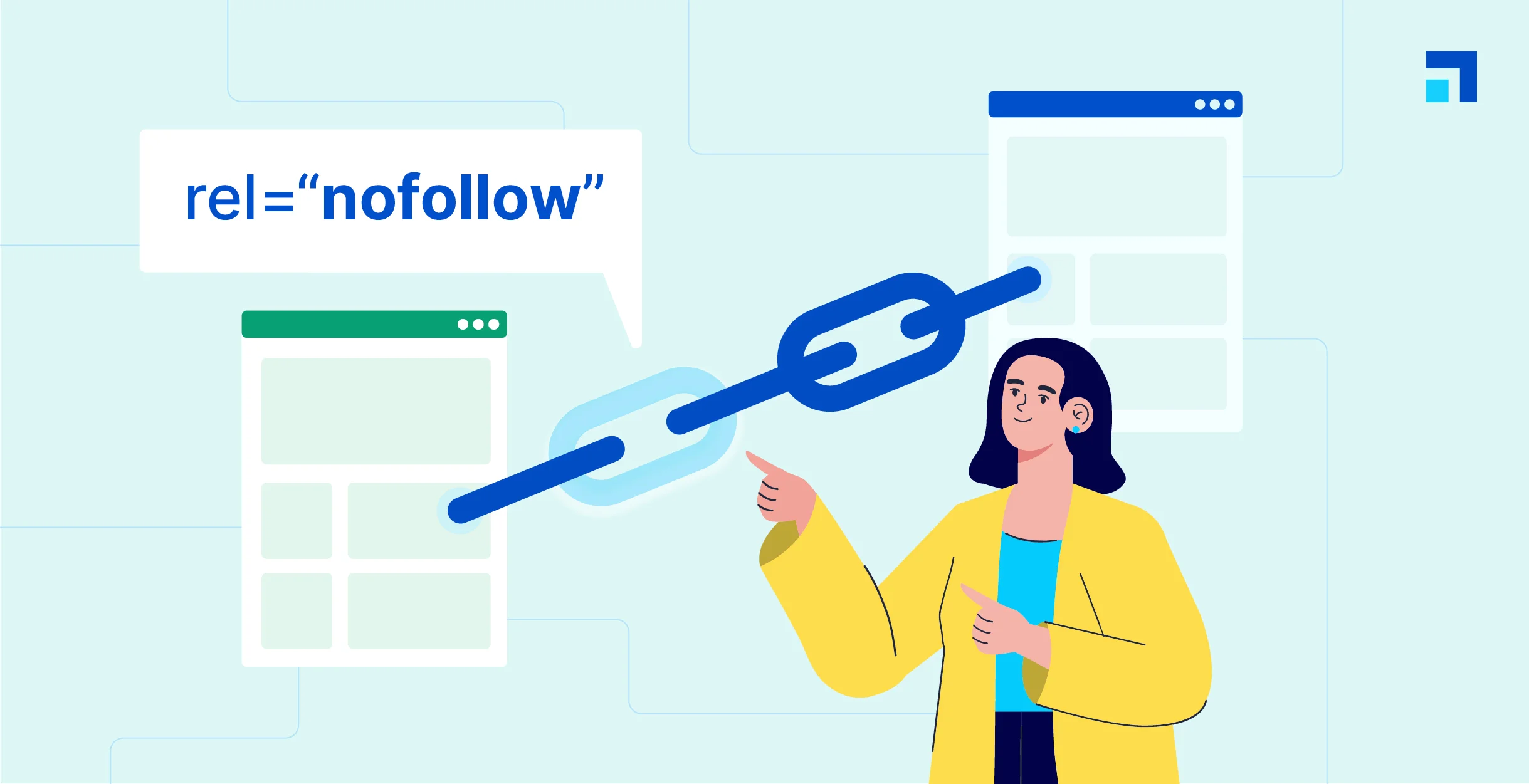
WordPress Beginner's Guide: How to Easily Add Nofollow Links to Boost SEO
What are Nofollow links? Nofollow links are a type of link that tells search engines not to pass any link authority from your page to other websites. Any link can be made into a nofollow link by adding the rel='nofollow' attribute. Why make...
How to Optimize Images in WordPress to Improve Site Loading Speed
Images are essential elements in web design. However, the size of image files often affects the loading speed of web pages. If images are not optimized, they will not only slow down the website, but also affect user experience and search engine ranking.Optimizing images in WordPress can...

How to Perform Multilingual SEO on Your WordPress Website
Appealing to a global audience starts with having a website that supports multiple languages, both for content and search. Learn how to do multilingual SEO (Search Engine Optimization) on your WordPress website and make sure it's visible to users around the world. Simply translating your website...

How to redirect users to different translated versions of a website based on geographic location
Managing a multilingual website is one of the most important factors in providing quality customer service to a global audience. By redirecting users to different translated versions of your website based on their geographic location, you can provide a more personalized and effective user experience. This article will detail how WordPr...

How to Set Up Different Themes and Plugins for Multi-domain Sites in WordPress
WordPress is a powerful and flexible Content Management System (CMS) that can be used to create and manage multiple websites. If you have multiple domains and want to set up different themes and plugins for each of them, we will detail how to accomplish this below. First, pre...

8 Effective Ways to Change Password in WordPress
In WordPress, you can easily recover and change a user's password if you have access to the user's email or are already logged in. But how do you change any user's password if you don't know the administrator's password? In this article, we will cover changing passwords for different situations...

11 Practical Tips to Improve WordPress Login Page Security Across the Board
WordPress is a very popular content management system (CMS), but that also makes it a target for hackers. Although WordPress provides a number of default security measures, unprotected login pages can be a convenient entry point for malicious entities. This article will detail...

An in-depth analysis of the complete guide to implementing JWT authentication in WordPress
JWT (JSON Web Token) is a lightweight, self-contained, token for authentication and authorization that encodes user information (e.g., user ID, roles, permissions, etc.) into a JSON object and then digitally signs it to generate a signed token...

How to Optimize Link Colors with WordPress Built-In Features: A Guide to Enhancing Your Brand and User Experience
How to Change WordPress Link Colors WordPress provides out-of-the-box formatting for hyperlinks. It is possible to modify the link color scheme for individual links or for an entire website with several options: Theme Customizer, WordPress Default Block Editor, or implementing custom CSS. Method 1...

A Comprehensive Guide to Improving WordPress Website Security
A content management system (CMS) is a software application that helps users build, manage, and customize websites without having to write their own code.WordPress is one of the most popular content management systems in the world, making it a high-value target for cyberattackers. WordPress ...

How to Customize WordPress Login Page: A Detailed Guide to Enhance Brand Image and User Experience
By default, visitors to your site see the same login page that administrators use. While this page is fully functional, the design is very simple, leaving a lot of white space with the WordPress logo right in the center. It's great for supporting your brand or providing visitors with the ability to use...

How to Improve SEO with Link Options in the WordPress Editor
The use of internal and external links is crucial in optimizing your website's SEO.The WordPress editor provides powerful linking options that can help you improve user experience while optimizing SEO. Here are some effective ways to improve SEO. 1. Use internal links to boost web...

 简体中文
简体中文  English
  日本語
日本語  Français
  Español



