





arrange in order

A Complete Guide to Automatically Generating WebP Images in WordPress
Image optimization is a crucial step when optimizing website performance. Using the WebP image format can significantly improve website loading speed and user experience. In this article, we will explain how to automatically generate WebP images in WordPress for more efficient image management and more...

WordPress reset password in many ways, prevent you forget the backend password
Forgetting your password is something that happens to everyone. If you haven't logged into your WordPress site for a long time, as an administrator, you may accidentally forget your password. The good news is that there are several ways to retrieve or reset your WordPress user password. 1. Through other admin...

Explore WebP image format compatibility
When optimizing the performance of a website, the choice of image format is a key factor, and WebP image format has become an ideal choice for speeding up many websites due to its excellent compression performance and rich features. In this article, we will discuss in detail the compatibility of WebP image format and how to optimize it on different platforms...

How to Fix 503 Service Unavailable Error in WordPress: Detailed Guide
Seeing a 503 Service Unavailable error on your WordPress site? This is a frustrating issue because it doesn't provide any specific reason for the error. In this article, we will show you how to fix 503 Service Unavailable error in WordPress. 503...

How to Reset WordPress Administrator Password
WordPress is the world's most popular content management system, with over 43% websites built using it worldwide. As powerful as WordPress is, users occasionally forget their login credentials for managing their websites. In this article, we'll cover a few quick ways to recover your WordPress administrator password...

Improving Website Performance with WebP Image Format on WordPress: A Detailed Guide
What is WebP? WebP is a modern image format created by Google that supports superior lossless and lossy compression of images on the web, including WordPress. This format reduces the file size of images, resulting in faster downloads when presenting images to users, number...

How to Use WebP Images on WordPress
What is the WebP image format? WebP is a raster image format developed by Google and made available to the public.The WebP format allows you to compress an image while maintaining image quality, and supports transparency and animation (similar to GIF). Google believes that WebP is more efficient than transmitting...
How to Fix Featured Images Not Displaying in WordPress
Featured images give visitors a glimpse of what's in your blog posts and pages. If these images are not appearing on your site, it can affect click-through rates. This article will show you how to fix featured images that are not appearing in WordPress so that your content gets more clicks and engagement. ...
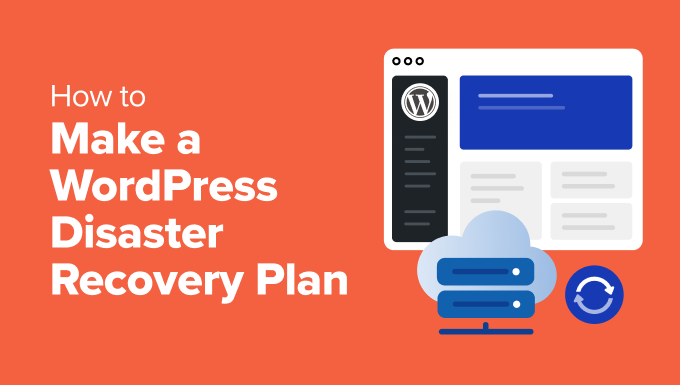
Why Websites Need a WordPress Disaster Recovery Plan and Its Critical Steps
Why is it so important to have a WordPress recovery plan. It's like insurance for your website and can help you recover quickly from any unexpected event. Here are the key steps to developing a WordPress Disaster Recovery Plan:Why do you need a WordPress Disaster Recovery Plan? ...
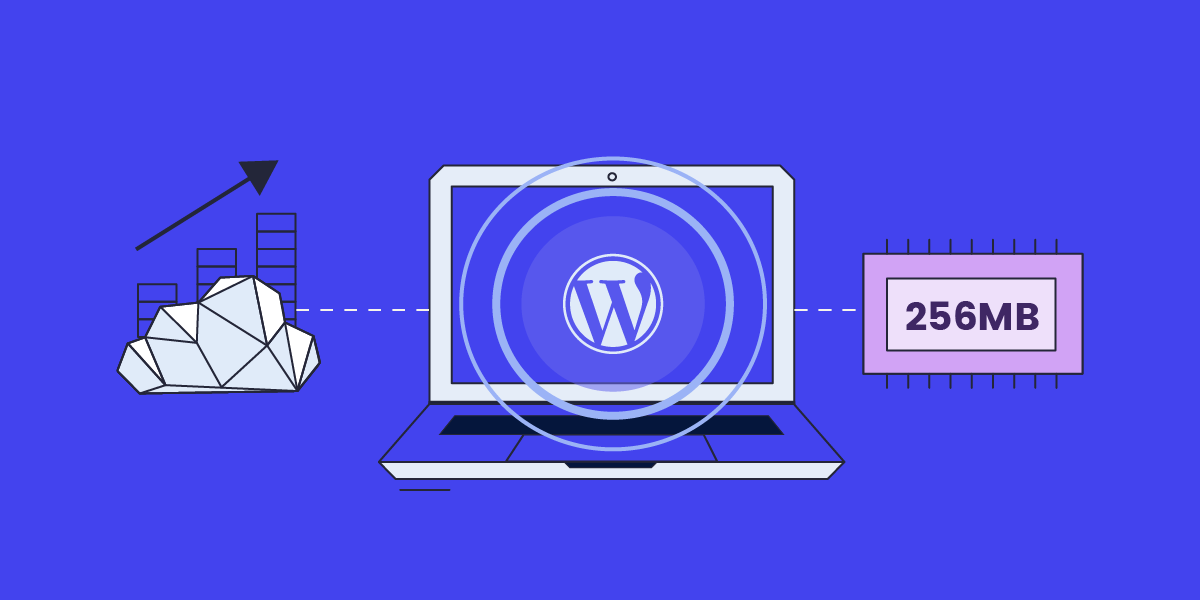
How to Enable WebP Images on WordPress
A quick step-by-step guide to enabling WebP images on your WordPress site WebP is an image file format developed by Google to replace JPEG, GIF, and PNG.It supports lossy and lossless compression, as well as transparency and animation. Using optimized WebP images can shorten...

How to Optimize WordPress Website SEO for Better Performance
Optimizing the SEO and performance of your WordPress website will not only improve your search engine rankings, but also provide a better user experience. Here are some key steps to help you achieve these goals. 1. Create People-Centered Content Quality content is the cornerstone of a successful website. Make sure your...

How to Fix WordPress .htaccess File (Beginner's Guide)
What is an .htaccess file? The .htaccess file is a hidden configuration file that is essential to the operation of a WordPress website. It provides a set of directives for the Apache web server to manage permalinks, implement security measures, and improve site...

 简体中文
简体中文  English
  日本語
日本語  Français
  Español



