





The guy was lazy and didn't write anything...





Write one and get copied ten times? A 10-minute guide to adding "anti-copy protection" to WordPress.
Are your posts always being moved like crazy by your peers? This superb WordPress anti-copy protection guide teaches you to completely disable right-click, disable copy, and anti-collection, so that original content is no longer whored out!

GPT-5.1 is here: a flagship model for developers with more flexible reasoning, more powerful tools, and more reliable code
GPT-5.1 is fully evolved! Faster, smarter reasoning, more powerful tools, adaptive reasoning, 24-hour Prompt caching, apply_patch, and Shell tools help intelligences and developers become more efficient. Want to know what's so great about GPT-5.1? Find out now!

Image Optimizer on SEO's core impact analysis!
Will your website rankings drop if you don't optimize your images? Reveal the truth that Google prefers "lightweight images", and show you how Image Optimizer can improve loading speed and SEO weight.

What is Elementor Custom Code? A Complete Feature Breakdown and Best Use Cases
Want your Elementor site to load faster and perform better? This comprehensive guide to Elementor custom code will teach you how to easily inject scripts, optimize performance, and boost SEO—truly upgrading your website.

How to Add a Site-Wide Announcement Bar and Top Notification Using Elementor Custom Code
Create eye-catching announcement bars with just one click using Elementor Custom Code. Boost marketing conversions, holiday campaign visibility, and site-wide notification effectiveness. Even beginners can quickly create professional alert bars.

Why doesn't the front-end page change after adding the Archive template?
Added the Archive template but no changes? Don't panic. This article uses an 8-step troubleshooting method to quickly pinpoint the cause: Naming paths, Cache, Template priority, Permissions, Error reporting, Function restrictions, Plugin conflicts, Permalinks. Solve frontend display issues once and for all.
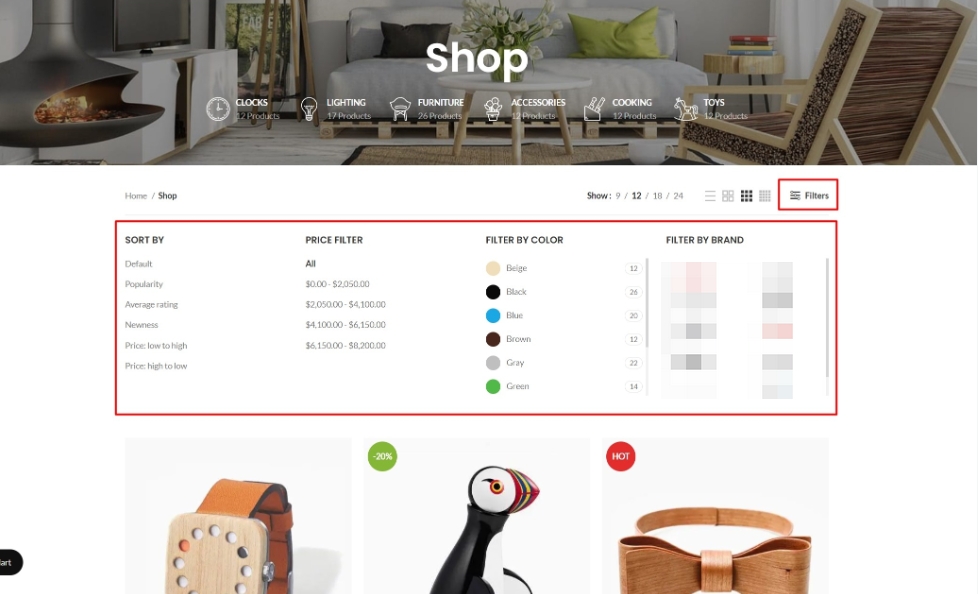
After dismantling over 30 WoodMart sites, I discovered: Filters are the overlooked core of SEO.
Your site has WoodMart Filter installed, but rankings just won't climb? The problem often isn't the filter itself—it's that filter result pages are never treated as content pages for internal linking. This article breaks down WoodMart Filter's SEO potential and teaches you how to leverage internal links to make filter pages truly...
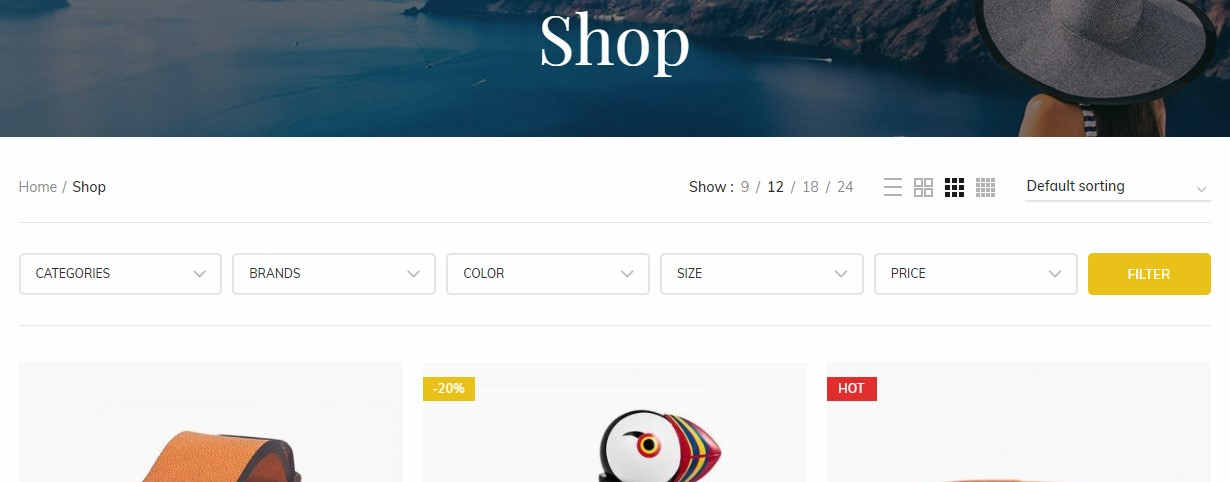
Why Does the WoodMart Filter Fail So Often? The 8 Common Problem Areas with the 90%
Filter buttons on category pages not responding? Products exist but won't show up in search results? This article dissects 8 common causes of e-commerce filter failures—from page behavior to data sources—helping you pinpoint and fix issues with minimal effort.

Heroic Knowledge Base Classification and Hierarchical Structure How to Plan
Too little categorization is like a garbage heap, too much categorization is like a maze. With task-based categorization + two-tier structure + entrance consistency, users can find the answer in 30 seconds, and repeat inquiries drop significantly.

From News to Breaking News: 5 High-Level Casting Ideas for Embedding Quality YouTube Documentary Footage
It's not just plugging in random videos that makes for live content. Master the 5 documentary clip selection ideas to make news blogs more in-depth and watchable, with dwell time and sharing desires more easily pulled up.

Optimizing the reading experience on mobile: how to make embedded YouTube videos perfectly adaptive on mobile
Mobile embedded YouTube is always horizontal overflow, the proportion of deformation and lag? This gives the most stable CSS adaptive program, WordPress and Elementor can be used directly, the mobile reading experience immediately become smooth.
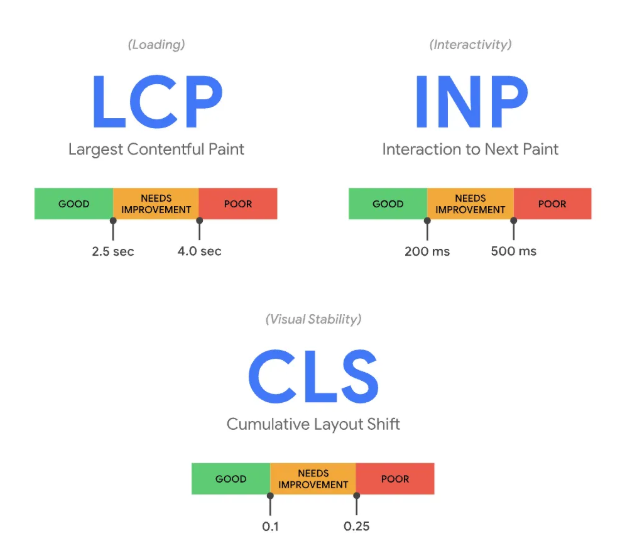
Elementor Slow First Screen: How to Optimize 3 Core Metrics: LCP, CLS, INP, etc.
Elementor page not reporting errors but stuck to crash? If the first screen is slow, keeps jumping, or doesn't respond when you click on it, it's most likely because the LCP/CLS/INP have not been disassembled and looked at. Optimize them in the right order and you'll see immediate results.

Do Elementor users need to enable DISALLOW_FILE_EDIT? Will it affect visual editing?
Elementor users should open DISALLOW_FILE_EDIT or not, it does not affect the visual editing, but also can significantly reduce the risk of code insertion in the background! One article explains the difference, scenarios and reinforcement list.
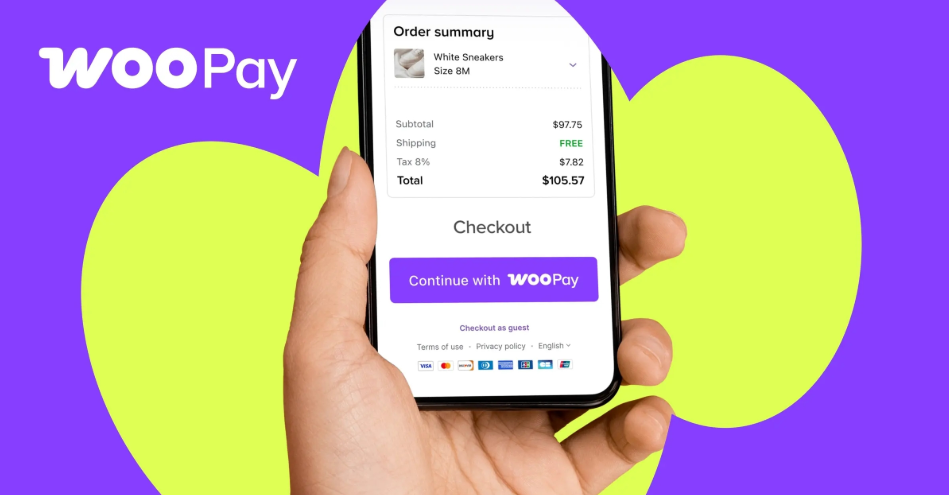
Does WooPayments work well? What to do about low payment success rates: a checklist and optimization methods
Customers are almost paid but failed? Don't worry! This article explains the real culprits of WooPayments' low payment success rate (bank risk control, 3DS, cache conflicts, callback exceptions) once and for all, with a 10-minute troubleshooting checklist + immediately available optimization tips to quickly pull back the order.

Gutenberg 22.6.0 Update Explained: Icon Block Conversion, Media Handling Enhancements, Editor Continues to Mature
Gutenberg 22.6.0 is really different this time! Icon blocks are officially converted, client-side media handling is stronger, and galleries, navigation, Tabs, real-time collaboration, and wp-env are fully upgraded. Wondering if this update is worth following? This article takes you through the key changes in one go!

WooCommerce's "3-Step Approach" to Increase Repeat Customers in 3 Steps! Upgrade your shopping cart from a "checkout counter" to a "repurchase machine"!
Don't treat shopping cart as the end of the line! Use the "Remembered - Convinced - Cared For" three-step method: persistence/purchase later, free shipping thresholds and combo packs, thank you page + gentle abandonment reminder, to reduce hesitation, increase customer orders, shorten the cycle of repurchase, and make the repurchase rate of WooCommerce steadily take off! Take off.
The secret to doubling your monthly revenue! WooCommerce makes it easy to get recurring payments by getting subscriptions this way!
Easily implement a subscription shopping experience with WooCommerce, which supports auto-debits, user renewals, and trial periods to help create a stable e-commerce revenue stream!

No one clicks on the page? You might be overlooking these 6 Kadence SEO tips!
Master Kadence Blocks' 6 SEO tips, from headlines to responsiveness, to help your website's click-through rate skyrocket and earn more traffic!

WooCommerce Checkout Page Bounce Rate Soaring? You may have overlooked these 6 deadly details!
Checkout page always stuck converting? Solve the underlying problems of high bounce rates, difficult checkouts, and lack of trust with this WooCommerce optimization guide!
Newbie Rapture! A Checklist of WooCommerce Checkout Page Settings to Boost Your Orders When You Follow Them
70% Is the checkout the place where all the lost orders happen? Don't worry, this WooCommerce checkout page optimization checklist is specially designed for newbies, with useful plugins to easily solve the problems of high bounce rate, failed payment, abandoned orders and so on!
Don't rely on ads! One trick to activate shopping cart social sharing and customers are crazy about it for you!
Don't rely on advertising to attract traffic! Teach you to use WooCommerce's shopping cart social sharing function, let customers voluntarily bring goods for you, easy to create "self-water" fission spread chain, orders soaring is not a dream!

How WooCommerce Reviews and Email Marketing Can Storm Good Reviews, Revealed!
Want to skyrocket your e-commerce sales? Uncover the golden combination of WooCommerce review feature and email marketing to easily boost customer feedback and create a steady stream of positive reviews and conversions!
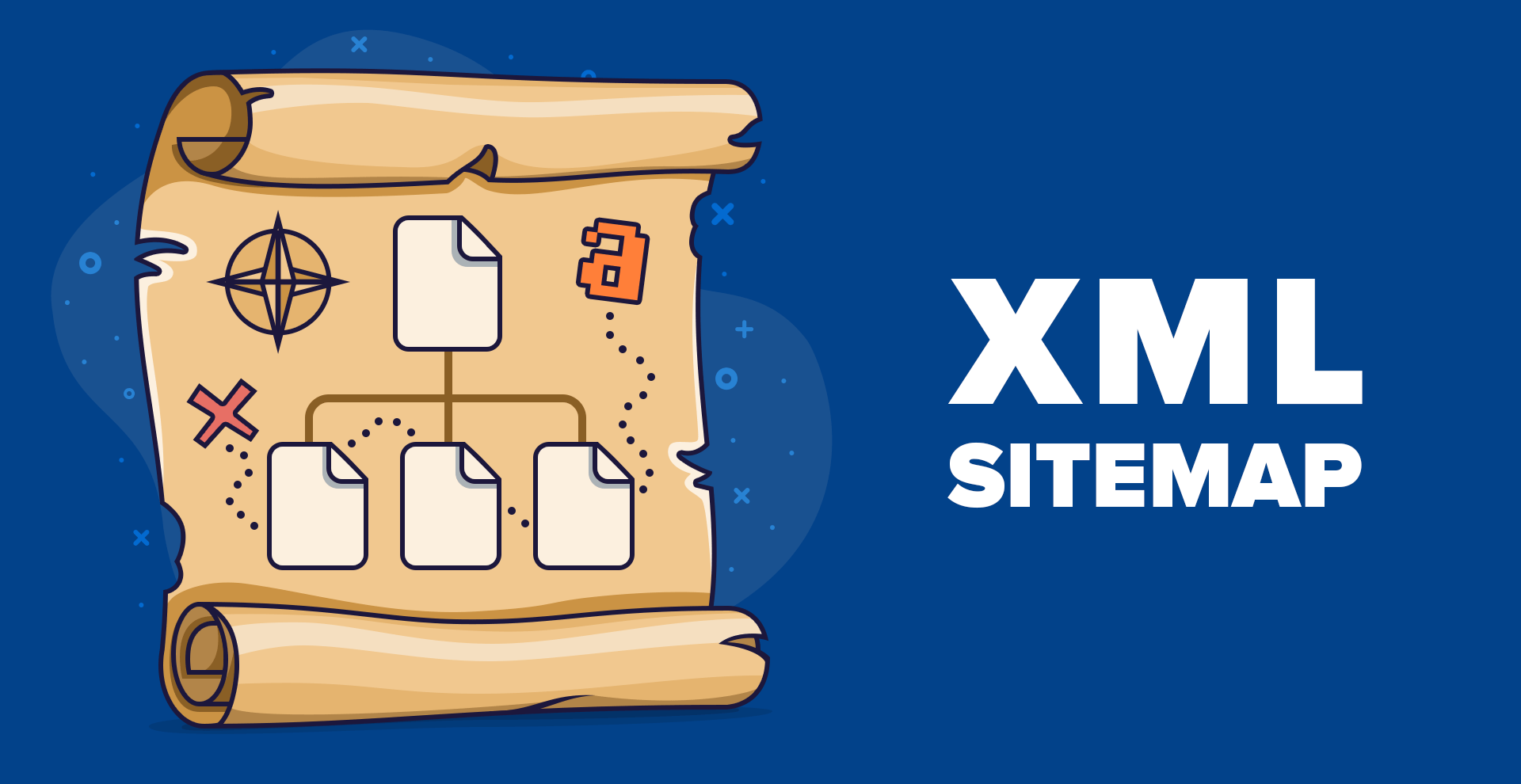
SEOPress Sitemaps Help You Grab the Lead in Rankings
SEOPress XML sitemap function allows search engines to quickly crawl your site content, to help you accelerate the inclusion, enhance rankings, webmasters must see!
Store owners are using it! WooCommerce Automated Review Requests, the secret to doubling your sales!
Still manually pushing your customers to write reviews? With WooCommerce automated review system, the secret to boosting sales and word-of-mouth by getting buyers to leave positive reviews on their own accord is right here!
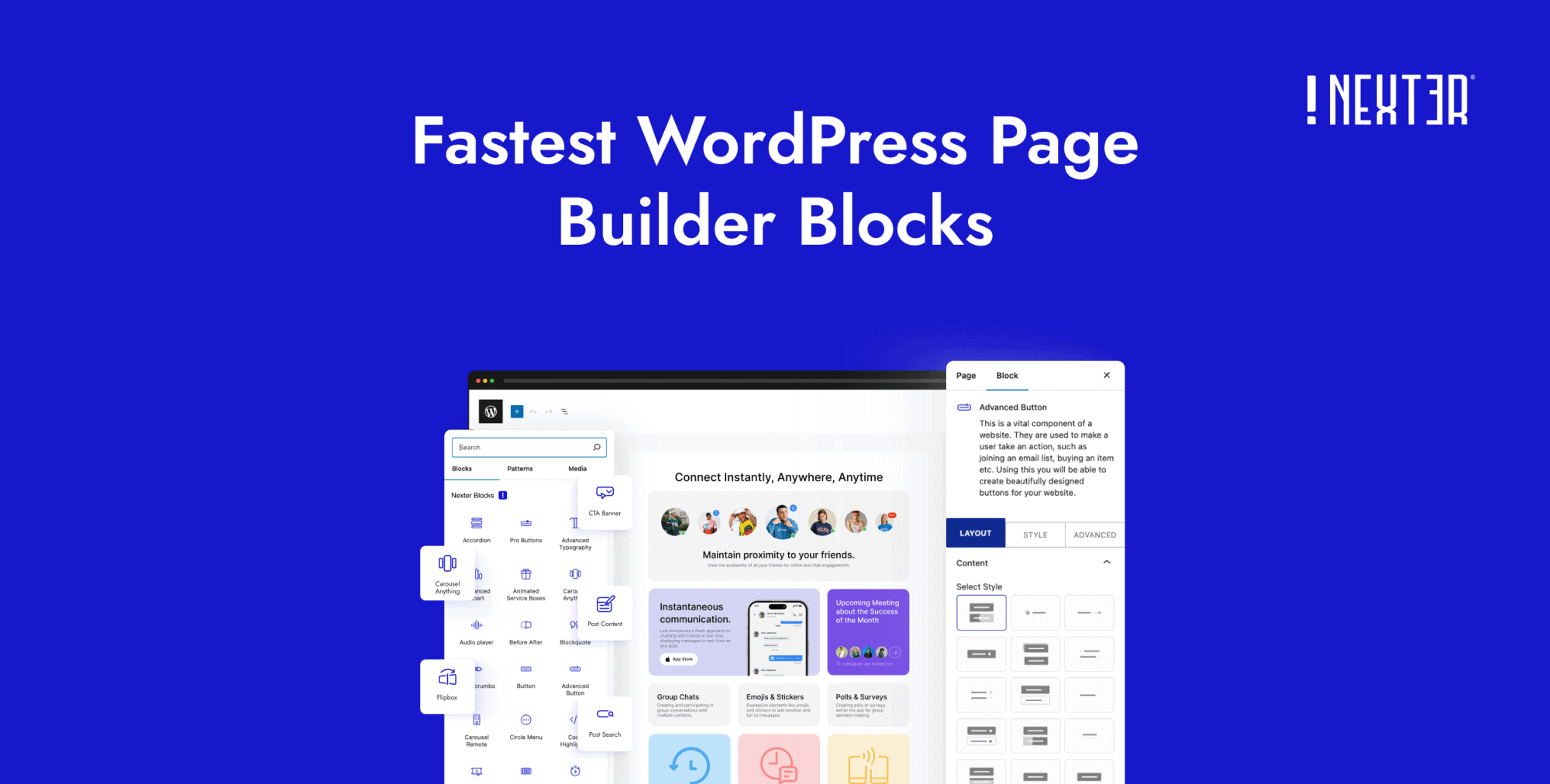
Nexter Blocks Getting Started Tutorial, Make Your Website Great!
Still worried about building a website, Nexter Blocks plugin is here! Quick installation + zero-code design, make your WordPress pages both efficient and cool, even newbies can easily build a professional website!

Don't be confused! The difference between CMS SaaS and traditional CMS is so big!
Still confused about whether to choose CMS SaaS or traditional CMS, the difference is bigger than you think! Whether you want to go live quickly or customize deeply, read on to decide!

Say goodbye to low rankings! Secret Tips for SEO with CMS SaaS Revealed
Is CMS SaaS SEO performance good or bad? This article analyzes the advantages and limitations of CMS SaaS in depth to help you determine whether it is worth choosing.

Post Content Widget is the key to Elementor's success!
Have you ever encountered an "empty space" on your Elementor page? The truth is that the Post Content Widget is missing! This article is an in-depth analysis of its importance to SEO and content presentation.

Nexter Blocks or Kadence Blocks: Features, Performance, and Price/Performance in One Article
Nexter blocks are all-powerful, Kadence Blocks are lightweight and efficient! Performance, price, ease of use PK, which one is your website builder?

Don't abandon ElementKit just yet!
Don't be anxious if something goes wrong with ElementKit! From installation and activation, compatibility conflicts to performance optimization, comprehensive analysis of common problems and solutions to help you quickly troubleshoot, improve site speed and stability!

 简体中文
简体中文  English
  日本語
日本語  Français
  Español



