










How to fix "This content area was not found on your page!" in Elementor error
Elementor is a very popular WordPress page builder plugin, but sometimes when editing a page with it, you may encounter a "This content area was not found on your page!" error. This usually prevents you from editing the page properly or archiving the page. This article will...

How to manage Elementor form submissions
This article will take a deep dive into how to manage form submissions in Elementor, covering a range of operations from data collection to accessing and exporting, and providing some advanced suggestions to help you manage website form submissions more efficiently. 1. Enable Form Submission Elementor's Form Submission...
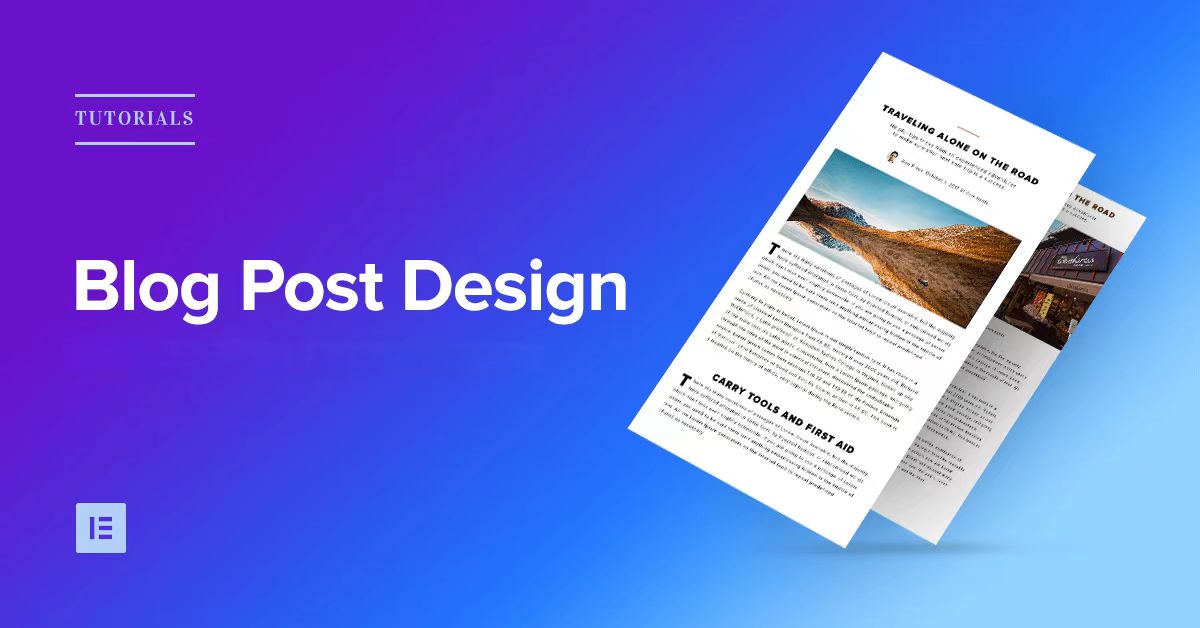
How to Design Your Own WordPress Blog Theme with Elementor
With Elementor, a powerful visual page editor, it's easy to create a professional and attractive WordPress blog theme without writing any code. This article will take you step by step through how to use Elementor to design your own WordPress ...
How to Configure Google Search Console to a WordPress Website: A Detailed Guide
What is Google Search Console? Google Search Console (GSC) is a free tool provided by Google that allows website owners to monitor and manage their website's performance in Google search results.GSC is a key tool for improving your website's search visibility. It...

How to add a full-width slideshow in Elementor
Elementor makes it easy to add a full-width slideshow module, and this article will take you step-by-step through how to create a full-width slideshow in Elementor. Step 1: Install and activate the Elementor plugin If you don't have the Elementor plugin installed, you need to install and activate it first. Please...

Top 5 Elementor Plugins for WordPress and WooCommerce Websites
With additional plugins, you can further extend Elementor functionality and make your website more interactive and visually appealing. In this article, we'll dive into 5 top Elementor plugins that not only enhance design freedom, but also bring a wealth of widgets,...

Optimizing Website Performance and Preventing Conflicts with the Elementor Compatibility Tag
The Compatibility tab is the mechanism Elementor uses to identify and manage theme and plugin compatibility. It helps identify potential issues and ensures that Elementor works well with other components of your WordPress site. Why use the compatibility tag? Prevents conflicts: Helps...

How to configure a sitemap in Rank Math
In this tutorial, explore how to configure a sitemap in Rank Math to optimize your website's SEO performance. A sitemap is one of the most important parts of your website that helps search engines efficiently crawl, index, and understand the structure of your site and ensure content visibility. 1. what ...

Premium WordPress SEO plugins: are they worth the investment? How to choose the best tool for you?
There are many free and paid SEO tools available on the market, so many people will ask, "Is a premium SEO plugin worth the investment?" In this article, we will delve into this question, analyze the differences between free and paid plugins, and provide options for choosing an SEO plugin...

WordPress Slug: Definition, Importance and its Impact on SEO
A slug is the part of a URL that sits after the domain name and helps users and search engines locate a specific page or post. Optimizing a WordPress slug can improve your website's ranking and accessibility. In this article, we will introduce the concept of slug, its role, how to optimize it and its effect on SEO ...
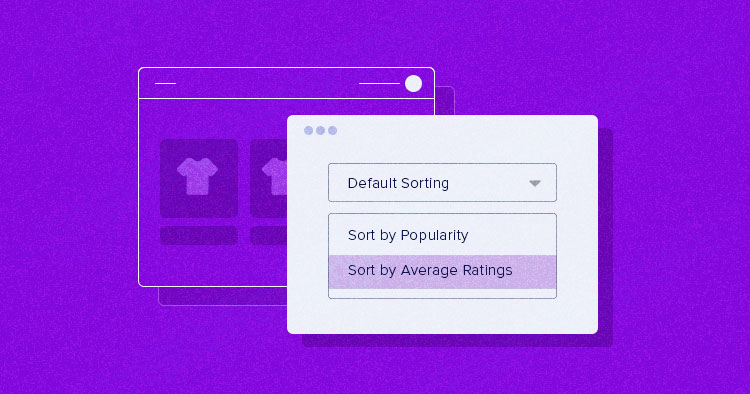
How to Setup and Optimize Product Sorting in WooCommerce to Enhance User Experience
WooCommerce comes with some common product sorting options for various types of product display. The following are some of the sorting options provided by WooCommerce by default: Default Sort (Custom Sort + Rank): This is the default sorting option in WooCommerce, combining...
Elementor Font and Color Settings Explained: How to Optimize Your Website Design with Global Styles and Custom CSS
In this post, we explore how to set fonts and colors with Elementor to ensure that your website maintains a consistent style while retaining flexibility for the sections that need it. Default Settings for Elementor Fonts and Colors In Elementor, you can enable or disable...
How to Change Font Typography and Color Settings in Elementor: A Detailed Guide
When designing a website with Elementor, the font typography and color settings can greatly affect the overall look and user experience of the site.Elementor offers a range of flexible design options that make it easy to adjust text size, color, font family, font weight, and other typographical...

A guide to using the Elementor Custom Arrows and Position Control Rotation plugin
Elementor rotator control is one of its many features and is widely used to display products, images or content. In this article, we will explain you in detail how to customize the rotation arrows and position in Elementor to enhance the visual effect of your website. Why Customize Rotation Arrows and Position? Rotation...

How to Create Responsive Product Category Pages with Elementor
Elementor is a powerful WordPress page builder that makes it easy to create custom page layouts using a drag-and-drop editor. For WooCommerce stores, creating a beautiful and responsive product category page can greatly improve the user experience and increase...
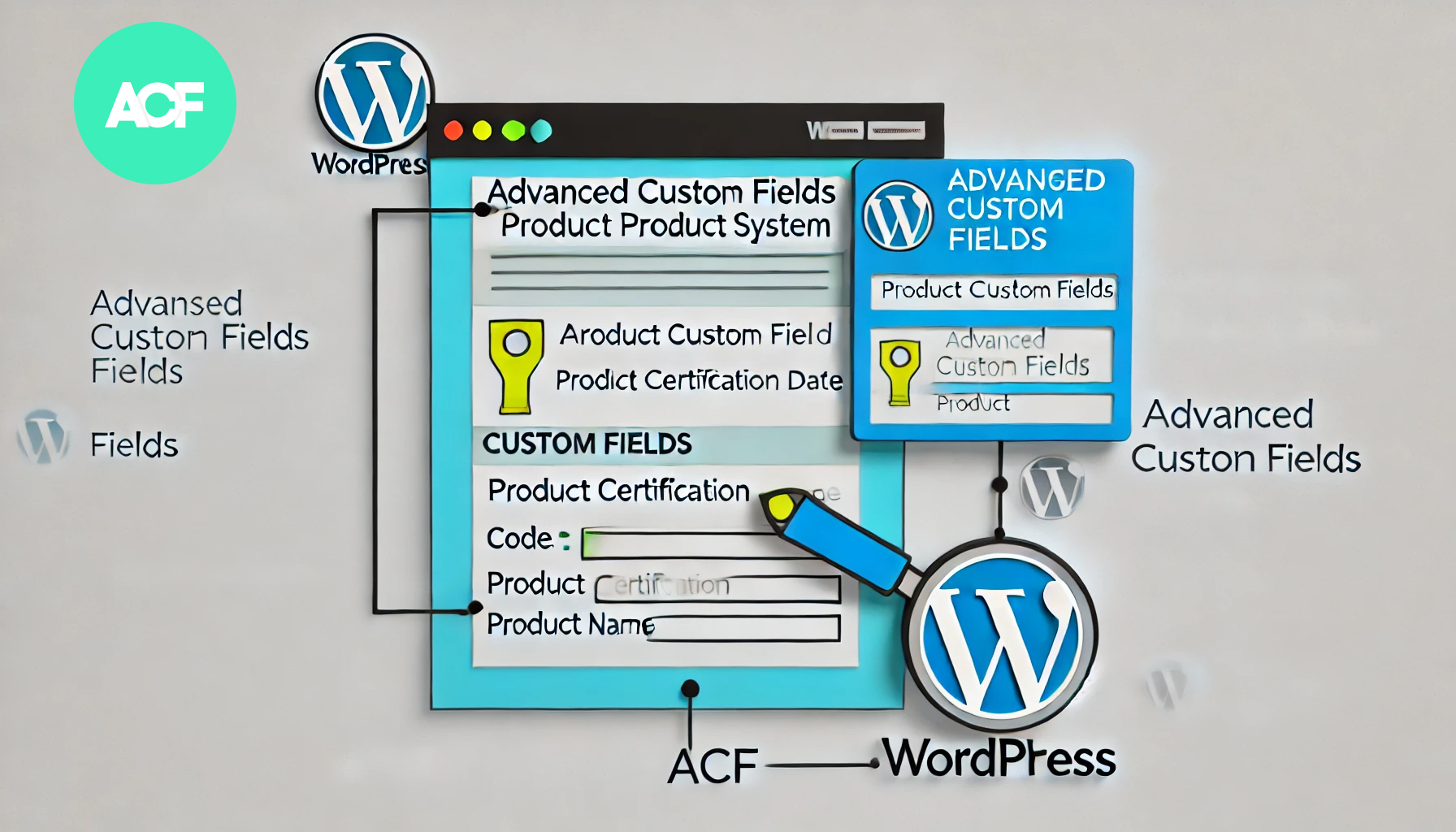
How to Build a Product Authentication Lookup in WordPress Using ACF
In WordPress, using the plugin Advanced Custom Fields (ACF), we can create a user-friendly product authentication query system. This article will detail how to implement this feature using ACF and provide clear step-by-step instructions. Step 1: Install and setup...

WooCommerce Direct Checkout: Solution to Cart Abandonment Issue
Implementing a "Direct Checkout" strategy is one of the effective solutions to minimize WooCommerce cart abandonment. In this article, we will explain how to set up WooCommerce Direct Checkout and how to solve the cart abandonment problem by optimizing the shopping process. ...

How to Achieve Efficient Inventory Management with WooCommerce and Attribute Stock Plugin
WooCommerce provides a basic set of inventory management tools to track product availability and avoid overselling or running out of stock. For stores with complex inventory needs, WooCommerce's built-in functionality may not be fully sufficient. In this article, we'll detail how Woo...
How to set different Elementor full width slides for different pages
Full Width Sliders (FWS) are a very popular design element. Not only can they display large, beautiful images, they can also help you convey your core message and grab your users' attention. With Elementor, you can easily set up each page with different...

How to Add Custom Tags to WooCommerce Product Pages (Using Elementor)
Adding custom tags to WooCommerce product pages can help you better present product information and enhance the user experience. These tags can be used to provide additional descriptions, user reviews, specifications or other key information. With the Elementor plugin, it's easy to customize these...
How to Change WooCommerce Store Page Titles: A Complete Guide
In WooCommerce, the title of a store page is usually displayed as "Shop" by default. However, depending on your business needs, you may want to change this title to better reflect your brand or product type. In this article, we'll show you how to use Wo...

WooCommerce Getting Started Guide: Adding External/Associated Products
In WooCommerce, external/affiliated products are products that are not sold directly in your store and are usually linked to other websites. In this way, you can offer more choices to your customers and also earn referral commissions. In this article, we'll go over how you can link products in WooCo...
WordPress 301 Redirects: Best Practices for Fixing Dead Links and Improving User Experience
If a user clicks on an invalid link, they may encounter a 404 error page, which not only affects the user experience, but may also have a negative impact on SEO. To solve these problems, 301 redirects are a simple and effective way. In this article, we'll give you details on how to wo...

How to use Rank Math breadcrumb feature to display all category levels
Rank Math is a powerful WordPress SEO plugin with breadcrumbs to help users understand where they are in the site and improve the user experience. Especially for WordPress websites with multiple category levels, enabling Rank Math breadcrumbs and displaying...

How to Design Your Own WordPress Blog Theme Pages with Elementor
With Elementor, you can easily design WordPress blog themes that fit your personal style without even writing any code. This post will show you how to design and customize your own WordPress blog theme with Elementor, helping you achieve a completely...

How to create full-width slides with text overlays using Elementor
How to use the Elementor plugin to create a full-width slideshow with text overlays in your WordPress site to help give your site a more professional look. Step 1: Add a full-width layout In the WordPress backend, click "Pages" > "Add New Page", and name the page...

How to disable the background image of a specific page in Astra theme
In Astra themes, background images can add visual interest to a page, which can be achieved using Astra Pro. However, sometimes it is desirable to disable background images on specific pages for a cleaner or customized look. This article will detail how to disable the background on specific pages in Astra themes...
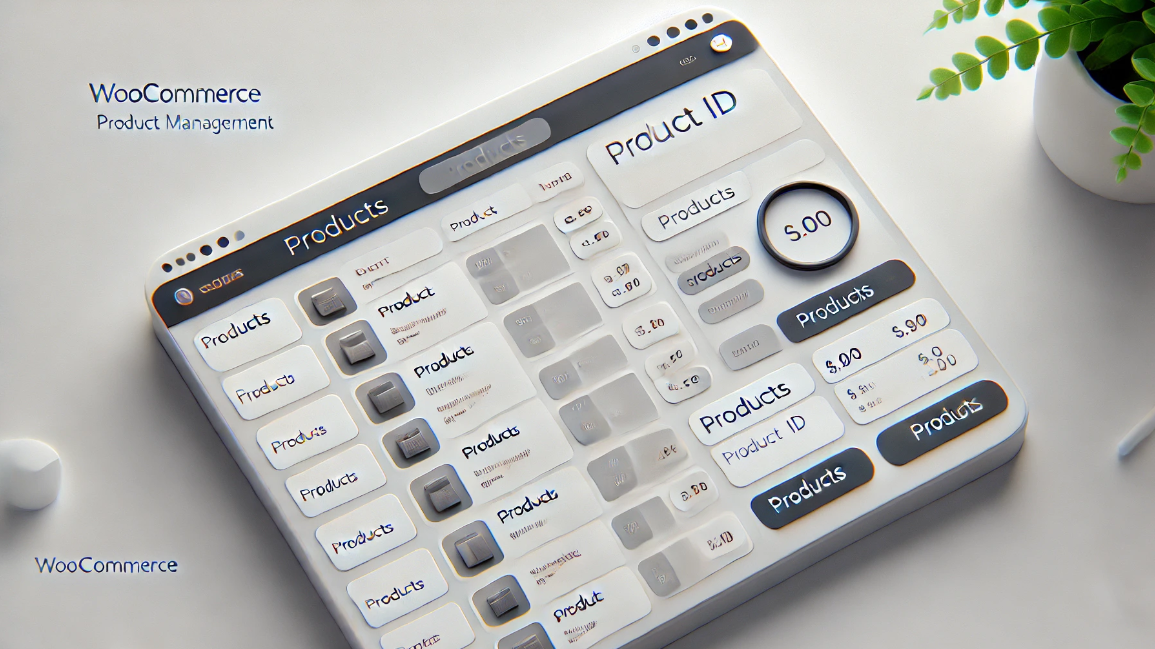
How to Find Products by WooCommerce Product IDs
In WooCommerce, each product is assigned a unique Product ID.This article will detail how to find the ID of a WooCommerce product and provide you with simple steps and usage scenarios. Why do I need a Product ID? Product IDs are WooCommerce ...

A Comprehensive Guide to Resolving Elementor Unable to Edit Issues
Sometimes you may encounter a problem in Elementor that prevents you from editing a page or widget. When you are editing with Elementor, pages may appear "white screen of death", widget panels may be grayed out, and the editor may load indefinitely. These issues can affect workflow,...
How to Easily Sort Posts in WordPress with Drag and Drop Features and Plugins
By default, posts are displayed in Wordpress in chronological order from newest to oldest. Sometimes we may want to reorder them, such as putting important announcements, promotions, or the latest blog posts at the top of the home page. If you want to reorder posts in WordPress...

 简体中文
简体中文  English
  日本語
日本語  Français
  Español



