








How to manage Elementor form submissions
This article will take a deep dive into how to manage form submissions in Elementor, covering a range of operations from data collection to accessing and exporting, and providing some advanced suggestions to help you manage website form submissions more efficiently. 1. Enable Form Submission Elementor's Form Submission...

How to Customize WooCommerce Shopping Cart Page: Detailed Guide
The shopping cart page is an important part of the e-commerce experience. As the last point of user interaction before checkout, the shopping cart page directly affects the user's purchase decision, so carefully designing and customizing this page can significantly improve user experience and conversion rates. This guide will explain how to customize the shopping cart page through...
How to fix "This content area was not found on your page!" in Elementor error
Elementor is a very popular WordPress page builder plugin, but sometimes when editing a page with it, you may encounter a "This content area was not found on your page!" error. This usually prevents you from editing the page properly or archiving the page. This article will...

How to Create Cart Page, Store Page, Checkout Page, and My Account Page in WooCommerce
The Cart page, Store page, Checkout page and My Account page are crucial functional pages in any WooCommerce store. They enable users to easily browse, shop, pay and manage their accounts. In this article, we will provide you with detailed...

How to Enhance Website Interactivity with Elementor Pro's Animations and Motion Effects
Elementor Pro, as a powerful WordPress page builder, provides rich animation effects and motion effects to help websites achieve more attractive interactive design. In this article, I will give you a detailed introduction on how to use Elementor Pro's animation features...

How to Optimize WordPress Product Category Sorting
In WordPress, product category ordering is an important factor in determining how users browse and discover your products. If your product categories are in a confusing order, customers may have trouble finding the products they want, which can affect conversions and sales. In this article, we will introduce several simple and effective wo...
How to Add Real-Time Inventory and Shipping Information to WooCommerce Product Detail Pages
Showing real-time inventory and delivery information to your customers in your WooCommerce website not only improves the user experience, but also increases the conversion rate of your products. In this article, we will detail how to add real-time inventory and delivery information to the product detail page to help you optimize the functionality of your online store. 1. ...
Improve Website Management Efficiency with Elementor Pro's Global Widget Feature
Global Widgets in Elementor Pro is a powerful tool that helps you reuse widgets across multiple pages for more efficient website management. In this tutorial, I will explain in detail how to use Global Widgets and provide hands-on...

WooCommerce Product Detail Page SEO Optimization Guide
SEO optimization of WooCommerce product detail pages is crucial and can directly affect conversion rates. A well-optimized product detail page can get higher rankings in search engines, increase natural traffic, and boost sales. This article will detail how to optimize all aspects of WooCom...

How to Add Additional Product Specifications and Attributes to WooCommerce Product Detail Pages
When managing a WooCommerce store, you may come across situations where you need to add additional information to the product detail page, such as product specifications, specific attributes or technical parameters. This article will detail how to add additional product specifications and attributes in WooCommerce, as well as through plugins for...

Advanced Tip: Creating Full Screen Slideshows and Content Overlays in WordPress
In WordPress, full-screen slideshows can not only dramatically improve the visual appeal of a website, but also enhance the user interaction experience. Combined with content overlay technology, it can further improve the display effect and provide visitors with more information or interactive opportunities. This article will detail how to use E...

Visual Slideshow Design with WPBakery Page Builder
WPBakery Page Builder is a powerful visual editor that allows you to easily design and customize slideshows. This tutorial will guide you how to implement a visual slideshow design using WPBakery Page Builder. 1. Install WPBakery Page Builder First...
How to Optimize Image Loading to Improve WordPress Website Performance
Loading large images can significantly lengthen page load times, which in turn affects the user's browsing experience and can even affect SEO rankings. To optimize image loading, many WordPress users use page builder tools like Elementor. In this article, we'll detail how to optimize the loading of images with El...
How to Easily Add Slideshows to WordPress: A Detailed Guide
By adding a slideshow to your WordPress website, you can greatly enhance the visual appeal of your pages and increase user engagement. Slideshows are not only capable of displaying multiple images, but they can also dynamically display different types of content such as products, services, customer testimonials or limited time promotions. ...
How to Install and Activate Elementor Pro: A Complete Step-by-Step Guide
If you intend to design more professional websites with Elementor Pro, this guide will help you ease through the installation and activation process. Before you begin, make sure that you have installed and activated Elementor Core (i.e. the free Elementor plugin), as Elementor Pro...

How to Enable or Disable the Coming Soon Page in WooCommerce: A Step-by-Step Guide
Setting up a "Coming Soon" page in WooCommerce not only generates interest in your store, but also prepares you for upcoming product releases or promotions. It's a very effective way to control customer expectations, and in this article, we'll detail how to set up a "Coming Soon" page in WooC...
How to Enable Breadcrumb Navigation on a WordPress Website: A Detailed Guide
Breadcrumb navigation is often presented in the form of 'Home > Category > Products', providing users with a hierarchical path through the pages. It is especially helpful for e-commerce sites, blogs and content-intensive websites. In this article, we will detail how to WordPress website...
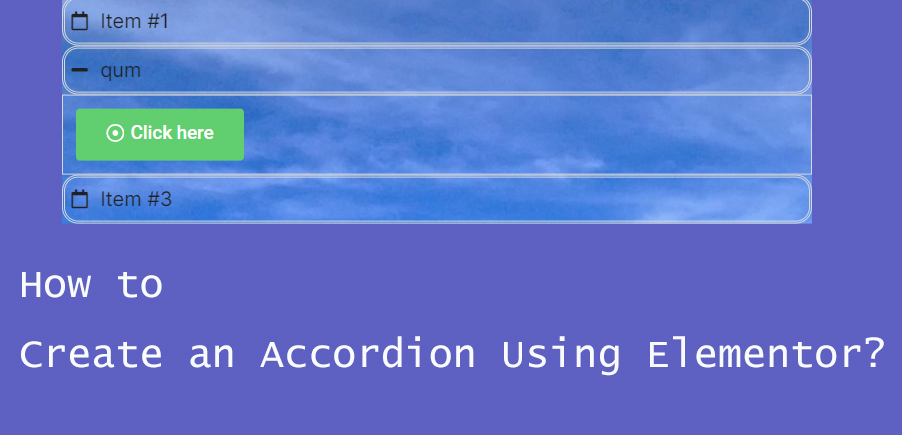
How to Create Accordion Widgets with Nested Elements in Elementor: The Ultimate Guide to Enhancing User Experience
To improve the user experience, web developers often use "Accordion widgets" (accordions) to organize content. Accordion widgets can be used to show and hide content in a hierarchical fashion, making the page look cleaner and improving the user interaction experience. With nested meta...

Enhance WordPress CTA Button Interactive Animations to Increase Conversions Quickly
The CTA (Call-to-Action) button is a crucial element in the process of optimizing your website for conversions. It directs the visitor to take an action, such as signing up, making a purchase, or subscribing. Adding the right interactive animation can greatly increase the user's click-through rate. In this article, we will give you...
How to create a product showcase gallery using Elementor rotations
Elementor provides a powerful Carousel widget that allows you to easily create dynamic and aesthetically pleasing product display galleries. In this guide, we'll explain how to use Elementor's Carousel widget to create an eye-catching product gallery...
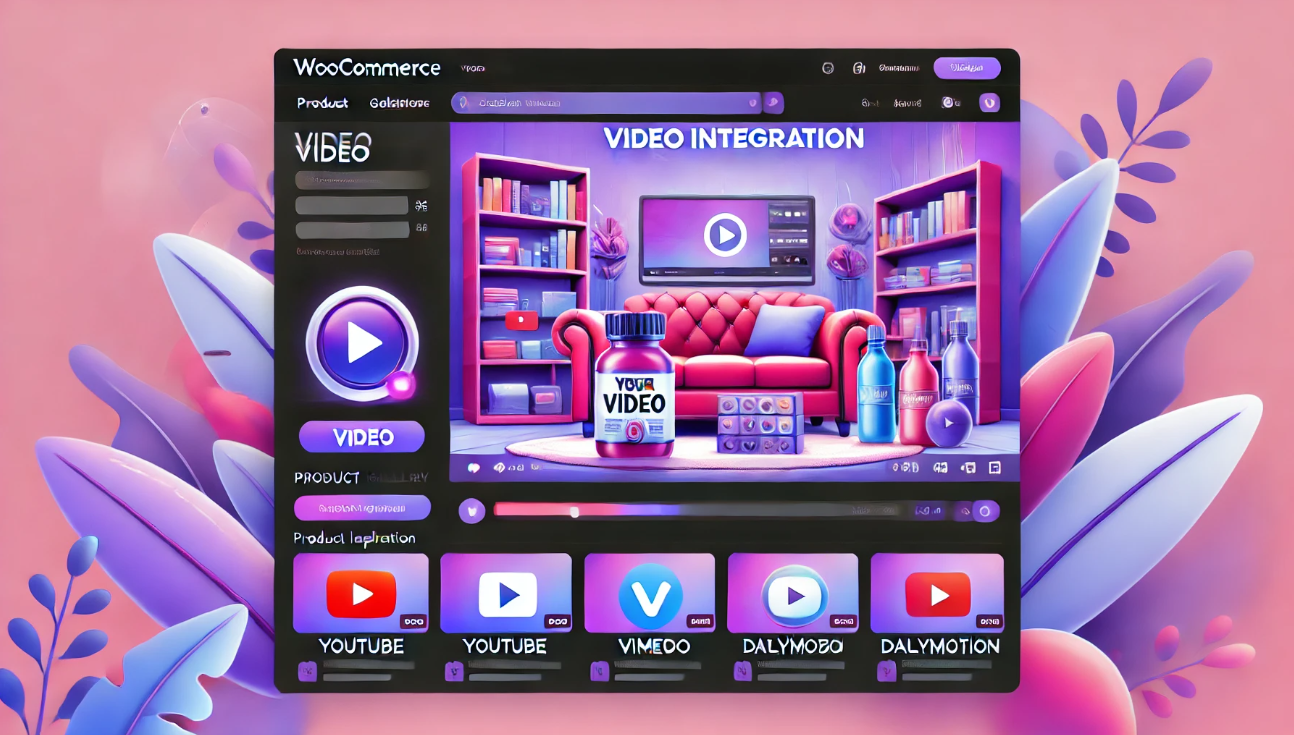
How to Quickly Add Product Videos in WooCommerce to Increase Conversions and Sales
With product videos, you can effectively engage your customers and increase sales by presenting a more comprehensive and visual representation of the product's appearance, functionality, and usage scenarios. In this detailed guide, I'll take you step-by-step through how to add videos to your WooCommerce product library and discuss why...

WooCommerce Product Page Editing Tutorial: A Comprehensive Guide
In WooCommerce, the product page is an important page for users to understand product information and make purchase decisions. Therefore, editing and optimizing product pages not only helps to improve user experience, but also increase conversion rate. In this article, we will explain in detail how to edit in WooCommerce...
How to Add Additional Information to WooCommerce Product Pages to Improve User Experience and SEO
What is Additional Information in WooCommerce? WooCommerce Additional Information is typically a section on a product page that displays product attributes and other customized information. This information is crucial for customers, especially when it comes to multiple product options (such as size...
How to Improve Website Content Organization and SEO with WordPress Taxonomy
WordPress taxonomy is an important feature for organizing and managing website content, it helps webmasters to group and categorize posts to provide readers with a better navigational experience, and also helps search engines to better understand the content of the website, thus optimizing SEO results. In this detailed ...
How to use WooCommerce plugin to implement multi-language checkout page design
Why Translate WooCommerce Checkout Page? WooCommerce is one of the most popular e-commerce platforms in the world, supporting countless merchants in building their online stores. As your business grows, it may begin to attract a customer base with different language backgrounds. In order to maximize the...
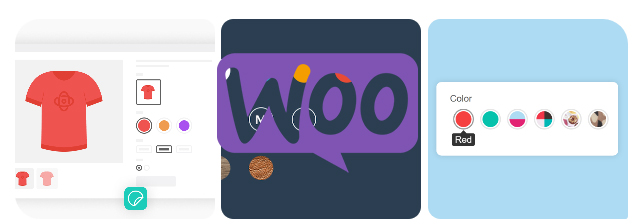
How to Add Attributes to Products in WooCommerce
Whether it's apparel, electronics, or other goods, attributes enable your customers to select products by color, size, material, and many other dimensions.WooCommerce also supports creating variants for different attributes, which means you can set prices for different combinations of products, inventory, and...

How to disable page scrolling when Elementor Lightbox is opened via CSS
Elementor Lightbox is a popup display feature that allows websites to display relevant content in a popup window on the current page when an image, video or link is clicked. In this tutorial, you will be shown in detail how to disable the page when Elementor Lightbox opens...

How to Optimize and Customize Site Identity in Elementor: A Complete Guide from Title to Logo
In WordPress, a site identity typically includes a site title, tagline, logo, and site icon (Favicon). These basic elements form the core brand identity of a website. In Elementor, we can not only use WordPress Customizer to manage this...

Adjusting Elementor's video aspect ratio: ensuring perfect display on every device
When building a website, video content can greatly enhance the user experience, especially through a visual editor like Elementor. However, aspect ratio settings are important when displaying videos on different devices. Whether you're embedding a YouTube video or uploading a local video, make sure the video is displayed on each...
A Guide to Perfecting Background Overlays in Elementor: Enhancing Web Design Hierarchy and Readability
Background Overlays By applying translucent overlays on top of a background image or color, designers can subtly enhance the visual impact of a page, ensure readability of the content, and create a sense of hierarchy.Elementor, a WordPress visual editor, offers a rich set of back...

 简体中文
简体中文  English
  日本語
日本語  Français
  Español



