


 lit. a thief will have the guts of a rat



Why didn't you surrender earlier?





Customize Header and Footer of WoodMart Theme
Learn how to customize the header and footer of your WoodMart theme, including adjusting the layout, colors, and components using Header Builder, and editing the footer with HTML Blocks to create a more personalized and professional looking website structure.

Mobile Optimization Tips for WoodMart Themes to Boost Mobile User Conversions
Optimize the mobile loading speed, navigation interaction and conversion rate of WoodMart theme, using WebP image format, Lazy Load technology, AJAX search, cache optimization, etc., to make the website run smoother on mobile devices, and improve the user access experience and order conversion rate.
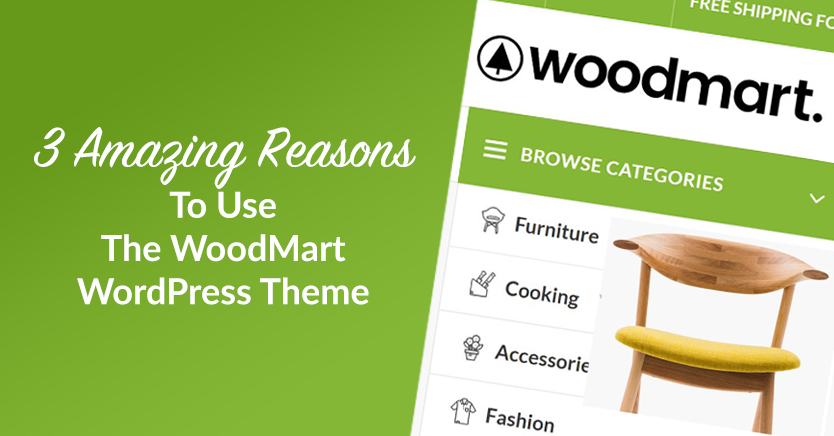
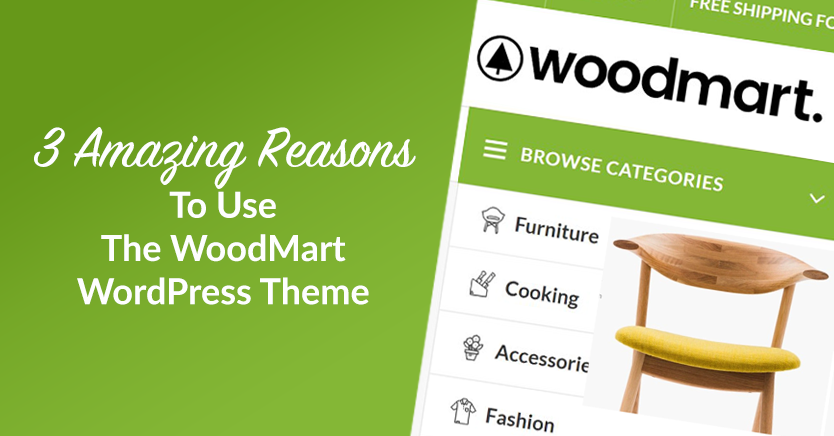
Reasons to choose WoodMart theme: advantages of WoodMart theme
WoodMart is a high-end WordPress theme for WooCommerce with powerful performance optimization, rich customization options, multi-language compatibility and excellent mobile adaptability to help sellers build an efficient e-commerce platform.
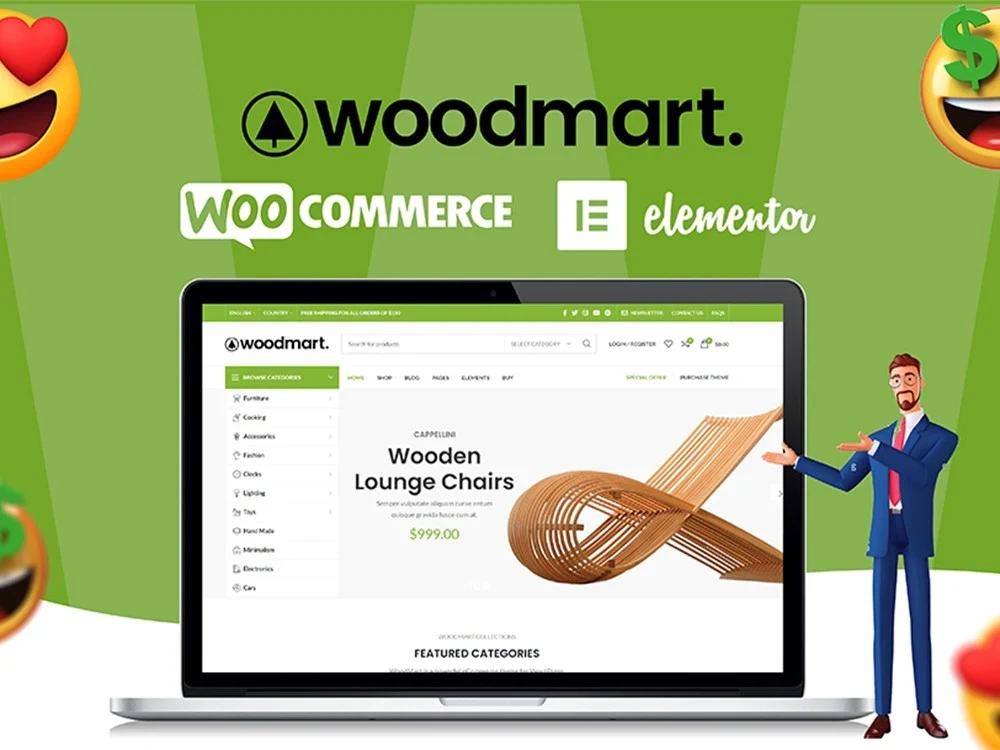
WoodMart Theme Menu Customization Tutorial
Learn how to edit and customize menus in the WoodMart theme. This article details how to create, add menu items, adjust the order, set styles, and enable responsive menu features for clear and easy-to-use website navigation.

How to Create a Mega Menu with Elementor Builder and WoodMart Themes
This article describes how to create powerful and flexible mega menus with the Elementor builder and WoodMart theme. It includes creating navigation menus, setting up dropdown menus, adding full-width mega menus, customizing sizes, adding labels and setting up rotating product displays to help enhance web...

Recommended Premium Plugins and Must-have Extensions Supported by WoodMart Theme
Want to make your WoodMart theme more powerful, load faster and perform better in SEO? In this article, we have selected Elementor, WP Rocket, WooCommerce Variation Swatches, ShortPixel, Rank Math SEO and other plugins to help WooCommerce sites realize efficient...

WoodMart Theme SEO Optimization Guide: Improving Site Structure, Loading Speed & Content Weighting
Want to improve SEO ranking of WoodMart theme? This article introduces site structure optimization, page load acceleration, keyword layout, internal link building, and outbound link promotion to help WooCommerce stores achieve higher search engine rankings and continue to attract accurate traffic.
WoodMart Theme Ajax Filter Optimize Product Browsing
WoodMart theme has built-in Ajax filtering feature, so that users do not need to refresh the page when filtering products to improve browsing efficiency. This article introduces how to enable Ajax filtering, optimize filtering options, adjust price slider and user guidance strategy to help e-commerce sites to improve conversion rate.

WooCommerce Shipping Setup Guide
A comprehensive explanation of WooCommerce shipping settings, including flat rate, free shipping, and how to use a combination of local pickup and delivery categories for e-commerce merchants.

How to Create Image Hotspots with Elementor's Hotspot Widget
Use HappyAddons hotspot widgets to add clickable areas to images, displaying text, links and icons to make WordPress pages more interactive and expressive.
Introducing Editor V4 Alpha: The Future of Elementor Website Building
Learn about the new features that Editor V4 Alpha introduces in Elementor, including reusable classes, interactive styles, simplified DOM structure, and fully responsive design controls to help users increase productivity and optimize site performance.

How to make Elementor columns equal in height (also Flexbox containers)
Learn how to use the HappyAddons plugin to equalize columns and Flexbox containers in Elementor, simplifying the site design process, eliminating the need to write code, and improving page aesthetics and consistency.
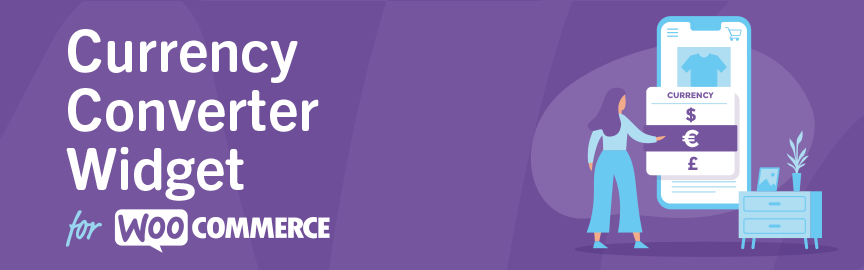
Complete Guide to the WooCommerce Multi-Currency Price Switching Widget (Currency Converter Widget)
Currency Converter Widget supports multi-currency display in WooCommerce store, integrated exchange rate service, front-end switching price symbols, flexible and practical operation.

Complete Tutorial on Creating Comparison Tables with Elementor
Use Elementor in conjunction with widgets to easily create product comparison tables that showcase product features, images, and prices for e-commerce sites, service packages, or feature module comparisons.

How to Manage Multiple Regions and Currencies with WooCommerce
Explains how to configure WooCommerce with multi-region taxes, currency switching, and multi-language sites for cross-border e-commerce business for multiple countries.
Increase Conversion Rates with the Elementor Countdown Timer Widget
Detailed introduction to Elementor countdown timer installation and setup process, to help e-commerce sites to create an urgent atmosphere to enhance the user conversion effect, adapted to mobile and provide templates to use the program.

Turn off WordPress compression and cropping of images completely: the original quality of the image is returned to the designer!
Teach you to completely disable WordPress image compression and cropping, retaining the original image size and clarity for photography, e-commerce, and design websites.
Realize it's the Elementor Crack that's to blame for your website being hacked? Don't wait until it's too late.
Elementor cracked plug-in hidden backdoor, which may lead to website jumping, being hacked, content being tampered, this article explains the invasion performance and repair methods.

WooCommerce product diagrams are blurry, the culprit of user churn that you're overlooking?
The blurring of product images may lead to traffic loss and conversion decline, this article explains the reasons for the blurring of WooCommerce images and optimization methods to improve the visual effect.

A complete guide to configuring WooCommerce's offline payment methods: Cash on Delivery, Check Payment, Bank Transfer
This tutorial explains how to enable and configure Payment on Delivery, Payment by Check and Bank Transfer in WooCommerce for various offline checkout needs.
How to Fix Elementor "Inner Section Widget Missing" Issue
This tutorial teaches you to restore the gadget and analyze the common applications and compare the differences.

Frequent Bugs in Cracked Plugins?This is the result of developers' inability to maintain the
Cracked plugins may seem free, but they are full of hidden dangers. Failed updates, wrong functionality, hacked websites, behind these bugs are the results of developers' inability to maintain them. Stay away from cracks and choose genuine.
Creating Customized Search Results Pages with Elementor Pro
Detailed tutorial teaches you to use Elementor Pro to create WordPress custom search results page, including live search, post archive display and styling, suitable for e-commerce, blogs and knowledge base sites.

WooCommerce Tax Features Explained: Tutorial on Enabling, Setting and Tax Rate Management
This tutorial explains WooCommerce tax features in detail, covering how to set up tax-inclusive pricing, shipping tax rates, tax display and tax category management.

WordPress image blur how to do? Recommended plug-ins to instantly improve image quality
Slow loading blurry images? This post recommends 3 WordPress plugins to help improve image quality and loading speed, adapting to various site types and HD screen displays.

Will I be blocked by my host if I use a cracked version of Elementor Pro? An in-depth analysis of the risks and consequences
An in-depth discussion on how Cracking Elementor Pro Plugin works, its security risks and whether it can cause a hosting block, as well as a suitable alternative solution.
A comprehensive look at the Elementor Pro form builder: from design to post-commit automation
A comprehensive overview of the features and benefits of Elementor Pro's built-in form builder for information gathering, autoresponders, and third-party platform integration scenarios.

WooCommerce Active Product Filters Block User Guide
Introduces the role of the Active Product Filters block in WooCommerce, how to add it, where to recommend it, and practical tips to help optimize the product filtering process.
Common Types of Malicious Code in Elementor Pro Cracked and How to Prevent It
Cracked Elementor Pro plugins often contain backdoors and ad scripts that pose security risks. Understand the types of risks and protection methods to keep your website running safely.

Uploading clear images that are blurry? Avoid front-end distortion with CSS and HTML
Uploading HD images but they are blurry? From HTML size control to CSS responsive settings, solve the front-end image distortion display problem and adapt to high-definition screen.

 简体中文
简体中文  English
  日本語
日本語  Français
  Español



