


 lit. a thief will have the guts of a rat



Why didn't you surrender earlier?





How to Seamlessly Synchronize Form Data to CRM System with WordPress Plugin
Carrying lead information manually is not only time-consuming, but also error-prone. This article will teach you how to utilize the WordPress plugin to automate the interface between your form data and your CRM system. We'll explain in detail the API connection, field mapping, and secure transfer.
How to Add Icons to Your WordPress Website Navigation Menu: Improving Usability and Visualization
Learn how to add icons to your website's navigation menu with the Menu Icons plugin, Font Awesome icons, or custom graphics. This article provides detailed steps to help you improve the usability and visual appeal of your website and optimize the user experience.
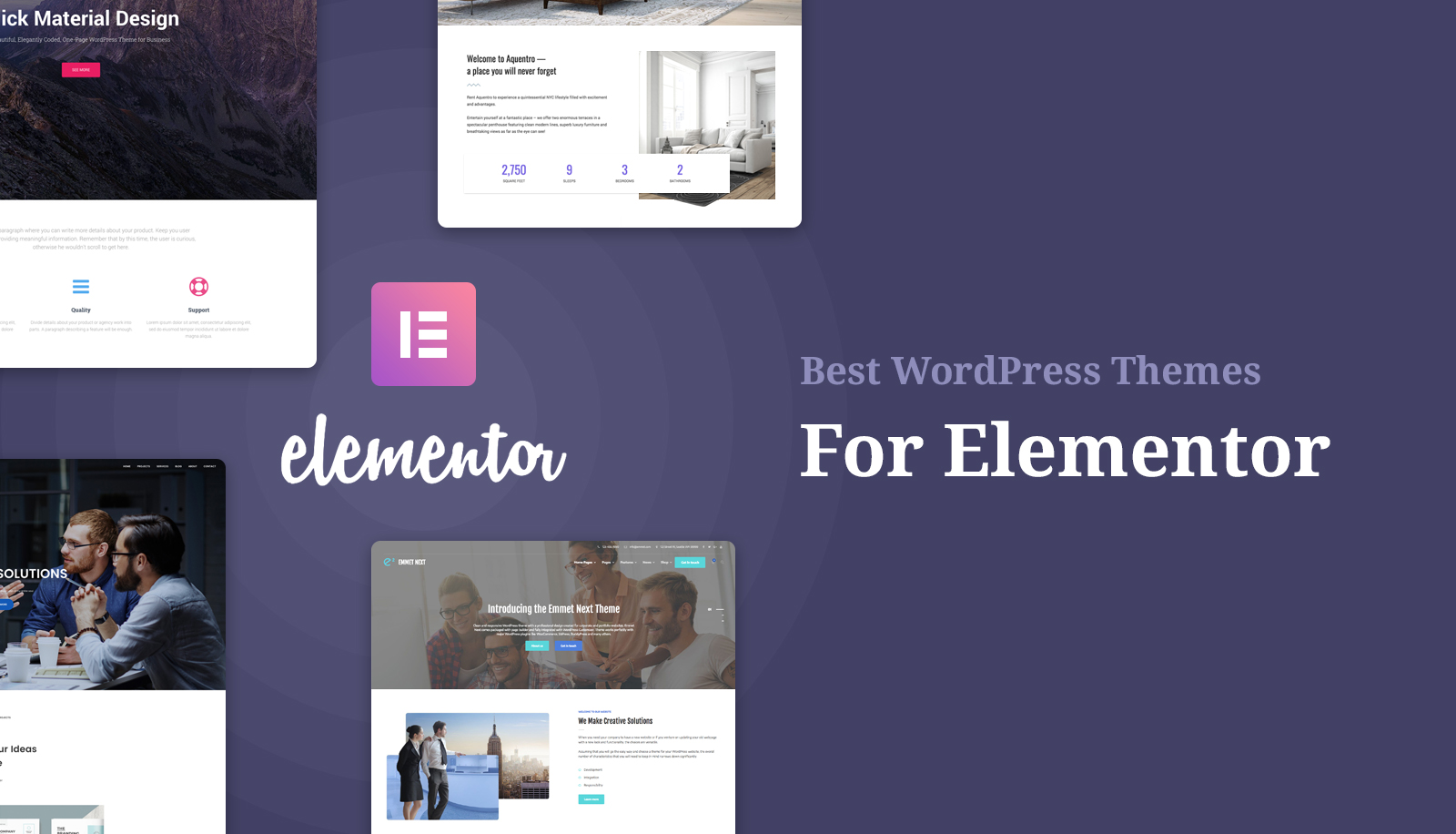
Elementor Template Marketplace: How to pick the best template?
Choosing the right Elementor template is crucial in WordPress website building. This article shares how to pick the most suitable template to improve the quality of website design and save development time, and provides practical platform recommendations and selection tips to help you build an efficient and quality website.

Blocksy 2 Custom Fields Guide: Building Dynamic Content Templates with Dynamic Data Blocks
With Blocksy's Dynamic Data Block, you can quickly display ACF custom field content in article lists and product cards to automate page data rendering.

Blocksy Tutorial: Using MetaBox to Create and Beautify Custom Post Types (CPT)
The tutorial explains how to use MetaBox to create WordPress custom post types and combine it with Blocksy theme custom archive and one-page styles to easily create well-structured content modules.

Paper Kuto - Paper Cut Fonts
Paper Kuto - Paper Cut Style Font Paper Kuto is a paper cut style font that brings the charm of handmade papercraft to design. Its unique cutting aesthetics and playful irregularities make it stand out, presenting a natural and artistic feel, as if it were real paper craft...

Kadence Tutorial: Using Kadence Blocks to Create FAQ Structures for WordPress Websites
Add a FAQ structure to your WordPress website with the Kadence Blocks plugin to display frequently asked questions and increase your placement and traffic in Google search results.
How to Build Extremely Fast WordPress Website with Kadence Theme?
Want to install the Kadence theme and optimize your WordPress website? This tutorial details Kadence theme installation steps, Starter Templates import, customization settings, and optimization tips to help you build a fast and efficient WordPress website.

Kadence Tutorial: Creating Sticky & Transparent Headers
Use Kadence Advanced Header Module to easily realize sticky header and transparent header effects. Detailed explanation of the setup method and style adjustment will help you optimize the design of the top of the page for desktop and mobile devices.

WordPress Migration Checklist: 7 Critical Checkpoints Where Anything Less Can Go Wrong
A must-read checklist before WordPress migration! From domain name and DNS, plugin and theme compatibility, to database optimization and full backup, we guarantee a smooth and risk-free migration.

WooPayments Installation and Registration Guide
This post details the installation and registration process for WooPayments, including system requirements, supported countries, manual installation and account registration steps to help WooCommerce stores quickly enable payments.
Kadence Tutorial: How to Install and Activate the Kadence Shop Kit Plug-in
This article describes the installation and activation process of the Kadence Shop Kit plugin and explains in detail the main features of the plugin, such as variant styles, product galleries, checkout editor, etc., to help merchants optimize their WooCommerce stores and improve conversion rates and user experience.

WoodMart Theme WooCommerce Estimate Delivery Feature Setting
This article details how to enable and configure the WooCommerce Estimated Delivery feature in your WoodMart theme. By setting delivery dates, configuring shipping zones, specifying skip dates, and more, stores are able to provide customers with accurate delivery time expectations, increase shopping transparency and optimize...
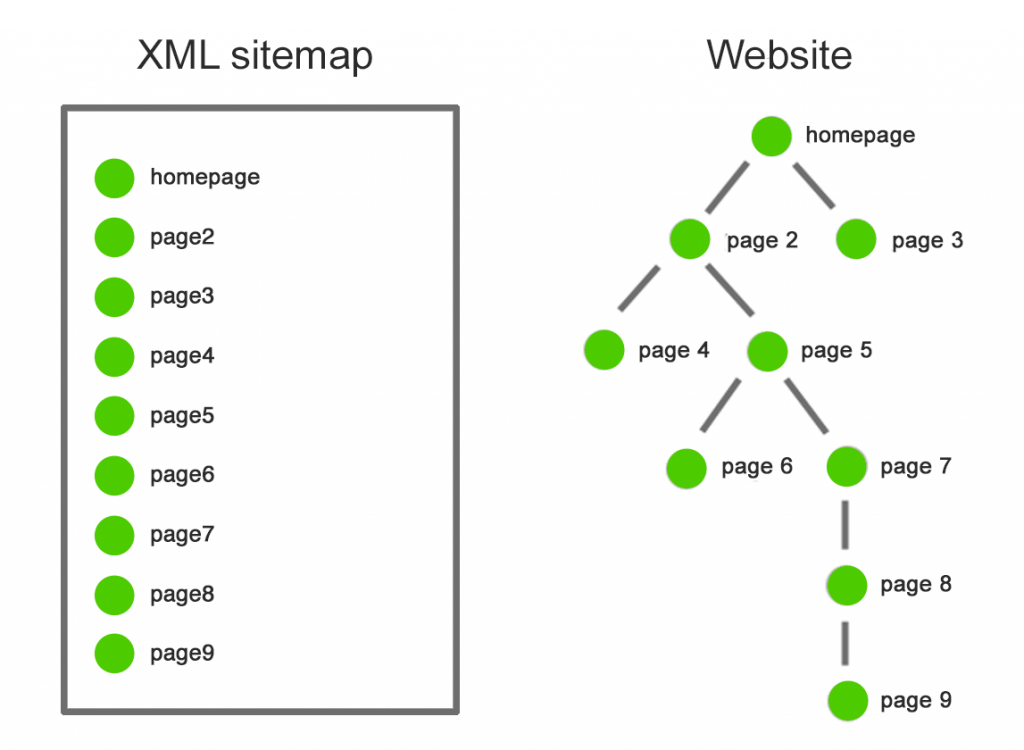
Does stuffing keywords in the URL of a sitemap really make Google crawl more happily?
Sitemap.xml or seo-sitemap.xml? Years of hands-on experience + data comparison tell you: this trick is useful or not? As well as can really improve Google crawling efficiency of the correct approach.

Kadence Pattern Hub Plug-in Complete Tutorial: Creating, Managing and Synchronizing Design Patterns
This article details how to use the Kadence Pattern Hub plug-in to create, manage, and share design patterns to help designers quickly import and reuse design elements across multiple projects and improve site design efficiency.
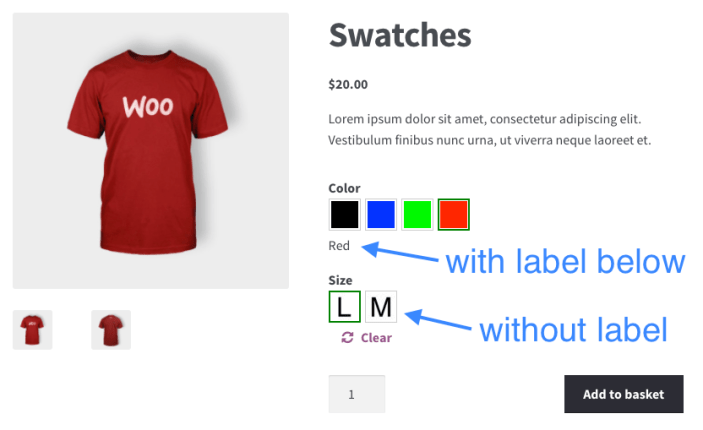
How to Ensure Product Multi-Specification Plugin Security and Compatibility in WordPress E-commerce Platforms
When building a WordPress e-commerce platform, it is crucial to choose and maintain a product multi-specification plugin. This article analyzes in detail how to ensure the security and compatibility of plug-ins to help the site run stably and improve user experience.

Adding Multi-Language Support to WordPress Websites with WPML (for Blocksy Theme)
Learn how to combine the WPML plugin and Blocksy theme to implement multilingual support for your WordPress site, including instructions for installation, translation setup, and advanced language switching.

Translating Astra Site Builder Layouts with Polylang
Learn how to use Polylang to add multilingual layouts to Astra Site Builder, manually create and associate different language versions of content, and realize a multilingual site with a unified structure.

Color Management in Blocksy Theme: Global Color Palette and Custom Color Settings
Learn how to use Blocksy theme's global color palette and custom color settings to ensure website design consistency. This article details the color management features and how to easily create a color scheme that matches your brand.

Complete Tutorial on Creating Comparison Tables with Elementor
Use Elementor in conjunction with widgets to easily create product comparison tables that showcase product features, images, and prices for e-commerce sites, service packages, or feature module comparisons.

Blocksy Theme Blog Page Design & Functionality : Enhancing Blog Page Design & Functionality
Explore the powerful blog page customization features of Blocksy theme and learn how to customize the blog structure, card styles, pagination settings and dynamic effects to enhance the appearance and user experience of your blog pages.
Detailed Tutorial on Optimizing WordPress CRM with FluentCRM
FluentCRM is a powerful WordPress CRM plugin that supports customer management, email marketing and automated marketing processes. This article describes in detail the installation, configuration, customer categorization and marketing automation of FluentCRM to improve the marketing efficiency and customer interaction rate of your business.

Astra Add-to-Cart Trigger Action Feature to Improve Ecommerce Conversion Efficiency
In-depth analysis of Astra theme add-to-cart action settings, covering the store page and product page operation process, to help e-commerce sites to improve the efficiency of the shopping process and order conversion.

Elementor failed to load? 3 Ways to Fix "Please Enable Safe Mode" Problems
Encountered Elementor prompt "Please enable safe mode"? In this article, we share three common solutions to quickly restore editor functionality, suitable for novice troubleshooting.

How to Optimize Astra Theme for Mobile Devices: A Detailed Tutorial
Learn how to optimize the Astra theme for mobile and improve the presentation of your website on mobile and tablet devices. This article covers detailed steps from installing the theme to optimizing headers, buttons, menus, and many other parts of the site to help it adapt to various screen sizes.

Where is the Rank Math XML sitemap generated by default? How is it different from Yoast?
This article compares and analyzes the differences between Rank Math and Yoast plugins in terms of sitemap generation, introduces in detail the location and settings of Rank Math's default sitemap generation, and helps you choose the most suitable SEO plugin for your website.
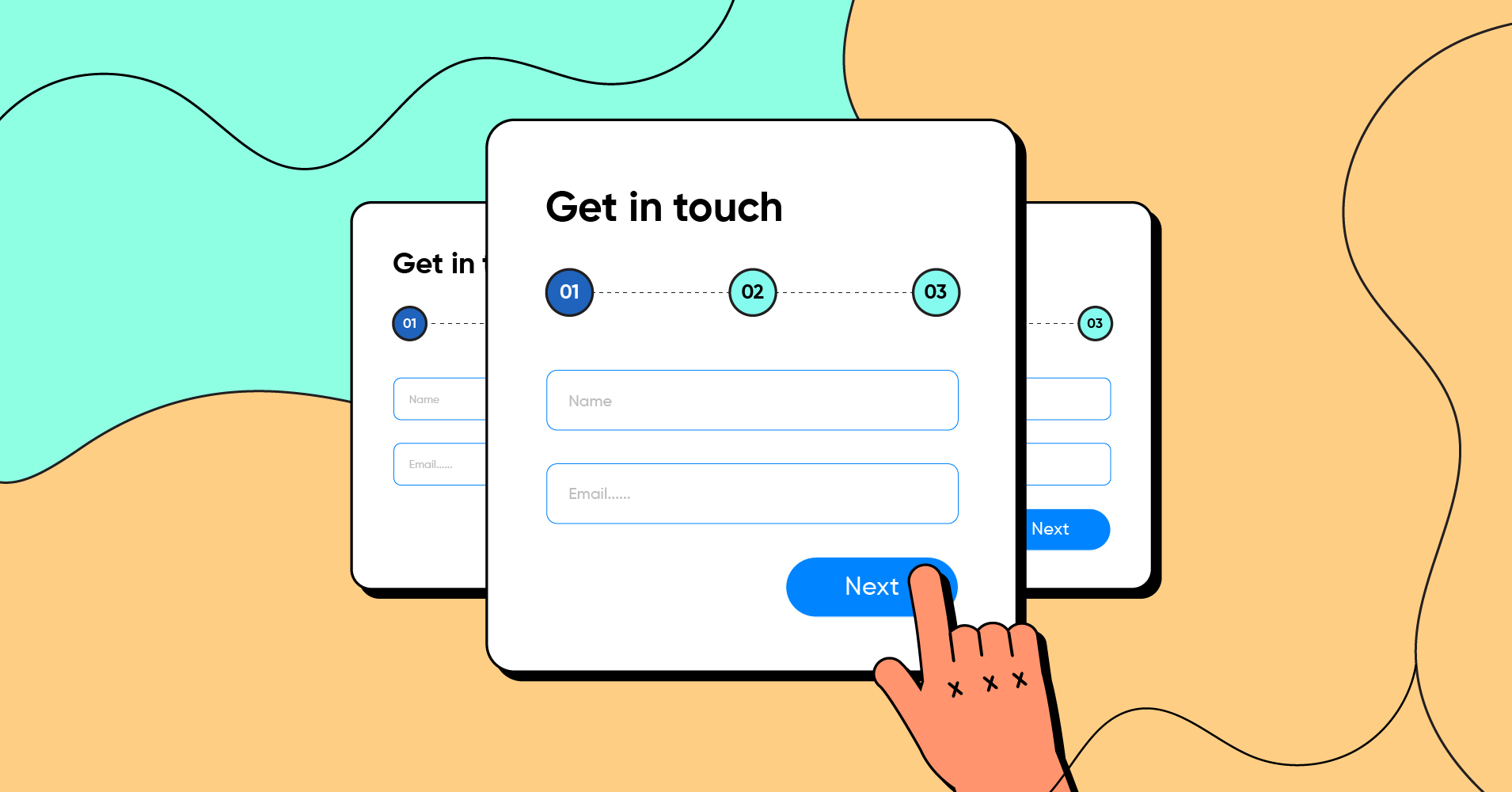
How to Efficiently Handle Subscriptions in WordPress with the Forms Plugin
Want to build up a loyal following on your WordPress website? This article details how to build an efficient email subscription system using form plugins such as WPForms or Contact Form 7.

Cracking Plugins and SEO Performance: why your site rankings are suffering
Cracked plugins may seem like a money saver, but they can lead to security breaches, slower loading, and structural damage, directly affecting search rankings and website trust.

Mobile Optimization Tips for WoodMart Themes to Boost Mobile User Conversions
Optimize the mobile loading speed, navigation interaction and conversion rate of WoodMart theme, using WebP image format, Lazy Load technology, AJAX search, cache optimization, etc., to make the website run smoother on mobile devices, and improve the user access experience and order conversion rate.

With the right Canonical URL and Redirect Chain, doubling SEO traffic is not a dream!
A comprehensive explanation of the concepts of Canonical URLs and Redirect Chain and their application in Ahrefs to help optimize duplicate content and redirection issues and improve site performance.

 简体中文
简体中文  English
  日本語
日本語  Français
  Español



