



Elementor Page 15
arrange in order

Multiple Ways to Resolve Elementor 520 Errors: A Comprehensive Guide
What is a 520 error in Elementor? The 520 error that occurs when trying to edit with Elementor is a server error that usually occurs due to a connection problem or an unexpected problem with the server processing the request. This error can be caused by the following: Some requests are not wrapped...

Elementor 3.20 Launches: Experience New Display Conditioning Features and Significant Performance Improvements
Elementor 3.20 update is here, bringing new display condition features to make your web design more flexible. Now you can load pages faster, both when editing and when visitors are browsing. Introducing the new element display conditions, you can use "or" like...
An In-Depth Look at Elementor: Best Practices for Accelerating WordPress Website Design
Elementor, one of the most popular page builders in today's WordPress community, is no longer just a simple page builder. With its powerful features, even with a free basic WordPress theme, users can design fully functional websites,...
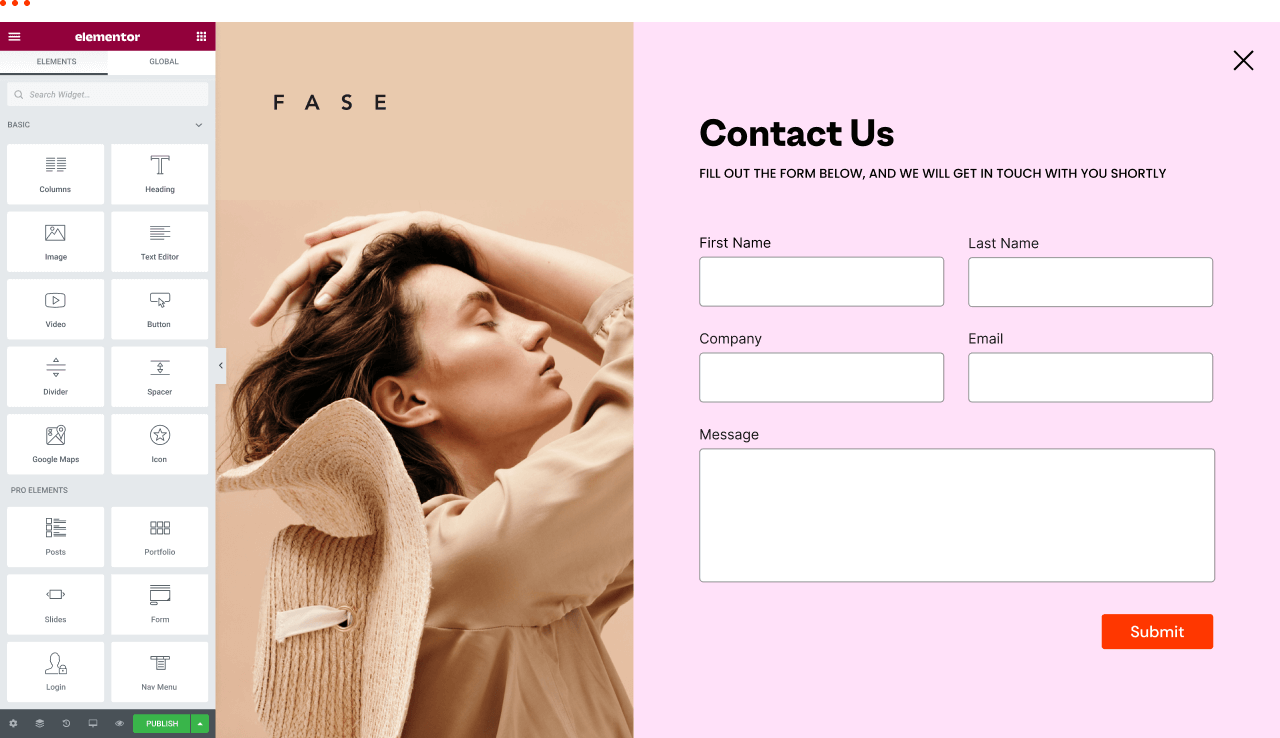
How to view and edit global fonts in Elementor
Using global fonts and colors is a crucial strategy in website design, not only to enhance the overall visual experience, but also to effectively reinforce your brand image. In this article, we'll explain in detail why it's important to use global fonts and colors, and we'll take a look at how to do so in Elementor...

Elementor Security Mode Compatibility with Multilingual Websites
Elementor's Safe Mode is a troubleshooting tool used to disable all plugins and themes in an isolated environment so that only Elementor and Elementor Pro are enabled.This helps to identify and resolve conflicting issues related to plugins or themes. When using...
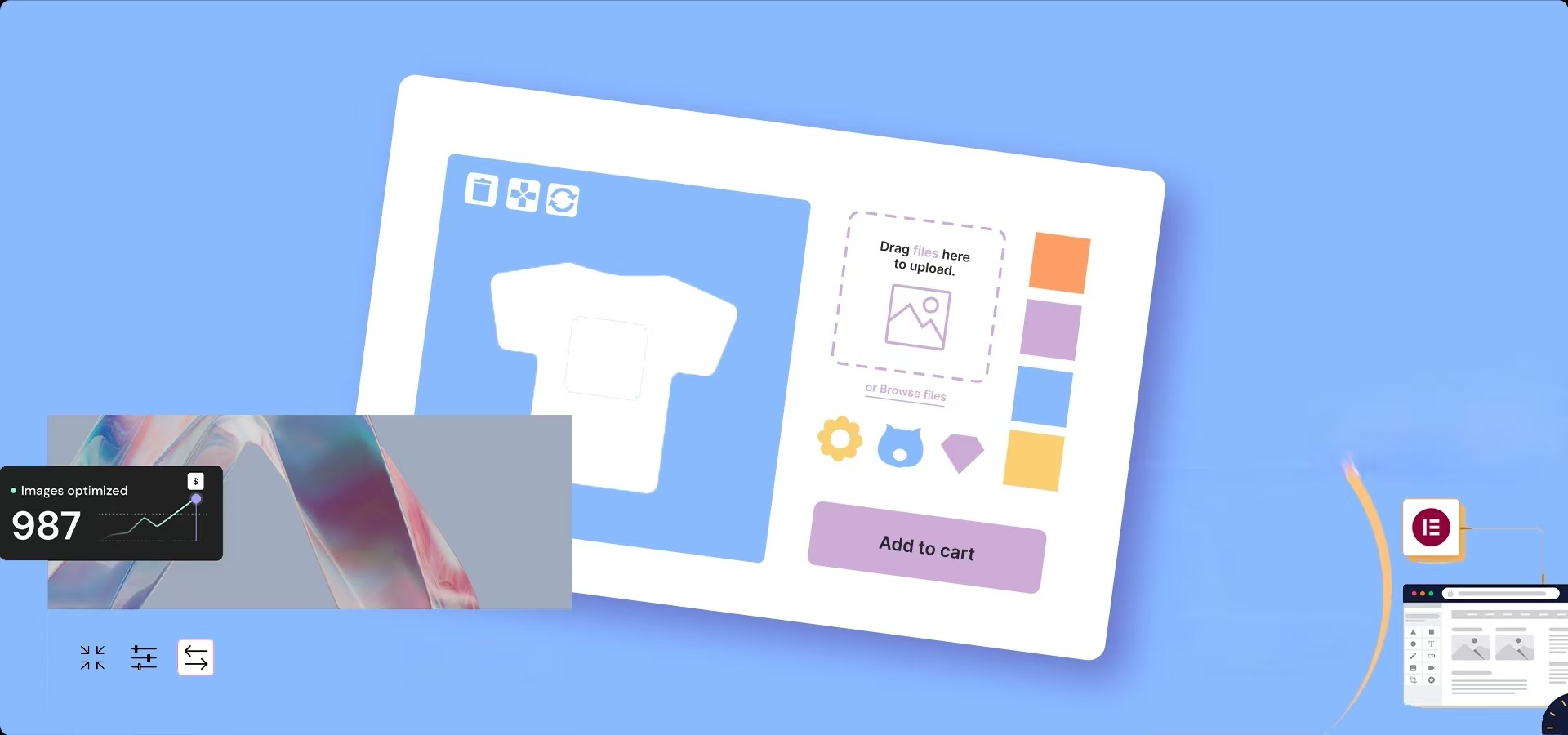
How to Optimize Images in Elementor: Improve Load Speed & SEO Results
Image optimization in an Elementor-powered WordPress website can improve loading speed and user experience. By properly optimizing image sizes, choosing the right format, compressing image files, and enabling delayed loading and content delivery networks (CDNs), you can ensure that pages load...

How to add a currency converter to your WordPress website with Elementor?
Integrating a currency converter is critical to providing a seamless shopping experience for global customers. Not only does it cater to an international audience, but customers can view prices in their local currency, helping to build trust and transparency. On your WordPress website you can use the Elementor editor to add...

Elementor 3.25 Update: CSS Optimizations, New Anchor Offset Controls and Search Widget Pagination
The Elementor 3.25 update brings continuous CSS optimization, new anchor offset controls, and real-time search paging to improve site speed, user experience, and interactivity to support site optimization.

Elementor 3.23 Update: Enhanced Performance and Accessibility, New Live Search, Floating Buttons and Profile Widgets
Elementor 3.23 Update: Enhanced performance, accessibility, and design with new search widgets, floating buttons, links in 7 profile widgets, and more! [Pro] New Search Widget Delivers Real-Time Results via AJAX Elementor's new search widget is now...

Why Choose Genuine Elementor Pro: The Best Choice for Safety and Reliability
Elementor Pro is a very popular WordPress plugin that holds an important place in website building with its easy-to-use interface and powerful features. However, there is an ongoing discussion about cracked and licensed versions of Elementor Pro, especially in terms of security and stability....

How to fix Elementor stuck on loading screen
When friends are using Elementor to edit WordPress pages, they encounter that Elementor gets stuck and displays a gray page. How to solve this situation? Don't worry, let's continue to look down; first of all, you need to troubleshoot the cause and solve it with the appropriate method. Possible causes and solutions...

How do I edit dynamic content in Elementor Pro?
Dynamic content pulls content from the website or current page. The post title widget is a good example of this. This widget displays the title of the page or post. It is dynamic because it changes depending on the page or post being used. Let's look at an example. Let's say we want to have the...

Enhancing Your Website with Elementor: A Comprehensive Guide to Advanced UI/UX Strategies
User Interface (UI) and User Experience (UX) play a crucial role in engaging visitors and converting them into loyal customers.Elementor is a powerful WordPress page builder that offers a rich set of features to implement advanced UI/UX strategies, full...

How Elementor Creates and Manages Single Product Templates (Comprehensive Guide)
Learn how to create, edit and manage single product templates to standardize your product presentation. This guide covers template exporting, renaming, deleting, and other operations to help you optimize your website's product page layouts and improve user experience and SEO.

Comprehensive mastery of Elementor theme style settings to enhance the visual unity of the site and design efficiency
Elementor gives users the flexibility to design web pages and also provides comprehensive theme style settings. These settings help you set default styling options for various elements (such as backgrounds, headers, buttons, images, and form fields), thus improving the efficiency and uniformity of web design...

Optimizing Website Performance and Preventing Conflicts with the Elementor Compatibility Tag
The Compatibility tab is the mechanism Elementor uses to identify and manage theme and plugin compatibility. It helps identify potential issues and ensures that Elementor works well with other components of your WordPress site. Why use the compatibility tag? Prevents conflicts: Helps...

How to Customize WooCommerce Product Pages with Elementor to Improve User Experience and Page Appeal
Customize your WooCommerce product pages with Elementor, and easily design unique layouts with drag-and-drop editors and rich widgets to enhance user experience and page appeal, all without coding!

Three Reasons Why You Should Choose Elementor to Build Beautiful Websites for Your Clients
When working with a client, choosing the right WordPress website builder can be a big task. This choice is especially important when the client wants to edit or add new content themselves. This is because a good or bad website builder directly determines the client's experience of editing the website, which in turn...

How to Fix Elementor Safe Mode Fonts and Styles: A Comprehensive Solution
When using Elementor for web design, you may encounter the problem of "Safe Mode". In this case, the fonts and styles of the web page may not be displayed correctly, which affects the design effect and user experience. In this article, we will introduce how to solve the problem of fonts and styles in Elementor Safe Mode...

Accelerating Animation with Elementor AI: A Tutorial
With GSAP Animation and Elementor AI, learn how to add dynamic video effects to your website to enhance the user experience, increase interactivity, immerse visitors in the scrolling process, grab their attention, and boost website conversions.

Top 5 Elementor Plugins for WordPress and WooCommerce Websites
With additional plugins, you can further extend Elementor functionality and make your website more interactive and visually appealing. In this article, we'll dive into 5 top Elementor plugins that not only enhance design freedom, but also bring a wealth of widgets,...
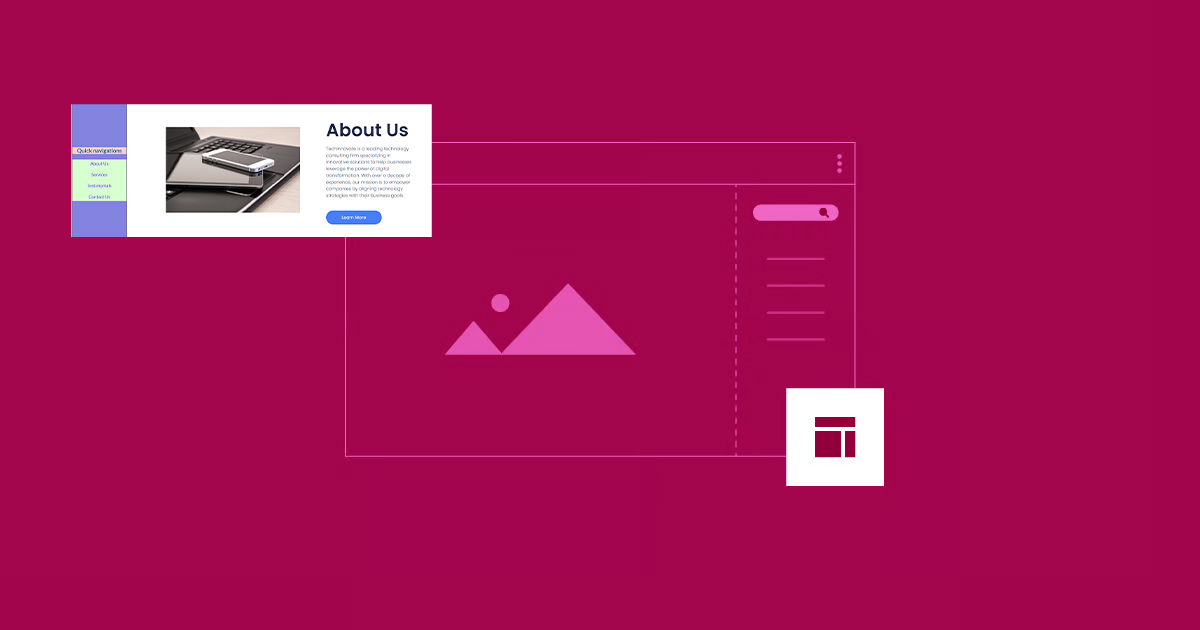
How to Create Vertical Sticky Headers with Containers in Elementor
What is a Vertical Sticky Header? Vertical Sticky Headers are a type of header bar that is fixed to the side of the page and stays visible as the user scrolls down the page, allowing easy access to other page areas or quick navigation. This design can be used in catalogs, navigation menus, link...
Why Elementor Outperforms the Competition: An In-Depth Look at Its Core Strengths
In this article, we will explore in detail why Elementor is better than the rest of the competition and what it has to offer in terms of robust functionality and user-friendly experience. The WordPress Advantage WordPress has an unrivaled collection of themes, plugins, and extensions.Elementor takes full advantage of...
How to implement automatic closing of the navigation menu after clicking an anchor link in Elementor
Setting up a directory to close after clicking an anchor link in Elementor (such as a collapsed menu or navigation menu) can be done using some custom code. Here are the steps: Step 1: Edit Individual Post Templates Log in to your WordPress dashboard. Navigate to the Elementor template >...

How to Optimize Elementor Settings for Better Performance
1. Install Elementor and Configure Settings After installing Elementor, go to Settings and configure it appropriately: General Tab: Select the post types for which you want to use Elementor. If some custom post types (CPTs) do not require Elementor, turn off...

How to create flexible custom one-page templates with Elementor Flexbox containers: a detailed tutorial
Learn how to create custom one-page templates using Elementor's Flexbox container with detailed step-by-step tutorials to provide flexible layouts and modern designs for blog posts, product pages, or service pages, optimizing user experience and responsive results.

Introducing Elementor 3.21: Recursive Sorting Queries for Lists, Performance Improvements, and More!
Version 3.21 includes the ability to create lists for categories and tags, as well as significant performance improvements and exciting new AI features. This release focuses on professional design tools and performance enhancements that reduce load times and improve performance ratings. Categorized queries are new work for listing sites...
Improve Website Management Efficiency with Elementor Pro's Global Widget Feature
Global Widgets in Elementor Pro is a powerful tool that helps you reuse widgets across multiple pages for more efficient website management. In this tutorial, I will explain in detail how to use Global Widgets and provide hands-on...
Importance of Image Optimization in Improving Elementor Loading Speed
In modern website design, page load speed is one of the key factors in user experience and search engine optimization. Images are often one of the main reasons why Elementor pages load slowly. In this article, we will discuss the need for image optimization and how to do it effectively. Why are images...

How to Add Appointment Scheduling Sessions to Your Website with Elementor Pro
Utilizing Elementor Pro's integration with Google Business Suite's 'Appointment Scheduling ' feature, visitors can schedule appointments on the website without any other plug-ins! Streamline business scheduling with Elementor Pro and Google's newest feature Google recently pushed...

 简体中文
简体中文  English
  日本語
日本語  Français
  Español



