



WordPress Themes Page 9
arrange in order

Blocksy Theme Released in Version 2.0.98, Improves WordPress Compatibility
Blocksy theme was released on May 1, 2025 with version 2.0.98, which enhances WordPress 6.5 compatibility and optimizes taxonomy blocks, WooCommerce variants, and shopping cart functionality, so we recommend upgrading in time.

Blocksy Multilingual Tutorial: How to Translate Content Strings in a Website
Learn how to use the WPML plugin to translate content strings in Blocksy themes, including buttons, menus, placeholders, and more, to create complete and consistent multilingual WordPress sites.

Customizing Hero Blocks with Blocksy Pro Content Blocks: Full Tutorial
Customize and replace the default post Hero blocks with Blocksy Pro's Content Blocks feature, and use Gutenberg for dynamic content loading and modular layouts to easily build professional template structures.

Blocksy Pro Content Block Hands-on Tutorial: Implementing Automatic Ad Insertion (Google AdSense Support)
Learn how to use the Blocksy Pro content block feature to efficiently insert static ads and Google AdSense into WordPress websites for WooCommerce malls and content blogs without modifying the page structure.

Blocksy Blog Archive Page Complete Customization Guide (with Header Area, Card Layout, Pagination Animation, etc.)
Comprehensive introduction to Blocksy theme blog archive page setup tips, including the title area, card layout, paging style and scrolling animation, to help you quickly create a beautiful and practical blog homepage.

Blocksy Tutorial: Anchor Navigation Effects and Menu Highlighting
Learn to use the Blocksy theme and the Gutenberg editor to implement anchor jumping and menu highlighting in WordPress one-page sites, suitable for creating highly interactive landing pages and showcase pages.

Blocksy tutorial: using Account Header Element to achieve the front of the site login and registration function
Learn how to build frontend login and registration functionality using Blocksy account header elements with WooCommerce support, custom jumps, social login and CAPTCHA integration for all types of WordPress websites.

Blocksy Tutorial: Creating Exclusive Archiving Templates to Enhance Content Presentation
Learn how to create custom archive templates with Blocksy's Content Blocks feature, with the freedom to control post cards and full-page structure, adapted to blogs with custom content types.

Blocksy Tutorial: Creating Custom One-Page Templates with Content Blocks
Use Blocksy's Content Blocks feature to build WordPress post detail page templates, customize structure and content, and work with the Gutenberg editor for a high degree of design freedom.

Blocksy Tutorial: Using Content Blocks to Create Advanced Dynamic Menus
Use Blocksy Pro's advanced menu features, combined with Content Blocks and the Gutenberg editor, to customize and build interactive menu content and upgrade your site's navigation experience.

How to install Flatsome child theme to avoid losing customization settings due to theme updates
Learn how to protect your WordPress website customization settings by installing Flatsome child theme to prevent data loss when the theme is updated. It explains in detail both automatic and manual installation methods and provides tips on setting up migrations to ensure stable operation of the standalone site mall.

Blocksy tutorial: a comprehensive analysis of the use of each header element and settings
A detailed introduction to all the header elements and their usage in Blocksy Header Builder, to help you create a flexible and beautiful WordPress custom header structure.

Blocksy Tutorial: Using MetaBox to Create and Beautify Custom Post Types (CPT)
The tutorial explains how to use MetaBox to create WordPress custom post types and combine it with Blocksy theme custom archive and one-page styles to easily create well-structured content modules.

Kadence Theme Free Edition Explained: Why it is one of the most lightweight WordPress themes?
Find out why Kadence Theme Free Edition is known as the lightest, fastest and highly customizable WordPress theme for blogging, e-commerce, and business websites to go live quickly, compatible with Gutenberg and WooCommerce.

How to Create a Custom 404 Page with Blocksy Pro
Learn how to create custom 404 pages with Bloxy Pro to improve your website's user experience and retention rate through interesting design, interactive elements and brand presentation. Simple steps to make users want to continue browsing your site even when they encounter an error page.

Complete method of displaying a list of posts with Blocksy Post shortcode
Learn how to use Blocksy theme [bloxy_post] shortcode to insert a list of posts on any page, support style customization and paging control, no plugin can achieve flexible layout.

Adding Multi-Language Support to WordPress Websites with WPML (for Blocksy Theme)
Learn how to combine the WPML plugin and Blocksy theme to implement multilingual support for your WordPress site, including instructions for installation, translation setup, and advanced language switching.

A Practical Guide to Image Optimization in 2025: Building Faster, Lighter WordPress Websites
Master 2025 image optimization techniques to improve WordPress site speed and performance, covering format selection, size control, compression tools, lazy loading & responsive image solutions.
Elementor Web.fwrd 2025 Year in Review: Opening a New Era of Web Authoring
Take a deeper dive into the many updates Elementor released in Web.fwrd 2025, including the AI Site Planner, Hello Biz Theme, Send Marketing Platform, and the all-new Editor V4, which helps web creators build effective websites.
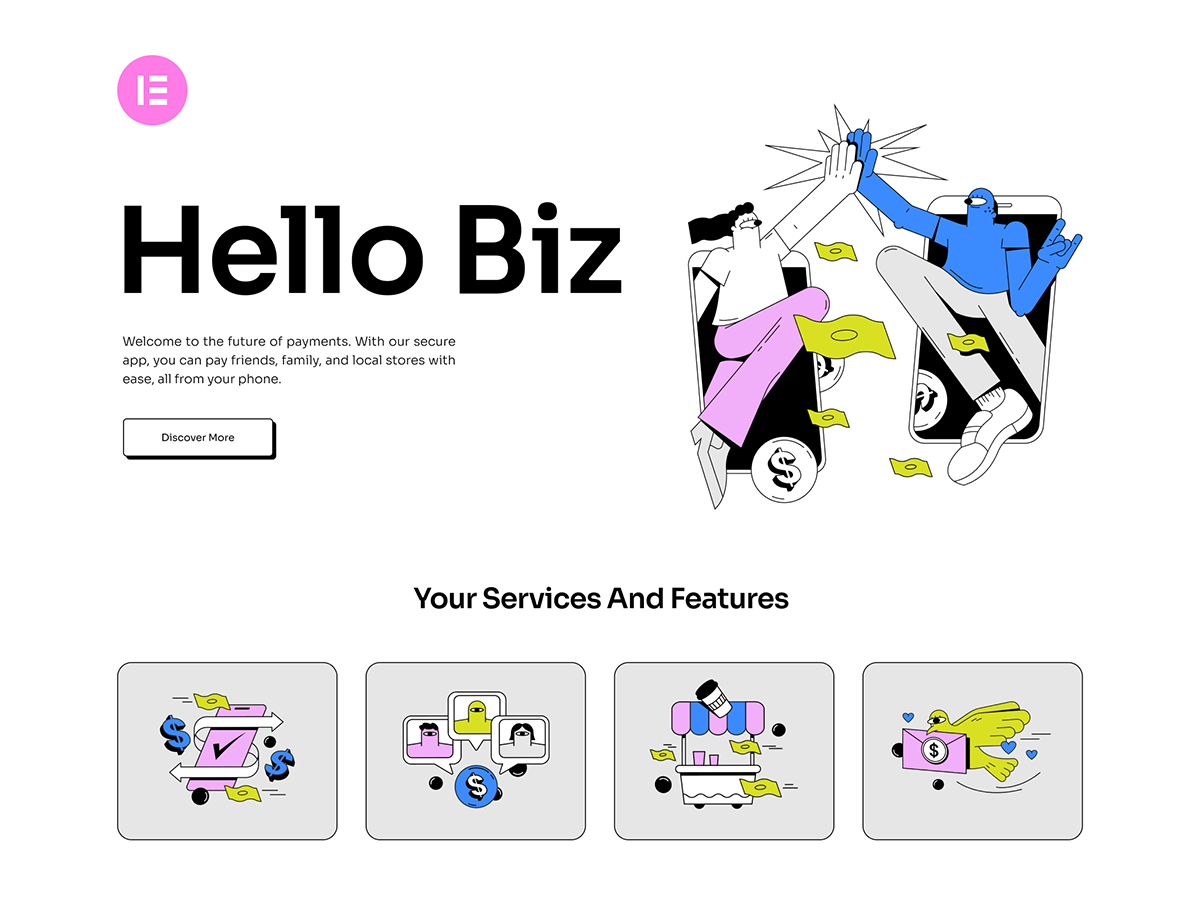
Introducing Hello Biz: a free WordPress business theme for beginners!
Hello Biz is a free WordPress business theme from Elementor, suitable for beginners and small businesses to build a website quickly, with built-in templates and specialized widgets to build professional websites easily.

Kadence Teaching: 7 Tips for Creating a Professional Website (2025 Update Guide)
Learn how to use Kadence to optimize your website design, improve loading speed, and strengthen your brand image. This guide covers template selection, navigation optimization, mobile adaptation, and other practical tips to make your website more professional!

Complete Guide to Blocksy Theme Mobile Header: Off Canvas Area and Menu Settings Explained
Detailed introduction to Blocksy mobile header configuration methods, Off Canvas area features and advanced menu options, suitable for building responsive navigation layout.

Blocksy Theme Gutenberg Page Setup Tutorial: Single Page Custom Header, Structure & Footer
Introducing the Blocksy theme's page setup feature in Gutenberg, which makes it easy to implement separate visual layout for service pages, feature pages, and other pages.
WordPress Website Backup Guide: Protect and Restore Your Website in One Click with the WPvivid Plugin
Use the WPvivid plugin to quickly backup and restore your WordPress site and prevent data loss issues caused by plugin failures or misuse.

Blocksy Theme Footer Builder Full Tutorial: Custom Design, Component Layout & Conditional Footer Settings
A comprehensive introduction to using the Blocksy footer builder, including element drag and drop, widget support, visual effects and conditional footer configuration.

How to Use Blocksy Popups to Enhance Engagement
Learn how to use the Blocksy theme's popup feature to interact with your visitors by setting up triggers, animations, and display conditions to boost your website's conversion rate.

Best WooCommerce Themes 2025 Recommendations and Selection Guide
Inventory the most popular WooCommerce themes in 2025, analyze the advantages and applicable scenarios of each theme, help merchants choose the most suitable e-commerce website template to improve sales and brand image.
Complete Guide to Implementing Local Hosting of Fonts in GeneratePress Themes
This article describes in detail the steps to implement local hosting of fonts in GeneratePress theme, covering font download, upload permission opening, CSS adding and editor configuration, which helps to improve the loading speed of the site and privacy protection.

Merge Header and Page Hero Blocks in GeneratePress for a Compact and Professional Homepage Layout
Merge the header and top of page hero block, eliminate top spacing, and adjust inner margins and navigation colors with GeneratePress Premium for a visually unified and professional homepage design result.

Creating Hovering Social Icon Buttons with GeneratePress and GenerateBlocks Tutorial
Add Left Hover Social Icon Buttons to Desktop with GeneratePress and GenerateBlocks Free Edition with Complete Steps and CSS Styles.

 简体中文
简体中文  English
  日本語
日本語  Français
  Español



