





![图片[1]-Emso单产品WordPress主题——打造专业在线商店的最佳选择](https://www.361sale.com/wp-content/uploads/2024/12/20241219193443400-Preview-02.jpg)
![图片[2]-Emso单产品WordPress主题——打造专业在线商店的最佳选择](https://www.361sale.com/wp-content/uploads/2024/12/20241219193446355-Preview-03.jpg)
![图片[3]-Emso单产品WordPress主题——打造专业在线商店的最佳选择](https://www.361sale.com/wp-content/uploads/2024/12/20241219193448526-Preview-01.jpg)
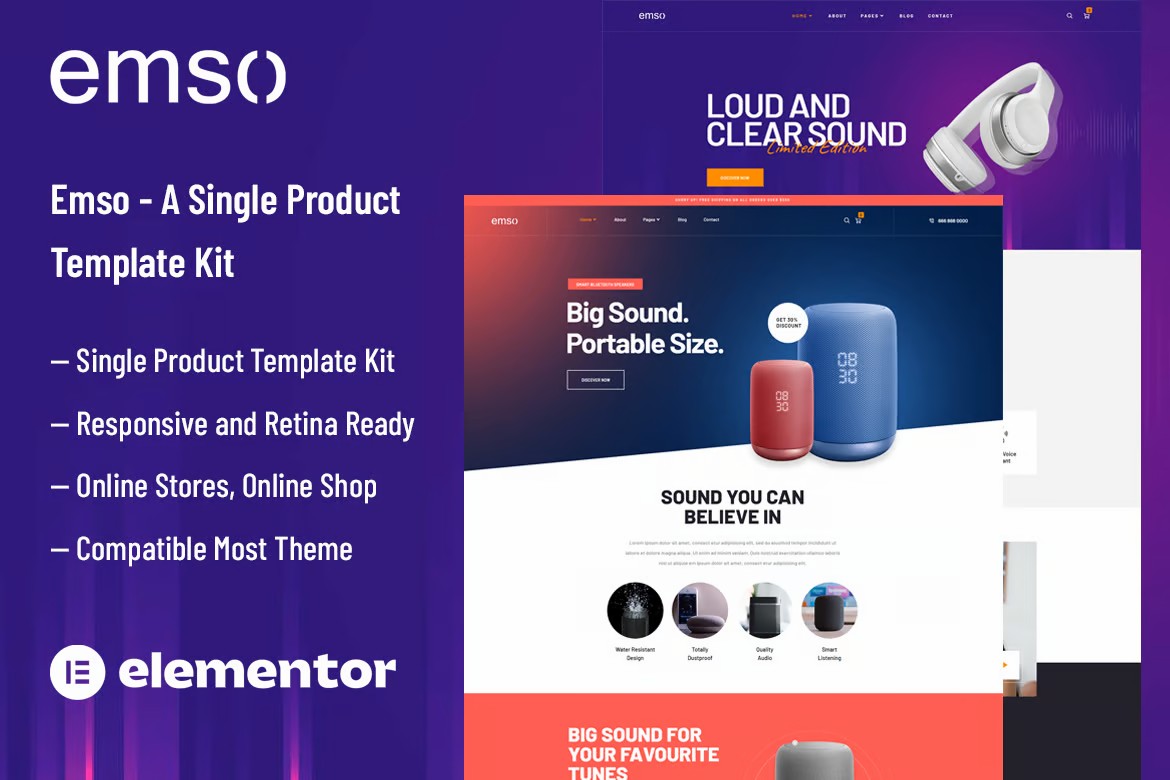
Emso is a single product theme template suite perfect for any online store or shopping site. It's easy to use and customize, with a variety of features perfect for selling a single product.Emso includes a drag-and-drop page builder, WooCommerce, and responsive design. A wide range of pre-made layouts and templates are also available for easy creation of your own website. Emso is a great choice for anyone who wants to create a professional looking online store or shopping website.
Kit Key Features:
- Single product design for online stores or shopping sites
- No programming knowledge required
- Fully compatible with the free version of Elementor (does not require Elementor Pro)
- Includes header and footer builder
- Unique and modern design style
- Super clear and clean layout
- cross-browser compatibility
- Post Widget
- Rotating sliders (sliders can be created with any content)
- Ultra-responsive design with retina screen support
- Compatible with any WordPress Theme
- Search Engine Optimization
Required plug-ins:
- Elementor
- Themesflat Addons For Elementor
- MetForm
- ElementsKit Lite
- Happy Elementor Addons
- WooCommerce (optional, for checkout/shopping cart functionality)
A guide to using the template kit:
- Install and activate from Plugins > Add New on the WordPress Plugins page. Envato Elements Plugin. An Envato Elements subscription is not required to use this plug-in installation kit.
- Download the template kit file.Don't unzip it.If you are using Safari, make sure the "Open Safe File After Download" feature is turned off! If you are using Safari, make sure that the "Open Safe File After Download" feature is turned off.
- Go to Elements > Installed Kits and click the "Upload Template Kit" button to upload a template kit. If you have an Envato subscription, you can also import directly from Elements > Template Kits by clicking "Connect Account".
- Check out the orange banner at the top of the page and click on "Install Requirements" to install the required plugins for the template kit.
- First import the "Global Kit Styles".
- Import templates one by one, these templates can be found in "Templates > Saved Templates" in Elementor.
- Create a new page and select "Edit with Elementor".
- Click the gear icon in the bottom left corner of the page to open Page Setup and select Elementor Full Width Layout and Hide Page Title.
- Click on the gray folder icon to access the My Templates tab and import the pages you want to customize.
- If you have Elementor Pro, you can customize the header and footer in the Theme Builder.
Metform Forms Import Guide:
- Import the Metform module template.
- Import the template of the page where the form will be located and right click to enable "Navigator".
- Locate and select the Metform widget and click on "Edit Form". Select New and click Edit Form to open the form builder.
- Click on the gray folder icon for "Add Template".
- Open the My Templates tab, select the imported Metform template and click Insert. Select No to skip the page setup.
- Once the template is loaded, customize it as needed and click "Update & Close" when you are done. The form will be displayed in the template.
- Click "Update" to save the changes.

© Reprint statement
本文作者:红牛独立站
Link to this article:https://www.361sale.com/en/31291/The article is copyrighted and must be reproduced with attribution.
THE END












![表情[wozuimei]-光子波动网 | WordPress教程、Elementor教程与故障修复](https://www.361sale.com/wp-content/themes/zibll/img/smilies/wozuimei.gif)

![表情[baoquan]-光子波动网 | WordPress教程、Elementor教程与故障修复](https://www.361sale.com/wp-content/themes/zibll/img/smilies/baoquan.gif)


 简体中文
简体中文  English


No comments