





Font Introduction
Monigue -- oneBold and powerful compact sans serif typeface, designed to create eye-catching visuals. This font is inspired by Contemporary design styles of the 2000sThe new interpretation is based on a new concept, which is bothforce of impacttogether withModern and stylishThe
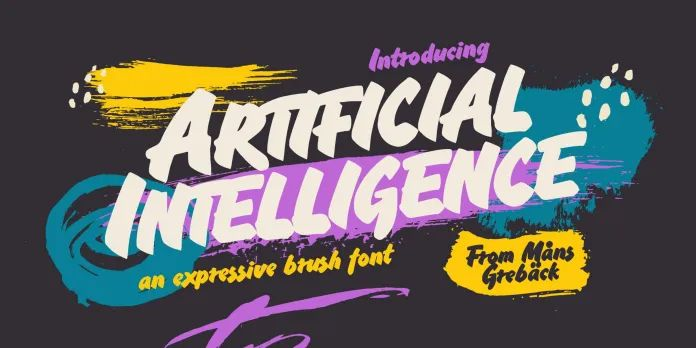
![图片[1]-Monigue – 浓缩无衬线字体-光子波动网 | WordPress教程、Elementor教程与故障修复](https://www.361sale.com/wp-content/uploads/2025/03/20250311155329677-image.png)
whetherStriking poster design, eye-catching page headersorMinimalist and high-end interface design(math.) genusMonigue All deliver outstanding performance. Its compact font design stands out especially when displayed in large font sizes, making it aA great choice for modern logo designThe
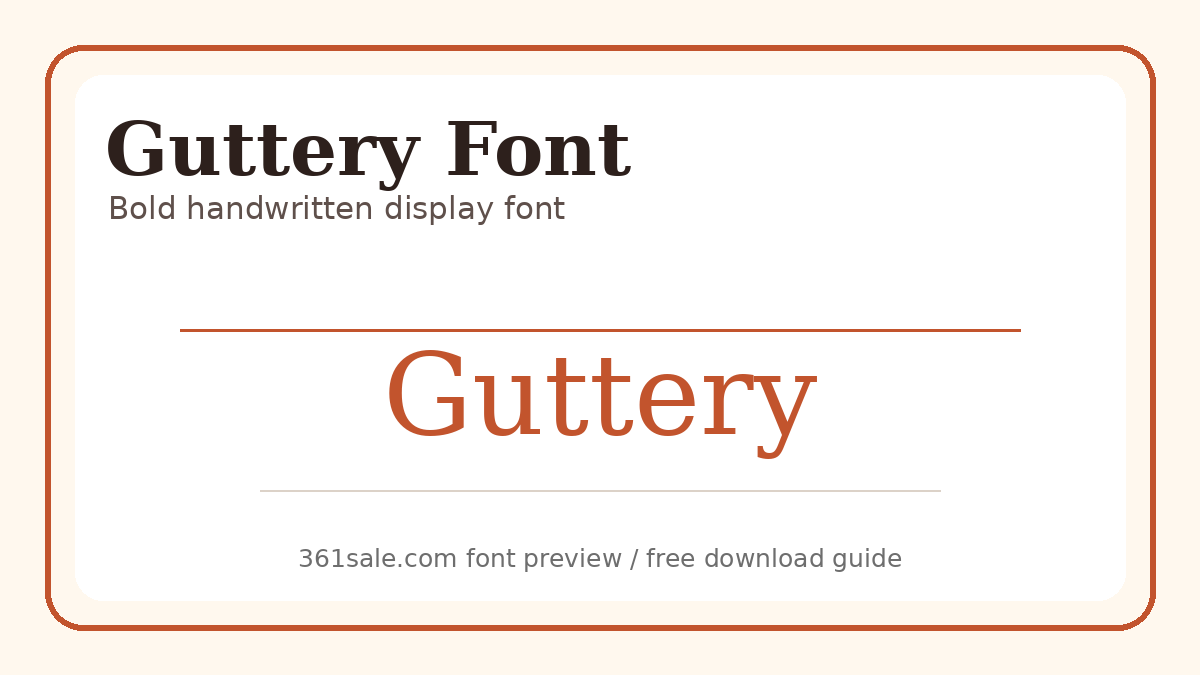
![图片[2]-Monigue – 浓缩无衬线字体-光子波动网 | WordPress教程、Elementor教程与故障修复](https://www.361sale.com/wp-content/uploads/2025/03/20250311155337710-image.png)
Monigue OpenType supportwith built-inExtended Latin Character SetContains 370+ charactersSupport More than 88 languagesIt is a global design that can be easily adapted to the needs of globalized design.
Font Features:
- Upper & Lower case letters
- Numbers & Punctuation
- Ligatures
- OpenType Advanced Features Support
- PUA coded character(can be used in software that does not support OpenType)
- Extended Latin Character Set
- Multi-language support
Contains files:
- Monigue OpenType (.OTF)
- Monigue TrueType (.TTF)
- Monigue WebFont (.WOFF & .WOFF2)
Monigue Make your design moreModernity and strengthApplicable toBrand identity, interface design, advertising and globalization projectsThe design of a piece of artwork that is unique and visually appealing, ensures that the message is clearly communicated.

Link to this article:https://www.361sale.com/en/36922/The article is copyrighted and must be reproduced with attribution.














![表情[wozuimei]-光子波动网 | WordPress教程、Elementor教程与故障修复](https://www.361sale.com/wp-content/themes/zibll/img/smilies/wozuimei.gif)

![表情[baoquan]-光子波动网 | WordPress教程、Elementor教程与故障修复](https://www.361sale.com/wp-content/themes/zibll/img/smilies/baoquan.gif)


 简体中文
简体中文  English


No comments