






descriptive
Getstall template package helps you set up your grocery store in minutes. Start your online grocery store now.
Getstall offers over 20 professionally designed Elementor pages and section templates.The Getstall template package requires Elementor Pro and comes with theme styles.
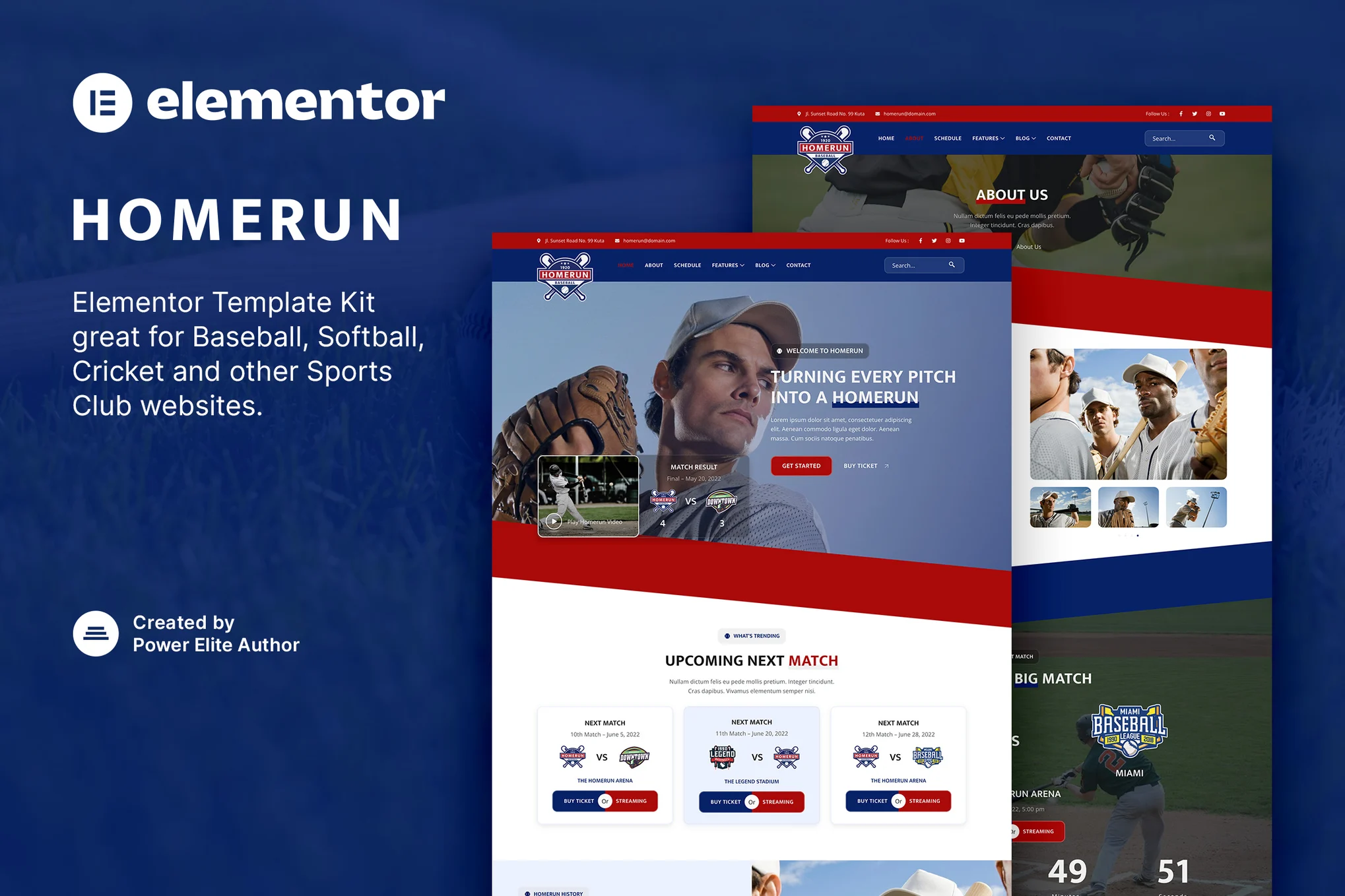
![图片[1]-Getstall – 食品杂货商店 Elementor 模板套件-光子波动网 | WordPress教程、Elementor教程与故障修复](https://www.361sale.com/wp-content/uploads/2025/03/20250312140501827-1741759401546.png)
![图片[2]-Getstall – 食品杂货商店 Elementor 模板套件-光子波动网 | WordPress教程、Elementor教程与故障修复](https://www.361sale.com/wp-content/uploads/2025/03/20250312140501562-1741759407433.png)
![图片[3]-Getstall – 食品杂货商店 Elementor 模板套件-光子波动网 | WordPress教程、Elementor教程与故障修复](https://www.361sale.com/wp-content/uploads/2025/03/20250312140501433-1741759413352.png)
Template List
- fig. beginning
- Global Header
- Global Footer
- WooCommerce: Single Product
- WooCommerce: Store Archive
- WooCommerce: Product Grid
- single article
- single page
- Blog Archive
- About Us
- Our Services
- 404 page
- Section: Page Title
- Section: Recommendations
- Section: Frequently Asked Questions
- Section: Contacts
- Section: Page Hero
- Segment: Story Segment
- Section: Our Team
- Section: Client testimonials
- Segment: Partners
- Segment: Call to Action
How to install
Install and activate the Envato Elements plugin from Plugins > Add New, then import the zip file in the installed Kit by clicking the "Import Kit" button.
Required plug-ins
- Elementor
- Elementor Pro
- WooCommerce (product templates only, optional)
This template pack uses demo images from Envato Elements. You will need to license these images from Envato Elements or you can replace them with your own.

Link to this article:https://www.361sale.com/en/37798/The article is copyrighted and must be reproduced with attribution.
















![表情[wozuimei]-光子波动网 | WordPress教程、Elementor教程与故障修复](https://www.361sale.com/wp-content/themes/zibll/img/smilies/wozuimei.gif)

![表情[baoquan]-光子波动网 | WordPress教程、Elementor教程与故障修复](https://www.361sale.com/wp-content/themes/zibll/img/smilies/baoquan.gif)


 简体中文
简体中文  English
  日本語
日本語  Français
  Español


No comments