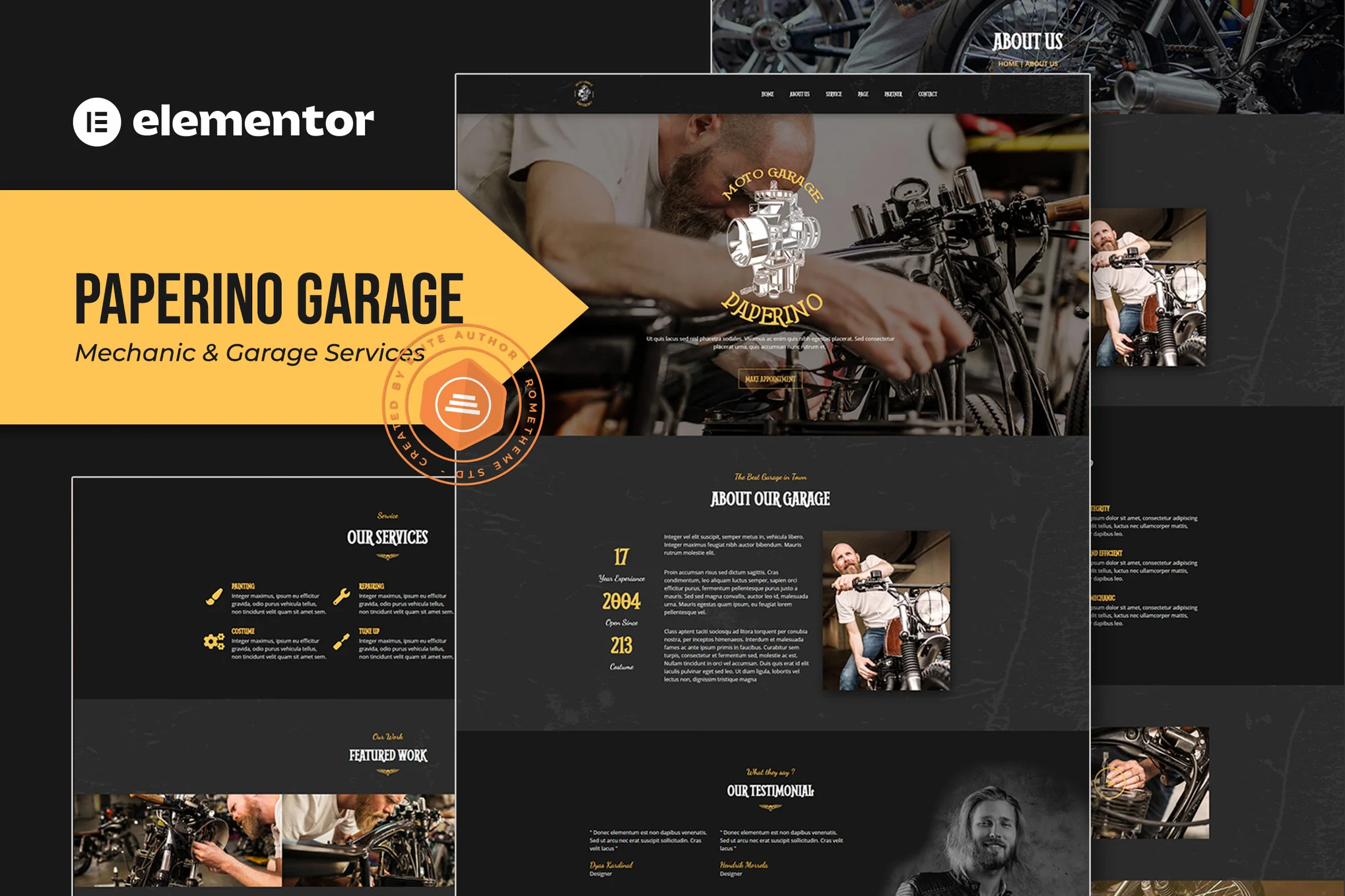






descriptive
The Paperino Garage design was created specifically for motorcycle customization shops for those who want to display the results of their work in a professional manner.
![图片[1]-Paperino Garage – 机械维修 Elementor 模板套件-光子波动网 | WordPress教程、Elementor教程与故障修复](https://www.361sale.com/wp-content/uploads/2025/03/20250314113712565-1741923340833.png)
![图片[2]-Paperino Garage – 机械维修 Elementor 模板套件-光子波动网 | WordPress教程、Elementor教程与故障修复](https://www.361sale.com/wp-content/uploads/2025/03/20250314113712646-1741923345631.png)
![图片[3]-Paperino Garage – 机械维修 Elementor 模板套件-光子波动网 | WordPress教程、Elementor教程与故障修复](https://www.361sale.com/wp-content/uploads/2025/03/20250314113712616-1741923351848.png)
Template:
- Home V1
- Home V2
- About Us
- service
- Our Programs
- Our Technicians
- Testimonials
- art galleries
- Blog Archive
- single-post blog
- cooperative partner
- Contact Us
Features:
- Header and footer builder
- Elementor Pro Features
- Header and footer
- Global Theme Styles - Customize Fonts in One Place
Required plug-ins:
- Elementor
This package requires an Elementor Pro upgrade to utilize certain templates and features (not included)
How to install:
- In WordPress, from Plugins > Add New Plugin, install and activate the "Envato Elements" plugin, then activate your subscription.Premium packages can be loaded directly from the Premium Kits library.
- Manual Import: Do not unzip the downloaded file. In Elementor > Installed Kits, click the Upload Kits button.
- Before importing the template, make sure you click the Install Requirements button to activate the required plugin.
- For best results, it's best to import one template at a time.

© Reprint statement
本文作者:托尼屎大颗
Link to this article:https://www.361sale.com/en/41000/The article is copyrighted and must be reproduced with attribution.
THE END


















![表情[wozuimei]-光子波动网 | WordPress教程、Elementor教程与故障修复](https://www.361sale.com/wp-content/themes/zibll/img/smilies/wozuimei.gif)

![表情[baoquan]-光子波动网 | WordPress教程、Elementor教程与故障修复](https://www.361sale.com/wp-content/themes/zibll/img/smilies/baoquan.gif)


 简体中文
简体中文  English


No comments