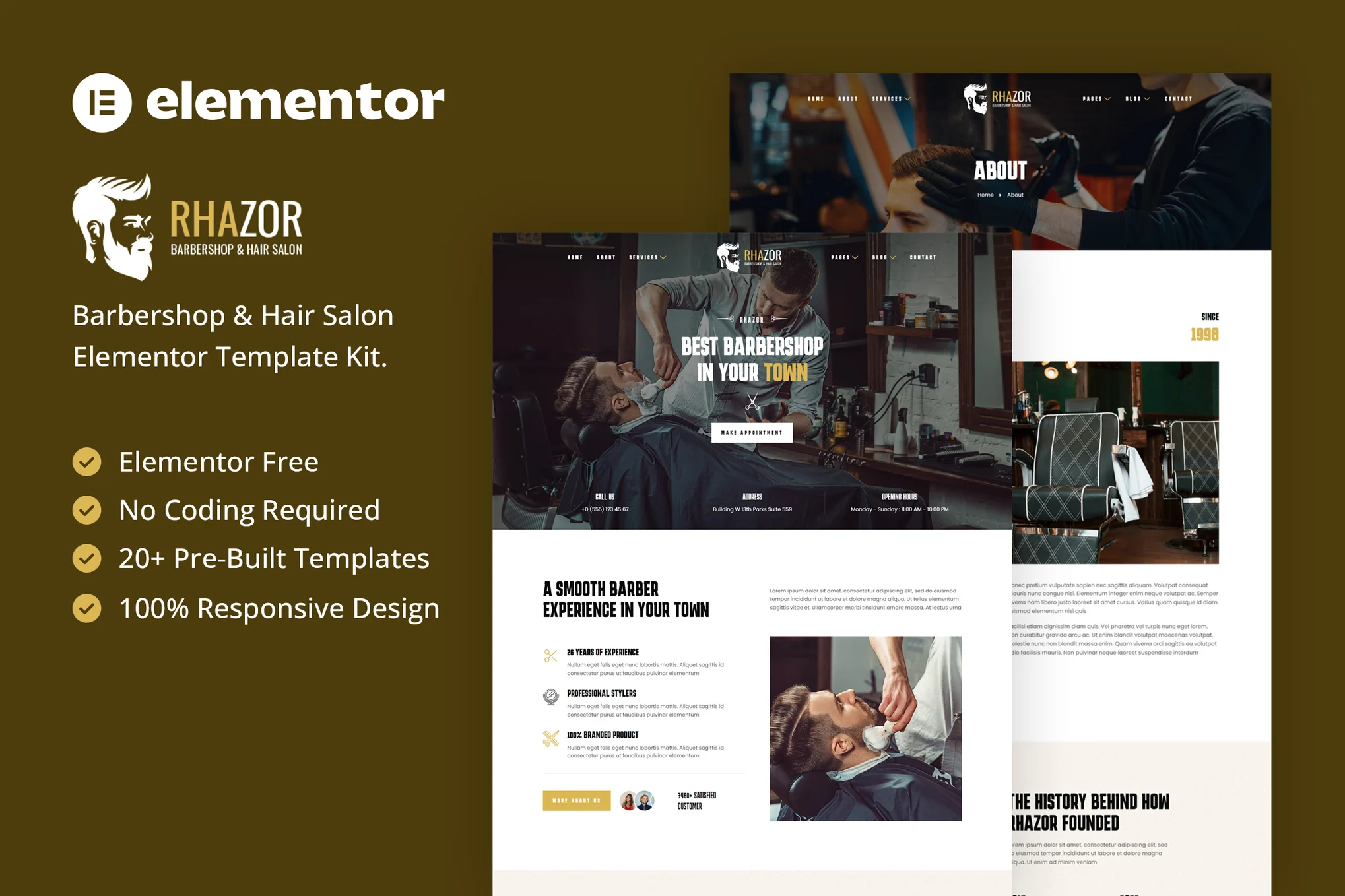






descriptive
Rhazor is an Elementor template suite for creating a stylish and functional online presence for your barber store or hair salon in WordPress. This Elementor template suite offers more than 20 well-crafted templates that provide a variety of options to showcase your services and interact with your clients.
With a clean and modern design, Rhazor ensures a professional and user-friendly experience for salon owners and clients. Each template has been carefully designed to highlight a different aspect of your business, from a stylish service menu to an attractive portfolio display.
Whether you are a trendy barber store or a stylish hair salon, Rhazor has everything you need to help you look great online. Boost your business with a stunning website that showcases the style and elegance of your services.
![图片[1]-Rhazor – 理发店与美发沙龙 Elementor 模板套件-光子波动网 | WordPress教程、Elementor教程与故障修复](https://www.361sale.com/wp-content/uploads/2025/03/20250319111538155-1742354077370.png)
![图片[2]-Rhazor – 理发店与美发沙龙 Elementor 模板套件-光子波动网 | WordPress教程、Elementor教程与故障修复](https://www.361sale.com/wp-content/uploads/2025/03/20250319111539587-1742354082313.png)
![图片[3]-Rhazor – 理发店与美发沙龙 Elementor 模板套件-光子波动网 | WordPress教程、Elementor教程与故障修复](https://www.361sale.com/wp-content/uploads/2025/03/20250319111555560-1742354089279.png)
Features:
- Designed for barber stores or hair salons
- Full support for Elementor Free Edition (no Elementor Pro required)
- Simple, modern and clear design
- No coding knowledge required
- More than 20 ready-made templates
- Responsive and retina screen ready
- Simple and fully customizable
Templates are included:
- Global Template Styles
- fig. beginning
- About Us
- service
- Service Details
- set a price
- teams
- reserve
- Metform Reservation
- art galleries
- Testimonials
- blog (loanword)
- single article
- common problems
- Contact Us
- Metform Contact Form
- 404 page
- footer
- footers
- Coming soon
Required plug-ins:
- Elementor (free version)
- Jeg Elementor Kit
- MetForm
Mounting method:
- Install and activate the "Envato Elements" plugin from WordPress Plugins > Add New Plugin
- Don't unzip it.
- Go to Elements > Installed Kits and click the Upload Template Kit button
- Before importing the template, make sure to activate the required plugins by clicking on the "Install Requirements" button.
- For best results, import no more than one template at a time!

Link to this article:https://www.361sale.com/en/45684/The article is copyrighted and must be reproduced with attribution.


















![表情[wozuimei]-光子波动网 | WordPress教程、Elementor教程与故障修复](https://www.361sale.com/wp-content/themes/zibll/img/smilies/wozuimei.gif)

![表情[baoquan]-光子波动网 | WordPress教程、Elementor教程与故障修复](https://www.361sale.com/wp-content/themes/zibll/img/smilies/baoquan.gif)


 简体中文
简体中文  English


No comments