





descriptive
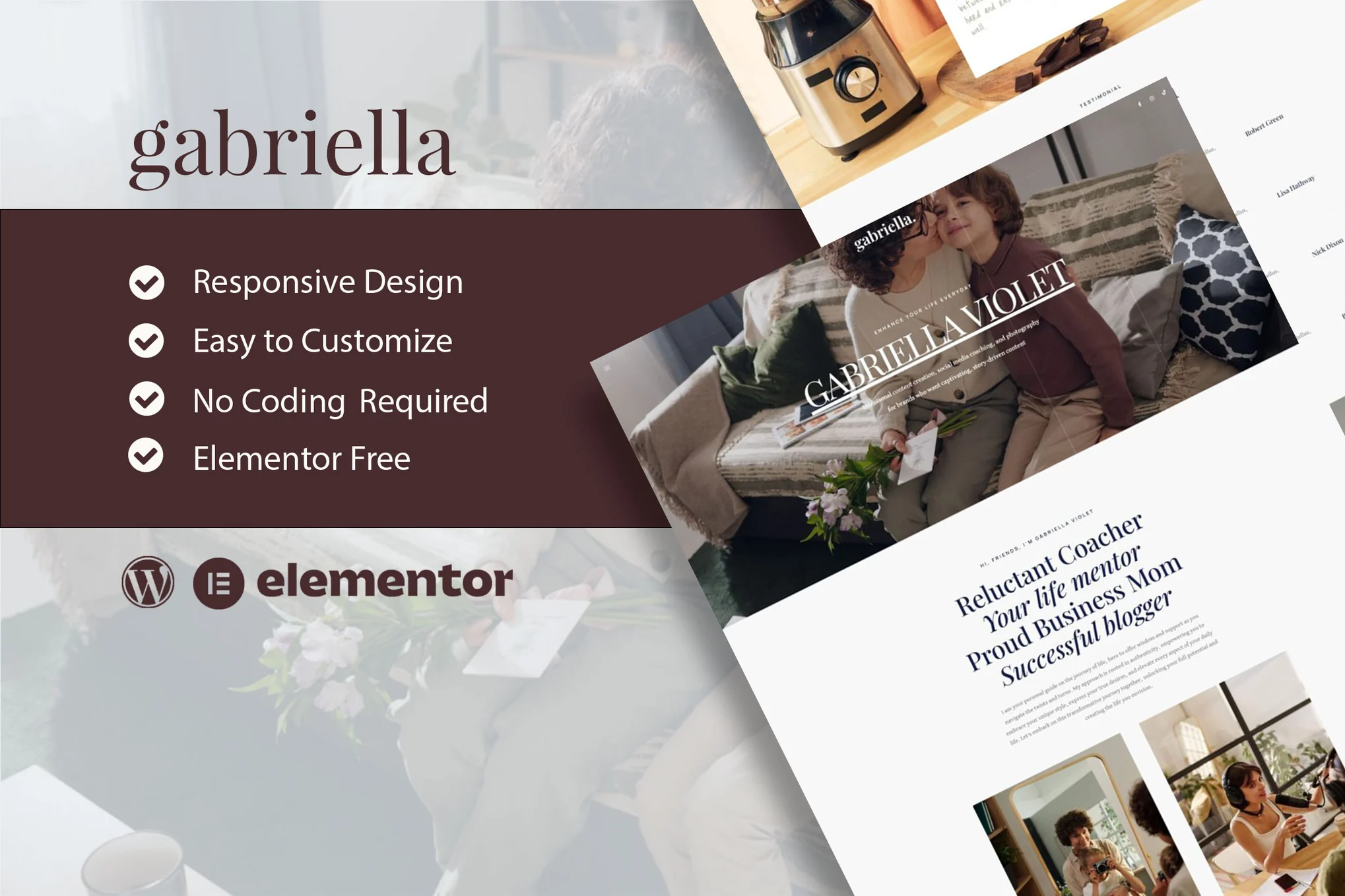
Gabriella is an Elementor template pack for motivation and business coaching websites. It has a simple and clean design with a modern layout style. Designed to be compatible with the free version of Elementor, ready to be imported and reused for any relevant business service. It is not a WordPress theme. The template pack contains page content for the Elementor page builder. This template pack has been optimized for use with the free Hello Elementor theme, but can be used with most themes that support Elementor.
![图片[1]-Gabriella – 动力与商业教练 Elementor 模板包-光子波动网 | WordPress教程、Elementor教程与故障修复](https://www.361sale.com/wp-content/uploads/2025/03/20250319144649556-1742366764833.png)
![图片[2]-Gabriella – 动力与商业教练 Elementor 模板包-光子波动网 | WordPress教程、Elementor教程与故障修复](https://www.361sale.com/wp-content/uploads/2025/03/20250319144649302-1742366774793.png)
Features:
- Elementor free version, no upgrades required
- Modern Typography
- Fully responsive layout
- Fully customizable
- Contains templates:
- fig. beginning
- About Us
- academic program
- Contact form
- contact page
- news page
- Newsletter footer
- Newsletter side menu
- side menu
- podcast page
- Single 404 page
- Single news page
- footer
- footers
- Global Style
Required plug-ins:
- ElementsKit Lite
- Sticky Header Effects
How to use the template package:
- Download your template package file from Envato and keep it zipped. If you are using Safari, make sure that the "Open safe file after download" option is disabled in your browser settings.
- Go to Settings > Permalinks and make sure "Article Name" is selected.
- Go to Appearance > Themes > New and make sure the Hello Elementor theme is installed and activated. If Elementor is not already installed, it will prompt you to install it.
- Go to Plugins and make sure you have installed and updated to the latest version of Elementor and Envato Elements. if your template package requires Elementor Pro, it must be installed and connected to your account at this time.
- If Elementor is already activated, go to Elementor > Settings, click on Features, and make sure the Flexbox container is enabled.
- Go to Elements > Installed Template Packs and click on Upload Template Pack Zip (or click on your template to view)
- Check the orange banner at the top and click on Installation Requirements to load the plugins needed for the template package
- First click on Import Global Template Styles to set the site configuration
- Click to import each template in order. Templates are stored in Templates > Saved Templates under Elementor and should not be edited directly.

© Reprint statement
本文作者:托尼屎大颗
Link to this article:https://www.361sale.com/en/46124/The article is copyrighted and must be reproduced with attribution.
THE END

















![表情[wozuimei]-光子波动网 | WordPress教程、Elementor教程与故障修复](https://www.361sale.com/wp-content/themes/zibll/img/smilies/wozuimei.gif)

![表情[baoquan]-光子波动网 | WordPress教程、Elementor教程与故障修复](https://www.361sale.com/wp-content/themes/zibll/img/smilies/baoquan.gif)


 简体中文
简体中文  English


No comments