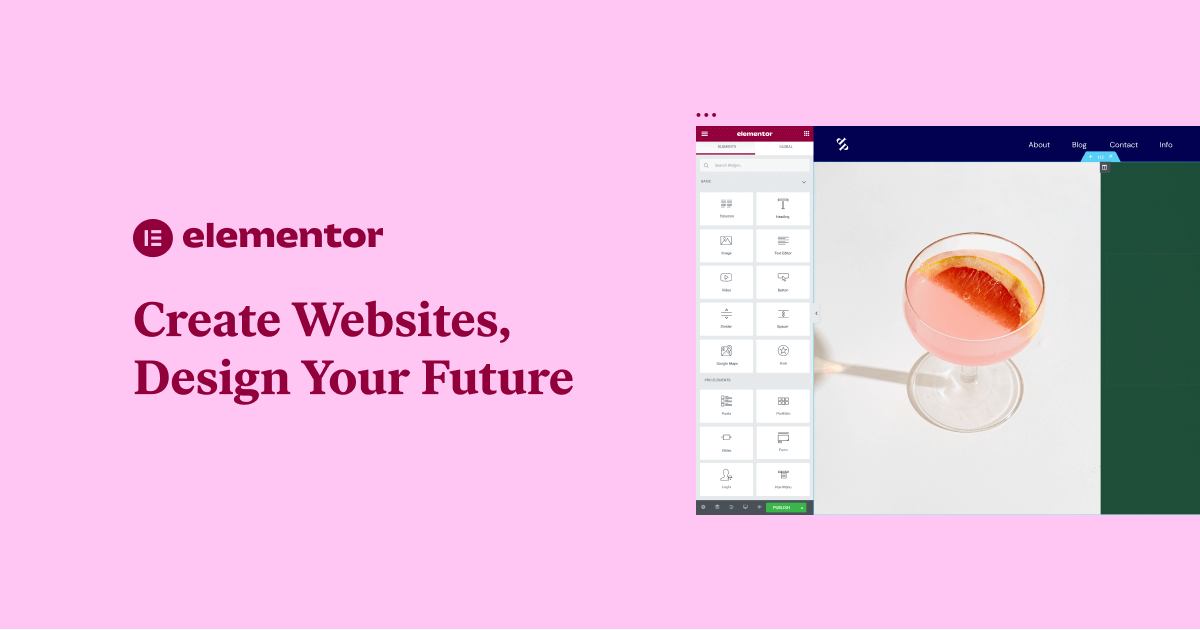





Elementor is one of the most popular page builders on WordPress, however, some people use theElementor Free TemplatesWhen doing so, you may encounter some problems that cause the template not to load or display properly. Today, we will discuss three common errors and their solutions to help you solve the problems smoothly and take full advantage of Elementor free templates.
![Image [1] - Elementor free template not working? Three common errors and solutions](https://www.361sale.com/wp-content/uploads/2025/06/20250627162350309-Elementor.webp)
1. Template not loading correctly: check plugin and theme compatibility
Many users have reported that Elementor templates do not display properly or load completely after installation. Such issues are usually related to plugin or theme compatibility. If you are using a theme or plugin that is not compatible with the Elementorincompatible, which may result in incomplete page loading or typographical problems.
Solution:
- Disable conflicting plug-ins: First, try disabling all other plugins, keeping only the Elementor plugin, and see if the template loads correctly. If it loads correctly, enable the plugins one by one and find out the plugins that conflict with Elementor.
![Image [2]-Elementor free templates do not work? Three common errors and solutions](https://www.361sale.com/wp-content/uploads/2025/06/20250627162610679-image.png)
- Switching Topics: If the problem still occurs after disabling the plugin, try switching to the default WordPress theme (e.g. Twenty Twenty-Three). If the problem is solved, it means the theme is not compatible with Elementor. At this point, you can choose to replace the compatible theme, or contact the theme developer for support.
![Image [3] - Elementor free template not working? Three common errors and solutions](https://www.361sale.com/wp-content/uploads/2025/06/20250627162810106-image.png)
2. Template cannot be edited: clear cache and check for browser issues
Another common issue is that users are unable to make changes to templates in the Elementor editor. When a template fails to load or edit a page, it can be caused by caching issues or browser settings.
Solution:
- clear the cache: Clear Browser Cache and WordPressCaching PluginCaching. Caching may cause page loading problems, especially if the browser still loads the old version of the page after changes have been made to the template.
- Use a different browser: Try accessing the Elementor editor using a different browser to check if thebrowser compatibilitySex Problems. For example, Google Chrome is usually more compatible with Elementor.
- Disable Browser Extensions: Some browser extensions (such as ad-blocking plug-ins) may interfere with the normal operation of Elementor. Try disabling the extension, or use "No Trace Mode" for browsing.
![Image [4]-Elementor free templates do not work? Three common errors and solutions](https://www.361sale.com/wp-content/uploads/2025/06/20250627163020720-image.png)
3. Template design does not meet expectations: adjust style settings and responsive settings
Even if the template is successfully loaded and can be edited, many times users find that the template is designed differently than expected or does not display well on different devices. This is usually because Elementor'sresponsive designSettings are not configured correctly, causing pages to display inconsistently on different screen sizes.
Solution:
- Check Responsive Settings: In Elementor, each element and page section can be set to a different responsive design. Make sure to check the page layout in "responsive mode" and adjust it for desktop, tablet and mobile views. If certain elements don't display correctly on mobile, they can be individually resized, spaced, or hidden for mobile devices.
![Image [5] - Elementor free template not working? Three common errors and solutions](https://www.361sale.com/wp-content/uploads/2025/06/20250627163324436-image.png)
- Customized CSS: If the default settings don't fully satisfy your needs, you can use custom CSS to optimize the page design. elementor supports adding custom CSS styles to each element, enabling finer tuning through custom code.
summarize
It's common to run into problems when using Elementor free templates, but with the right troubleshooting methods, you'll be able to use Elementor free templates smoothly to create a beautiful, responsive WordPress website.

Link to this article:https://www.361sale.com/en/63850The article is copyrighted and must be reproduced with attribution.










![Emoji[wozuimei]-Photonflux.com | Professional WordPress repair service, worldwide, rapid response](https://www.361sale.com/wp-content/themes/zibll/img/smilies/wozuimei.gif)

![Emoticon[baoquan] - Photon Wave Network | Professional WordPress Repair Services, Worldwide Coverage, Rapid Response](https://www.361sale.com/wp-content/themes/zibll/img/smilies/baoquan.gif)


 简体中文
简体中文  English
  日本語
日本語  Français
  Español


No comments