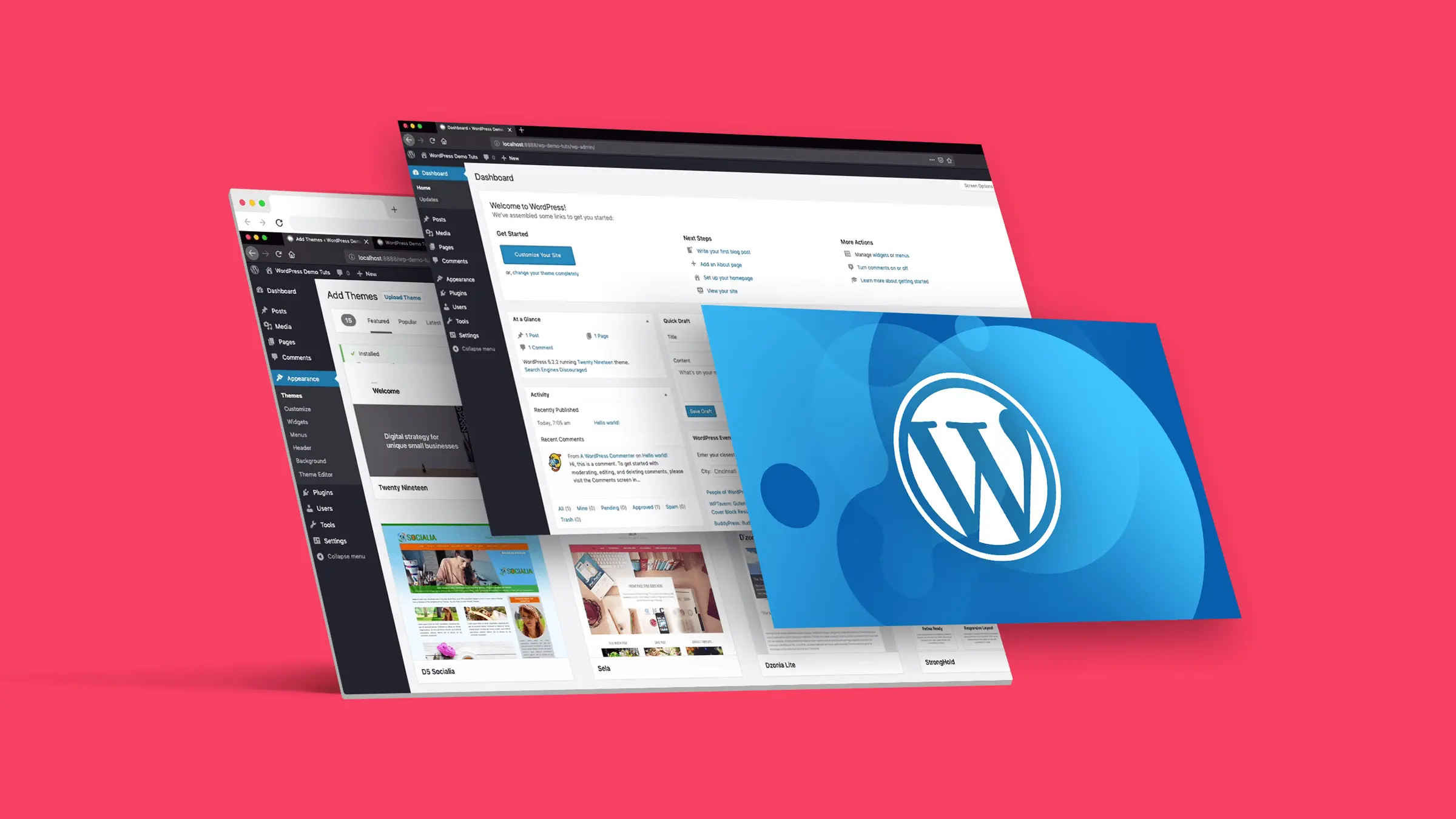





For users who regularly manage websites or write content, theWordPress s background editor is used almost every day. However, the default editing environment is occasionally not smooth enough in the process of using it. In this article, we will recommend three useful plug-ins to enhance the efficiency of editing, and at the same time, we will share some tips to optimize the operation of the editor to create a more comfortable writing and management environment.
![Image[1]-Enhance the efficiency of WordPress editing three plugin recommendations and optimization techniques](https://www.361sale.com/wp-content/uploads/2025/07/20250723141924543-image.png)
First, why optimize the WordPress editing experience?
- Improvement of writing efficiency: A more intuitive typography and visual interface for faster content creation.
- Reduce background lag: The right plugin can improve editor loading speed.
- Enhanced editing features: Replace tedious manual operations with shortcuts, template libraries, drag-and-drop editing, and more.
- More flexible typographic control: Avoidance of the risk of Gutenberg(Block Editor) Limited functionality and multiple adjustments.
Second, 3 recommended efficiency plug-ins
1. Classic Editor
![Image [2]-Enhance the efficiency of WordPress editing three plugin recommendations and optimization techniques](https://www.361sale.com/wp-content/uploads/2025/07/20250723142606797-image.png)
population (esp. of a group of people): Pursuing a clean writing experience or needing to be compatible with old plugins
Features:
- Retain the traditional editor interface and avoid the complex block manipulation brought by Gutenberg.
- The interface loads quickly and is especially suited for writing plain text or simply typeset articles.
- Flexible management of editor settings in the background.
Recommended Reason: Not adapting to Gutenberg's block logic.Classic Editor It is preferred, officially maintained and stable.
2. Elementor (visual page builder)
![Image [3] - Three plugin recommendations and optimization tips to improve WordPress editing efficiency](https://www.361sale.com/wp-content/uploads/2025/07/20250722151300573-image.png)
population (esp. of a group of people): Need for visual layout and diverse modules
Features:
- Visual drag-and-drop editing experience.
- Provides a wealth of templates and widgets for quickly building high-quality pages.
- support sth. that relates to WooCommerce Seamless integration of e-commerce plugins such as
Recommended Reason: Elementor makes it easy for non-technical users to complete complex page layouts more efficiently than the default editor.
3. Block Visibility
![Image [4] - Three plugin recommendations and optimization tips to improve WordPress editing efficiency](https://www.361sale.com/wp-content/uploads/2025/07/20250723184442186-image.png)
Type: Block display control plugin (for Gutenberg editor)
Applicable Population: utilization Gutenberg of users who want to improve the efficiency and flexibility of block editing
Plugin Features:
- Control block display by user role, login status, device type
- Supports timed display/hiding of content (e.g. time-limited events)
- The interface is integrated into the block editor for an easy to use, seamless experience
Recommended Reason:
Block Visibility dramatically increases Gutenberg's control and flexibility, enabling intelligent typography and content management without the use of additional builders.
three. extra tips for optimizing the WordPress editorial experience
- Disable unnecessary blocks or plugins: Reduce the number of JS and CSS files loaded in the background.
- Turn on auto-save and version control: It prevents content loss and improves writing security.
- Use shortcuts wisely: The WordPress editor supports common shortcuts such as Ctrl+B (bolding) and Ctrl+K (inserting links).
- Optimize the backend with caching plugins: Using LiteSpeed Cache,WP Rocket Improve overall smoothness.
IV. Summary
Enhancing the WordPress editing experience is not just about writing faster, it can save a lot of time in the layout and publishing process. Like Classic Editor,Elementor and Block Visibility plugins, content blogs, and managed product pages can be paired as needed for an efficient and smooth editorial mix.

Link to this article:https://www.361sale.com/en/69558The article is copyrighted and must be reproduced with attribution.












![Emoji[wozuimei]-Photonflux.com | Professional WordPress repair service, worldwide, rapid response](https://www.361sale.com/wp-content/themes/zibll/img/smilies/wozuimei.gif)

![Emoticon[baoquan] - Photon Wave Network | Professional WordPress Repair Services, Worldwide Coverage, Rapid Response](https://www.361sale.com/wp-content/themes/zibll/img/smilies/baoquan.gif)


 简体中文
简体中文  English
  日本語
日本語  Français
  Español


No comments