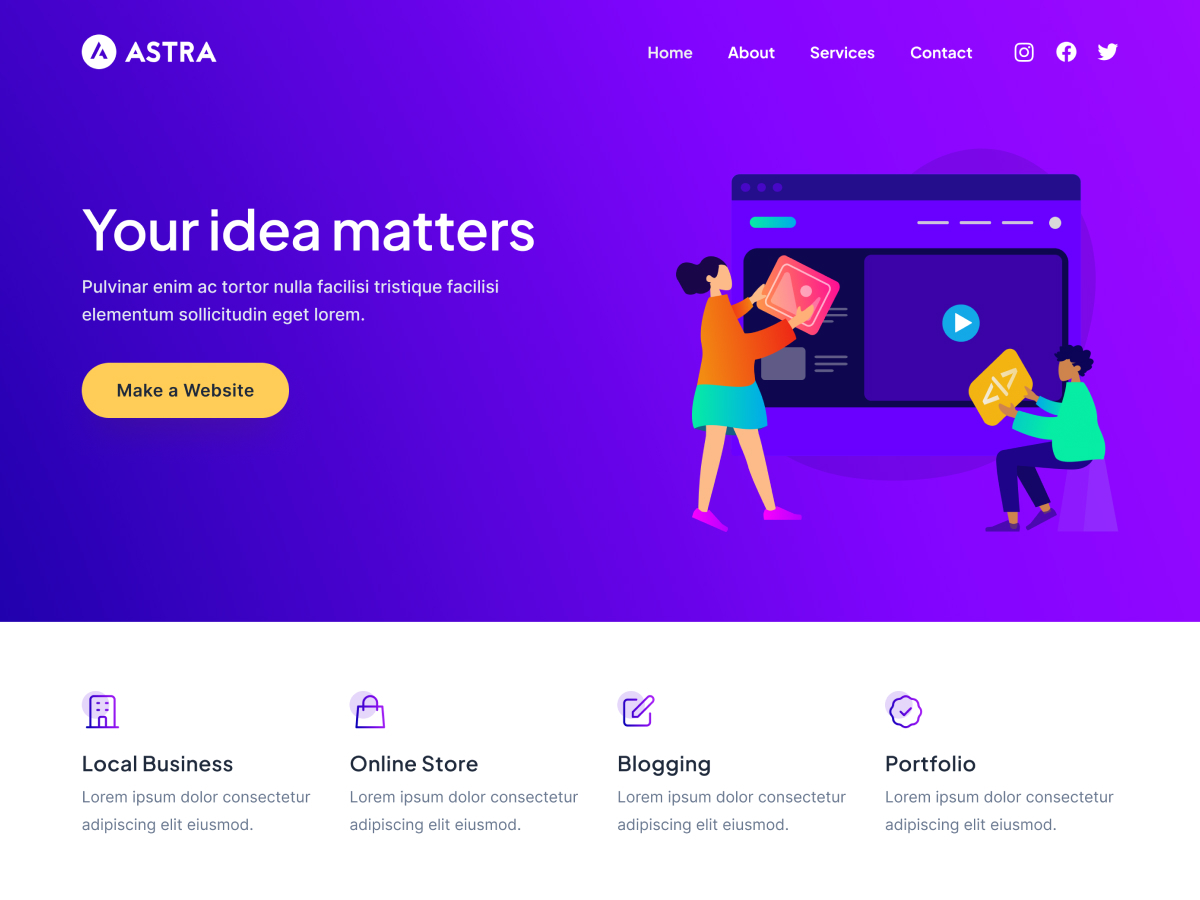





To make the page look more professional and branded, the header (Header) and footer (Footer) must not be ignored. The whole process of setting up the header and footer is done without using a single bit of code. In this article, you can easily design the header and footer layouts that meet your website's needs with the customization tools built into the Astra theme.
![Image[1]-Don't Neglect the Header and Footer Again! 90% Website Professional Feeling are Failed in this Step!](https://www.361sale.com/wp-content/uploads/2025/07/20250730155907241-image.png)
I. Why customize the header and footer?
The header and footer, although unassuming, are key positions that enhance the professionalism and user experience of your website:
- The header is the first impression of the brand and is often used to display logos, menus, contact information, etc;
- Footers usually contain copyright information, quick links, social icons, or subscription forms;
- The customized structure is more in line with the brand's tone and helps to SEO and conversion rate increase.
Second, the use of Astra comes with a "customizer" to edit the header and footer (recommended method)
Astra provides a powerfulVisual CustomizerThe following is a list of the most popular features that are available to the vast majority of users.
1. Open the customizer
go into WordPress Backstage:
Click in order:Appearance > Customization
![Image [2]-Don't Neglect the Header and Footer Again! 90% Website Professional Feeling are Failed in this Step!](https://www.361sale.com/wp-content/uploads/2025/07/20250731152331379-image.png)
2. Customization of the header (Header)
In the customizer, click "footer"Module.
Three areas can be seen:
- Site Title & Logo
- Primary Menu
- Social
![Image [3]-Don't Neglect the Header and Footer! 90% Website Professional Feeling are Failed in this Step!](https://www.361sale.com/wp-content/uploads/2025/07/20250731153434621-image.png)
Customizable content:
- Upload Website Logo
- Setting up the main menu
- Add social icons
![Image [4]-Don't Neglect the Header and Footer Again! 90% Website Professional Feeling are Failed in this Step!](https://www.361sale.com/wp-content/uploads/2025/07/20250731153707242-image.png)
3. Customizing the footer (Footer)
Click "Footer" module into the editor, you can see the Astra theme's built-infooter builder(Footer Builder).
You can freely add modules and layout, footer is divided into multiple editable areas (rows and columns), each column can be inserted into one or more elements.
Insertable content includes:
- Copyright Information(Copyright)
- language switcher(Language Switcher)
- Social icon (Social)
- Widget area (Widget 1-4)
- Customize HTML, text and more
![Image [5]-Don't Neglect the Header and Footer Again! 90% Website Professional Feeling are Failed in this Step!](https://www.361sale.com/wp-content/uploads/2025/07/20250731155139606-image.png)
Actionable Content:
- drag-and-drop layout: Setting up single, double or triple column structures
![Image [6]-Don't Neglect the Header and Footer Again! 90% Website Professional Feeling are Failed in this Step!](https://www.361sale.com/wp-content/uploads/2025/07/20250731155518998-image.png)
- responsive layout: Desktop, tablet and mobile display adaption
![Image [7]-Don't Neglect the Header and Footer Again! 90% Website Professionalism Failed in This Step!](https://www.361sale.com/wp-content/uploads/2025/07/20250731155558907-image.png)
III. Frequently asked questions
Verify that the Menus module is associated with the correct menu (Appearance > Menus) and check that the Responsive Design settings are enabled.
Astra Some templates are in English by default, just enter the footer bar to modify the corresponding text; Theme language packs can be changed through the Loco Translate Plugin Translation.
It is recommended to enable Astra's "Mobile Menu Styles" and make special layout adjustments through the customizer to ensure that the buttons are properly sized, colored, and spaced.
IV. Conclusion
Headers and footers, while unassuming, are key to enhancing the professional feel and user experience of your website. Use Astra Self-contained features to quickly set up Logos, menus, social icons and more create a professional website structure with a uniform look and functionality.

Link to this article:https://www.361sale.com/en/71871The article is copyrighted and must be reproduced with attribution.












![Emoji[wozuimei]-Photonflux.com | Professional WordPress repair service, worldwide, rapid response](https://www.361sale.com/wp-content/themes/zibll/img/smilies/wozuimei.gif)

![Emoticon[baoquan] - Photon Wave Network | Professional WordPress Repair Services, Worldwide Coverage, Rapid Response](https://www.361sale.com/wp-content/themes/zibll/img/smilies/baoquan.gif)


 简体中文
简体中文  English
  日本語
日本語  Français
  Español


No comments