





Within the WordPress ecosystem, plugin and theme conflicts are a leading cause of500 errorThe primary reason. Data shows that over 431 TP3TWordPressThe website previously encountered 500 errors due to plugin or theme issues, with 281 instances resulting in over six hours of downtime. Further analysis revealed that 651 of these conflicts occurred within 24 hours of plugin updates, and each affected site required disabling an average of 3.2 plugins to restore normal operation.
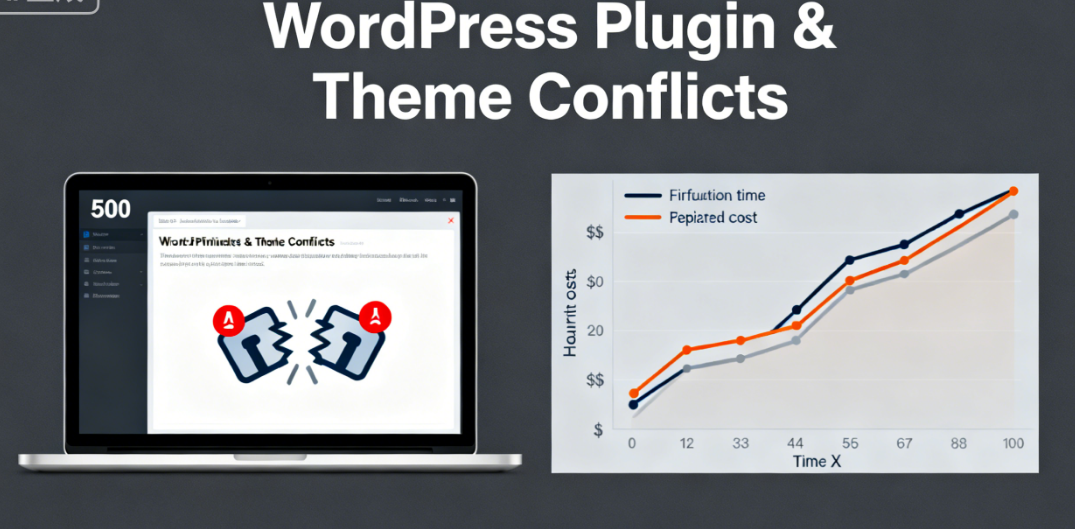
It is concerning that approximately 351 website administrators are unable to resolve such issues independently and require professional technical support, with an average repair cost per incident reaching $320.
I. Analysis of the Underlying Mechanism of Plugin Conflicts
WordPress's plugin architecture allows code to deeply integrate with core functionality. While this openness brings convenience, it also creates potential for conflicts.
PHP fatal errorDirectly causes service interruptions. When two plugins define functions with the same name, duplicate function errors occur. Plugins modifying core WordPress hooks may disrupt the normal operation of other plugins. Memory allocation conflicts can cause PHP processes to terminate unexpectedly.
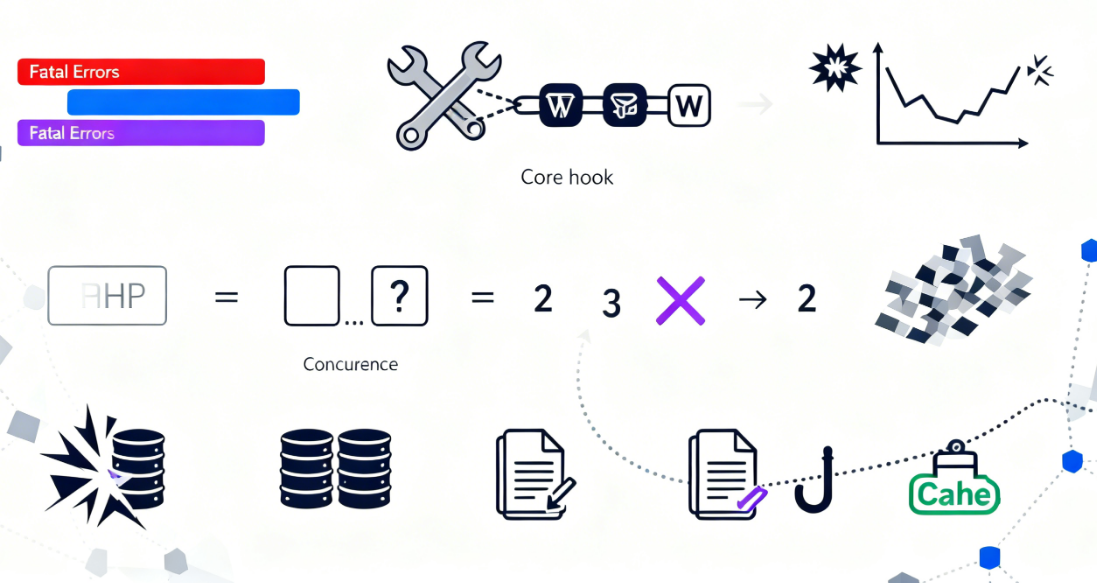
Missing dependencies trigger a chain reaction. The PHP extension required by the plugin is not installed, the WordPress version needed by the theme is incompatible, and the necessary call sequence between plugins is incorrect. These dependency issues erupted en masse after the update.
Resource contention causes system crashes. Multiple plugins simultaneously operate on database tables, plugins and themes compete for template loading privileges, and caching plugins and functionality plugins handle the same hooks. Resource contention becomes particularly pronounced during peak traffic periods.
II. Professional Procedures for Emergency Recovery
When a website encounters a 500 error,Restoring access quickly is the top priority.File system operations can bypass the problematic component.
FTP clientDirect file access is available via SSH. Connect to the server using tools like FileZilla and navigate to the wp-content/plugins directory. Rename the folder of the suspected plugin, for example by appending ".disable" to the folder name. This action will immediately disable the plugin.
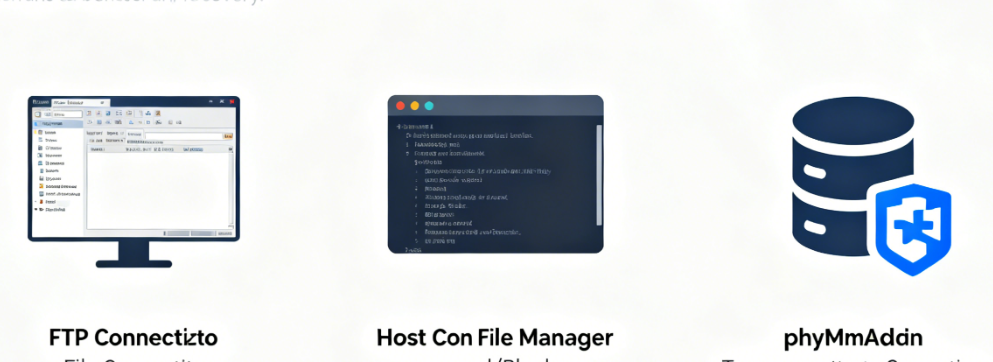
The file manager in the hosting control panel offers an alternative solution. Locate the website root directory within cPanel or Plesk, then navigate into the plugin folder step by step. Right-click the plugin folder, select the rename function, and add a disabling marker.This method does not require any additional software.
Temporary database fixes serve as supplementary measures. Access the website database via phpMyAdmin and modify the wp_options table to:templateChange the value of the stylesheet to twenty24. This action forces a switch to the default theme.
III. A Systematic Approach to Conflict Detection
After resolving the issue, it is essential to accurately identify the source of the conflict. A systematic detection process ensures the problem is completely resolved.
Use the process of elimination to pinpoint problematic plugins. Re-enable only one plugin at a time to test the website's functionality. If the issue reappears after activating a specific plugin, immediately identify the source of the conflict. This process requires patience but yields precise results.
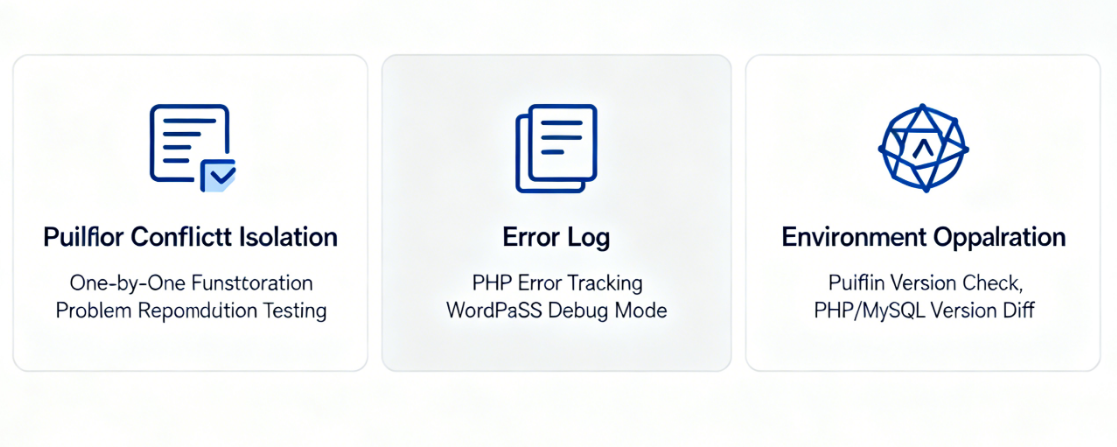
Error log analysis provides technical evidence. Review the server's error_log file to locate PHP error messages. Utilize WordPress debug mode toWP_DEBUGSet to true to record detailed error information. These logs indicate the specific location of conflicts.
Identify differences by comparing environments. Compare plugin versions between test and production environments, review the list of recently updated plugins, and verify PHP and MySQL version discrepancies. Environmental analysis helps prevent similar issues.
IV. Best Practices for Conflict Prevention
Establish standardized plugin management procedures to minimize the risk of conflicts. Preventive measures are more important than fixing issues after they occur.
Thorough testing before updates prevents incidents in production environments. First update plugins on the test site to verify core functionality operates normally and check browser consoles for error messages. Only proceed with updating the production site after confirming everything is in order.
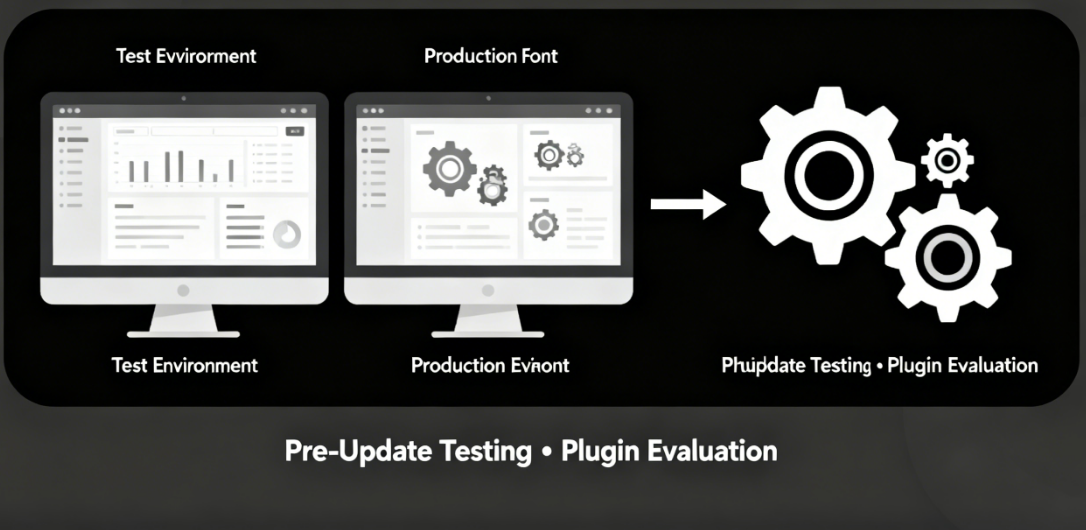
Carefully evaluate plugin selections to minimize potential risks. Review update frequency and user ratings, test compatibility with your current theme, and verify resource usage. Choose plugins from reliable sources.
Enhancing the monitoring system enables early warning capabilities. Install website monitoring tools to detect availability, configure automatic error log monitoring, and establish performance baselines to track anomalies. Proactive monitoring detects early signs of issues.
V. Advanced Troubleshooting Techniques
Complex conflict scenarios demand more specialized solutions. These techniques address problems that ordinary methods struggle to resolve.
Adjusting memory limits resolves resource conflicts. Increase memory limit settings in wp-config.php by raising WP_MEMORY_LIMIT to 256M and setting WP_MAX_MEMORY_LIMIT to 512M. Adequate resources prevent conflicts caused by insufficient memory.
Code conflict analysis pinpoints specific issues. Scan plugin code using PHP compatibility checkers, perform step-by-step debugging with Xdebug, and analyze database queries using Query Monitor. Code-level analysis identifies the root cause of conflicts.
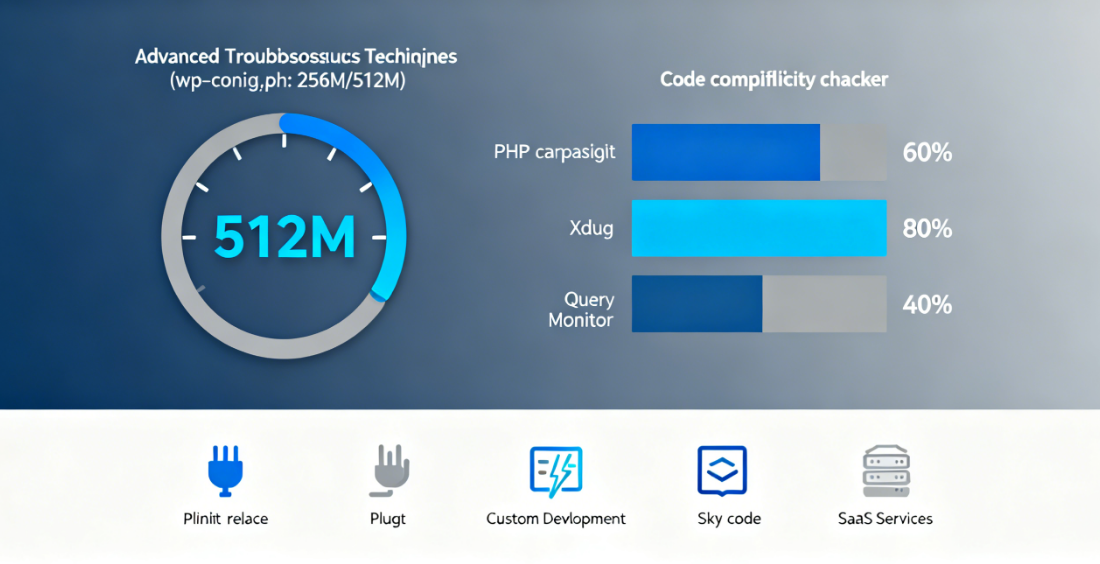
Implementing alternatives ensures business continuity. Seek functionally similar replacement plugins, consider custom development for specific features, and use SaaS services to replace local plugins. Flexible solutions guarantee website uptime.
WordPress plugin conflicts are common, but they can be effectively managed and prevented through systematic approaches and specialized tools. Establishing standardized plugin management processes, implementing necessary monitoring measures, and mastering troubleshooting skills collectively build a stable WordPress operating environment. While enjoying the convenience plugins provide, ensure your website operates reliably and consistently.

Link to this article:https://www.361sale.com/en/81608/The article is copyrighted and must be reproduced with attribution.














![表情[wozuimei]-光子波动网 | WordPress教程、Elementor教程与故障修复](https://www.361sale.com/wp-content/themes/zibll/img/smilies/wozuimei.gif)

![表情[baoquan]-光子波动网 | WordPress教程、Elementor教程与故障修复](https://www.361sale.com/wp-content/themes/zibll/img/smilies/baoquan.gif)





No comments