





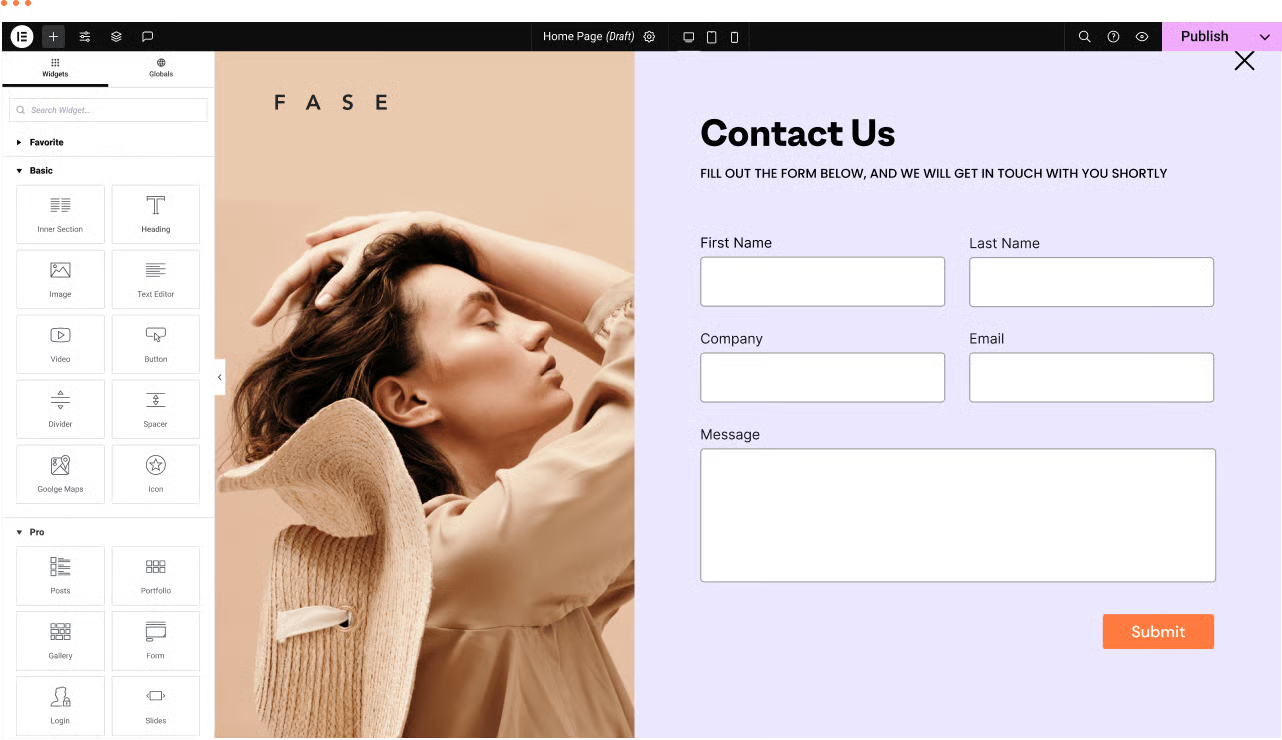
For many website operators, visitors leaving contact information is only the first step. If you are still using the "copy and paste" method to fill out the form with the customer's email address, then it is too inefficient. Instead, you can WordPress FormsPlug-ins with Mailchimp This email tool connects and enables true automation of your business.
![Image [1] - Independent station growth must see: WordPress forms and Mailchimp automation integration practical guide](https://www.361sale.com/wp-content/uploads/2026/03/20260311102514847-image.png)
Why is this integration standard for standalone stations?
Many websites are in their infancy and may only receive a few inquiries per day. It seems fine to handle them manually at this point. But as traffic increases, missing customer information happens more often.
Real-time lead capture
When a visitor clicks "submit" on your form, their information should appear on your mailing list instantly. This immediacy is critical. Customers will be much more impressed with your brand if you can send a welcome email before they even close the page. This automated process not only saves you energy, but it also makes your customers feel professional.
Ensure data accuracy
There will always be mistakes made in manually moving data, such as mistyping a letter, and that prospect is lost forever. Programmed integration eliminates this human error. The system automatically aligns names, emails and phone numbers. This data synchronization is the basis for subsequent precision marketing, which keeps your database always up-to-date.
![Image [2] - Independent station growth must see: WordPress forms and Mailchimp automation integration practical guide](https://www.361sale.com/wp-content/uploads/2026/03/20260311102528724-image.png)
Core operations: how to bridge forms and email tools?
Although there are many plug-ins on the market, their operating logic is basically the same. We don't need to be technical experts, we just need to master a few key nodes.
Step 1: Obtain an API key as a "passkey".
You can think of an API key as a key. You need to log in to the Mailchimp In the backend, this string of code is generated in the account settings. What this string of code does is tell Mailchimp, "I am this WordPress Site owner, please allow my plugin to pass over the data."
![Image [3] - Independent station growth must see: WordPress forms and Mailchimp automation integration practical guide](https://www.361sale.com/wp-content/uploads/2026/03/20260311102748415-image.png)
Step 2: Accurate mapping of mapped fields
This is the most overlooked step. In the backend of the plugin, you need to manually tell the system that the "Name" box in the form corresponds to the "First Name" in Mailchimp. If the fields don't match, the data collected will be a mess. This "peer-to-peer" setup only needs to be done once, and then all the information will be in its place.
Step 3: Turn on double subscription verification
To prevent spam attacks, I recommend turning on double subscription. This means that visitors receive a confirmation email after submitting a form. Only if they click on the confirmation will they be officially added to your list. It's an extra step, but it ensures that your mailing list is full of high-quality, real-life subscribers.
![Image [4] - Independent station growth must see: WordPress forms and Mailchimp automation integration practical guide](https://www.361sale.com/wp-content/uploads/2026/03/20260311102538642-image.png)
Advanced Tips: Make Your Marketing Smarter
Simply collecting mailboxes is just the basics. If you want higher conversion rates, try some more advanced ways to play.
Segmentation using conditional logic
Not all visitors want the same things. You can "tag" visitors differently based on the interests they check off in the form. For example, a visitor who checks "luxury goods" should go into a different email sequence than one who checks "FMCG". This fine-grained categorization will increase your email open rate dramatically.
Automatically triggered welcome email series
Once the integration is complete, there is nothing more exciting than setting up an autoresponder. You can preset a set of emails: a welcome email on day one, a coupon on day three, and a product review on day seven. Once the form is submitted, the process will run automatically. It's the equivalent of hiring a salesperson on call 24 hours a day.
![Image [5] - Independent station growth must see: WordPress forms and Mailchimp automation integration practical guide](https://www.361sale.com/wp-content/uploads/2026/03/20260311102552669-image.png)
summarize
commander-in-chief (military) WordPress together withMail ToolsThe combination is essentially installing an "automated growth engine" for your website. It turns a boring administrative task into an efficient marketing process. Whether you run a personal blog or a complex e-commerce platform, this setup will help you retain those hard-earned visitors.

Link to this article:https://www.361sale.com/en/87278The article is copyrighted and must be reproduced with attribution.



















![Emoji[wozuimei]-Photonflux.com | Professional WordPress repair service, worldwide, rapid response](https://www.361sale.com/wp-content/themes/zibll/img/smilies/wozuimei.gif)

![Emoticon[baoquan] - Photon Wave Network | Professional WordPress Repair Services, Worldwide Coverage, Rapid Response](https://www.361sale.com/wp-content/themes/zibll/img/smilies/baoquan.gif)


 简体中文
简体中文  English
  日本語
日本語  Français
  Español


No comments