







想找一款带未来感、适合做游戏标题或科技海报的英文字体?Aliensy Font 是一个很适合收藏的选择。很多用户搜索 “aliensy font download” 时,并不只是想要一个下载按钮,更想知道它到底是什么风格、适合用在哪里、免费版能不能商用,以及下载后如何放到 WordPress 或 Elementor 页面里使用。本文会按真实设计使用流程,把 Aliensy Font 的字体特征、适用场景、下载方式和授权注意事项整理清楚,方便你在下载前先判断它是否适合项目。
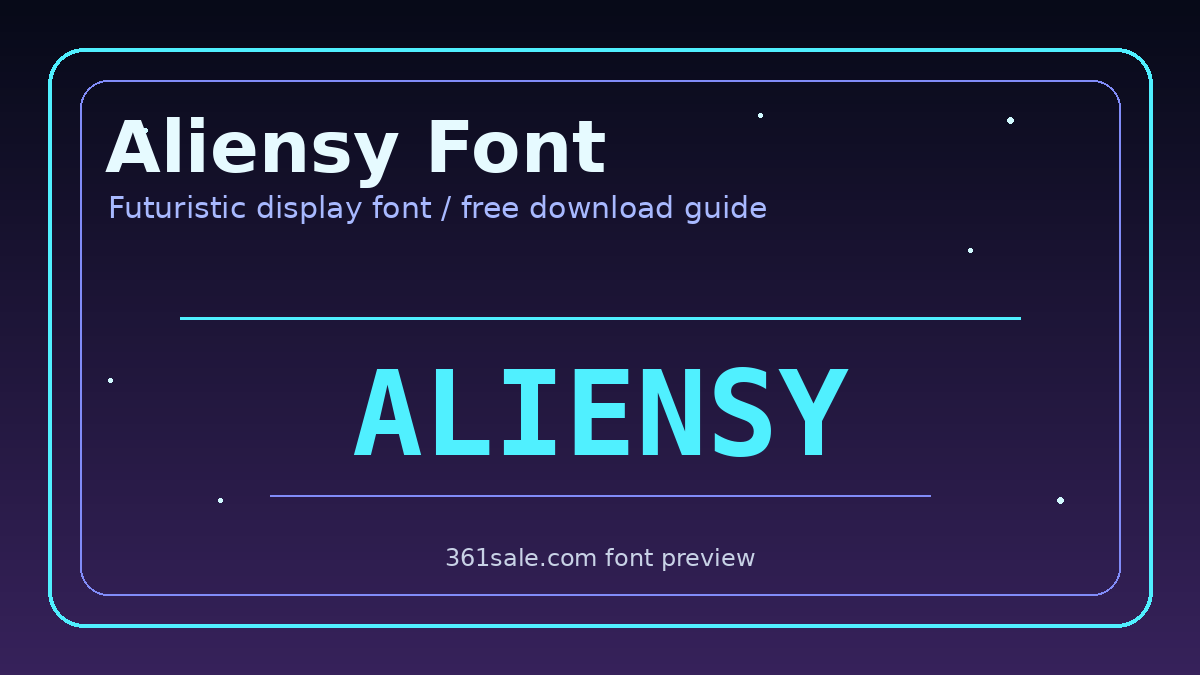
Aliensy Font 是什么风格?
Aliensy Font 从名字和视觉气质上看,属于未来感展示字体,也可以归到 sci-fi display font、decorative font 这类范围。它不是为长正文准备的阅读字体,而是为了在短标题中制造识别度:字形更硬朗,线条更像游戏界面、太空海报、机甲视觉或科技品牌常用的标题字。
这类字体最大的价值,是在第一眼建立氛围。普通无衬线字体强调清晰和通用,而 Aliensy Font 更强调“未来、探索、未知、速度、数字感”。如果你的画面主题和游戏、科幻、AI、Web3、电子音乐、科技活动、虚拟产品有关,它会比常规字体更容易把用户带入场景。
字体特征:Aliensy Font 为什么适合做标题
- 未来感强:字形气质偏科幻,适合太空、游戏、科技、机甲等视觉主题。
- 装饰性明显:更适合主标题、Logo 草案和海报大字,不建议用在正文段落。
- 识别度高:短词放大后很容易形成记忆点,适合做封面标题。
- 氛围统一:搭配深色背景、霓虹蓝、紫色、银灰色时,整体效果更完整。
- 需要控制字数:标题越短越有力量,长句会降低可读性。
使用 Aliensy Font 时,建议把它当作“视觉主角”而不是“全站字体”。例如一个落地页的 Hero 区标题、一张 YouTube 或短视频封面、一张活动主视觉海报,都可以让它发挥作用;但导航菜单、按钮、价格、产品描述这些信息型文字,最好继续使用 Inter、Poppins、Montserrat 或系统字体。
适用场景:哪些项目最适合 Aliensy Font
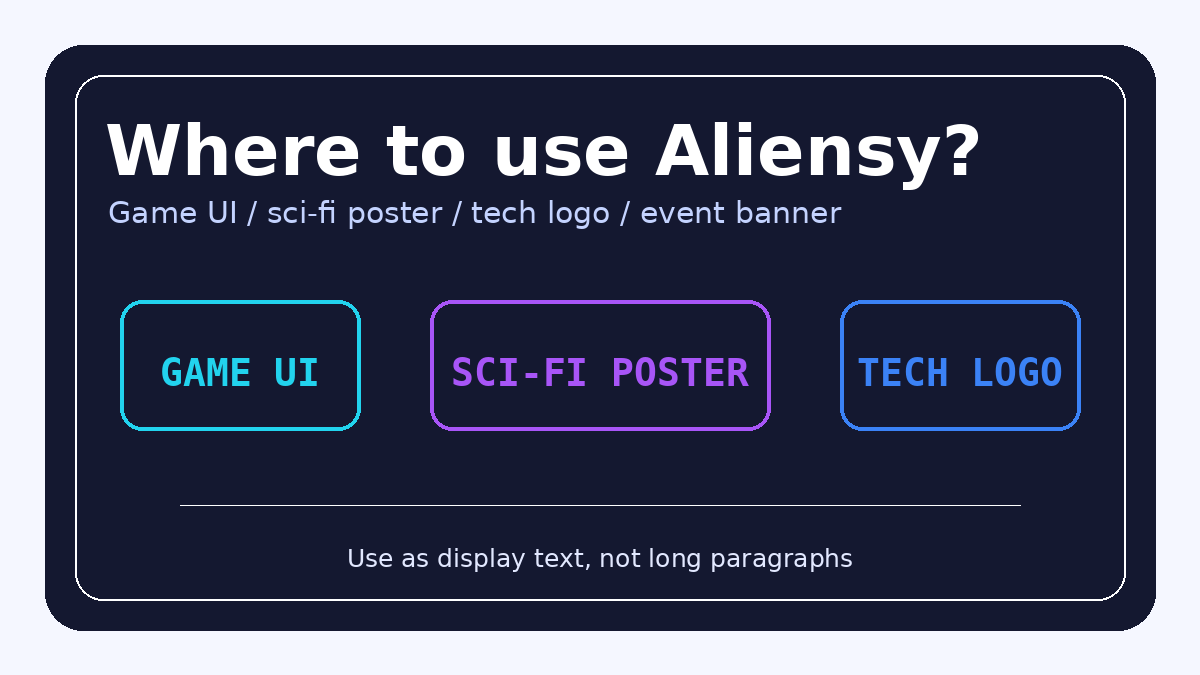
1. 游戏 UI、游戏 Logo 和电竞海报
Aliensy Font 的科幻感很适合游戏类视觉,尤其是太空探索、射击、赛博朋克、机甲、策略和科幻冒险主题。它可以用在游戏标题、章节标题、活动海报、赛事宣传图或 UI 面板中的短文字。但要注意,游戏界面里的说明、数值和按钮文案仍然要保证可读性,不要把所有文字都换成装饰字体。
2. 科技活动页和新品发布海报
如果你正在制作 AI 工具发布、SaaS 新功能上线、科技峰会、黑客松、电子音乐派对或虚拟展览的宣传图,Aliensy Font 能快速制造科技氛围。它与深色渐变背景、网格线、发光边框、星空元素和玻璃拟态卡片都比较搭。
3. Logo 草案、频道封面和社媒视觉
很多设计师会先用这类字体做 Logo 草案,帮助客户快速看到品牌方向。Aliensy Font 适合科技频道、游戏频道、科幻播客、数字艺术社群、NFT/虚拟产品项目等。正式商用前仍要确认授权,尤其是 Logo、商标注册和商品周边这类用途,不能只凭“免费下载”就直接交付。
4. WordPress / Elementor 页面局部标题
在 WordPress 网站中,Aliensy Font 更适合放在局部装饰标题里,比如活动页首屏、产品发布页、下载页 Banner 或专题页标题。如果你使用 Elementor,可以把它设置为某个标题组件的自定义字体,而不是全站字体。关于 Elementor 字体管理,可以继续参考 Elementor 全局字体设置教程The
Aliensy Font 下载方式
下载 Aliensy Font 时,可以搜索 “Aliensy Font free download” 或进入提供字体详情页的资源站查看。常见页面会包含字体预览、作者/工作室信息、文件格式、更新时间、下载按钮和授权说明。有些页面会跳转到 Creative Fabrica 等字体市场,这类平台通常会提供更完整的授权说明和购买记录。
- 在字体资源站或字体市场搜索 Aliensy Font,进入字体详情页。
- 先查看预览图,确认字形是否符合你的项目风格。
- 检查下载包格式,常见为 TTF、OTF,有时也会提供 Webfont。
- 重点阅读 license、readme 或页面授权说明,区分个人免费和商业授权。
- 下载后保留原始压缩包、授权文件、订单截图或购买记录,方便后续项目归档。
如果某个站点只提供下载按钮,却没有作者、授权范围和来源说明,建议谨慎使用。字体文件本身能安装,不代表它可以安全用于商业网站、客户海报或商品包装。
授权提醒:免费字体不等于随便商用
免费字体最容易踩坑的地方就是授权。很多字体页面会写 “Free for personal use”,意思是个人学习、练习、非商业展示可以用,但公司官网、广告素材、客户项目、Logo、包装、App、游戏发行、视频商业内容等都可能需要商业授权。Aliensy Font 也应按同样原则处理:下载前先看许可,商业使用前尽量购买授权或联系作者确认。
如果你只是做个人作品集练习,风险相对较低;如果要放在 WooCommerce 商店、品牌官网、付费广告、商品封面或客户交付文件中,建议把字体授权当作项目素材的一部分管理。尤其是 Logo 和商标用途,普通商业授权也未必包含商标注册权,需要额外确认。
在 WordPress 网站中如何使用 Aliensy Font
如果授权允许网页嵌入,推荐把字体转换为 WOFF2 后本地托管,再通过 CSS 引入。这样比直接调用第三方字体文件更稳定,也更利于速度优化。CSS 中可以使用 @font-face incorporate font-display: swap;,只给指定标题类名加载 Aliensy Font,避免全站每个页面都加载不必要的字体文件。
字体文件会影响页面性能,尤其是移动端。如果你的 WordPress 网站已经加载了多套字体,再额外加入装饰字体,可能会增加首屏渲染时间。建议只在需要的页面加载,或使用 Elementor 的自定义字体功能按需调用。关于字体加载速度,可以继续看 WordPress 字体加载慢怎么办?本地字体、font-display 和预加载这样配The
设计搭配建议
- Aliensy Font + Inter:适合科技官网、SaaS 发布页和产品介绍页。
- Aliensy Font + Montserrat:适合活动海报、游戏封面和视觉标题。
- Aliensy Font + Poppins:适合年轻化科技品牌、AI 工具页和社媒图。
- Aliensy Font + Noto Sans:适合中英文混排页面,中文部分保持清晰。
颜色方面,Aliensy Font 很适合搭配深蓝、黑紫、银灰、霓虹青、电子蓝和荧光紫。背景可以使用渐变、星空、网格或发光边框,但不要让背景细节过多,否则会和字体本身的装饰性相互抢戏。
common problems
Aliensy Font 可以免费商用吗?
要以下载页面和字体包中的授权文件为准。很多字体提供个人免费版本,商业用途需要购买授权或联系作者确认。
Aliensy Font 有中文吗?
它主要是英文字体,通常不包含完整中文字符。中文标题建议搭配授权清晰的中文黑体或思源黑体类字体,保持可读性。
为什么安装后和预览图不完全一样?
可能是预览图加入了描边、发光、阴影、字距调整或 OpenType 替代字符。安装字体后,可以在设计软件中调整字距、描边和效果,让它更接近海报预览。
总结:Aliensy Font 值得下载吗?
如果你的项目需要一款科幻、未来感、适合短标题的英文展示字体,Aliensy Font 值得下载试用。它适合游戏 UI、电竞海报、科技活动页、AI 产品发布、频道封面和 WordPress 局部标题;不适合正文、菜单和大段说明。下载前重点确认授权,商用前保留许可证明,这样才能既做出氛围,也避免后续版权风险。
延伸阅读

Link to this article:https://www.361sale.com/en/87756/The article is copyrighted and must be reproduced with attribution.






 简体中文
简体中文  English
  日本語
日本語  Français
  Español


0
Now definitely still do SEO, just play changed. Previously rely on heaps of content, heaps of keywords can have traffic, and now pay more attention to the quality of content + brand trust + user experience. In addition to relying solely on SEO is actually more and more difficult, a lot of good basically SEO + social media + content marketing + private domain conversion to do together. SEO is still a long-term customer acquisition channel, but can no longer be taken as the only channel.Hehe is working.
March 11, 10:540
Normal, included only on behalf of Google to see the page, does not mean that the ranking immediately, "has been included but not ranked" usually because: Keyword competition, page weight is low, the content is not strong enough, the page is relatively new. Continue to optimize the long-tail keywords, content quality and internal chain, usually takes a little time, the ranking will slowly come out!Amelia Foster March 6, 16:200
Do you have a screenshot?lit. even a son who is not a fish knows the joy of fish March 6, 09:230
Don't pile on the optimization plugins first, locate the bottlenecks first: Use Query Monitor to see slow SQL, slow hooks. Pause all plugins for comparison, then turn them on one by one. Check autoload is too big (options table). Check database indexes with large table queries. Tackle host/database performance first if server TTFB is high.Hehe is working.
March 3, 16:470
Hi Windjammer, there's really no need to mess with complicated local environments, regular people follow these steps and the update basically won't crash the site 👇 First, backup the whole site, files + database are prepared, this is the bottom line, out of the problem can be a key to go back. Don't change the whole thing in one click, change it in batches, change the unimportant plug-ins first, and then change the core ones. Immediately after the update, clear the cache, go to the foreground to check the home page, article page, buttons, forms, these key positions. It is best to install a plug-in that supports version rollback, in case of a crash, cut back to the old version in a second. To summarize: backup first, change in batches, check after changing, leave a way back, stable ✅😎 Hope this helps!bugbang March 2, 09:550
Usually it's not that the payment didn't work, but that the callback (webhook) didn't write back the order status. Troubleshooting steps: WooCommerce → Status → Logs: see if the payment gateway has webhook error / signature error / timeout Check if the site is blocked by WAF (Cloudflare, Pagoda Firewall, security plugins) Check if "Cache checkout pages/interface paths" is enabled (checkout pages and callback interfaces should not be cached) Look at the server error logs for 500/fatal errors that interrupt the callback execution. Solution: Release wp-json, wc-api, payment gateway callback URLs (configure as per gateway documentation) Disable cache and JS merge compression test on checkout page once If using Cloudflare: set no-challenge, no-block rules for callback URLsUlla Nala Zhenhuan (18嬛嬛嬛) January 31st, 09:360
1) Determine whether it is "Normal Waiting" or "Abnormally Stuck". You can first look at 3 signals: whether the page release time is within 7-14 days, whether there are only a small number of pages with this status, and whether the page has appeared in the XML Sitemap. If all three are satisfied, most likely belong to the normal crawling and evaluation stage, do not need to do it immediately. 2) Under what circumstances is it useless to "wait"? The following cases will not be solved automatically by time: the page has almost no internal links (isolated page), the content is highly similar to the existing pages on the site, canonical points to other URLs, and too many similar articles are published on the same topic for a short period of time. In this case, Google has been crawled, but judged that "it is not worth entering the index". 3) The most effective way of manual intervention (no tossing) Prioritize these 3 things: add internal links, link to the page from related old articles or columns, and enhance the density of information on the first screen. The first 2-3 paragraphs directly answer the user's question, avoid too much padding, confirm canonical as self-referential, avoid being judged as a duplicate page, and then go to GSC to request reindexing after doing so. 4) What "intervention actions" are counterproductive? It is not recommended: frequent deletion and reposting, clicking "request to index" several times in a row, forcing keywords to be stacked for indexing, changing URLs or titles arbitrarily. These operations will allow Google to reassess the stability of the page, but slow down the inclusion. 5) a practical judgment standard If an article: has been crawled, there is no noindex / robots problem, there are at least 1-2 related internal links, the content obviously solves an independent problem, then it is included, just a matter of time, not a plug-in problem.Post Porter January 30th 10:000
The new station does not do external links can be completely, the first content and station structure to do a good job more stable. Only rely on the content can generally get included and part of the long-tail word rankings, but the amount of high competition will be slow. It is recommended to wait for the site stable inclusion, 30-50 quality content, keywords began to enter the top 20/30, and then a small amount of external links, priority brand words/naked chain/citation type, do not come up to chase the number. 👍