






Making the Complicated Simple





WebP, PNG and JPEG: Choosing the Best Image Format for Your WordPress Website
Images can add life to the content and make the WordPress website more attractive and look less monotonous. However, choosing the right file format is important for performance. If images take a long time to load, then the website will not provide a good user experience. Next...
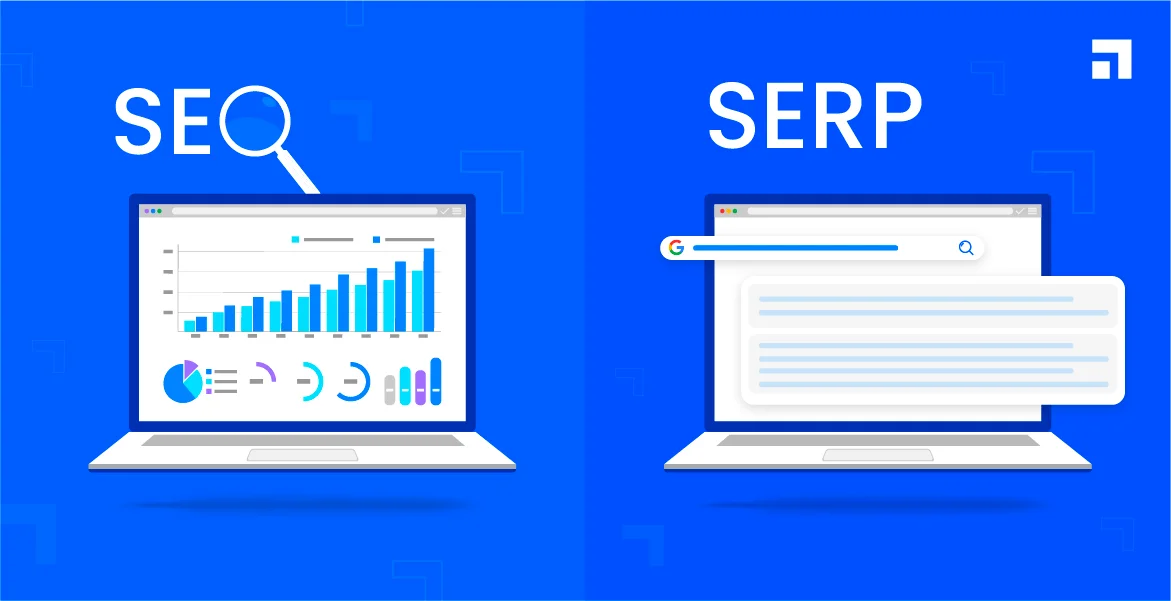
How to Optimize Your WordPress Website Title and Meta Description
Optimizing the title and meta description of your WordPress website is important for improving search engine rankings and attracting user clicks. Title and meta-description is the first user in the search engine results page (SERP) to see the content, directly affecting the click-through rate and site traffic. First, the title (Titl...

Elementor and WoodMart Theme: Exploring Powerful Modules and Features (07)
In the last installment, we detailed some of the basic features of both the free and paid versions of Elementor. In this installment, we'll focus on the powerful modular features of Elementor with the WoodMart theme. Whether you want to create sliders, photo galleries, price lists, or contact forms...

In-depth Analysis of Elementor Basic and Pro Paid Functionality: A Comprehensive Guide and Practical Tips (06)
In the previous installment, we covered the basic features of the Elementor editor in detail. Before we move on to the Pro paid version features, we need to understand one important general feature. These basic features are available to you as long as you have the regular version of the Elementor editor installed...

How to Submit Your WordPress Sitemaps to Bing
Submitting a sitemap is an important operation of search engine optimization (SEO), which can help search engines crawl and index website content more efficiently. In this article, we will detail how to submit WordPress sitemaps to Bing to ensure that website content can be Bing search...
What a blog post that is easily indexed by Google includes
Having high quality blog posts that are easily indexed by Google is essential for natural traffic to any website. Being indexed by Google not only improves the online visibility of your website, but also brings you more traffic and leads. However, creating such an easily indexed blog post...

Creating a Personalized Website: Advanced Use of the Elementor Editor and WoodMart Theme (05)
The last installment introduced a basic introduction to the Elementor editor paired with the WoodMart theme, and today we're going to dive into how to use the Elementor editor with the WoodMart theme for more advanced website design customization. Whether you're new to design or looking for a more refined layout...

How to Set SEO Friendly Fixed Links for WordPress Blog Posts
When creating a WordPress blog, setting up SEO-friendly permalinks is crucial for improving search engine rankings and enhancing user experience. Permanent links (Permalinks) are fixed URL structures, and by optimizing them, you can make the blog more attractive and easy to navigate. Receiving...

Gutenberg 18.8 has been released and is available for download!
Gutenberg 18.8 introduces many new features and enhancements and merges 217 PRs with 10 first-time contributors. With the release of WordPress 6.6, many contributors focused on fixing bugs, but there are still some significant additions in this release. Here are the details...

How to Bulk Compress Existing Images in WordPress
When managing a WordPress website, images are one of the most common resources. A large number of uncompressed images will not only take up server space, but also affect the loading speed of the website, which in turn affects user experience and SEO ranking. Therefore, batch compression of existing images is one of the ways to improve website performance...
Solving Common Problems in WordPress Multi-Domain Configuration
Multi-domain configuration is a powerful feature in WordPress that helps webmasters manage multiple domains in the same WordPress installation. This configuration is especially useful when managing multiple websites or sub-sites, and can greatly simplify website maintenance. However, multi-domain configuration...
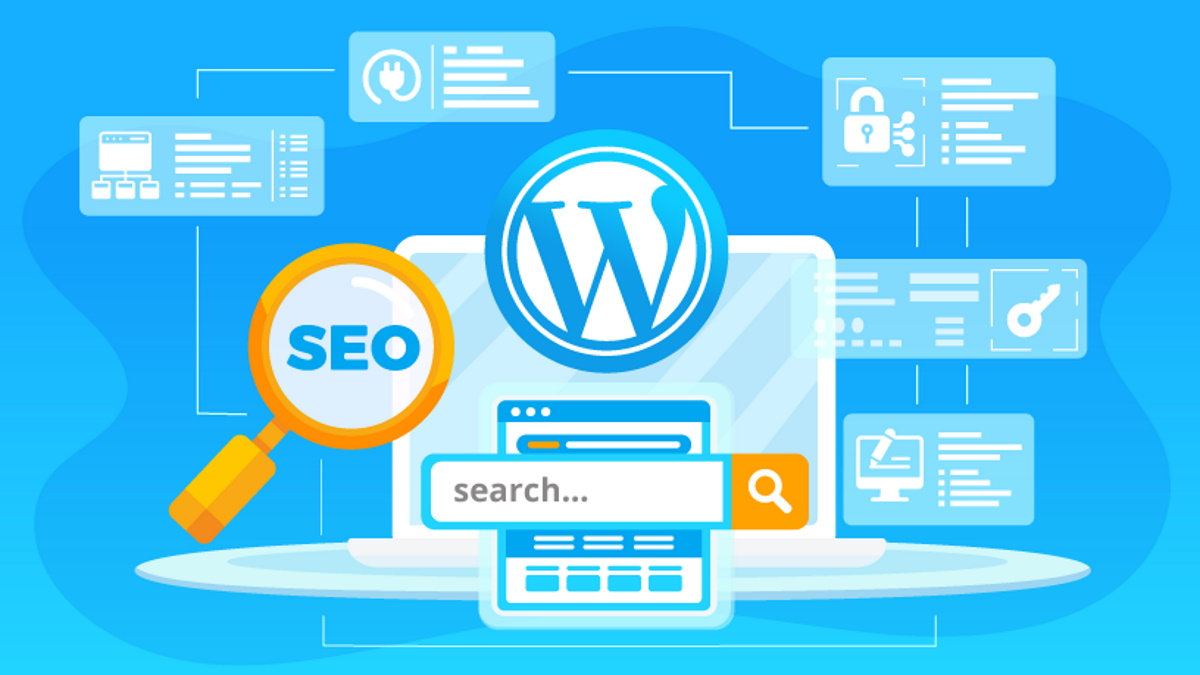
How to Optimize WordPress Website SEO with Google Search Console
Google Search Console (GSC) is a free tool that we often refer to as Google Webmaster. It is provided by Google and can be used to help webmasters monitor and optimize their websites. For those who use WordPress to build their websites, utilizing Google Search Console...

A Complete Guide to Resetting Your WordPress Password Using an Email Link
In the process of using WordPress, you will encounter the problem of forgetting your password. But it's not a big problem, there are many WordPress ways to reset your password. Let's take a look today at an easy and secure way WordPress offers to reset your password - through an email link. Let's move along to...
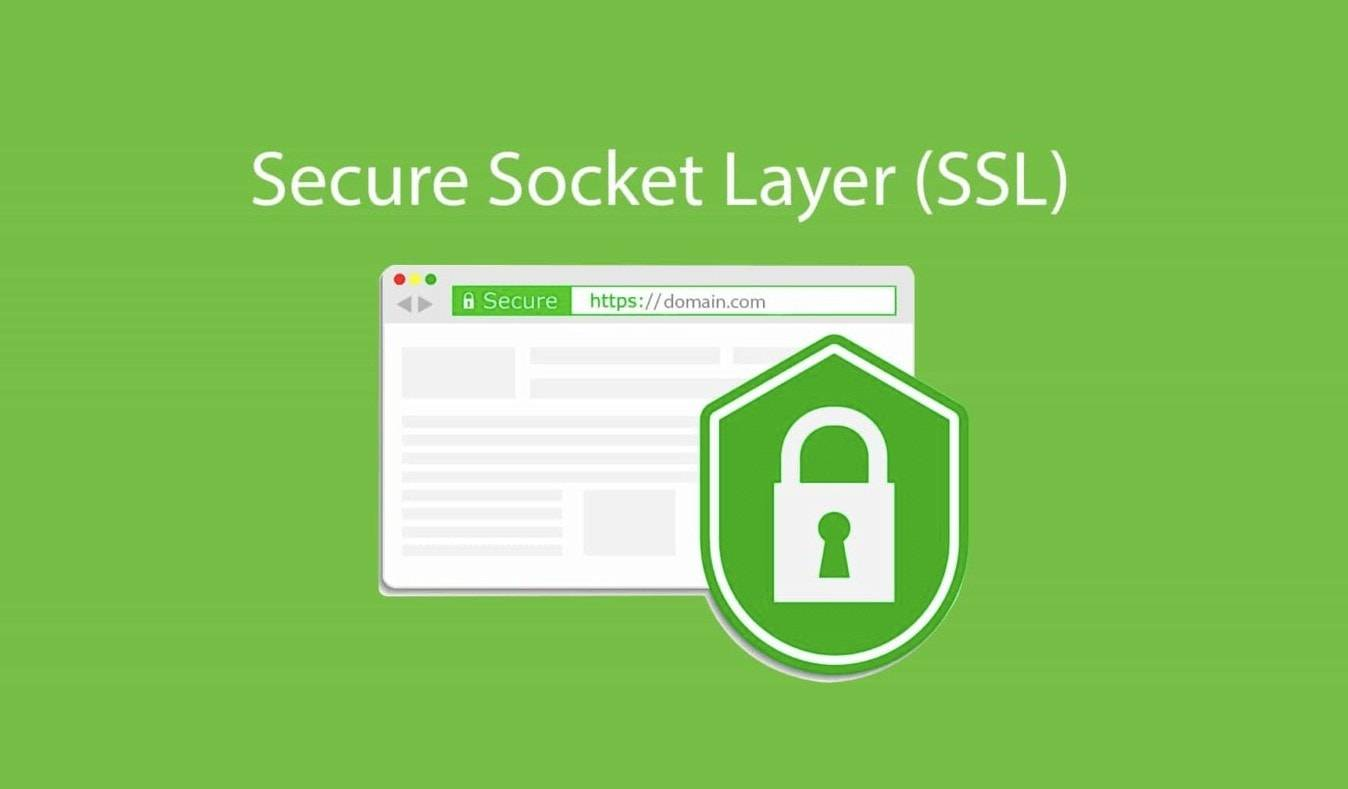
Multi-Domain SSL Certificate Configuration Guide in WordPress
SSL certificate is a necessity for every website. It not only protects user data but also improves the SEO ranking of the website. For websites running multiple domains, especially those using WordPress, configuring a multi-domain SSL certificate is a relatively complex but very important task. Next...
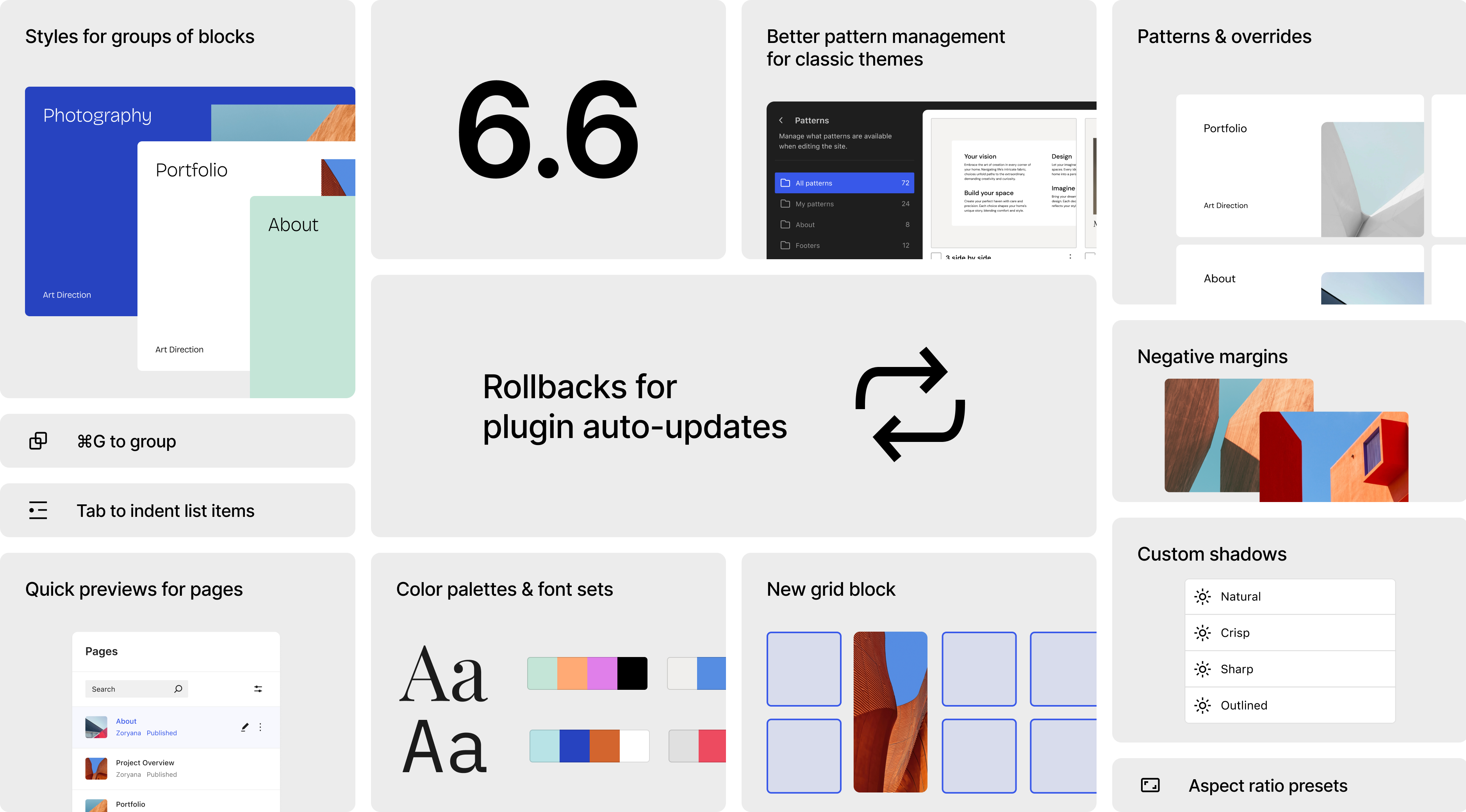
WordPress 6.6 "Dorsey" Released: A Powerful Update for Design Flexibility and Security
WordPress 6.6 "Dorsey" has finally received an update due to jet lag issues.WordPress 6.6 makes it easy to do more work and offers more powerful tools. There are more ways to create beautiful, coherent design elements on your website, and the site editor for...

Elementor Editor In-Depth Analysis: Creating a Personalized WoodMart Theme Website (04)
In the last issue we talked about how to set up a Woodmart theme poster (banner), in this issue we talk about the Elementor editor to renovate a Woodmart theme, we'll dive into how to use the Elementor editor to further customize and optimize your WoodMart theme. By...

Common Errors Encountered During WordPress Password Reset and Their Solutions
Forgetting a password or needing to reset it is a common problem when managing a WordPress website. Sometimes the password reset process may encounter various errors that prevent users from logging in successfully. Together, we will explore the common errors and their solutions during WordPress password reset to help fast...
How to Avoid and Solve Duplicate Content Problems on WordPress Websites
Duplicate content is a common and headache-inducing problem during SEO optimization. Not only does it affect how search engines rate your site, it can also lead to a drop in rankings. Here's a look at how to avoid and fix duplicate content issues in your WordPress website to ensure the site stays at its best...
How to set up a WordPress comment box
In order to allow readers to participate in discussions, WordPress offers the option to include a comment feature in posts and pages. Setting up an easy-to-use comment box not only improves interaction but also enhances the user experience of your website. Let's take a look at how to set up a WordPress comment box. ...
How to Reset Password via WordPress Command Line Tool (WP-CLI)
WP-CLI is a command line tool for WordPress that provides developers and webmasters with a fast and efficient way to manage WordPress websites. With WP-CLI, many operations can be performed, including installing plugins, updating WordPress core, creating users, and more. A. Sh...

How to Enable Multiple Domains in WordPress
WordPress is able to meet the needs of various types of websites, such as managing multiple independent websites on a single WordPress instance with separate domain names for each, you can enable the multi-site multi-domain feature of WordPress. Let's take a look at how to enable WordPress...

How to set up the menu of a WoodMart theme: detailed tutorial with best practices (02)
Today we talk about WoodMart theme menu settings, the previous WoodMart theme template data import reference WoodMart theme menu is more functional, DIY (customization is also more), so it is recommended that novices slowly understand the simple menu features will not need to talk more, will not refer to Ba...
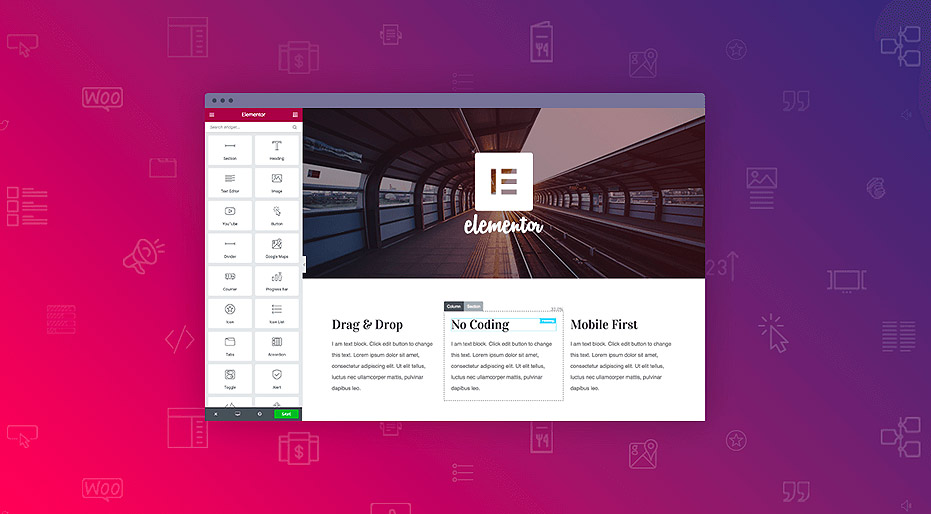
WordPress Elementor Prompts Error Cannot Save 500 Solution Guide
The 500 Internal Server Error is a common server error that is usually caused by a website's server environment. This error can cause a website to be inaccessible and affect the user experience. In this article, we will explore the common causes of the 500 error and provide solutions, especially for those using Elemen...

WordPress reset password in many ways, prevent you forget the backend password
Forgetting your password is something that happens to everyone. If you haven't logged into your WordPress site for a long time, as an administrator, you may accidentally forget your password. The good news is that there are several ways to retrieve or reset your WordPress user password. 1. Through other admin...

WordPress User Authentication Plugins Comparison and Selection
WordPress user authentication is one of the important features of any website, especially for sites that need to protect user data and ensure secure access.WordPress, the world's most popular content management system, offers a number of plugins to enhance user authentication features. We compare in detail and...

Complete Guide: How to Set Up Poster (Banner) in Woodmart Theme (03)
In our last discussion, we have explored the menu settings of Woodmart theme in detail. Today, we're going to dive further into how to set up a poster (Banner) in this theme. Whether you are a beginner or a professional looking to further optimize your website, this guide...

WooCommerce Updated to Address Cross-Site Scripting Vulnerability
The official team at Woo has deployed a critical update for WooCommerce. The update addresses a vulnerability that previously allowed malicious actors to inject malicious content into the browser.The official Woo team has also contacted WooCommerce merchants whose stores may be vulnerable. ...

How to Customize WooCommerce Product Pages
What is a WooCommerce Product Page? When you install the WooCommerce plugin on a WordPress website, it immediately creates a store page where all products can be listed. If a visitor clicks on any item in the catalog, they will be taken to the corresponding product page...

How to Configure HTTPS in WordPress
HTTPS (Hypertext Transfer Protocol Secure) is a website security protocol implemented through SSL certificates that encrypts the transmitted data and protects the data security of the website and users. Configuring HTTPS not only improves the security of your website, but also enhances user trust. How to configure HTTPS in WordPre...

How to Notify Search Engines and Users About WordPress Domain Changes
Changing your WordPress domain name should be done carefully, as it can significantly affect website traffic and SEO performance. To ensure a smooth transition and minimize the impact on search engine rankings and user experience, it's important to notify search engines and users in a timely manner. Let's look at what it takes to notify search...

 简体中文
简体中文  English
  日本語
日本語  Français
  Español



