










WooCommerce How to Activate and Configure Multi-Language and Multi-Currency Functionality (Using Free Plugin)
Easily activate multi-language and multi-currency functionality for your WooCommerce store with the free plugins Polylang and Currency Switcher for WooCommerce.

How WooCommerce Optimizes Site Speed: Improving User Experience and Conversion Rates
Learn how to improve user experience and conversions by optimizing your WooCommerce site for speed. Provides tips such as caching, optimizing images, using CDNs, and other methods to speed up loading.
How to Troubleshoot Common Causes of Elementor Not Loading
Elementor page not loading? This guide comprehensively troubleshoots plugin conflicts, theme issues, server settings, and other key factors to help you quickly get your site back up and running.

Beginner's Guide to Publishing Product Pages with Shopping Cart Integration for WordPress Sites
Zero base quickly master WordPress publish products and integrated shopping cart, complete configuration of WooCommerce, create e-commerce site must-read tutorials.

Why are more and more organizations choosing WordPress to manage their product and profile content?
This article explores why organizations prefer WordPress to build their product, case and profile content systems, from content control to plugin ecosystems.
Product pages are no longer just showcases: how WordPress supports multimedia and storytelling
Modern product display is no longer stuck in the graphic list, WordPress helps enterprises to build multimedia fusion, story-driven content-based product pages to enhance conversion and trust.
Creating a Download Center with WordPress: The Complete Way to Easily Publish Literature, eBooks, and PDF Files
Building a download center does not have to be complicated, this article describes how to use WordPress to build a clearly categorized, flexible permissions, support statistics file distribution platform.

How to disable and re-enable Elementor to solve the problem of not loading out
Experiencing Elementor pages not loading and blank editors? This article shows you how to disable and re-enable the plugin to quickly troubleshoot and solve common problems.

502 and 504: two mirrors of the "invisible fault" in modern digital business
502 and 504 errors are often misunderstood as occasional failures, but in fact, hidden system bottlenecks. This paper analyzes their nature, the risk of misjudgment and response methods.
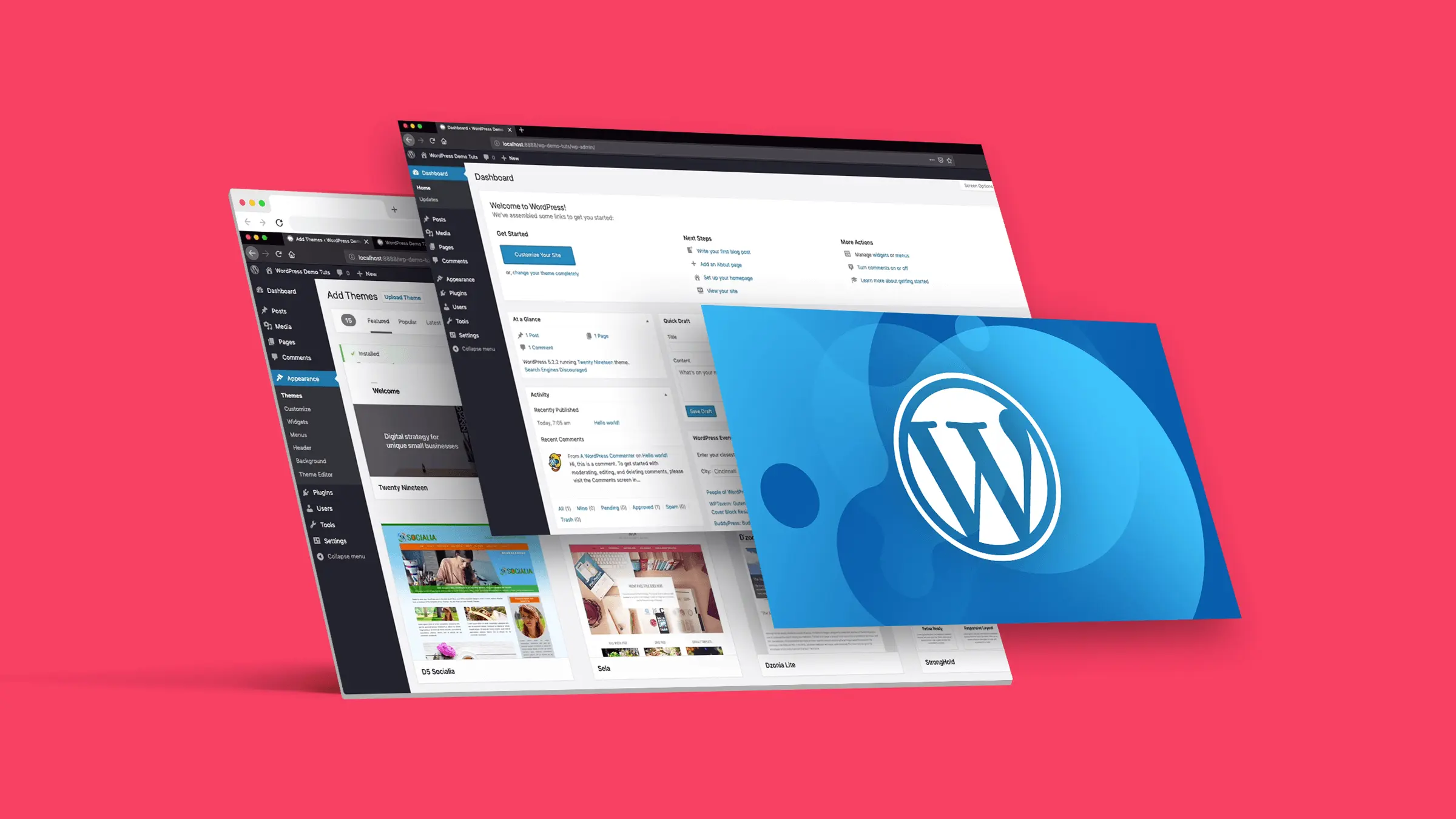
Deep Content Drives Growth: Why WordPress is the Publishing Platform of Choice for Knowledge-Based Brands
In-depth analysis of WordPress' advantages in structure management, SEO adaptation, content deposition, etc., to provide an efficient publishing and accumulation platform for knowledge-based brands.

WordPress how to set download permissions for different users (e.g. members can only download materials)
Explain how WordPress controls file download permissions by user roles for paid content, education, e-commerce and other website scenarios.
WordPress website how to bulk import product information and quickly online
Learn how to batch import product information using WooCommerce's built-in import tools and powerful plugins to save time and increase efficiency. Go live quickly and optimize SEO to increase conversions and sales.





