





The guy was lazy and didn't write anything...



How to Add a Site-Wide Announcement Bar and Top Notification Using Elementor Custom Code
Create eye-catching announcement bars with just one click using Elementor Custom Code. Boost marketing conversions, holiday campaign visibility, and site-wide notification effectiveness. Even beginners can quickly create professional alert bars.

Blocksy's Essential Plugin Combo: Must-Have Tools for Speed, SEO, and UI
Want your Blocksy website to load faster, rank higher, and convert better? This ultimate plugin list covers performance, SEO, e-commerce, and design enhancements—elevating your Blocksy site to professional-grade standards instantly.
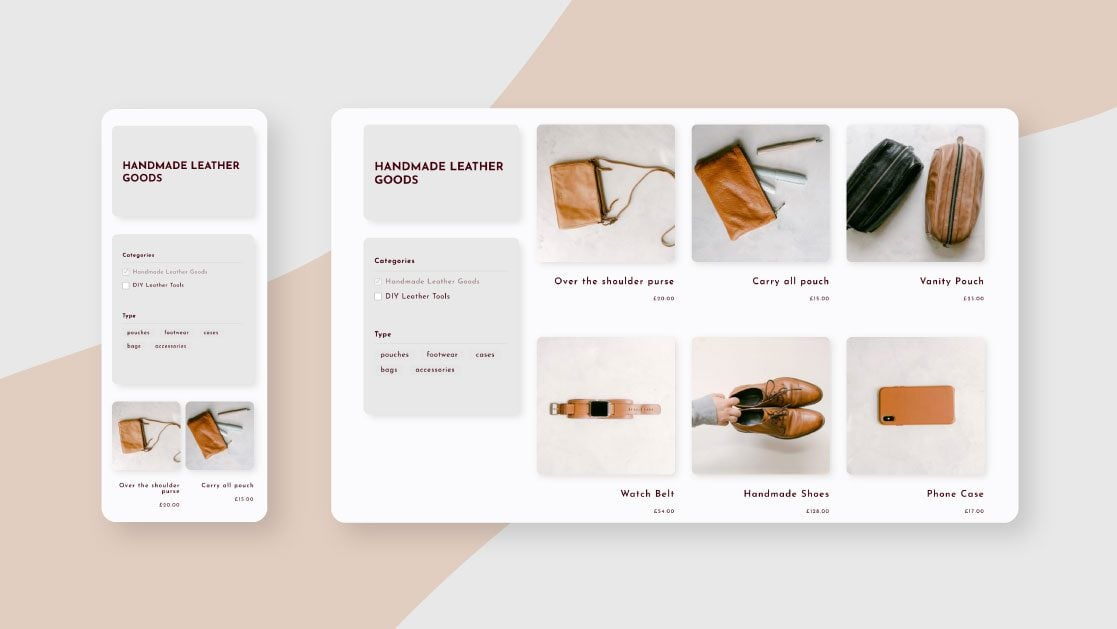
From Zero to Pro! The Complete Guide to WooCommerce Category Featured Images, Descriptions, and Slugs
A Comprehensive Guide to WooCommerce Category Settings: From Featured Images to Slugs to SEO Descriptions, Every Detail Matters for Boosting Traffic and Conversions. Want Your E-commerce Category Pages to Be More Eye-Catching and High-Converting? This Is a Must-Read!

Building High-Conversion Pages: How Kadence Blocks Animations Keep Users Engaged Longer?
Want to make your pages truly come to life? Kadence Blocks (PRO)'s fade-in, slide, zoom, and scroll-triggered animations instantly elevate the quality. This guide walks you through setting up rhythm, offset, and delay to transform flat pages into dynamic ones—keeping visitors scrolling!

What's the Difference Between Archive Templates and Single Templates? Common Pitfalls for Elementor Beginners
Many beginners start off using Archive and Single templates incorrectly in Elementor, leading to messy category pages and broken SEO. This article thoroughly explains the differences between the two—from page logic and use cases to actual outcomes—helping you avoid these pitfalls once and for all.
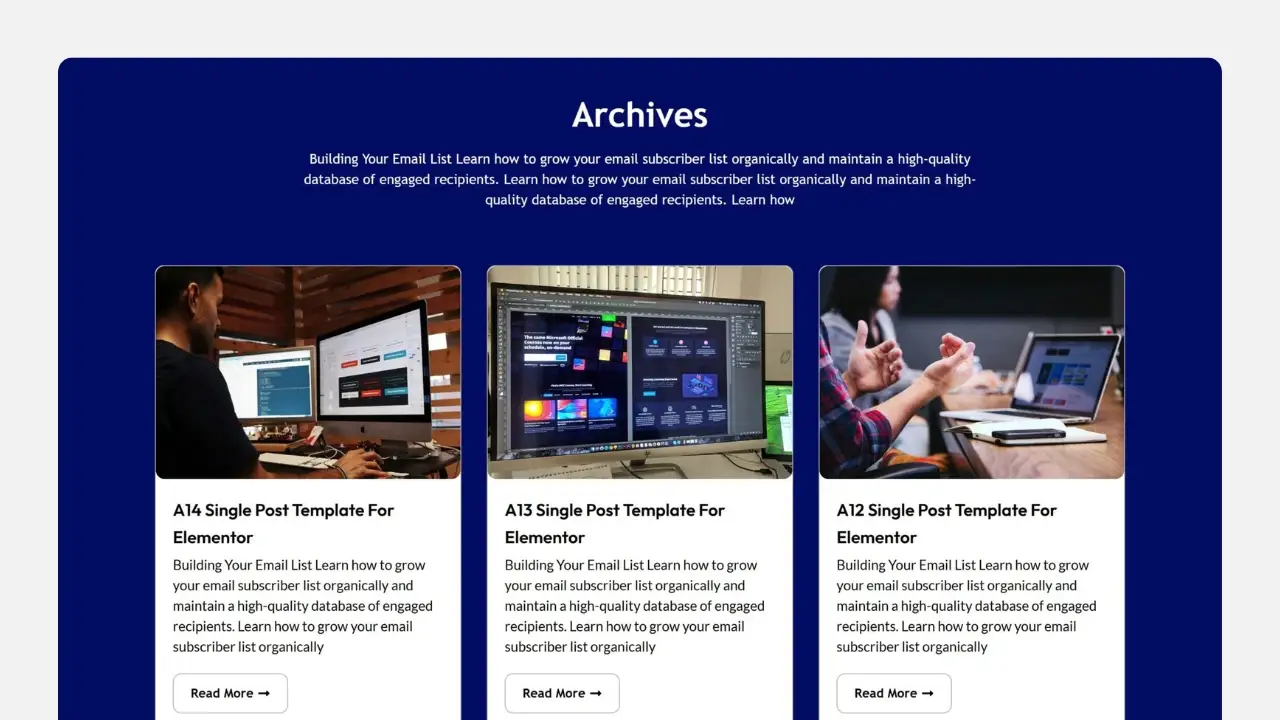
Why isn't your Elementor Archive template working? 90% users are stuck on these 5 issues.
Archive template created but no changes at all? This isn't an Elementor bug—it's caused by 5 hidden settings. We'll break down display conditions, theme priority, page types, and caching issues all at once, so even beginners can fix it quickly.

Category pages not generating orders or ranking? The Archive template is quietly solving these e-commerce challenges.
Are your category pages just auto-generated? Then you're wasting traffic for nothing. This article thoroughly dissects how the Archive template solves the core e-commerce pain points of category pages failing to rank and convert.

90% used the code in the wrong location: Elementor Custom Code instead of functions.php
Where should code go? Misusing Custom Code can cause chaos, while errors in functions.php lead to blank screens. This article clearly defines the true boundaries between Elementor Custom Code and functions.php, helping you avoid pitfalls and maintain your site more easily.

The folks at 90% are using the wrong Loop Grid: that's not how Archive templates are built!
Many people use Elementor to build Archive template directly drag Loop Grid, the result is that the classification page more and more chaotic, SEO weight dispersion. This article explains the correct positioning and practical usage of Loop Grid in Archive.
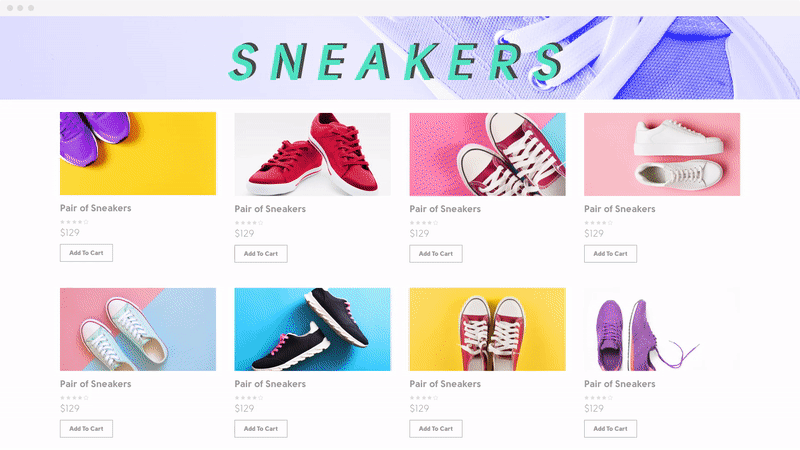
Archive Templates and Dynamic Tags: Many WordPress Sites Actually Use Them Wrong from the Start
Many WordPress sites have Archive pages that appear normal at first glance, but their structure is fundamentally flawed from the start. Mixing Archive templates with dynamic tags leads to unstable SEO and skyrocketing maintenance costs. This article explains once and for all how Archive pages should truly be implemented.

Why doesn't the front-end page change after adding the Archive template?
Added the Archive template but no changes? Don't panic. This article uses an 8-step troubleshooting method to quickly pinpoint the cause: Naming paths, Cache, Template priority, Permissions, Error reporting, Function restrictions, Plugin conflicts, Permalinks. Solve frontend display issues once and for all.

Archive template not working? Don't blame Elementor just yet—understand this first.
You've created and activated the Archive template, yet nothing changed on the frontend? The issue isn't with Elementor, but with your theme's loading priority and Loop control. This article systematically breaks down WordPress Archive page loading logic, helping you understand once and for all why templates might "fail"...
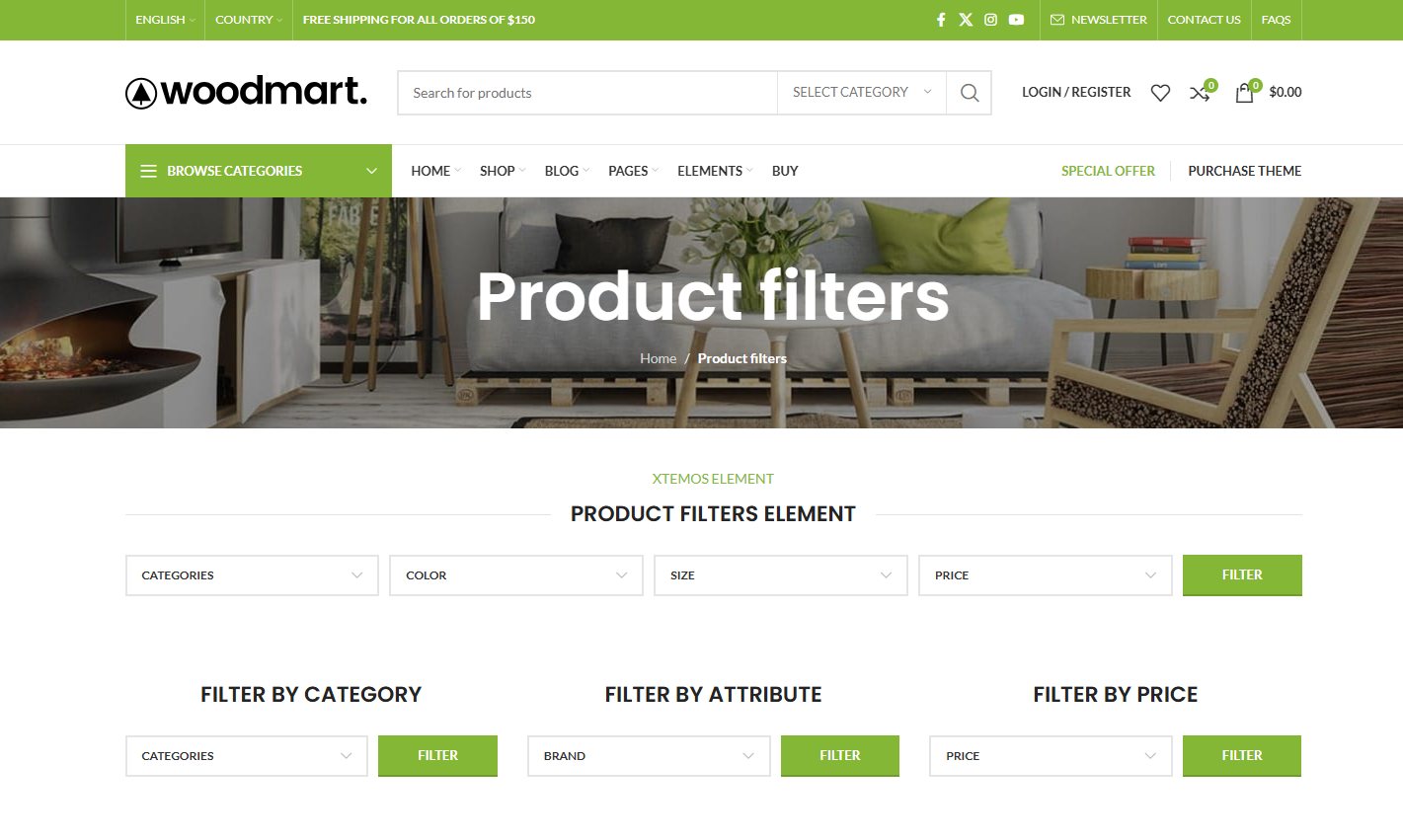
Too many WooCommerce products to sell? Get to know WoodMart Filter first!
Low conversions in a WooCommerce store may not be about the product, but about users not finding the one they want. This article explains what the WoodMart Filter is sifting through, whether or not it should be turned on full blast, and the true impact it has on conversions and SEO.
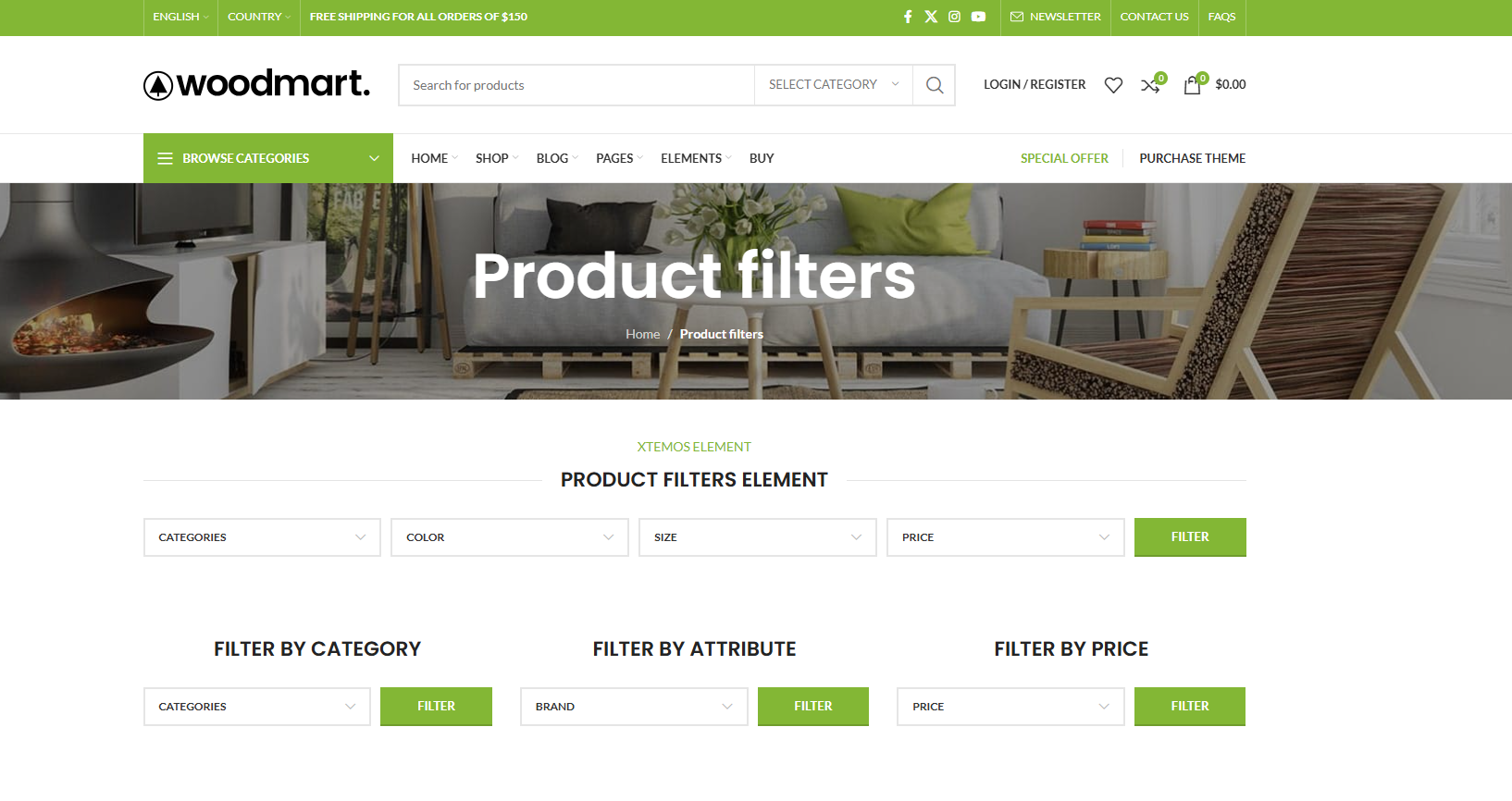
How to avoid WoodMart Filter generating invalid URLs that affect search engine indexing
WoodMart Filter can silently generate a large number of invalid URLs, diluting weight, creating duplicate content, and dragging down indexing. This article is a step-by-step explanation of the causes, risks, and SEO controls that can be put in place.
Why does your WoodMart screening always fail? Price, Color, Size Complete Pitfall Avoidance Solution
WoodMart's filtering not working well? The problem is not the number of controls, but in the data and properties. In this article, hands-on hands-on price, color, size screening configuration, a clear common pitfalls and correct practices, newcomers can also be directly applied.

How to Properly Enable Product Filters on WoodMart Category Pages
Many WooCommerce store category pages have poor results, but the problem lies in the filter. This article explains the correct way to enable WoodMart product filters, location choices and SEO considerations to help you avoid common configuration mistakes and improve conversion.
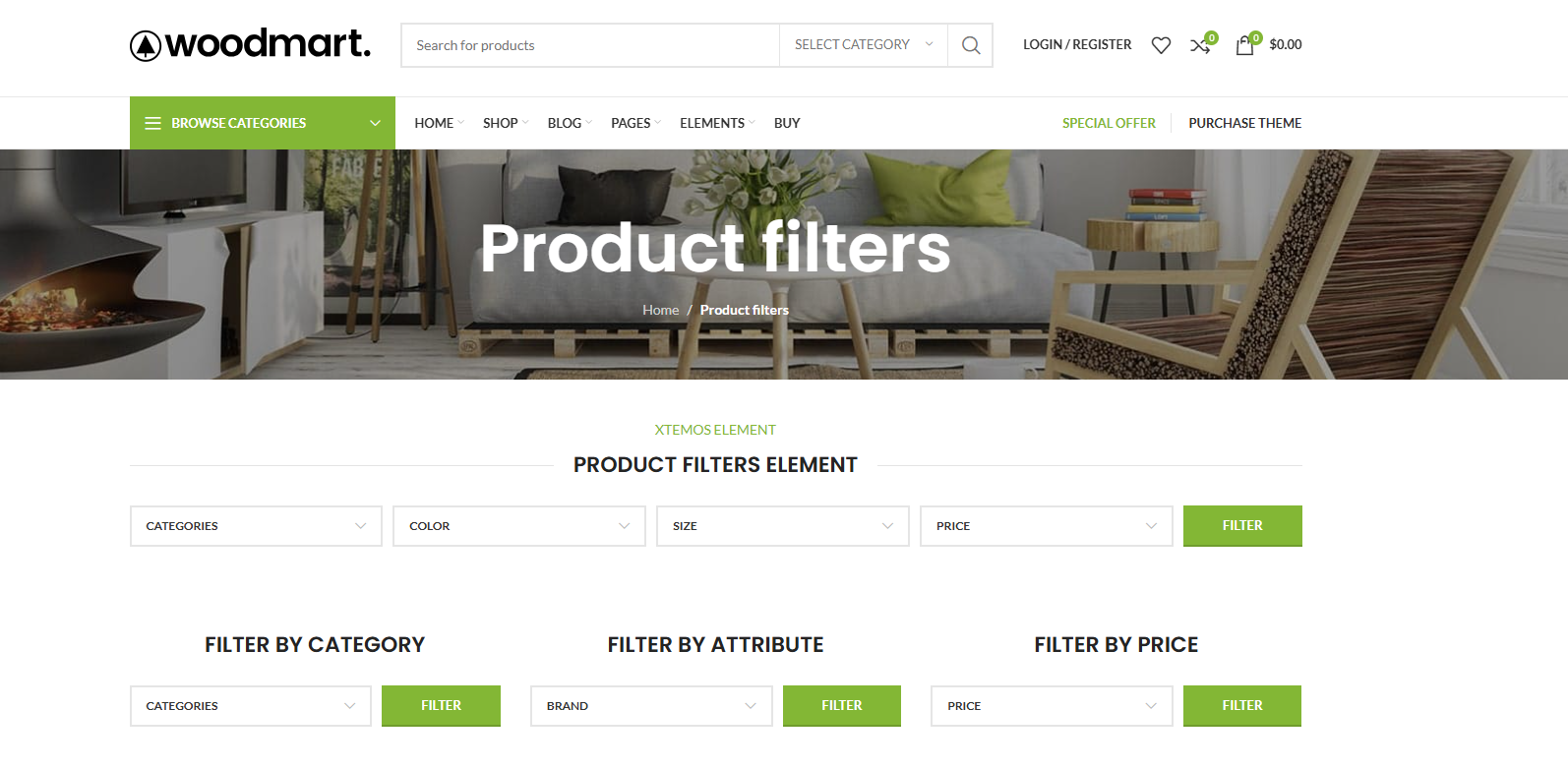
WoodMart Filter Advanced Play Exposed: Multi-Criteria Filtering That Really Converts!
WoodMart multi-criteria filter always "not effective"? In fact, it is not a plug-in problem, but the logic is in the wrong order. In this article, from the real use of the scene, disassemble WoodMart Filter AND / OR combination of logic, classification and attribute linkage, to teach you to build out a really good, can improve ...
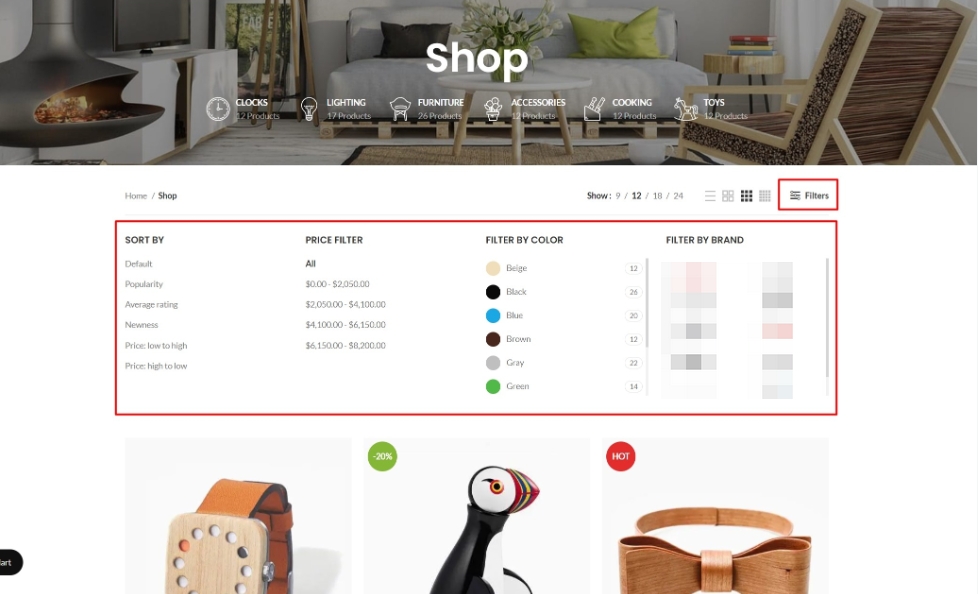
After dismantling over 30 WoodMart sites, I discovered: Filters are the overlooked core of SEO.
Your site has WoodMart Filter installed, but rankings just won't climb? The problem often isn't the filter itself—it's that filter result pages are never treated as content pages for internal linking. This article breaks down WoodMart Filter's SEO potential and teaches you how to leverage internal links to make filter pages truly...
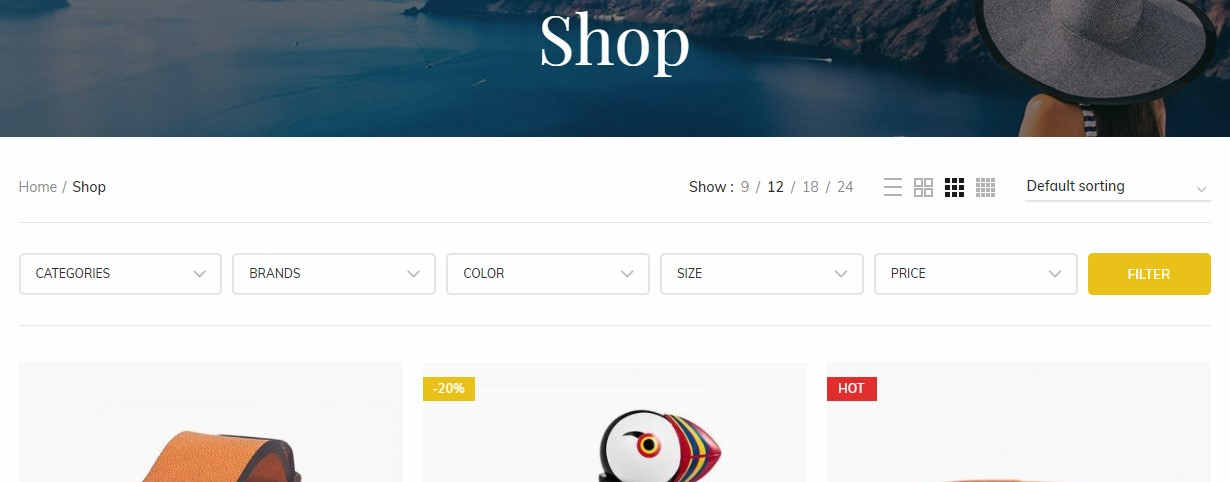
Why Does the WoodMart Filter Fail So Often? The 8 Common Problem Areas with the 90%
Filter buttons on category pages not responding? Products exist but won't show up in search results? This article dissects 8 common causes of e-commerce filter failures—from page behavior to data sources—helping you pinpoint and fix issues with minimal effort.
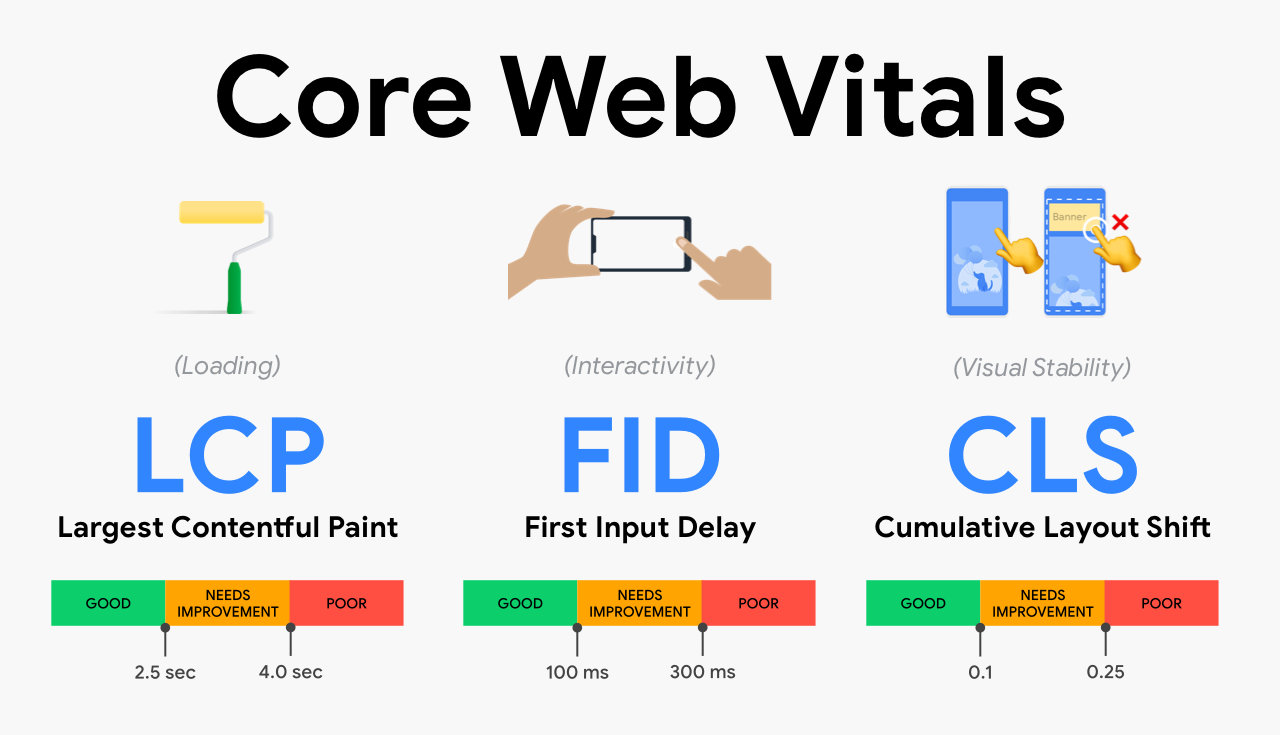
Video Compression Impact Analysis on WordPress Core Web Vitals (2026 Hands-on Tutorial)
This article analyzes the real impact of video compression on WordPress Core Web Vitals, starting from the principles of LCP, INP, CLS, combined with reproducible practical solutions, systematically explains the video compression, encoding parameters and loading strategy optimization, to help webmasters to effectively improve the performance of the page and the use of ...
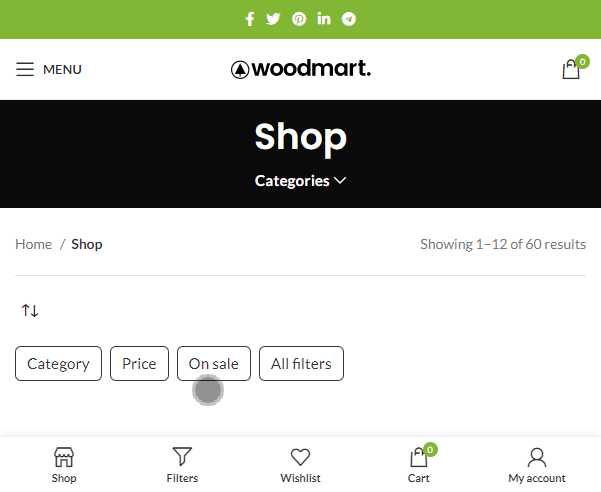
How to avoid duplicate content when WoodMart Filter and pagination exist together
Why does WoodMart generate a lot of duplicate content after enabling Filter and paging? In this article, from the URL structure, noindex control to theme settings, explain a set of stable SEO solutions to avoid weight waste.

"Why is there nothing?" --WoodMart Filter The Real Reason Why Users Bounce Out
Users obviously want to buy, but the more they sift through the filter, the more they can't find? In this article, we explain how WoodMart Filter amplifies the "no result" experience through the filtering logic, URL parameters and performance issues, quietly increases the bounce rate, and gives the optimization ideas that can really retain the users.

What is Heroic Knowledge Base? What kind of website is it for?
Customer service is stressful and users are always asking repetitive questions, is Heroic Knowledge Base really the right fit for your website, this article will make it clear once and for all.

Is Heroic Knowledge Base SEO Friendly? Search & Indexing Performance Analysis
Is Heroic Knowledge Base really SEO friendly? From URL structure and search behavior to Google's performance, we analyze the real SEO effect of knowledge bases, which is suitable for long-term content layout.
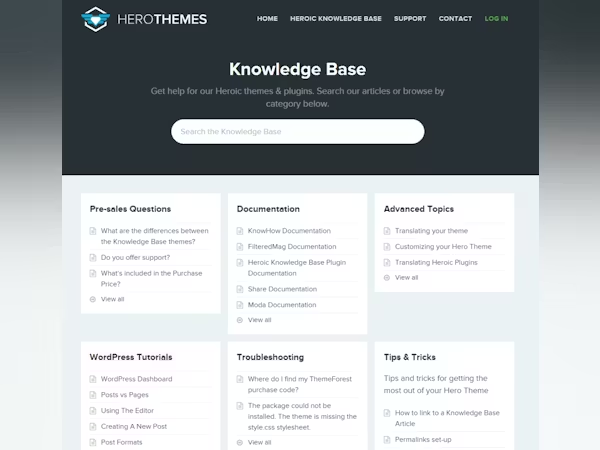
7 Heroic Knowledge Base Setup Mistakes Newbies Make
Many people use Heroic Knowledge Base to build knowledge bases, but the hidden dangers are buried in the configuration stage. This article summarizes the 7 most common setup mistakes made by newbies to help you avoid pitfalls, improve experience, and stabilize SEO.
Heroic Knowledge Base: How Many Customer Service Jobs Are Saved, Don't Think About It Too Much
The work order system is expensive and heavy, can Heroic Knowledge Base really take over? From the real use of dismantling how many work orders it can save, which scenarios can not be replaced at all, to give a clear solution to the ground.

Heroic Knowledge Base Classification and Hierarchical Structure How to Plan
Too little categorization is like a garbage heap, too much categorization is like a maze. With task-based categorization + two-tier structure + entrance consistency, users can find the answer in 30 seconds, and repeat inquiries drop significantly.

The core difference between Heroic Knowledge Base and the traditional WordPress help documentation system.
The more you categorize your FAQ, the messier it gets? Compare and contrast Heroic Knowledge Base with traditional solutions: structure, search, feedback, maintenance costs at a time to help determine whether it is worth migrating.

Stop cramming videos into articles: embed YouTube like this and dwell time takes off!
Readers leave as soon as they slide? 90% News stations are putting YouTube in the wrong place. Teach you the first screen, middle, and turning point embedding method + pre-embedded copy + technical settings for more stable dwell times and lower bounces.

From News to Breaking News: 5 High-Level Casting Ideas for Embedding Quality YouTube Documentary Footage
It's not just plugging in random videos that makes for live content. Master the 5 documentary clip selection ideas to make news blogs more in-depth and watchable, with dwell time and sharing desires more easily pulled up.

 简体中文
简体中文  English
  日本語
日本語  Français
  Español



