








Improving Kadence Theme SEO Performance: 5 Optimization Tips to Do
Learn how to optimize your Kadence theme with five practical tips to improve your website's loading speed, search engine friendliness, and user experience to help boost your website rankings.

WoodMart Theme FAQs and Solutions
When using WoodMart theme, you may encounter problems such as wrong page layout, slow loading, plugin conflicts and so on. This article provides detailed solutions, including cache cleanup, image optimization, theme update adjustment and mobile adaptation, to help improve the stability and performance of the site.

Master the Avada Off Canvas panel once and for all! Create popups, sidebar menus and sliders in one step!
This tutorial describes in detail how to use the Avada theme Off Canvas Builder tool, zero code to create an email subscription slider, and set the user to stay on the page after 4 seconds to automatically appear, applicable to marketing promotions, user interaction, message notification and other scenarios, easy to increase conversion...

WP Rocket Features Explained: Increase Website Loading Speed to 1 Second with WP Rocket
This article describes in detail how to use WP Rocket plugin to optimize the loading speed of your WordPress website, improve user experience and SEO ranking. By gradually enabling cache preloading, CSS/JS compression, lazy loading, database optimization and other features, you can significantly improve the performance of your website.

Astra theme tutorial: how to create sticky headers for free?
Sticky header functionality is also possible with the free version of Astra! Keep the top navigation of your WordPress site fixed while scrolling with simple CSS code, no plugins, no Pro upgrades, step-by-step instruction for newbies to get started quickly.

Astra Theme Tutorial: How to Enable and Design a Custom 404 Page on Astra Theme
Learn how to use the Site Builder module in the Astra Pro plugin to create and customize your WordPress website's 404 error page to improve user experience and brand professionalism.

Amelia Plugin Getting Started Guide: A Hands-On Guide to Quickly Enabling Online Appointments
Learn how to create and set up an appointment form on your WordPress website using the Amelia plugin. This article describes in detail the installation, configuration, staff management, service settings, front-end appointment process and payment settings of the Amelia plugin to help users quickly build a professional online appointment system...

5 Best Free Elementor Themes Recommended: Easily Build High-Performance WordPress Websites
We recommend 5 free WordPress themes that are perfectly compatible with Elementor, including Astra, Hello Elementor, Neve, GeneratePress and Zakra, which are suitable for different scenarios of blogs, e-commerce, enterprise official websites and so on, and help you easily build high-performance, high-conversion rate web...

How to Set Up Vertical Menus and Mobile Tab Menus in Flatsome: The Complete Guide
This article describes how to set up vertical menus and mobile tab menus in Flatsome theme to enhance the user experience of e-commerce websites, especially on mobile, to help better display and navigate products.

How to Customize the Appearance of WooCommerce Product Images with Essential Addons (Elementor Free Plan)
Learn how to use Essential Addons plugin with Elementor Free Edition in this tutorial to customize the image display of WooCommerce product pages, including rotating, thumbnail arrangement and popup view functions, to enhance the visual effect and user experience of product pages, and to easily achieve...
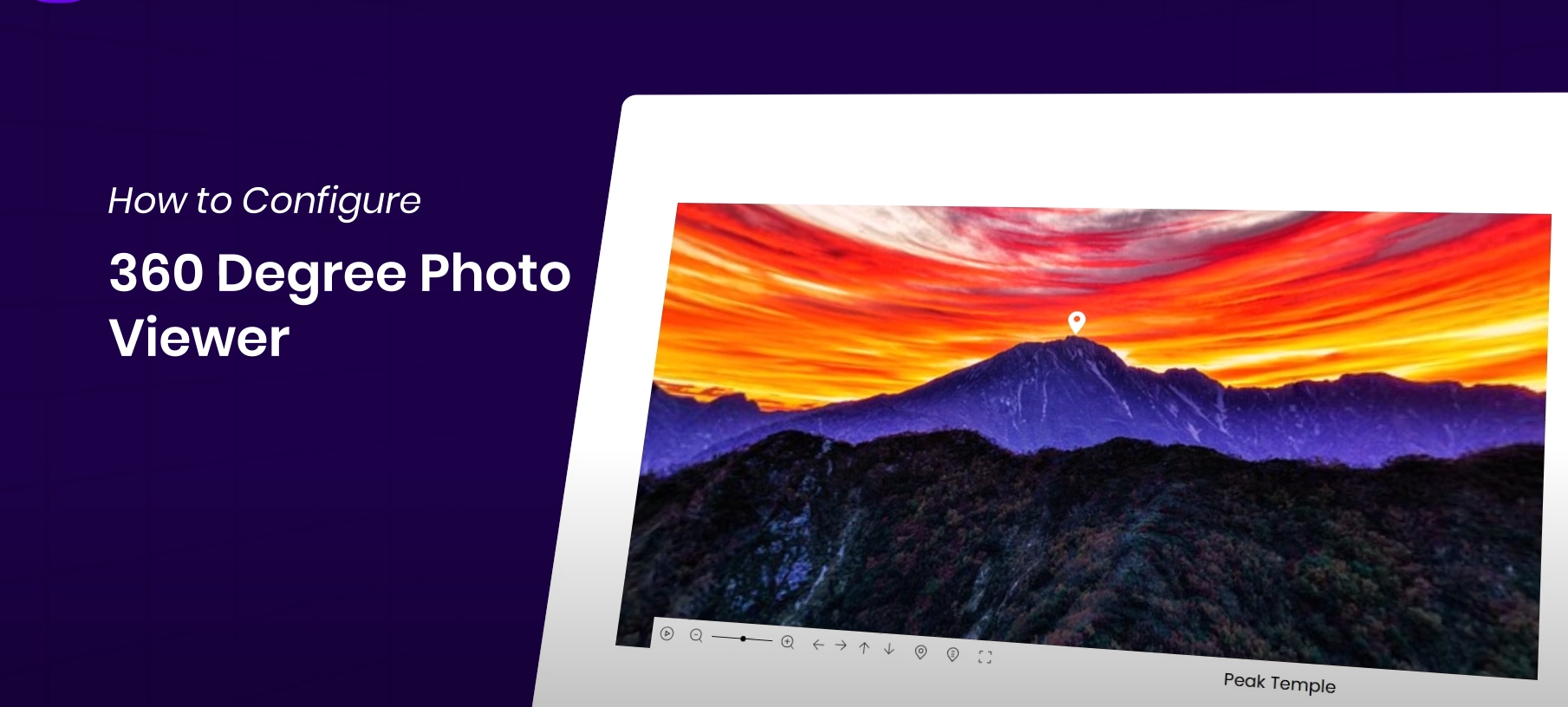
How to Display 360° Panoramic Images in Elementor Websites for Highly Interactive Images
Easily display 360° images on your WordPress website with the Essential Addons plugin and Elementor for an interactive, immersive user experience. This article details how to install and configure a 360° image viewer to help you enhance your website's visuals and...

How to Fully Customize WooCommerce Checkout Page with Elementor
Fully customize the appearance and functionality of your WooCommerce checkout page with Elementor's Checkout Widget. This article shows you how to set up the layout, fields, payment methods, and styles of the checkout page to optimize the user experience and increase conversions.

 简体中文
简体中文  English
  日本語
日本語  Français
  Español



