







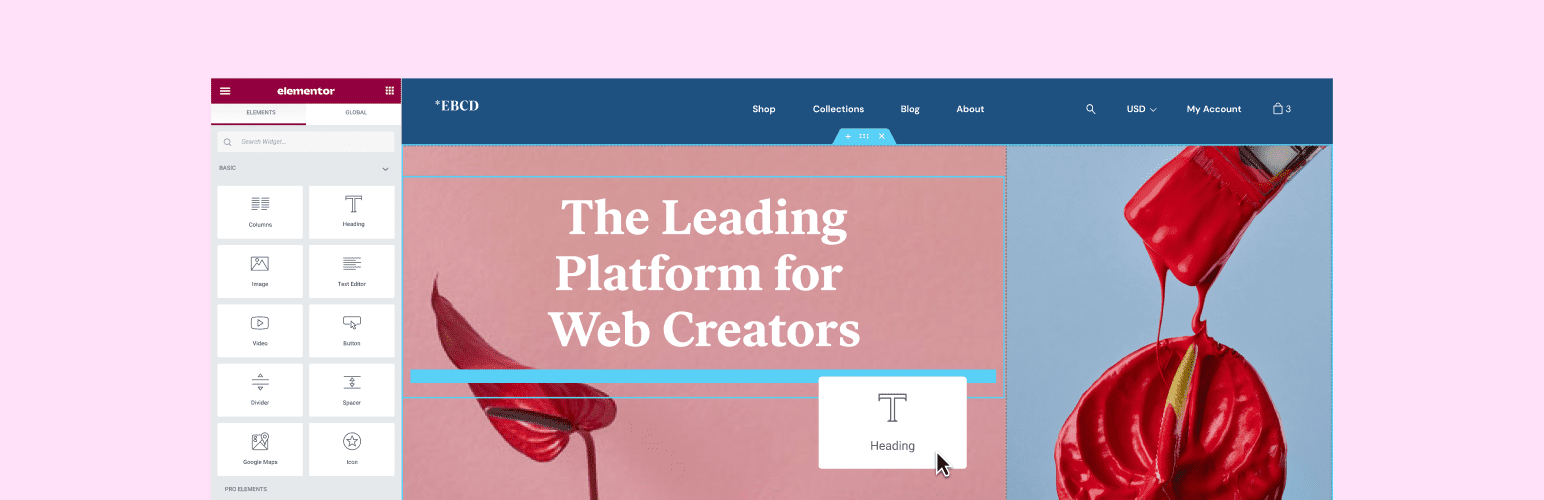
Elementor gets stuck ≠ site slows down? 90% has it all wrong!
Elementor editor getting more and more laggy and the frontend is still slowing down to a crawl? Don't mess around with plugins anymore. In this article, we use the clearest thinking to separate the "background card" and "foreground slow", step by step to teach you to locate the root cause, and directly find the fastest path to optimization.

Most Popular Elementor Templates: Best of 2026
Explore the most popular Elementor templates for 2026 covering multiple industries such as digital marketing, architectural design, e-commerce platforms, hotels resorts and more to help you create professional websites efficiently and improve your website design and user experience.

Phrase Translation in Loco Translate PRO: How to translate strings efficiently?
Learn how to efficiently translate strings for WordPress websites with Loco Translate PRO. With a simple interface and powerful search and auto-translation functions, it helps you easily manage multilingual websites and improve translation efficiency.

Not Receiving Coupons After WordPress Subscription? 7 Most Common Reasons & Complete Solutions
Not receiving coupons after WordPress subscription? This article details the 7 most common reasons, covering a complete troubleshooting method for subscription plugins, WooCommerce coupons, email delivery and server configuration.

How to generate article frames directly with Semrush's Keyword Magic Tool?
Explain how to use the Keyword Magic Tool to directly generate an essay framework: use topic groupings for H2, use Questions to set the H3 drop-off point, and then use KD and Intent to filter out writable structures.
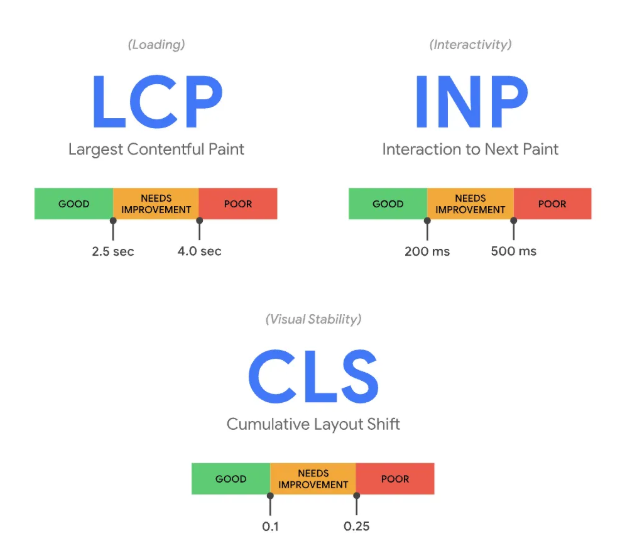
Elementor Slow First Screen: How to Optimize 3 Core Metrics: LCP, CLS, INP, etc.
Elementor page not reporting errors but stuck to crash? If the first screen is slow, keeps jumping, or doesn't respond when you click on it, it's most likely because the LCP/CLS/INP have not been disassembled and looked at. Optimize them in the right order and you'll see immediate results.
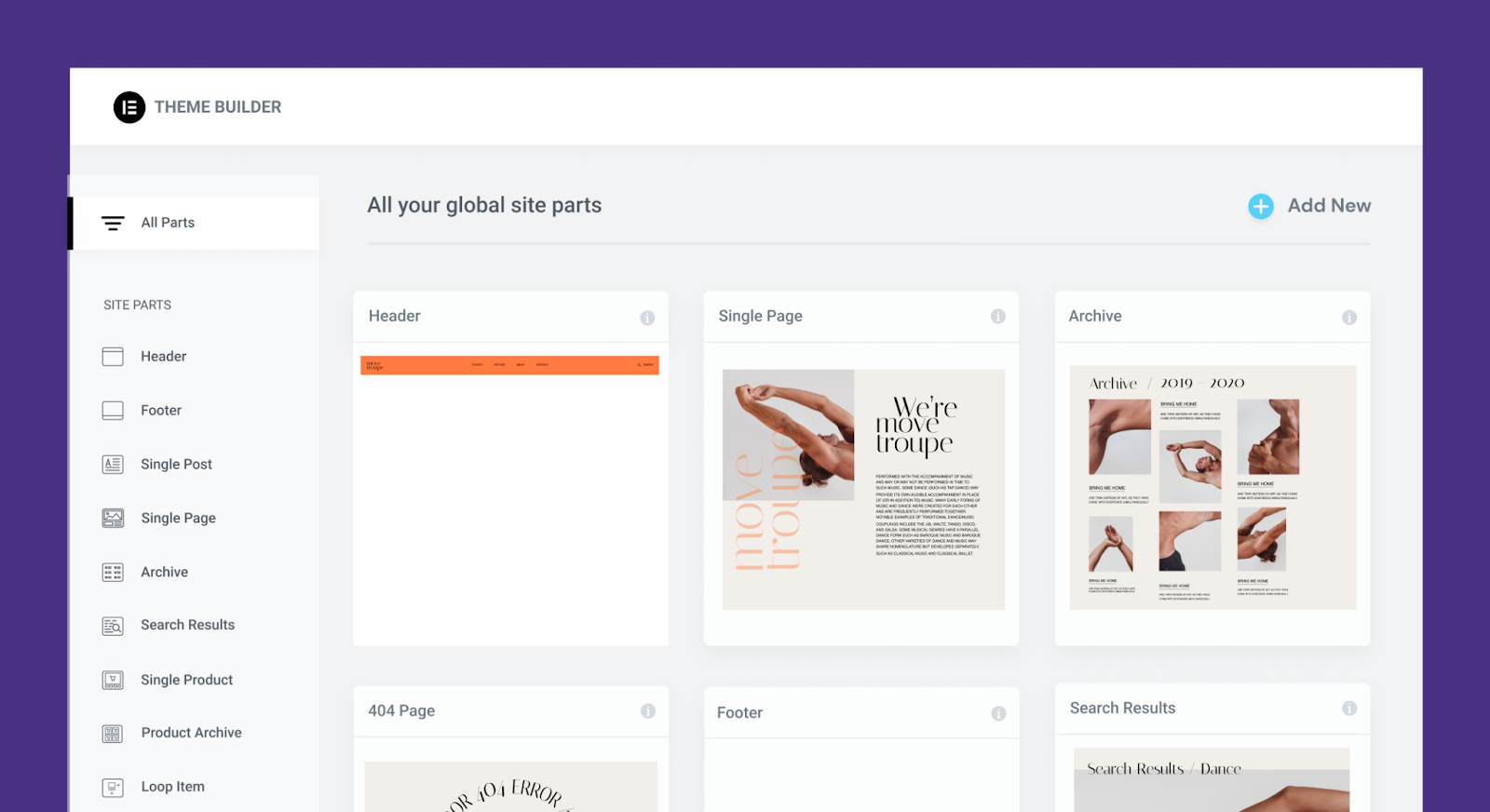
How to choose the best Elementor template for your website
Learn how to choose the best Elementor template for your site's goals, functional needs, and budget. Understand elements of responsive design, load speed and compatibility to create websites that are both beautiful and functional.
How to customize the translation interface of Loco Translate PRO?
Learn how to customize the translation interface of Loco Translate PRO, adjust the layout, set translation tips, shortcuts, etc. to improve translation efficiency and create a translation work environment that meets your personal needs.
Quickly boost website speed & protect copyrights! Choose the most powerful WordPress image compression and watermarking plugin!
Want to make your website load on the fly and protect image copyrights? Choose the most powerful WordPress image compression and watermarking plugin to improve user experience, beat slow loading problems and boost SEO rankings!

The Best Combination Solution for WordPress Email Subscription + Auto-Coupon (Full Process from Plugin Selection to Landing)
Systematically explains how WordPress and WooCommerce can realize "Automate Coupon Delivery after Email Subscription", in-depth comparison of MailPoet, FluentCRM, AutomateWoo, FunnelKit and other plugin combinations, and provides from subscription triggering, coupon anti-abuse, to the email delivery rate ...

Future Trends in Elementor Templates: changes in website design in 2026
Explore the core design trends for Elementor templates in 2026, including performance optimization, personalized content, AI smart design, and accessibility features. Learn how to improve user experience and design efficiency and keep up with the latest changes in the future of website design.

How to make Polylang work seamlessly with SEO plugins to improve multilingual site ranking?
Learn how the Polylang plugin works seamlessly with the Yoast SEO or Rank Math plugins to optimize your multilingual site, boost SEO rankings, and attract more global users.





