










Comprehensive Guide: How to Optimize WordPress Website Speed and Performance (I)
The first step you can take on how to speed up WordPress is to use the Google Lighthouse tool to better familiarize yourself with the issues affecting your site. The second step is to compress images to reduce the time it takes to load the first colored pixel on your site. A quick estimate will reveal that...

A Comprehensive Guide to Changing WordPress Site Fonts
Choosing different fonts for your WordPress site can significantly enhance its visual appeal and uniqueness. This article details how to change fonts in WordPress, including font settings using the site editor, global styles and customizer, and how to adjust the font size...

WordPress User Permission System Explained and Application Guide
WordPress' user permission system is relatively intuitive and flexible, allowing administrators to assign different permission levels to users as needed. Whether you're managing a simple blog or a complex multi-user site, understanding and effectively managing user permissions is critical. In this article, we will...

How to Setup and Manage WordPress Cron Jobs
What is WordPress Cron Jobs? A WordPress cron job is a system that emulates the UNIX cron system by automatically scheduling tasks at customized intervals. It allows WordPress users to perform time-based tasks such as posting schedules on page loads...

How to Easily Add and Use Custom Fonts in Elementor
What are custom fonts in Elementor? Custom fonts in Elementor allow you to add self-hosted and Adobe fonts to the page builder and use them for your website content. With custom fonts, it's easy to upload any font and modify its characteristics,...
Improving Website Performance with WebP Image Format on WordPress: A Detailed Guide
What is WebP? WebP is a modern image format created by Google that supports superior lossless and lossy compression of images on the web, including WordPress. This format reduces the file size of images, resulting in faster downloads when presenting images to users, number...

How to Hide WordPress Toolbar
When logging into the WordPress dashboard, you will see a toolbar (admin bar) at the top that provides quick links and the ability to manage sections. However, this toolbar can seem redundant or even annoying when you want to view the user-friendliness of your website or page layout. In this article, we'll go over a few...
How to Improve the Performance of Your WordPress Website with a CDN
For WordPress websites, using a Content Delivery Network (CDN) is an effective way to dramatically improve site loading speed and security. In this article, we'll go over how CDNs work, their benefits, and recommendations for some of the top WordPress CDN services. What is a CDN? CDN...

How to Add Google Maps to Your WordPress Website
Embedding Google Maps into a WordPress website is a very useful technique for local businesses looking to attract potential customers or make it easy for existing customers to find their location. By displaying your business location on an interactive map, not only does it improve the user experience, but it also improves...
How to Clear WordPress Cache to Fix Media Library Image Not Loading Issue
When using a WordPress website, many users may experience issues with media gallery images not loading. This issue is usually related to caching. Clearing the cache is one of the effective ways to solve this problem. In this article, we will detail how to clear WordPress cache to help users solve the media...
Detailed tutorial: How to hide or style subcategories in WordPress
How to Hide or Set Styles for Subcategories in WordPress Do you want to hide subcategories in WordPress or set their styles so that your list of categories is easier to read? In WordPress, your posts can be categorized into different categories and subcategories. This helps ...
Create Mobile-Friendly WordPress Sites Without Plugins
With internet users around the world increasingly relying on mobile devices to access the web, it has become an essential task to ensure that your WordPress website runs smoothly on all screen sizes. While there are many plugins on the market that can help achieve this goal, these plugins usually increase web...

Best Practices for Font Style Modification and Customizing Fonts in WordPress Block Editor
Block editor (Gutenberg), not only enhances the personalization and customization of the theme, but also brings more complexity, especially in the modification and customization of font styles. In this article, we will explore in detail how to modify font styles in WordPress block editor and through...
Blocksy Theme Version 2.1.0 Update Details
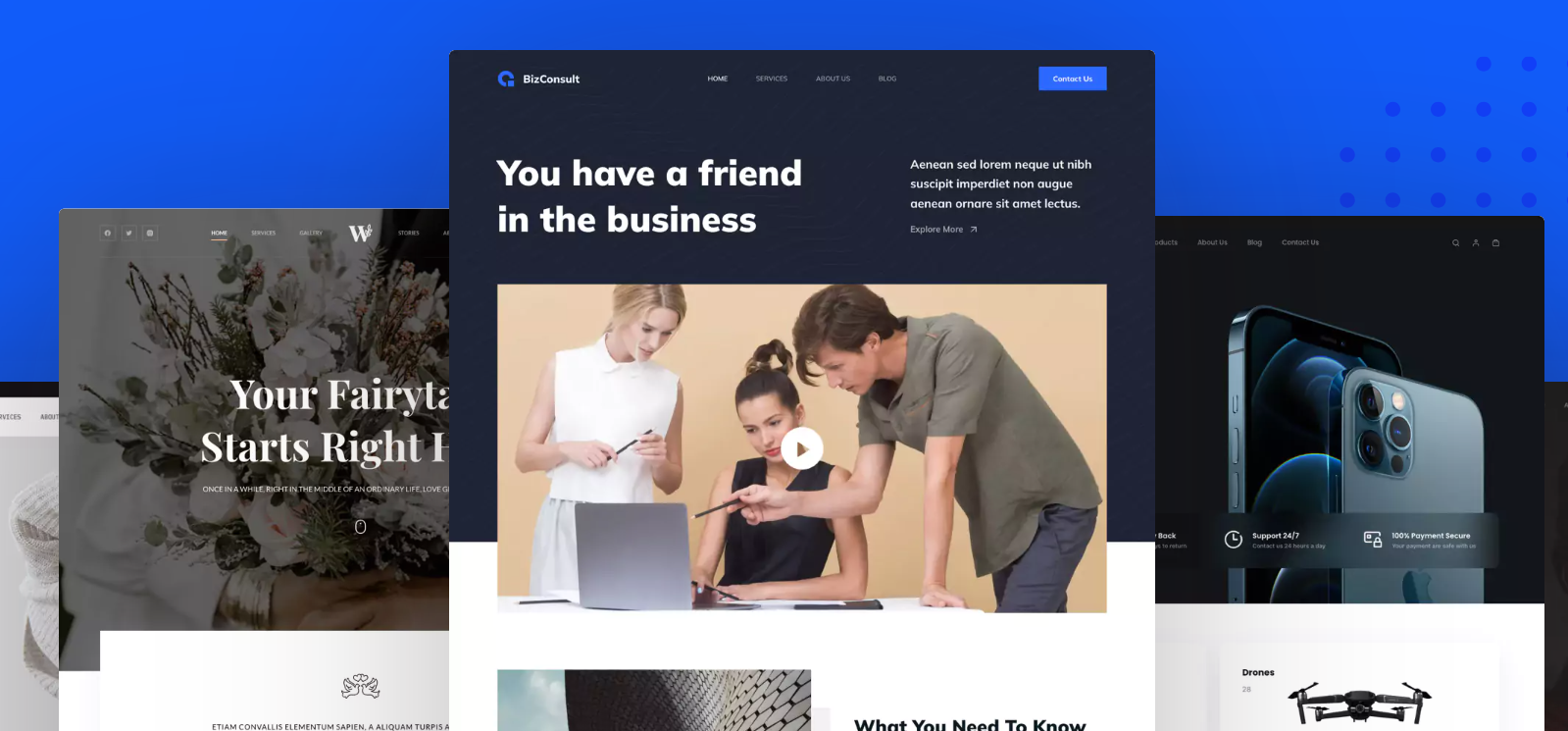
Blocksy version 2.1.0 is launched, bringing more customization options and performance optimizations including WooCommerce support, AJAX paging, breadcrumb navigation, video thumbnails, and dynamic data block functionality to enhance user experience.

Why SEO masters are choosing WooCommerce?Compare to Shopify, these advantages will make you steady traffic!
WooCommerce is more suitable for low-cost station building than Shopify, controlling data, flexible expansion, and helping to build a sustainable SEO e-commerce station.

How to Display Related Products in WooCommerce to Boost Your Store's Average Order Value (AOV)
Learn how to set up relevant products in WooCommerce, display recommended products through product pages and cart pages, and utilize up-sell and cross-sell features to enhance user experience and average order value (AOV)

How to Upload WebP Images in WordPress
WebP is a modern image format with smaller file sizes while maintaining high quality. Using WebP images can significantly improve website performance and loading speed. Here is a detailed tutorial on how to upload WebP images in WordPress. Why choose WebP...

How to Effectively Use Google reCAPTCHA in WordPress to Improve Website Security and User Experience
What is WordPress reCAPTCHA? WordPress reCAPTCHA is a security tool that helps you differentiate between real users on your website and automated programs like bots. It does this by displaying a small test, such as solving a simple puzzle, or by automatically checking behind the scenes...

How to Add Unlinked Titles to WordPress Menus: A Detailed Guide
Learn how to add unlinked headings to WordPress menus, optimize your site's navigation structure with custom links, enhance the user experience, and provide a clearer way to organize submenus.

How to Check and Update PHP Versions in WordPress: A Complete Guide to Improving Your Site's Performance and Security
What is PHP? PHP is an open source server-side scripting and programming language used to build and maintain websites. It runs on web hosting servers. How to Check and Update PHP in WordPress [Step-by-Step Guide] What is PHP's role in WordPress? ...

Managing WordPress links holistically is an important aspect of optimizing your site's structure and improving the user experience.
Comprehensively managing WordPress links is an important aspect of optimizing your website structure and enhancing the user experience. Here is a detailed guide to managing link bounces, internal links and external links: I. Link Bounces (Redirects) A link bounce is a redirection from one URL to another...

How to Optimize Responsive Design for Mobile to Enhance Ecommerce User Experience with WooCommerce
In the era of mobile e-commerce, users are more and more inclined to shop and transact on mobile devices. Therefore, for e-commerce platforms, optimizing the mobile experience has become a crucial part.WooCommerce, as a powerful e-commerce platform, has many advantages and features...

How to Add a Banner in WordPress (Four Ways)
Want to add banners to your WordPress site? This article introduces 4 methods: site editor, plugin, Elementor and manual code to help you easily create attractive Banner and increase conversion rate!

How to Stop WordPress Contact Form Spam in 7 Easy Steps
One of the biggest headaches when running a WordPress website is spam. Unsolicited spam emails sent through contact forms not only waste your time, but can also pose a security threat and therefore consume valuable resources to combat them. Now we take...

Troubleshooting and Fixing Missing WordPress Images
When all or some of the images on your website are no longer visible, it's usually due to a file or folder that has permission issues. The following steps will help you diagnose and fix these permission issues. Checking for Permission Issues 1. Test the images for permission issues Visit the URL of the image in your browser...

Creating Great WooCommerce Store Pages in Elementor: A Detailed Guide
WooCommerce is one of the most popular e-commerce plugins for WordPress, and Elementor is a powerful page builder. Combining the two makes it easy to build a visually stunning and powerful e-commerce store page. This article will detail how to use...

What is the WordPress Heartbeat API and how to manage it?
In 2013, WordPress introduced the Heartbeat API, a feature that allows your browser to automatically communicate with the server. If you are using web hosting, you need to look carefully at your server's CPU usage. This is because when you exceed the limit, some hosting companies may...

Take control of WordPress categories: delete categories without worry, SEO without dropping links
Learn how to properly remove categories in WordPress to avoid impacting site structure, SEO, and user experience. Get tips on how to deal with broken links, setting up 301 redirects, and category URL changes.

Elementor Security Mode Compatibility with Multilingual Websites
Elementor's Safe Mode is a troubleshooting tool used to disable all plugins and themes in an isolated environment so that only Elementor and Elementor Pro are enabled.This helps to identify and resolve conflicting issues related to plugins or themes. When using...

WordPress Button Shortcode Guide: Plugins, Custom Code and Design Optimization Explained
Learn how to easily add stylized buttons in WordPress through shortcodes, plugins, and the Gutenberg editor. This article details button implementations, design optimization tips, and FAQs to help you improve your site's interactivity and visual appeal.

 简体中文
简体中文  English
  日本語
日本語  Français
  Español



