





arrange in order

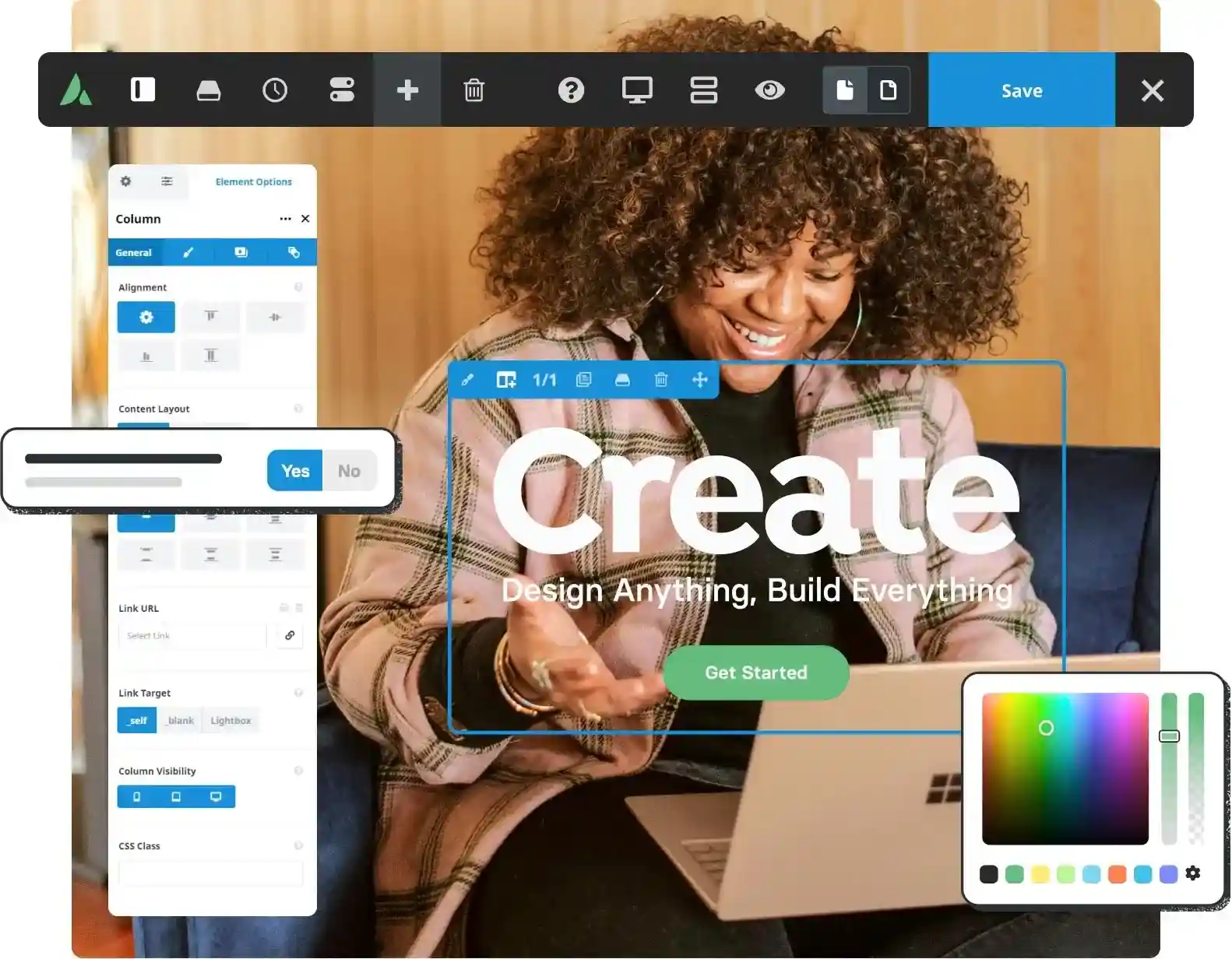
Avada slow loading pages? 5 most common problems and solutions
Your website loads too slowly with Avada? These 5 useful tips help you speed it up completely! From image compression to cache optimization, improve WordPress website speed and user experience across the board.

WordPress 6.9 Beta 2 Update: Stability Improvements and Editor Enhancements
WordPress 6.9 Beta 2 debut! Faster performance, smoother editing, bug fixes, experience the powerful features of the new version in advance to help you upgrade your site!

How to Build a High-Converting Membership Site with WP-Members
A comprehensive analysis of how to build a high-converting membership site with WP-Members, covering content protection, member signups, tiered subscriptions and conversion optimization strategies.

How to Recover SEO Rankings and Traffic Quickly After Migrating WordPress
Comprehensive analysis of how to quickly restore SEO rankings and traffic after WordPress migration, covering 301 jumps, sitemaps, internal link optimization and traffic monitoring and other practical methods to help the site back to the top of the search in the shortest possible time.

Migrating WordPress with Plugins: Top 5 Best Tools Comparison and Recommendations
Exhaustive comparison of Top5 WordPress migration plugins, including Duplicator, UpdraftPlus, Migrate Guru, etc., to help you quickly and safely complete your website move and backup.

The answer to the question of whether Kadence themes are perfectly compatible with Elementor Optimized Markup is surprising!
Is Kadence theme compatible with Elementor Optimized Markup? This article provides an in-depth analysis of compatibility issues, testing results and optimization suggestions to help you improve WordPress website performance and stability.

WordPress Caching Plugin Comparison: WP Super Cache vs W3 Total Cache
In-depth comparison of WP Super Cache and W3 Total Cache plug-ins, to understand the caching mechanism, functional differences and suitable scenarios, to help improve the performance of the website.

Which WordPress graphic bed plugins support automatic uploading to YapCloud / SevenNiuCloud / AliCloud?
Recommended three mainstream WordPress graphic bed plugin, support and shoot cloud, seven cattle cloud, Ali cloud OSS, realize automatic upload and CDN acceleration.

How to manage WordPress theme and plugin updates efficiently?
Learn how to effectively manage updates to WordPress themes and plugins by taking regular backups, using staging environments, enabling automatic updates, and compatibility testing to ensure that your site is constantly optimized for security, performance, and user experience.
Perfmatters Pricing, Features & Licensing Options Explained
Comprehensively analyze Perfmatters price, features and licensing model to find out if this performance optimization plugin to boost WordPress loading speed is worth buying.

Elementor Secure Mode Support for Large-Scale E-Commerce Sites: Ensuring Stability at High Traffic Volumes
In-depth analysis of how Elementor's security model helps large-scale e-commerce websites maintain stable operation in high-traffic scenarios, covering design troubleshooting, plug-in conflict handling, performance optimization, and deployment recommendations to help build an efficient e-commerce experience.
WordPress website loading slowly? Practical Optimization Advice Revealed
Teach you step-by-step to optimize your WordPress website speed, including cache settings, image compression, CDN usage and database cleanup, to improve your visitor experience and search ranking.

Building a High-Performance WordPress Website: Blocksy Subtheme + Cache Optimization Practices
Optimize for faster page loads and more efficient WordPress site performance with the Blocksy child theme and caching plugin.

Professional WordPress patches: the key to ensuring website security and performance
Learn how to improve your site's security, fix vulnerabilities, and optimize performance by installing WordPress patches on a regular basis. This article provides a complete guide on WordPress core, plugin, and theme updates to help you keep your website running stably.

How to Fix WordPress Gutenberg Editor Lag? The Ultimate Optimization Guide
Gutenberg editor running slowly? This article provides professional solutions, from browser optimization to server configuration, to completely solve the WordPress Gutenberg editor lagging problem! Contains PHP settings, plug-in management, cache optimization and other latest optimization techniques.

Free WordPress Knowledge Base Theme Download: Build the Perfect Self-Service Platform
Discover how to create a powerful self-service platform with a free WordPress knowledge base theme. This article provides detailed theme recommendations, installation tutorials and optimization tips to help you easily build an effective knowledge base website.

Imagify vs Smush: A Comparison of the Best WordPress Image Optimization Plugins for 2025
This article compares two popular WordPress image optimization plugins: Imagify and Smush.We analyze their core features, ease of use and performance to help users choose the plugin that best suits their needs.Imagify is suitable for users who need higher compression effects and customization options,...

Slow Loading Website?5 Simple Steps to Optimize WordPress Website Speed
Learn 5 simple but effective optimization tips for boosting WordPress website loading speed, including ways to choose a lightweight theme, enable caching plugins, optimize images, use a CDN and enable GZIP compression. Boost website speed, improve user experience, and boost SEO rankings.
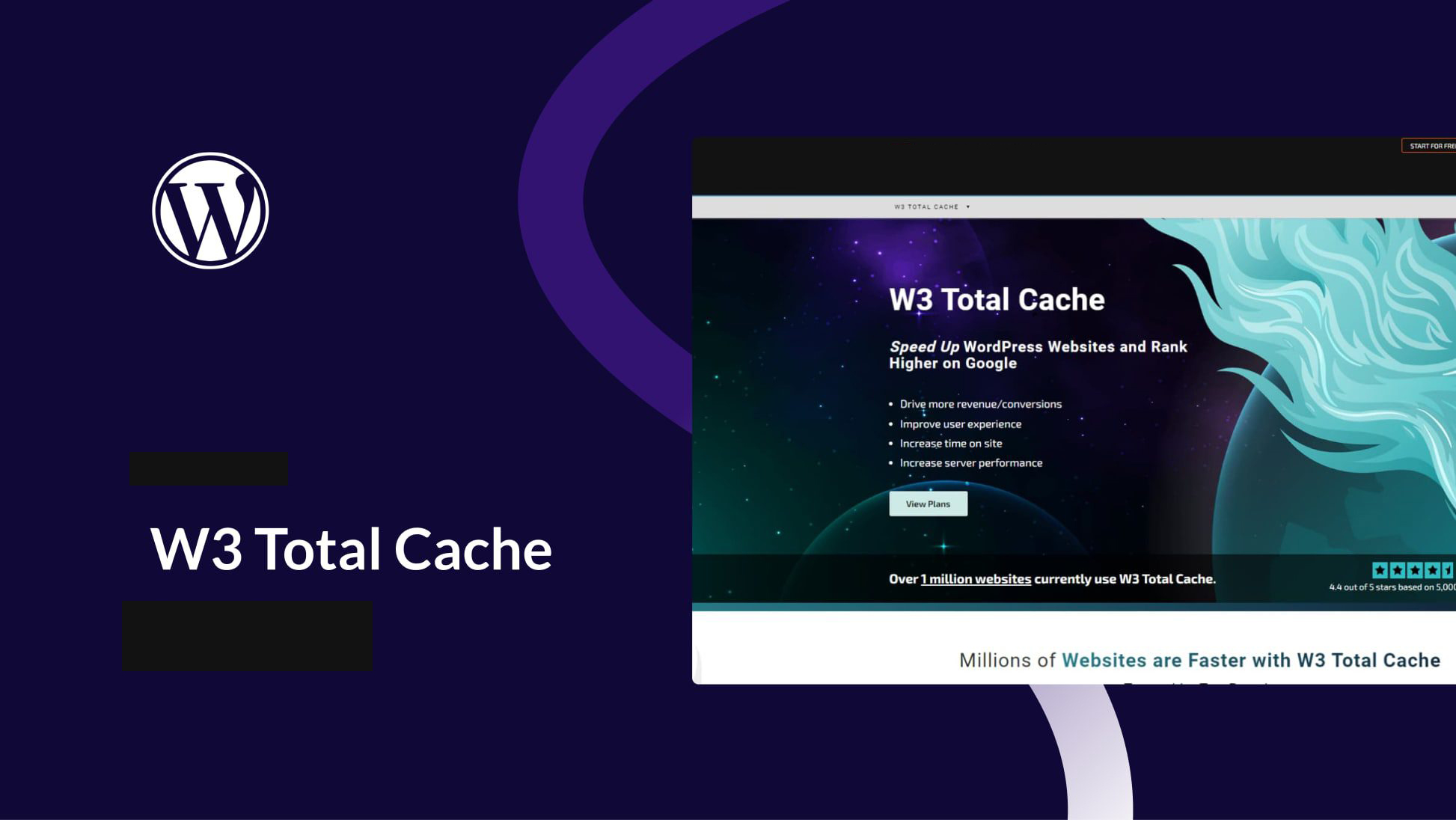
WordPress Caching Plugin Recommendation: The Secret Weapon to Speed Up Your Website W3 Total Cache
Learn how to optimize WordPress website caching with the W3 Total Cache plugin to increase load speeds, reduce customer churn, and improve site performance with CDN integration and compression optimization.

Perfmatters: The Ultimate WordPress Website Performance Optimizer
Perfmatters is a performance optimization plugin designed for WordPress to significantly improve website speed and user experience by disabling unnecessary features, optimizing script loading and delayed loading. Suitable for all kinds of websites, especially foreign trade and e-commerce platforms, Perfmatters...

How to integrate a CDN into a CMS website (e.g. WordPress)
This article describes how to integrate a CDN into a WordPress website to help improve site loading speed, reduce latency, and enhance security. It includes detailed steps on choosing the right CDN provider, installing plugin configurations, and more to help optimize website performance.
How to reduce HTTP requests in WordPress?
We have found that reducing HTTP requests has an impact on loading speed. Whenever someone visits a website, their browser sends a request to the web server to download all the files needed to display the page, including images, stylesheets and scripts. Each HTTP request adds...
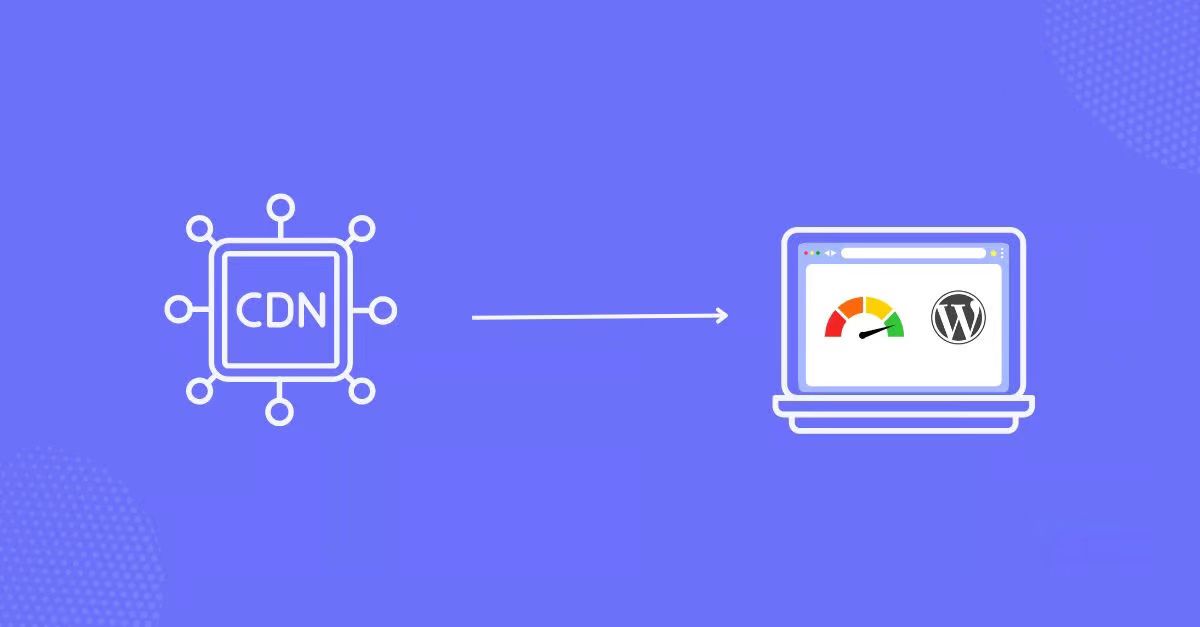
Best WordPress Image CDN Plugins Recommended to Improve Website Loading Speed in 2025
A comprehensive breakdown of the best WordPress image CDN plugins for 2025 to help improve site load speeds, optimize image quality, and boost SEO rankings. From Cloudflare to BunnyCDN, find the plugin solution that best fits your needs.

How to Improve WordPress Website Performance by Optimizing Themes, Images, and Caching
Learn how to significantly improve the loading speed and search engine ranking of your WordPress website by choosing the right theme, optimizing images, using the caching plugin WP Rocket, setting up a CDN, and getting a high Google Page Speed score.
What is WordPress Website Optimization?
Understand how to optimize WordPress themes, plug-ins and hosting configurations to comprehensively improve website performance, master Core Web Vitals metrics, performance testing tools and optimization techniques to create a fast-loading and efficient website.

How to Remove Unused JavaScript in WordPress to Improve Website Performance and User Experience
Learn how to optimize WordPress website performance by removing unused JavaScript to increase page load speed, improve user experience, and help boost SEO rankings.
How to Optimize admin-ajax.php in WordPress: Reduce Performance Issues Caused by High Usage
The file admin-ajax.php plays a key role in WordPress websites, it is the core file that manages AJAX requests and allows you to implement dynamic features such as real-time notifications, asynchronous form submissions, infinite scrolling, and more without having to refresh the entire page. When admin-ajax.p...
How to Choose and Use the Best Plugins to Accelerate Your WordPress Website
WordPress is the world's most popular Content Management System (CMS), offering users unparalleled flexibility and ease of use. However, when it comes to website page loading speed, how to speed up your WordPress website by choosing and using the best plugins would be what you need to...

How to Optimize WordPress Website Performance
When it comes to WordPress performance optimization, we can try the following. Install the theme and populate it with content When setting up our theme in a new WordPress installation, you'll usually import some dummy content. This content is meant to help you get your site up and running quickly and understand its structure...

 简体中文
简体中文  English
  日本語
日本語  Français
  Español



