









WordPress Editor Battle: Full Comparison of the Classic Editor and the Gutenberg Editor
Learn about the features, pros and cons, and key differences between the Classic Editor and the Gutenberg Editor to help you choose the right WordPress content editing tool for your site's needs.

How to Add and Optimize Meta Tags in WordPress to Boost SEO Ranking
Meta tags are small pieces of code that play an important role in SEO. They help search engines understand what a website is about, improve visibility and increase traffic. Why are meta tags missing from the default WordPress installation? When setting up a new WordPress website, one notices a certain...

How to implement automatic closing of the navigation menu after clicking an anchor link in Elementor
Setting up a directory to close after clicking an anchor link in Elementor (such as a collapsed menu or navigation menu) can be done using some custom code. Here are the steps: Step 1: Edit Individual Post Templates Log in to your WordPress dashboard. Navigate to the Elementor template >...
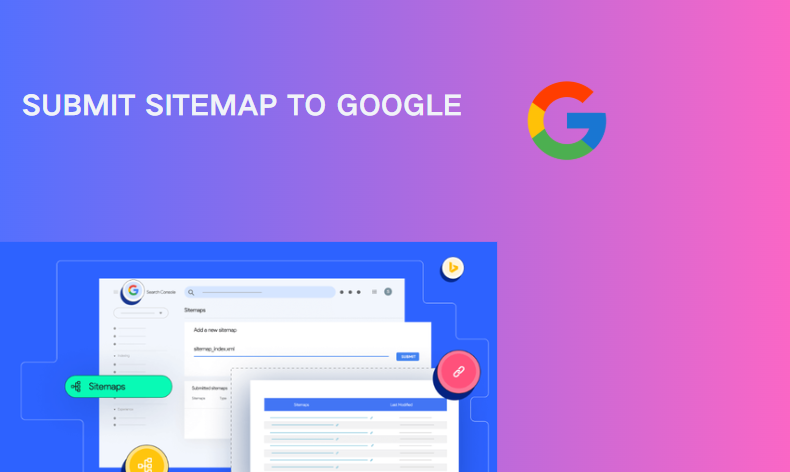
How to submit a sitemap for WordPress website Google (complete guide)
A detailed explanation of how to generate and submit sitemaps for WordPress sites to Google Search Console, including three ways to verify site ownership and common plugin settings.

Creating Custom Gutenberg Blocks in WooCommerce: A Complete Developer's Guide
Learn how to develop custom Gutenberg blocks using the @wordpress/scripts package, ES6, and JSX, integrate them into WooCommerce, and add front-end and editor styles to them.

Optimizing website interactions: key strategies to improve INP and user experience
What is Interaction to Next Paint (INP)? Interaction to Next Paint (INP), is a Core Web Vitals metric that measures web page response time. It replaces the previous First Input Delay (FID) in March 2024 . Understanding the relationship between FID and ...
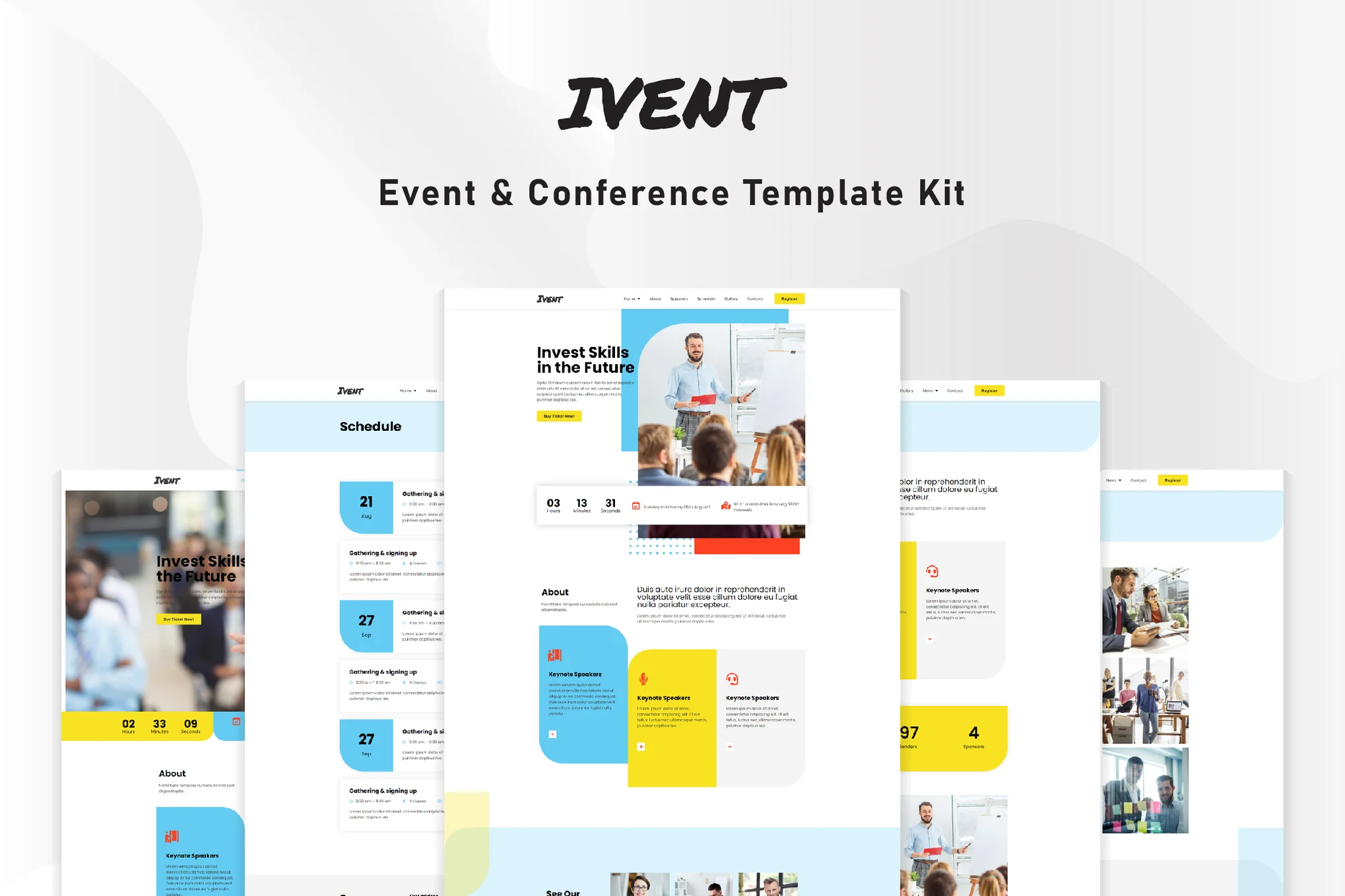
Ivent Events and Meetings Elementor Template Suite
This article will guide you on how to install the Ivent event and meeting template suite to build modern event websites on WordPress using Elementor and Elementor Pro, providing detailed installation and setup steps.

How to Customize WooCommerce Product Pages with Elementor to Improve User Experience and Page Appeal
Customize your WooCommerce product pages with Elementor, and easily design unique layouts with drag-and-drop editors and rich widgets to enhance user experience and page appeal, all without coding!

How to Improve WordPress Website Security and Force Strong User Passwords
Learn how to set up strong passwords on your WordPress site and improve overall site security with two-factor authentication, SSL certificates, and limiting login attempts to protect user data from attacks.

How to Create a Comprehensive WordPress Privacy Policy
Creating a privacy policy for your WordPress website helps to meet the transparency requirements of global data protection regulations and guidelines for national authorities, and builds trust with your users by explaining how you collect, use and protect their personal data. Why do I need a privacy policy? A privacy policy is...

WP Member plugin installation and configuration guide
In modern website management, Membership System (MS) has become an integral part of many websites. Whether it's online courses, exclusive content, community forums, or subscription services, Membership Systems help webmasters more effectively manage users and...

10 Best Strategies to Optimize Your WooCommerce Site Speed, Increase Conversions & SEO Rankings
A slow loading WooCommerce website can drive away potential customers and hurt your sales.WooCommerce website speed is also an important factor in WooCommerce SEO and Google search engine rankings. So how do you make sure your WooCommerce website is fast and high...

Improving WordPress Site Loading Speed: Image Sizing and Optimization Tips
Learn how to improve your site's performance by setting WordPress image sizes wisely, optimizing image formats, and enabling lazy loading to ensure faster page loads and a better user experience.

How to Create Custom Single Product Templates for WooCommerce Using Elementor
Elementor Pro allows you to create custom templates for various parts of your WordPress website, including individual product pages. Especially when using WooCommerce, personalized and unique product templates can be easily created with Elementor's visual editor without any coding...

Enhancing E-Commerce Success: A Guide to SEO Strategies and Practices
What is E-Commerce SEO? E-Commerce SEO is a set of strategies and techniques used to optimize the visibility and ranking of an online store on search engine results pages (SERPs). By appearing in relevant search results, your website attracts people who are actively searching for the products you offer...

How to Set Up 301 Redirects in WordPress to Optimize SEO and User Experience
What is a 301 redirect in WordPress? A 301 redirect is an HTTP status code that a web server sends to a browser to indicate that a web page has been permanently moved to a new location. When a user tries to access the old URL, they will be redirected to the new URL by default.This process helps...

Why SEO masters are choosing WooCommerce?Compare to Shopify, these advantages will make you steady traffic!
WooCommerce is more suitable for low-cost station building than Shopify, controlling data, flexible expansion, and helping to build a sustainable SEO e-commerce station.

How to Display Related Products in WooCommerce to Boost Your Store's Average Order Value (AOV)
Learn how to set up relevant products in WooCommerce, display recommended products through product pages and cart pages, and utilize up-sell and cross-sell features to enhance user experience and average order value (AOV)

Multiple Ways to Resolve Elementor 520 Errors: A Comprehensive Guide
What is a 520 error in Elementor? The 520 error that occurs when trying to edit with Elementor is a server error that usually occurs due to a connection problem or an unexpected problem with the server processing the request. This error can be caused by the following: Some requests are not wrapped...

WordPress Beginner's Guide: How to Easily Add Nofollow Links to Boost SEO
What are Nofollow links? Nofollow links are a type of link that tells search engines not to pass any link authority from your page to other websites. Any link can be made into a nofollow link by adding the rel='nofollow' attribute. Why make...

Detailed guide to fix WordPress media library not loading issue: causes and solutions
Before diving into a solution, it's crucial to understand the underlying reasons why WP Media Library is not loading. Determining the root cause can help you adopt the most effective solution. Here are some common reasons: Plugin Conflicts: WordPress plugins can conflict with core WordPres...

Best Practices for Customizing WooCommerce Product Pages: Key Tips for Improving User Experience and Conversion Rates
This article will detail how to customize product pages in WooCommerce, including the use of plugins, CSS, page builders, and many other methods. Whether you are a beginner or an experienced developer, this article can provide you with a useful reference. Method 1: Use plugin to customize ...

How to Fix Blurry Images in WordPress: 6 Effective Methods
Blurry images in a WordPress website can affect the visual effect and user experience. This article introduces 6 effective fixes, including uploading high-resolution images, choosing the right image format, optimizing image thumbnails, and using the appropriate image optimization plugin, to help you resolve the image...
How to Quickly Fix "jQuery Undefined" Error in WordPress
The "jQuery undefined" error is a common JavaScript error in WordPress that usually occurs when the jQuery library fails to load correctly. When a web page loads in the browser, the JavaScript code relies on jQuery for interactive functions (e.g.,...

How to Create Richly Structured and Beautifully Designed Mega Menus with Elementor
Super Menu is a tool that gives you the flexibility to create stylish, powerful menus that are perfect for adding more navigation options and visual elements to your website. If you're looking to add creativity and personality to your website's navigation system, Super Menu is an excellent choice. In this...

How to manage Elementor form submissions
This article will take a deep dive into how to manage form submissions in Elementor, covering a range of operations from data collection to accessing and exporting, and providing some advanced suggestions to help you manage website form submissions more efficiently. 1. Enable Form Submission Elementor's Form Submission...

What is the WordPress Heartbeat API and how to manage it?
In 2013, WordPress introduced the Heartbeat API, a feature that allows your browser to automatically communicate with the server. If you are using web hosting, you need to look carefully at your server's CPU usage. This is because when you exceed the limit, some hosting companies may...

How to Check and Resolve WordPress Plugin Conflicts: A Comprehensive Guide
Plugin conflicts are one of the most common technical issues when managing a WordPress website. This post will give you details on how to check for and resolve WordPress plugin conflicts to ensure your site is always running smoothly. What is a WordPress Plugin Conflict? A plugin conflict is when...

WordPress Sitemap Creation and Optimization Guide: Best Practices for Improving SEO
Learn how to create and manage sitemaps in WordPress. Details on what XML and HTML sitemaps do, how to generate sitemaps using plugins, and best practices for submitting sitemaps to search engines.

Website Optimization: Key Factors to Improve Web Page Opening Speed in addition to Servers
In today's Internet era, the importance of fast web page loading speed for websites is becoming increasingly important. Web page opening speed not only affects the user's experience, but also directly affects the website's traffic, revenue and search engine ranking. In addition to the impact of the server, the following aspects also have a significant impact on web page opening speed...

 简体中文
简体中文  English
  日本語
日本語  Français
  Español



