










Comprehensive Guide: How to Create, Configure and Optimize Coupons in WooCommerce
For eCommerce stores, coupons are an important marketing tool to help boost sales. This guide will take you through the details of how to create, setup, test and optimize coupons in WooCommerce. 1. How to Create Coupon Codes in WordPress WooCommerc...
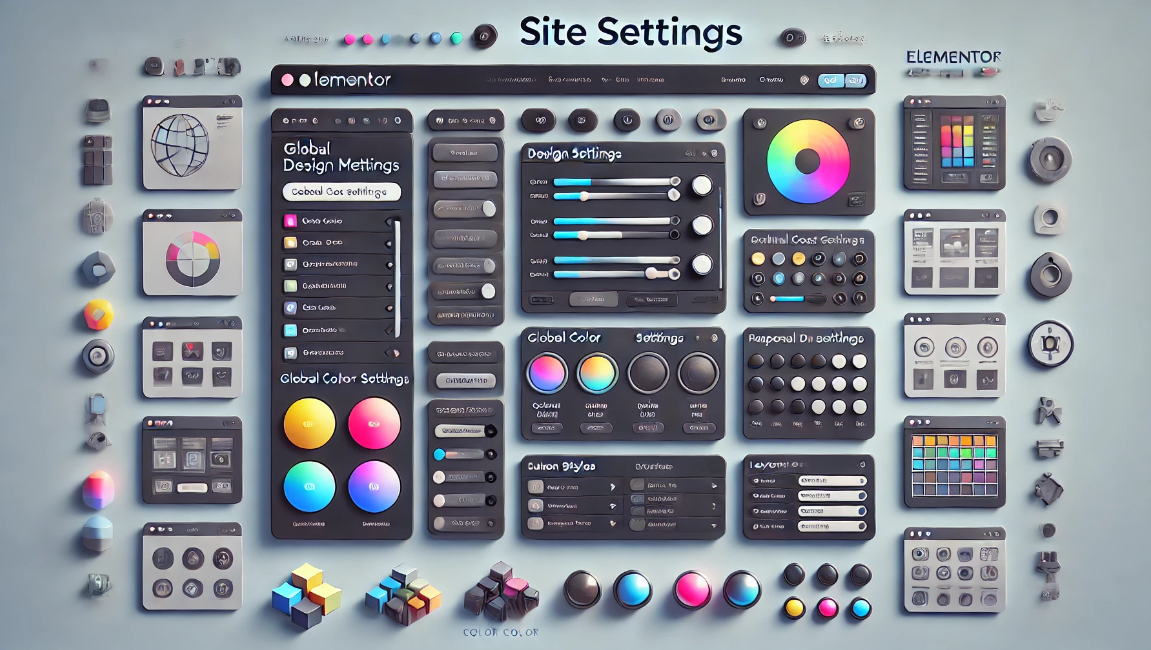
Simplify design management of multi-page websites with Elementor Site Settings
Elementor is a powerful page builder plugin, especially for multi-page sites that require flexible design and customization. With Elementor's global site settings, you can dramatically simplify the process of designing and managing multi-page sites, ensuring consistent style and ease of maintenance. This article...

How to set different Elementor full width slides for different pages
Full Width Sliders (FWS) are a very popular design element. Not only can they display large, beautiful images, they can also help you convey your core message and grab your users' attention. With Elementor, you can easily set up each page with different...

How to Design Your Own WordPress Blog Theme Pages with Elementor
With Elementor, you can easily design WordPress blog themes that fit your personal style without even writing any code. This post will show you how to design and customize your own WordPress blog theme with Elementor, helping you achieve a completely...
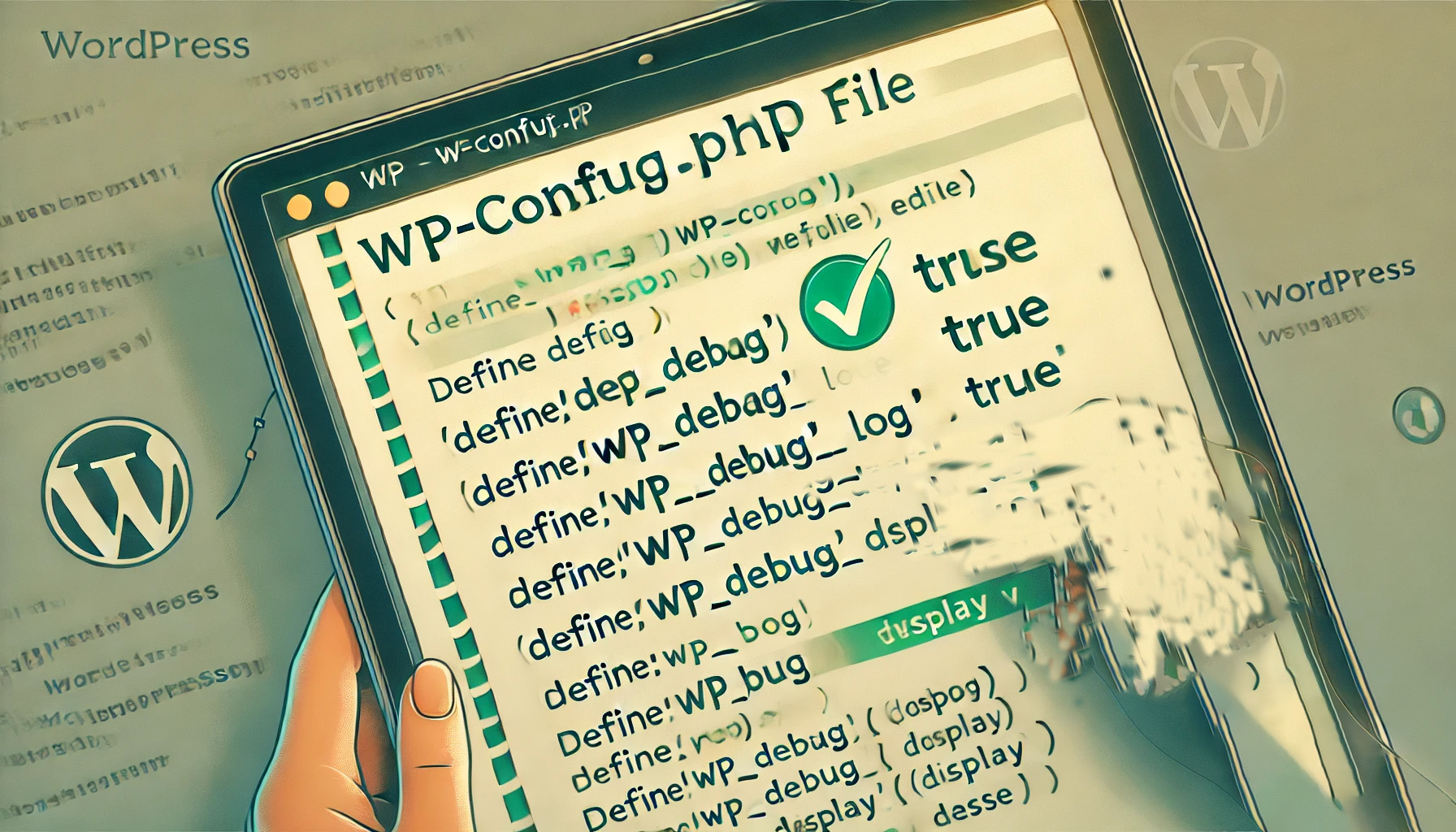
How to Enable and Use the WordPress Debug Log: The Complete Guide
When managing a WordPress website, it's relatively common to encounter a white screen, a feature failure, or a page loading problem. At this point, WordPress debugging is very important. WordPress has a built-in debugging tool that enables debugging logs to catch errors and help me...

WooCommerce Getting Started Guide: Adding External/Associated Products
In WooCommerce, external/affiliated products are products that are not sold directly in your store and are usually linked to other websites. In this way, you can offer more choices to your customers and also earn referral commissions. In this article, we'll go over how you can link products in WooCo...
Recommended Best Code Optimization Plugins for WordPress in 2024
If you're looking for the best way to optimize your WordPress site, you're probably already familiar with some common techniques such as caching, image optimization, and using a CDN to speed up site loading. In addition to these traditional methods, there's a key component to code optimization...

How to create a WordPress lightbox without a plugin: a detailed tutorial
WordPress has been able to create lightbox effects without relying on third-party plugins since version 6.5. This feature has been integrated into the WordPress core, especially for those who use the WordPress block editor (Gutenberg). Therefore, adding images and enabling lightbox effects for them is now...

How to move the WordPress admin bar to the footer: a detailed tutorial
WordPress by default displays the admin bar at the top of the screen, and this bar helps you quickly access WordPress backend functions. However, some users may find the location of the admin bar a bit obtrusive and want to move it, especially to change its appearance and location. In this tutorial, through WP...
How to delete unused WordPress media: detailed tutorial
Deleting media files that are no longer in use is an effective solution during the operation of a WordPress website when the host's disk space starts to fill up but we don't intend to upgrade the hosting package for the time being. In this article, we will explain how to delete unused WordPress manually or through a plugin...
How to add WhatsApp button in WordPress: detailed tutorial
Before adding a WhatsApp button, you need to first determine whether the function of this button is to display WhatsApp contact information only or to provide a live chat service. This distinction is important because it will directly affect your website performance and user experience. Live Chat vs.

Beginner's Guide: Building Your Website for Free with WordPress
WordPress can provide you with all the tools you need to help you build and manage your website with ease. Whether you want to create a blog, showcase a portfolio, or open an online store, WordPress has your back, and most of its features are free. The first ...
How to Disable WordPress RSS Feeds: Protecting Website Content from Automatic Copying
WordPress RSS feeds provide subscribers with the convenience of quick access to updates, but in some cases, it can also be used by others to automatically fetch and copy your website content. Therefore, disabling RSS feeds is one of the protective measures you can take. What is W...
How to Increase WordPress Memory Limit to Ensure Your Website Runs Smoothly
This article will delve into how to increase the WordPress memory limit to ensure that your website runs smoothly. Prerequisites for Increasing the WordPress Memory Limit Before you begin, you need to make sure that the following conditions are in place: Permissions to access the .htaccess file: Usually in WordP...

How to Optimize Instagram Marketing with Linktree to Boost Leads
Creating an Instagram Linktree is an effective way to optimize unique links in your Instagram profile. Below are detailed steps and strategies to help you use Linktree for Instagram marketing. Hopefully, this thorough guide will help you maximize your Instagram...

A Complete Guide to Creating Sticky Videos with Elementor to Increase User Interaction and Video Views
On many news sites or content platforms, you may see a video that automatically appears in the bottom right corner of the screen. This video is called a "sticky video" because it automatically appears in the corner of the screen as the user scrolls down the page. By adding sticky video to your website, you can boost video...

A Complete Guide to Creating Professional Preloaders with Elementor Pro to Improve the Website Loading Experience
When building a website with Elementor, it is crucial to create a smooth visual experience for the user. Preloaders can show loading animations before the page content is fully loaded. Below, we'll give you a step-by-step guide on how to create a preloader in Elementor Pro. Preloaders...

How to easily implement image lightbox effects in Elementor
The lightbox effect is a very useful feature, especially if you need to zoom in to display an image.Elementor provides an easy way to create lightbox images without the help of other plugins. This article will provide an in-depth look at how to add Elementor...

Elementor parallax background effect detailed tutorial: let the site more visual hierarchy
Elementor can create parallax background effects, which can make websites more vivid and add a sense of hierarchy. In this article, we'll show you how to create parallax backgrounds in Elementor for a compelling visual experience. What is Parallax? Parallax effect is a kind of pass...
How to Add and Customize HTML Forms in WordPress: Detailed Tutorials
What are HTML forms? Why are they needed? An HTML form is an area that allows users to enter and submit data, and is commonly used to collect user information such as name, email address, feedback, and order information. Unlike WordPress form plugins, HTML forms are created through...
How to Hide Pages in WordPress: Five Practical Ways and Detailed Procedures
In this guide, we will explore the many ways to hide pages in Wordpress, and analyze the application scenarios and procedures of these methods to help you flexibly control access to your website content. Method 1: Use WordPress built-in page visibility settings WordPres...
A Quick Guide to Fixing WordPress "Another Update is Currently in Progress" Errors
When updating a core, plugin, or theme in WordPress, you will sometimes encounter an error message that says "Another update is currently in progress". This prevents you from continuing with the update and leaves your site in an unmodifiable state. This article will detail the cause of this error and provide...

How to Reinstall WordPress Without Losing Data: A Complete Step-by-Step Guide
Reinstalling WordPress may be a necessary step when your WordPress website has an unsolvable problem. However, what you need to be aware of when reinstalling WordPress is how to avoid losing data, such as your blog posts, pages, and custom styles, among other things. This ...
How to Fix "The Link You Followed is Expired" Error in WordPress
If you've ever uploaded a theme or plugin to WordPress and encountered the "The link you follow has expired" error, this article is for you. This article will delve into the causes of this error and how to fix it to ensure that you can upload your files without this problem...
Submitting a sitemap to improve site crawling speed: a comprehensive WordPress tutorial
Submitting a sitemap is an important step in improving your website's SEO performance and speeding up Google's crawling and indexing of your website's content. By submitting a sitemap to Google Search Console, you can better manage your website's performance on search engines. What is a sitemap...
Enhancing the User Experience: Creating Mobile-Friendly Sticky Footer Navigation in Elementor
Want your footer navigation to always be in sight like a mobile app? This guide will teach you how to create sticky footer navigation in Elementor for both free and paid versions of Elementor.Creating such navigation can greatly improve the user experience of your website, especially...
How to Create Exit Intent Popups with Elementor Pro
Exit intent popups are an effective tool for guiding users to take action before leaving a website, such as subscribing to a newsletter, getting a discount offer or filling out a form. With Elementor Pro, it's easy to create such popups that display key information when users try to leave...
Limit WordPress Users to Multi-Device Logins to Improve Website Security
In some cases, you want to limit the number of user logins on your WordPress site, ensuring that each user can only log in on one device. This method not only improves the security of your website, but also prevents users from sharing login information across multiple devices. This article will detail...
Quick Fix for "Missing Temporary Folder" Error in WordPress: Detailed Tutorial and Solution
In this article, we will take an in-depth look at the "Missing Temporary Folder" error encountered by WordPress and provide you with detailed steps to fix it. With the guidelines in this article, you can easily fix the "Missing Temporary Folder" error and restore WordPress to its normal functionality. What is "Missing ...

How to Quickly Find Out What Themes a WordPress Site is Using
As a web developer or freelancer, finding WordPress themes you like and borrowing them for your own projects is a great way to boost your website design efficiency. In this article, we'll detail a few simple and effective ways to help you figure out what a WordPress website uses...

 简体中文
简体中文  English
  日本語
日本語  Français
  Español



