





arrange in order
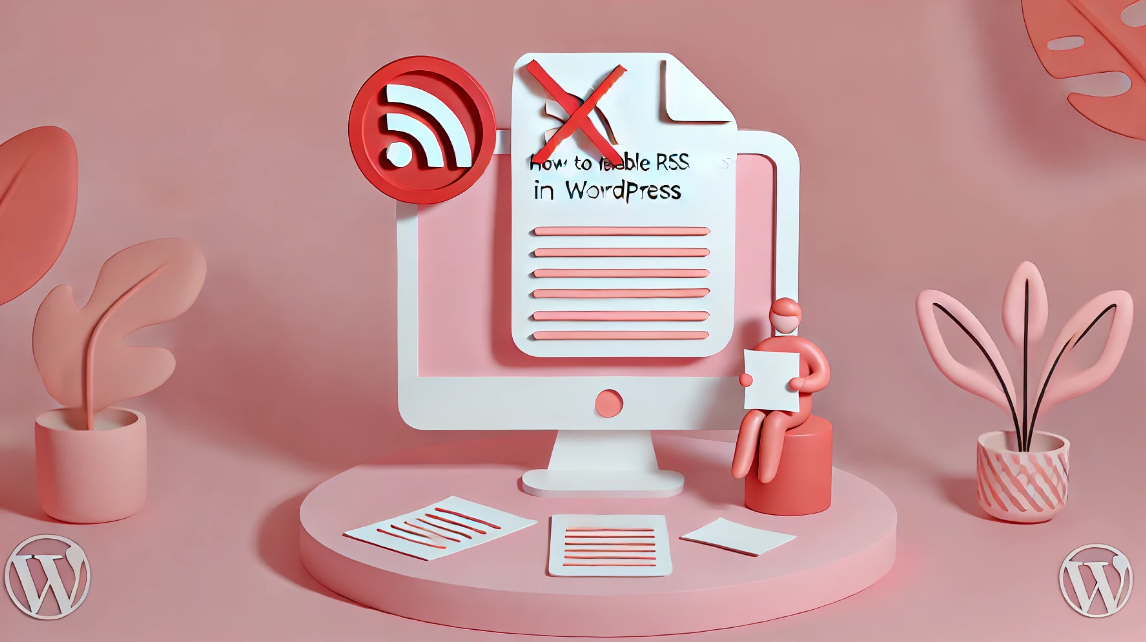
How to Disable WordPress RSS Feeds: Protecting Website Content from Automatic Copying
WordPress RSS feeds provide subscribers with the convenience of quick access to updates, but in some cases, it can also be used by others to automatically fetch and copy your website content. Therefore, disabling RSS feeds is one of the protective measures you can take. What is W...

How to Password Protect Posts, Pages and WooCommerce Products
If you want to password protect individual posts, pages, or WooCommerce products, WordPress actually includes a built-in feature to help you set it up via its Visibility settings. The visibility settings will be found in the WordPress editor, so you can use them for our above...

How to Password Protect Parts of a WordPress Post
Today! Let's look at the most specific way to password protect a portion of a public WordPress post. To set this up, you can use the free Passster plugin available on WordPress.org. After installing and activating the plugin, go to Settings → Passster Generate for...





