










How to Add Custom Fonts in WordPress: Using Google Fonts, Typekit and CSS @font-face in Detail
Want to add custom fonts to WordPress? Custom fonts allow you to use a beautiful combination of different fonts on your website to improve typography and user experience. In addition to being aesthetically pleasing, custom fonts can help you improve readability, create brand identity and increase the number of users on your ...

How to Add Custom Fonts to Your WordPress Theme: The Complete Guide
Adding custom fonts to your WordPress theme can significantly enhance the look and feel of your website. Custom fonts help build brand identity and improve readability. This step-by-step guide will show you how to add custom fonts to your WordPress theme using a variety of...
An In-Depth Look at WooCommerce Analytics: The Best Tools and Metrics for Improving Online Store Performance
WooCommerce Analytics comes as a native tool that allows users to easily track customer behavior and product performance. In this article, we'll take a closer look at WooCommerce's analytics tools and discuss three advanced tools that offer powerful analytics capabilities. Using Woo...

How to Create and Add Anchor Links in WordPress: A Detailed Guide
Anchor links, also known as jump links or skip links, improve navigation and user experience on longer or text-heavy WordPress pages and posts by reducing scrolling. They allow users to quickly jump to specific sections of content on the same page by clicking on a link. In this guide,...

10 Practical Ways to Optimize WooCommerce for Higher Conversion Rates
Optimizing for WooCommerce requires a combination of marketing and internet expertise to create the ideal storefront for your customers. Here are 10 simple ways, backed by data, to increase conversions. WooCommerce Conversion Rate Optimization (CRO) is a way to improve the success of your eCommerce...

How to Limit Login Attempts in WordPress to Prevent Brute Force Breaches
WordPress is a powerful and widely used content management system, and limiting the number of login attempts is an effective way to prevent brute force breaking attacks. This article will detail how to limit the number of login attempts in WordPress to improve the security of your website. What is brute force breaking...

How to Add Custom Buttons to WordPress Posts and Pages: A Detailed Step-by-Step Tutorial
Adding buttons is made easy with WordPress built-in button blocks, a feature introduced with the Gutenberg WordPress block editor. This article will show you the many ways to add call-to-action buttons to WordPress blog posts and pages. You can choose the most...
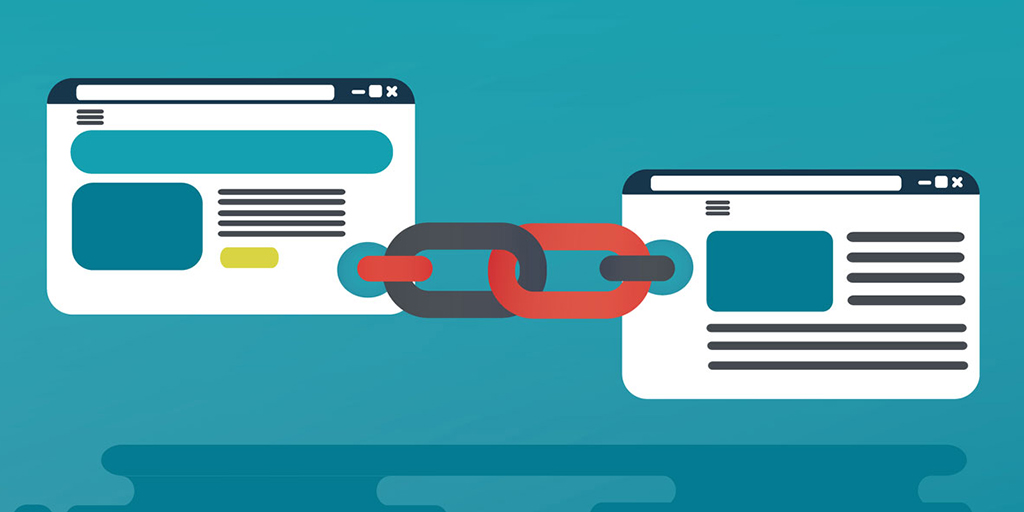
12 Best Practices for Optimizing Internal WordPress Links: boost traffic and SEO results
What Internal Links Do Internal links are vital in WordPress for several reasons. Studies have shown that internal links can help increase traffic by up to 401 TP3 T. In addition to this, internal links in WordPress can: Help visitors navigate your site easily Improve the structure of your site ...

A Comprehensive Guide to Changing WordPress Site Fonts
Choosing different fonts for your WordPress site can significantly enhance its visual appeal and uniqueness. This article details how to change fonts in WordPress, including font settings using the site editor, global styles and customizer, and how to adjust the font size...
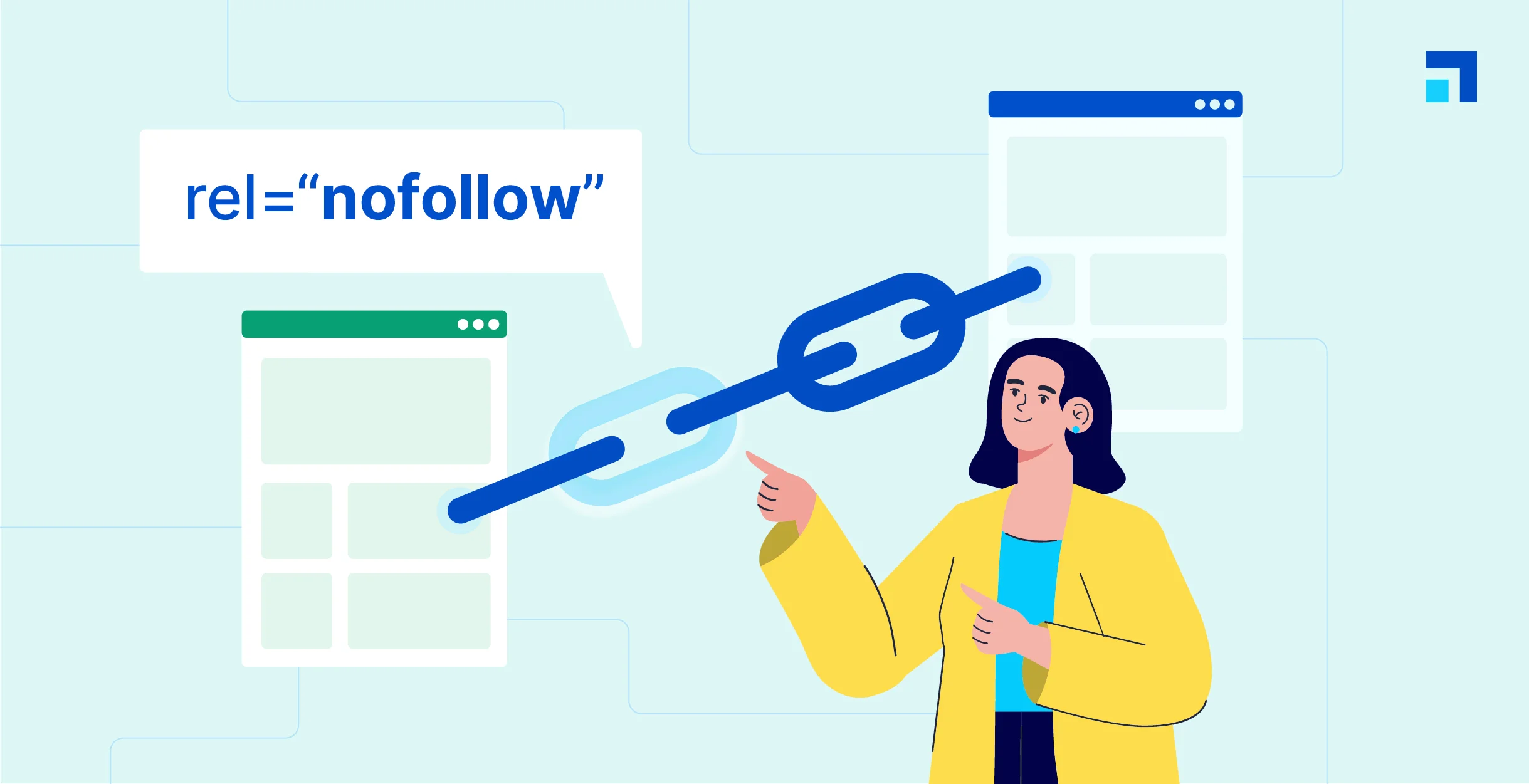
WordPress Beginner's Guide: How to Easily Add Nofollow Links to Boost SEO
What are Nofollow links? Nofollow links are a type of link that tells search engines not to pass any link authority from your page to other websites. Any link can be made into a nofollow link by adding the rel='nofollow' attribute. Why make...
Managing WordPress links holistically is an important aspect of optimizing your site's structure and improving the user experience.
Comprehensively managing WordPress links is an important aspect of optimizing your website structure and enhancing the user experience. Here is a detailed guide to managing link bounces, internal links and external links: I. Link Bounces (Redirects) A link bounce is a redirection from one URL to another...

Full tutorial on how to implement and customize breadcrumb navigation in WordPress using RankMath
If you have the RankMath SEO plugin installed, you can use the breadcrumbs feature it provides. While the free version of RankMath SEO usually implements the breadcrumbs feature via shortcodes, the RankMath SEO Pro version offers integration into Elementor's breadcrumbs meta...

How to add and optimize breadcrumb navigation in Elementor
Breadcrumbs navigation is powerful and can greatly improve the user experience on your website. Breadcrumb navigation is a navigational tool that helps users understand where they are on your website and how to get back to where they were before. Adding breadcrumb navigation to your website...

Building a Multilingual WooCommerce Store: A Comprehensive Guide and Practical Tips
Engaging a global audience is critical to the success of any online store. One effective way to expand your reach is to make your e-commerce store multilingual. According to the Bright Plugins website, offering content in multiple languages can increase online sales by as much as 100%. through...

8 Useful Code Snippets for Customizing WordPress
WordPress is a highly flexible platform that allows users to customize the UI, site structure and code. By using code snippets, it is possible to add features that are not available in the theme and even replace some paid features. In this article, we will share eight very useful code snippets to help you...
How to Boost Conversions by Customizing WooCommerce Checkout Pages
Why Customize WooCommerce Checkout Page? WooCommerce checkout pages provide customers with a smooth checkout process. However, customizing the checkout page is a necessary step if you want to provide users with a richer shopping experience and increase conversions. Customizing the checkout page...
How to Optimize Responsive Design for Mobile to Enhance Ecommerce User Experience with WooCommerce
In the era of mobile e-commerce, users are more and more inclined to shop and transact on mobile devices. Therefore, for e-commerce platforms, optimizing the mobile experience has become a crucial part.WooCommerce, as a powerful e-commerce platform, has many advantages and features...

8 Effective Ways to Change Password in WordPress
In WordPress, you can easily recover and change a user's password if you have access to the user's email or are already logged in. But how do you change any user's password if you don't know the administrator's password? In this article, we will cover changing passwords for different situations...

How to redirect users to different translated versions of a website based on geographic location
Managing a multilingual website is one of the most important factors in providing quality customer service to a global audience. By redirecting users to different translated versions of your website based on their geographic location, you can provide a more personalized and effective user experience. This article will detail how WordPr...

How to Perform Multilingual SEO on Your WordPress Website
Appealing to a global audience starts with having a website that supports multiple languages, both for content and search. Learn how to do multilingual SEO (Search Engine Optimization) on your WordPress website and make sure it's visible to users around the world. Simply translating your website...

Detailed Guide to Creating Easy Product Detail Page Templates with Elementor
When building a WordPress website, we need to create a simple product detail page template in order to better display product details and general post content. In this article, we will introduce in detail how to use Elementor to realize this kind of product detail page template creation, and share related implementation ideas...

How to Create Custom Single Product Templates for WooCommerce Using Elementor
Elementor Pro allows you to create custom templates for various parts of your WordPress website, including individual product pages. Especially when using WooCommerce, personalized and unique product templates can be easily created with Elementor's visual editor without any coding...
How to Customize WordPress Login Page: A Detailed Guide to Enhance Brand Image and User Experience
By default, visitors to your site see the same login page that administrators use. While this page is fully functional, the design is very simple, leaving a lot of white space with the WordPress logo right in the center. It's great for supporting your brand or providing visitors with the ability to use...

A Comprehensive Guide to Improving WordPress Website Security
A content management system (CMS) is a software application that helps users build, manage, and customize websites without having to write their own code.WordPress is one of the most popular content management systems in the world, making it a high-value target for cyberattackers. WordPress ...

How to Optimize Link Colors with WordPress Built-In Features: A Guide to Enhancing Your Brand and User Experience
How to Change WordPress Link Colors WordPress provides out-of-the-box formatting for hyperlinks. It is possible to modify the link color scheme for individual links or for an entire website with several options: Theme Customizer, WordPress Default Block Editor, or implementing custom CSS. Method 1...
An in-depth analysis of the complete guide to implementing JWT authentication in WordPress
JWT (JSON Web Token) is a lightweight, self-contained, token for authentication and authorization that encodes user information (e.g., user ID, roles, permissions, etc.) into a JSON object and then digitally signs it to generate a signed token...

11 Practical Tips to Improve WordPress Login Page Security Across the Board
WordPress is a very popular content management system (CMS), but that also makes it a target for hackers. Although WordPress provides a number of default security measures, unprotected login pages can be a convenient entry point for malicious entities. This article will detail...
How to Fix Elementor Safe Mode Fonts and Styles: A Comprehensive Solution
When using Elementor for web design, you may encounter the problem of "Safe Mode". In this case, the fonts and styles of the web page may not be displayed correctly, which affects the design effect and user experience. In this article, we will introduce how to solve the problem of fonts and styles in Elementor Safe Mode...
WordPress Privacy Policy Update: When and How to Notify Users
As Internet technology continues to evolve and users become more aware of privacy protection, website operators need to pay more attention to the development and updating of privacy policies. Especially for websites built with WordPress, it is especially important to update the privacy policy regularly and notify users. This article will detail...

How to Improve SEO with Link Options in the WordPress Editor
The use of internal and external links is crucial in optimizing your website's SEO.The WordPress editor provides powerful linking options that can help you improve user experience while optimizing SEO. Here are some effective ways to improve SEO. 1. Use internal links to boost web...

 简体中文
简体中文  English
  日本語
日本語  Français
  Español



