










A Deeper Look at WordPress SE0301 Jumps: Basic Concepts and Implementations
If you are new to SEO, you may be confused about 301 redirects.What is a 301 redirect? Why should you use it? How to use it properly? This article will answer these questions for you and help you master the basics of 301 redirection. First, what is 301 redirection?...
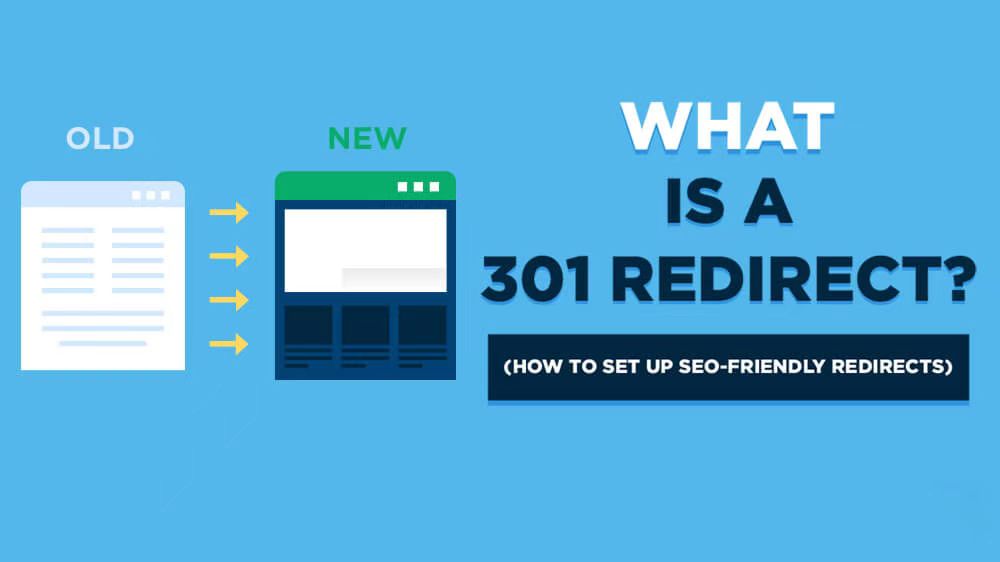
Domain name 301 jump (redirection): explain the importance and realization of the method
In the field of Internet marketing and website building, "domain name 301 jump" is a very important concept. Understanding and mastering its meaning and application is crucial for a webmaster or an internet marketer. In this article, we will explain in detail the "Domain 301 Jump"...

WordPress SEO 301 Jump SEO Optimization Strategy
In the process of website SEO optimization, 301 jump is a very important technical means. It not only effectively improves the user experience of the website, but also maintains and improves the SEO ranking of the website. In this article, we will discuss in detail the best practices and strategies for using 301 jumps under the WordPress platform. What...

Simple Strategies to Improve WordPress Website Loading Speed
According to Kissmetrics, 79% of buyers are unlikely to make another purchase if they're not satisfied with your site's speed and performance. Even worse, 44% of shoppers will share their negative online experiences with friends, which may deter new visitors from browsing your site. Web ...

Advantages and disadvantages of WordPress passwordless login and other ways to protect your website
In the modern web environment, it is vital to protect the security of your website. Using passwordless login can greatly enhance the security and user experience of your website, but it also has its limitations. Below are the main advantages and disadvantages of password-less login as well as other effective ways to protect your website. For your WordPr...

Best Practices for Creating SEO Friendly URLs
Optimizing your URL structure is crucial to improving SEO rankings and user experience. In this post, we'll cover how to create SEO-friendly URL structures so that both search engines and users can easily understand and access your pages. What are SEO-friendly URLs? SEO-friendly URLs...

Common Problems and Solutions in Elementor Safe Mode
Elementor is a powerful page builder plugin, but in the process of using it, users may encounter various problems, such as blank pages (white screen of death), widget sidebars disappearing, editor loading endlessly, etc. Elementor provides a safe mode as a feature,...

How to Upload WebP Images in WordPress
WebP is a modern image format with smaller file sizes while maintaining high quality. Using WebP images can significantly improve website performance and loading speed. Here is a detailed tutorial on how to upload WebP images in WordPress. Why choose WebP...

Elementor Safe Mode vs. Regular Mode
Elementor, as a popular WordPress page builder, has won the favor of users with its rich features and user-friendly interface. In order to protect users in the process of building and managing websites, Elementor provides a secure mode and a regular mode. This article will ...

Performance Impact of Elementor Safe Mode and How to Optimize It
Elementor is a popular WordPress page builder that offers great features and flexibility. However, enabling Safe Mode may impact site performance when debugging and problem solving. In this article, we will explore the performance impact of Elementor's safe mode and provide optimization...
Detailed Steps on How to Troubleshoot Elementor Display Errors
Elementor is a powerful page builder plugin, but sometimes you may encounter display errors while using it. This article will detail the steps on how to troubleshoot and resolve Elementor display errors to help you quickly restore your site's normal display. Step 1: Check the plugin...
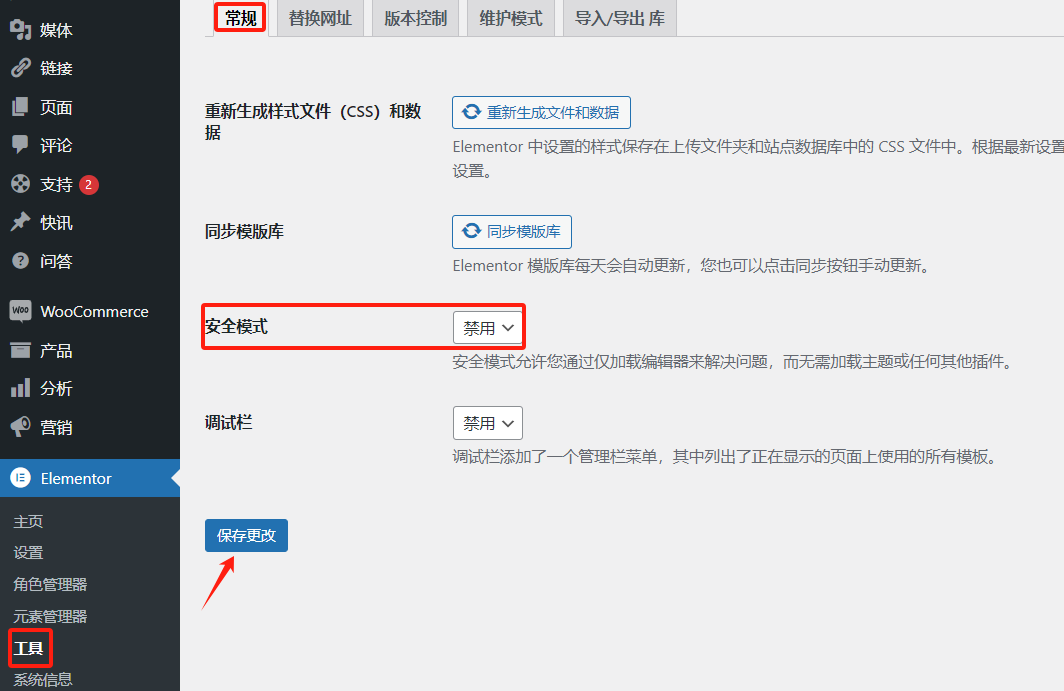
Advanced Debugging Tips for Elementor Display Errors
Elementor is a powerful WordPress page builder, but sometimes users may encounter display errors while using it. Solving these errors requires some advanced debugging skills. This article will introduce some effective debugging methods to help you quickly locate and resolve Elemento...
Elementor Display Errors: Case Studies and Practical Fixes
Elementor is a very popular WordPress page builder plugin, loved by users for its intuitive drag-and-drop interface and rich functionality. In this article, we'll explore the common causes of Elementor display errors and provide practical fixes to help you quickly resolve these issues...

A Guide to Using Elementor Safe Mode for Website Migration
What is Elementor Safe Mode? Elementor's Safe Mode is a troubleshooting tool that loads the Elementor page editor with other plugins and themes disabled. This ensures that when troubleshooting potential conflicts and issues, the editor can...

How to Fix 503 Service Unavailable Error in WordPress: Detailed Guide
Seeing a 503 Service Unavailable error on your WordPress site? This is a frustrating issue because it doesn't provide any specific reason for the error. In this article, we will show you how to fix 503 Service Unavailable error in WordPress. 503...

How to Reset WordPress Administrator Password
WordPress is the world's most popular content management system, with over 43% websites built using it worldwide. As powerful as WordPress is, users occasionally forget their login credentials for managing their websites. In this article, we'll cover a few quick ways to recover your WordPress administrator password...

How to Clean Up Your WordPress Media Library
Over time, WordPress media libraries can balloon and fill up with unused or unneeded files. These files not only take up disk space, but can also slow down the speed and performance of your website. For this reason, it's crucial to clean up your WordPress media library on a regular basis. In this guide,...
How to Fix "Plugins Disappearing from WordPress Dashboard" Issue by Clearing WordPress Cache with Plugin
Why Plugins Disappear from WordPress Dashboard? When a plugin is suddenly deactivated and disappears from your site, it can be a struggle to use the functionality provided by the plugin. This can lead to a poor user experience. For example, if your contact form plugin disappears, users in...
How to Fix Featured Images Not Displaying in WordPress
Featured images give visitors a glimpse of what's in your blog posts and pages. If these images are not appearing on your site, it can affect click-through rates. This article will show you how to fix featured images that are not appearing in WordPress so that your content gets more clicks and engagement. ...

How to Use WebP Images on WordPress
What is the WebP image format? WebP is a raster image format developed by Google and made available to the public.The WebP format allows you to compress an image while maintaining image quality, and supports transparency and animation (similar to GIF). Google believes that WebP is more efficient than transmitting...
Improving Website Performance with WebP Image Format on WordPress: A Detailed Guide
What is WebP? WebP is a modern image format created by Google that supports superior lossless and lossy compression of images on the web, including WordPress. This format reduces the file size of images, resulting in faster downloads when presenting images to users, number...

Optimizing Website Load Speed: Using WebP Format Images to Boost Website SEO Rankings
When you visit a website, the number and size of images is often the main reason for the loading speed of the site. For optimizing your website's SEO rankings, the loading speed of your website is especially critical. Use WebP images - this could be a godsend for speeding up your website! Features of WebP format ...

Explore WebP image format compatibility
When optimizing the performance of a website, the choice of image format is a key factor, and WebP image format has become an ideal choice for speeding up many websites due to its excellent compression performance and rich features. In this article, we will discuss in detail the compatibility of WebP image format and how to optimize it on different platforms...

A Complete Guide to Automatically Generating WebP Images in WordPress
Image optimization is a crucial step when optimizing website performance. Using the WebP image format can significantly improve website loading speed and user experience. In this article, we will explain how to automatically generate WebP images in WordPress for more efficient image management and more...

Elementor Safe Mode Explained: How to Enable and Resolve Issues
Elementor provides us with a Safe Mode, designed to help users solve all kinds of problems they may encounter while editing with Elementor. Whether it's a blank page (white screen of death), disappearing widget sidebars, the editor loading endlessly, or a complete lack of access to Elem...

Streamline business scheduling: Seamlessly integrate appointments with Elementor Pro and Google Business Suite
With the integration of Elementor Pro and Google Business Suite's appointment scheduling features, visitors can schedule appointments directly on your website without the need for additional plugins! Streamline your business scheduling with the latest features of Elementor Pro and Google In this number...

Elementor Global Settings Guide: How to Use Elementor Site Settings for Your Entire Site
Elementor Pro Global Style Settings Guide Elementor Pro provides global style settings feature, just install Elementor Pro and you can make global settings, similar to theme settings for themes. This can help you preset the overall color style of your website, font style,...

A Guide to Using Pseudo Tags to Improve WordPress Website Performance and SEO
Issues When using the Tabs element, you may encounter performance issues if you add a large number of elements (such as the Loop Grid or Loop Carousel elements) or many elements (such as creating almost the entire page's content in each tab). These issues include: Front-end sex...

Add Image Focus Tool to WordPress Media Library
What is the Image Focus Tool? The Image Focus Tool is a tool that allows you to quickly select the location of the main focus area of any image. By simply clicking on the image, you can easily determine exactly where the image's focal point is located on the x and y axes. This x and y position can then be used in...

How to Fix WordPress .htaccess File (Beginner's Guide)
What is an .htaccess file? The .htaccess file is a hidden configuration file that is essential to the operation of a WordPress website. It provides a set of directives for the Apache web server to manage permalinks, implement security measures, and improve site...

 简体中文
简体中文  English
  日本語
日本語  Français
  Español



