








How to Set Up 301 Redirects in WordPress: The Complete Guide (Plugins, .htaccess, PHP)
Learn how to properly set up redirects in WordPress to prevent 404 errors and protect SEO rankings. This guide covers 301 redirects using plugins, .htaccess, and PHP code to ensure a smooth user experience and unaffected search engine rankings.

How do I add a "Minimum Purchase Amount" or "Cart Discount" rule to WooCommerce?
Want to boost your WooCommerce store's customer unit price? This guide explains in detail how to set minimum purchase amount limits, full discount offers and shopping cart discount rules, and recommends useful plugins to make discounts apply automatically, optimize user shopping experience and increase sales!

How to Safely Downgrade WordPress: Full Tutorial (Manual & Plugin Methods)
Learn how to safely downgrade WordPress, including manual methods and tutorials on using the Core Rollback plugin to avoid compatibility issues. Take full backups, test staging sites, and take the necessary security measures to ensure your site is stable.

How to Optimize Your Website Ranking with SEO Query Tool? --Practical Guide
Want to improve website SEO ranking? This article comprehensively analyzes the core functions of SEO query tools, including keyword analysis, external chain optimization, on-page SEO diagnosis and competitor research, to help you accurately optimize your website and get more natural traffic.

How to Add Schema Markup with Rank Math Pro to Boost SEO and Click Through Rates
Schema Markup makes Google search results more attractive, increasing click-through rates and SEO rankings. This article introduces 20+ Schema types of Rank Math Pro in detail and demonstrates how to quickly add structured data to optimize website presentation.

How to use Rank Math Pro's SEO Analyzer to quickly diagnose and fix website SEO issues?
Rank Math Pro's built-in SEO analyzer helps you quickly detect and fix SEO issues on your website. This guide details SEO scoring, indexing and visibility, onsite SEO, and advanced optimization features to help you improve your site's ranking!

How to Hide the "Read More" Button in WooCommerce: Three Simple Methods
Learn three easy ways to hide the "Read More" button in WooCommerce and improve the user experience on product pages without complex code or plugins.
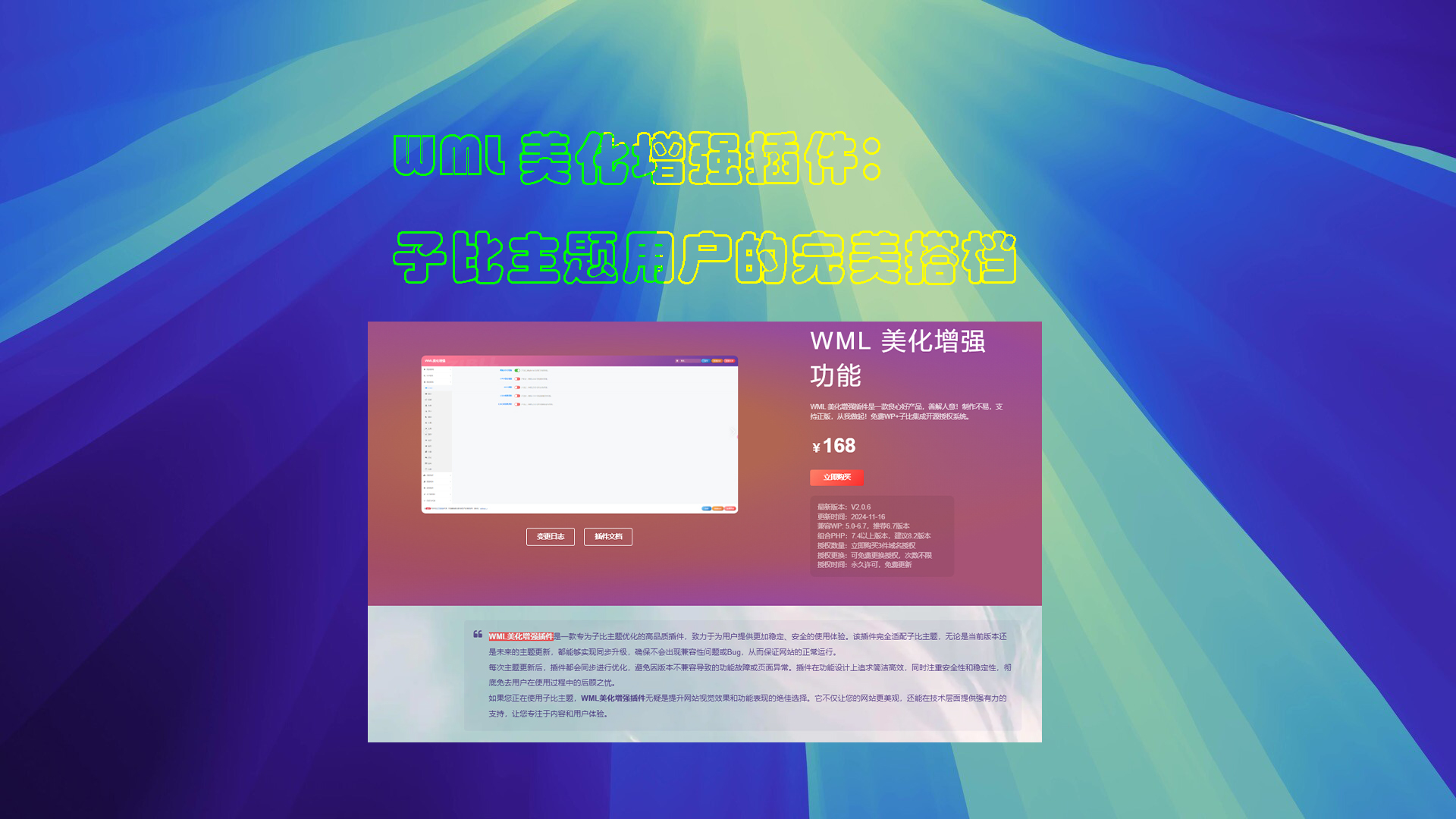
WML Beautify Plugin Tutorial
Detailed description of the WML beautification enhancement plugin installation, authorization verification and function configuration. Includes cover image creation, automatic card sales, digital sales, article layout and other powerful features to optimize the WordPress site experience.

Improving WordPress Website Performance: A Guide to Optimizing Maximum Content Drawing (LCP)
Learn how to boost your WordPress site's maximum content drawing (LCP), accelerate site loading, and improve user experience and search engine rankings through strategies such as image optimization, code minimization, server-side rendering, and performance plugins.

How to Remove Unused Images in WordPress: 2025 Ultimate Guide
Learn how to remove unused images from WordPress and optimize your media library to boost site performance. Discover effective plugins and tips to free up storage space and speed up your website.

WordPress get_the_terms(): Enhancing WordPress Category Display
Learn how to use the get_the_terms() function to get and display taxonomy terms in WordPress, covering the operation of categories, tags, and custom taxonomies to help you better organize and present your website content.

Avoiding the "Your Connection is Not Private" Warning: Essential SSL Configuration Tips for Webmasters
This article introduces common SSL certificate error types, causes and fixes to help webmasters solve SSL certificate problems, improve website security, and improve website SEO ranking by optimizing SSL configuration.

How to Earn and Quickly Break the Revenue Threshold with YouTube Shorts
Want to make money with YouTube Shorts? This guide details the Shorts profit model, earnings requirements, and 6 ways to cash in to help you quickly reach the YouTube Partner Program threshold and maximize your earnings.

WordPress Custom CSS Getting Started Guide: 5 Must Learn Code Snippets
Learn how to customize your WordPress site with 5 must-have CSS code snippets to easily style fonts, buttons, spacing, images, and more for novice users who want to get started quickly.

Beyond Google Translate: Why the WooCommerce Convert Languages by IP plugin is a better choice?
Google Translate is suitable for simple translation, but there are many limitations in WooCommerce malls, such as translation errors, SEO unfriendly and so on. In contrast, WooCommerce multilingual plugins such as WPML, TranslatePress, etc. provide more accurate translation, automatic language switching...

How to Create Scrolling Interactive Elements in WordPress
Learn how to add scrolling interactive elements such as scrolling animations, hover effects, and parallax scrolling to WordPress to enhance the interactivity and visual appeal of your website and increase user engagement and conversions.

How to Add Unlinked Titles to WordPress Menus: A Detailed Guide
Learn how to add unlinked headings to WordPress menus, optimize your site's navigation structure with custom links, enhance the user experience, and provide a clearer way to organize submenus.

How to Fix Blurry Images in WordPress: 6 Effective Methods
Blurry images in a WordPress website can affect the visual effect and user experience. This article introduces 6 effective fixes, including uploading high-resolution images, choosing the right image format, optimizing image thumbnails, and using the appropriate image optimization plugin, to help you resolve the image...

How to fix Fatal Error: Call to undefined function mysql_connect() in WordPress
Encountering WordPress website showing "Fatal Error: Call to undefined function mysql_connect()" error? This tutorial provides you with a detailed explanation of the cause of the problem, as well as complete steps to resolve it through cPanel or server settings, ensuring that your site is restored...

Fully Optimized BetterDocs Plugin: Configuration Guide for Tag Search and Document Page Layout
Learn how to enable and configure tabbed search functionality in the BetterDocs plugin while optimizing the design of document pages, including document home, one-page, and archive pages, to enhance the user experience and help find relevant documents quickly.

HTML How to Shape WordPress: A Guide to WordPress HTML
Understand the core role of HTML in WordPress and its optimization techniques to improve website performance and search engine rankings.
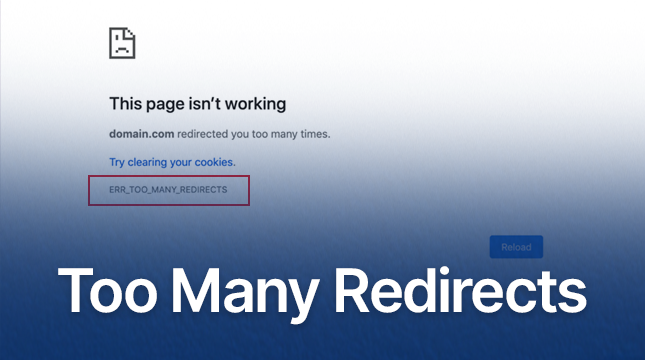
WordPress Redirects Too Many Times: ERR_TOO_MANY_REDIRECTS Error Cause and Solution
Detailed analysis of the causes and fixes of ERR_TOO_MANY_REDIRECTS errors, including HTTPS configuration, caching issues, plugin conflicts and CDN configuration, to help websites quickly solve redirection loop problems and improve performance.
2 Simple Ways to Use WebP Images in WordPress to Improve Site Speed and Performance
Learn 2 ways to use WebP images in your WordPress site, including the EWWW Image Optimizer and Imagify plugins, to reduce image file sizes, increase page load speeds, and optimize SEO rankings while keeping image quality intact.

How to Force a Strong Password Generator on a WordPress Website
Learn how to force a strong password generator on your WordPress website to improve site security and prevent users from using weak passwords. This article explains how to set strong passwords using plugins, WPForms and customization.

How to Troubleshoot and Fix WordPress 403 Forbidden Error: Common Causes and Solutions
This article analyzes the causes and solutions of WordPress 403 Forbidden error, including file permission settings, plugin conflict troubleshooting, .htaccess file repair and other steps to help you quickly restore the normal operation of the site and avoid the error.

SEO Maintenance Guide: How to Continuously Optimize Your Website to Maintain Long-Term Stable Rankings
This article breaks down the need for SEO maintenance, including content updates, technical SEO issue fixes, local SEO optimization, and industry dynamics tracking, to help you ensure your website's long-term ranking stability in search engines and improve user experience.

PHP Configuration Tweaks to Maximize Server Throughput: An Essential Guide for WordPress Developers
By optimizing PHP.ini configuration (such as memory limit, execution time, upload size, etc.) and enabling technologies such as OpCache, JIT compilation, Realpath caching, etc., we can comprehensively improve the performance and throughput of PHP applications, and provide users with a smoother experience.

WordPress Gutenberg Custom Fields Tutorial: Plugin and Manual Methods Fully Explained
Learn how to add custom fields to your WordPress Gutenberg site, including an easy way to use the ACF plugin and detailed steps to manually configure them to help you expand your content structure and improve site functionality.

How to Add Parallax Effects to Your WordPress Website: From Manual Coding to Using Elementor
A comprehensive breakdown of how to add parallax effects to your WordPress website, including detailed methods for manual coding, using plugins and Elementor, to help you create dynamic and attractive web designs with ease.

How to use WPBakery to create dynamic rotation of images: detailed tutorials
Learn how to create dynamic image rotation effects using WPBakery page builder with this tutorial. Detailed installation, setup and optimization tips are explained to enhance the interactivity and visual appeal of your website.

 简体中文
简体中文  English
  日本語
日本語  Français
  Español



