










How to fix "Unable to create directory wp-content/uploads.Is its parent directory writable by the server."
When using WordPress, many users may encounter the common error "Unable to create directory wp-content/uploads.Is its parent directory writable by the server. "Is its parent directory writable by the server. This issue prevents you from adding blog posts...

How to create and optimize Carousel gadgets in Elementor Pro
Creating and Using the Carousel Gadget Carousel is the latest addition to Elementor Pro, a gadget that allows you to present multiple pieces of content as a slideshow. 1.Change Elementor Settings Before using the Carousel gadget, you need to adjust the following Elementor settings. Log in ...

How to Add Buttons in WordPress Classic Editor
This article details three ways to add custom buttons in the WordPress Classic editor: inserting HTML and CSS manually for full customization, using plugins for quick implementation, and combining with the TinyMCE Advanced plugin to add them directly in the toolbar. Whether you are familiar with the generation...

How to Design Your Own WordPress Blog Theme Pages with Elementor
With Elementor, you can easily design WordPress blog themes that fit your personal style without even writing any code. This post will show you how to design and customize your own WordPress blog theme with Elementor, helping you achieve a completely...

How to Find, Fix, and Prevent Broken Links: The Complete Guide to Improving Your Website's User Experience and SEO Rankings
Broken links can affect user experience and SEO rankings. This guide teaches you how to use Google Search Console, plugins, and tools to find and fix invalid links and prevent link failures to improve website performance and SEO performance.

How to add and optimize breadcrumb navigation in Elementor
Breadcrumbs navigation is powerful and can greatly improve the user experience on your website. Breadcrumb navigation is a navigational tool that helps users understand where they are on your website and how to get back to where they were before. Adding breadcrumb navigation to your website...

Detailed Guide to Creating Easy Product Detail Page Templates with Elementor
When building a WordPress website, we need to create a simple product detail page template in order to better display product details and general post content. In this article, we will introduce in detail how to use Elementor to realize this kind of product detail page template creation, and share related implementation ideas...

Zero code to quickly modify the WooCommerce front-end language: complete graphic tutorials, easy and efficient to get started!
Graphic explanation of how to change the language of the WooCommerce front-end, covering the installation of language packs, translation of residual English, troubleshooting and multi-language switching settings.

How to Safely Downgrade WordPress: Full Tutorial (Manual & Plugin Methods)
Learn how to safely downgrade WordPress, including manual methods and tutorials on using the Core Rollback plugin to avoid compatibility issues. Take full backups, test staging sites, and take the necessary security measures to ensure your site is stable.

How to Optimize Your Website Navigation Menu with Elementor Pro and WordPress
If you want to design a nice menu for your website, there are a couple of different methods you can choose from. One is to use WordPress' default menu editor, which is simple and practical. Another is to utilize Elementor's navigation menu widget, which allows you to highly customize your menu,...

How to Convert Your WooCommerce Store to Multi-Language
Want to expand your WooCommerce store to the global market and attract more international customers? It's a task that requires careful planning and execution. With multi-language support, you can attract more customers globally and dramatically increase sales. In this article, we'll take a deeper look at how...

How to Embed YouTube Shorts in a WordPress Website Using Plugins
With the rapid growth of short-form video content, embedding YouTube Shorts in a WordPress website can greatly enhance the interactivity of your site. YouTube Shorts are not only eye-catching, but they can also quickly capture the attention of users, making them a powerful marketing tool. In this article, we'll go over...

How to Reinstall WordPress Without Losing Data: A Complete Step-by-Step Guide
Reinstalling WordPress may be a necessary step when your WordPress website has an unsolvable problem. However, what you need to be aware of when reinstalling WordPress is how to avoid losing data, such as your blog posts, pages, and custom styles, among other things. This ...

How to add Elementor menu hover effect
If you're using the Elementor editor, you can add a custom CSS menu hover effect by following these steps: Open the page or template: Log in to the WordPress dashboard. Navigate to the page you want to edit with Elementor. Edit the "Header", "Footer" or...

How to Optimize Link Colors with WordPress Built-In Features: A Guide to Enhancing Your Brand and User Experience
How to Change WordPress Link Colors WordPress provides out-of-the-box formatting for hyperlinks. It is possible to modify the link color scheme for individual links or for an entire website with several options: Theme Customizer, WordPress Default Block Editor, or implementing custom CSS. Method 1...

Detailed Guide: How to Configure and Optimize Shipping Settings in WooCommerce
Setting up shipping in WooCommerce may seem difficult, but it's crucial to running a successful online store. It's almost impossible to manage an online store without a well-organized shipping setup. This guide for beginners on configuring shipping settings, defining shipping zones, and adding shipping methods...

Detailed Guide to Creating Easy Product Detail Page Templates with Elementor and Gutenberg Editor
Sometimes we need to create a simple product detail page template in order to distinguish the product details from the ordinary article detail page. In this article, we will introduce how to use Elementor and Gutenberg editor to realize this kind of product detail page template creation, and share the related implementation ideas and specific...
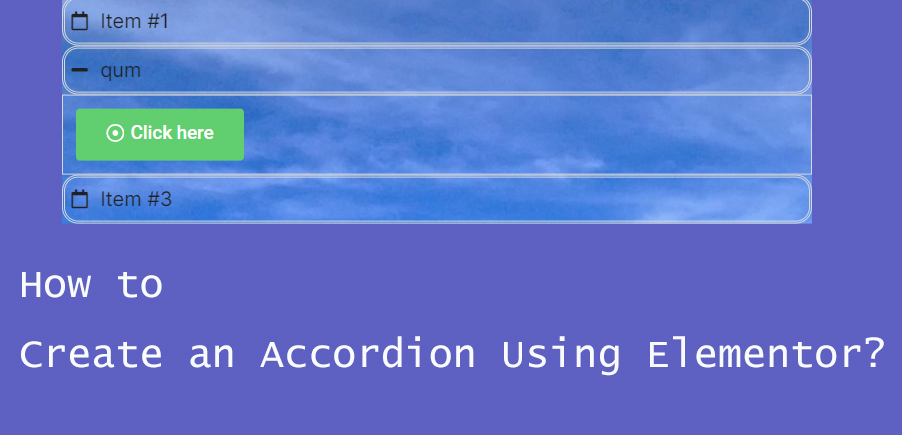
How to Create Accordion Widgets with Nested Elements in Elementor: The Ultimate Guide to Enhancing User Experience
To improve the user experience, web developers often use "Accordion widgets" (accordions) to organize content. Accordion widgets can be used to show and hide content in a hierarchical fashion, making the page look cleaner and improving the user interaction experience. With nested meta...
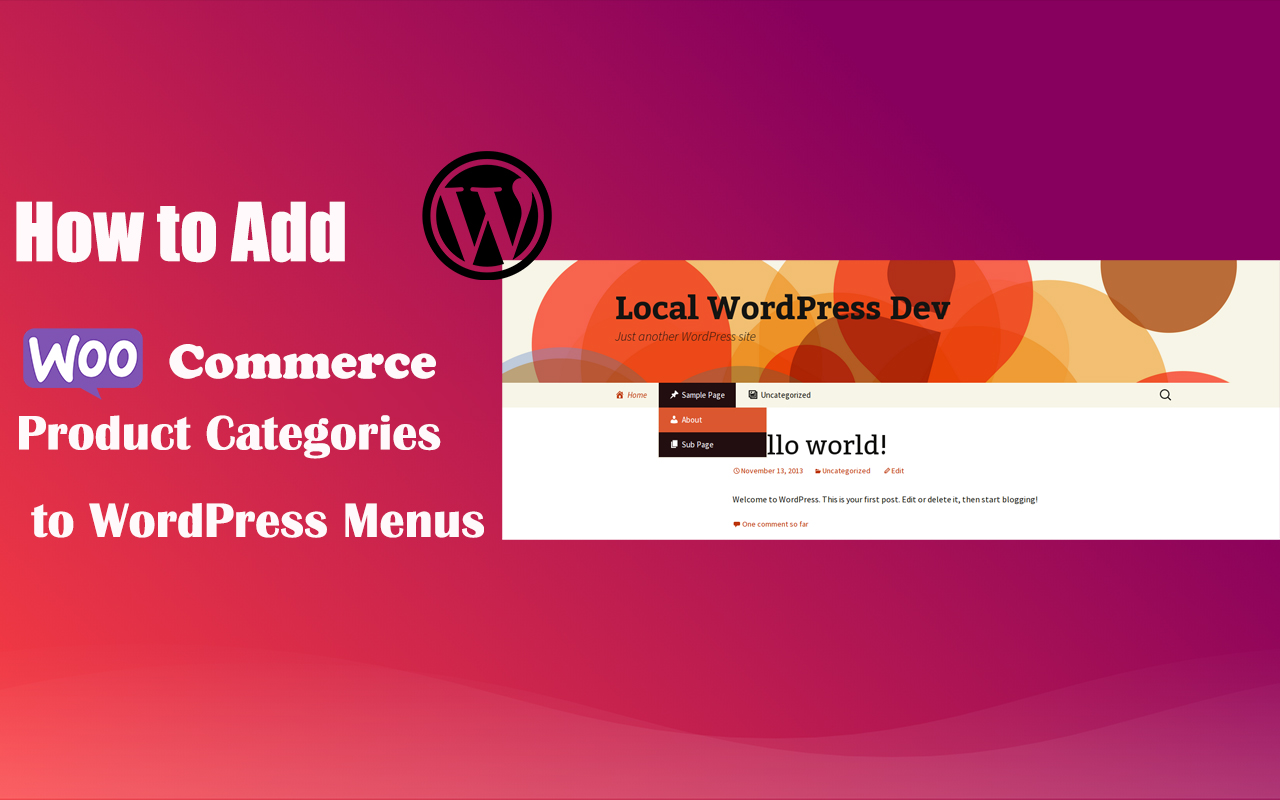
How to Add WooCommerce Product Categories to WordPress Menus to Improve User Experience and Conversions
When running a WooCommerce store, it's important to help users quickly navigate to product categories. By adding product categories to the main WordPress menu, you can simplify the user experience and make it easy for users to find the products they need. In this article, we'll detail how to add WooCommerce ...
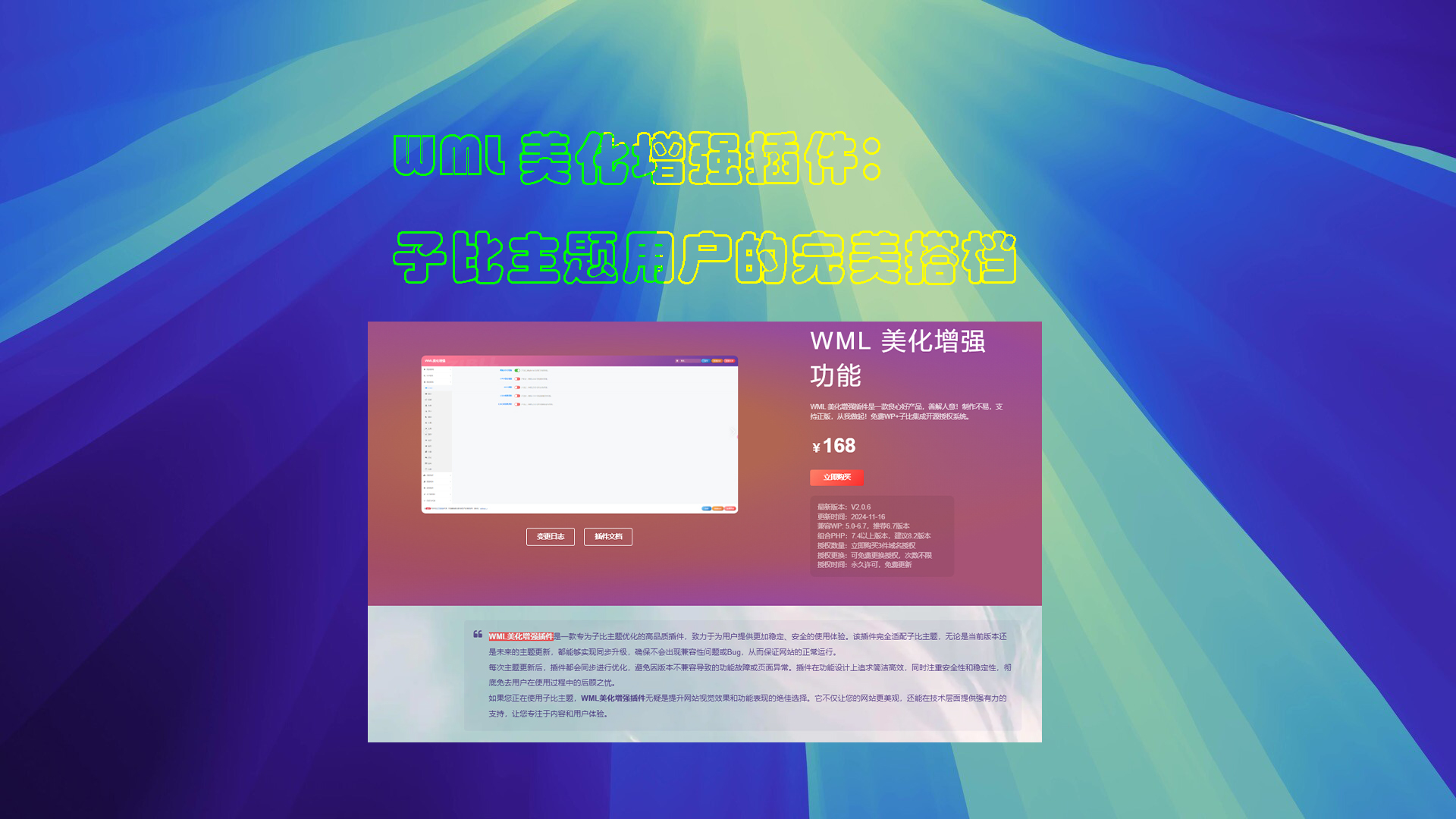
WML Beautify Plugin Tutorial
Detailed description of the WML beautification enhancement plugin installation, authorization verification and function configuration. Includes cover image creation, automatic card sales, digital sales, article layout and other powerful features to optimize the WordPress site experience.

Bricks 2.0 Update: Building Modular, High-Performance WordPress Websites
A comprehensive introduction to the updates and power of Bricks 2.0, including a breakdown of components, popups, the WooCommerce store builder, and other modules.
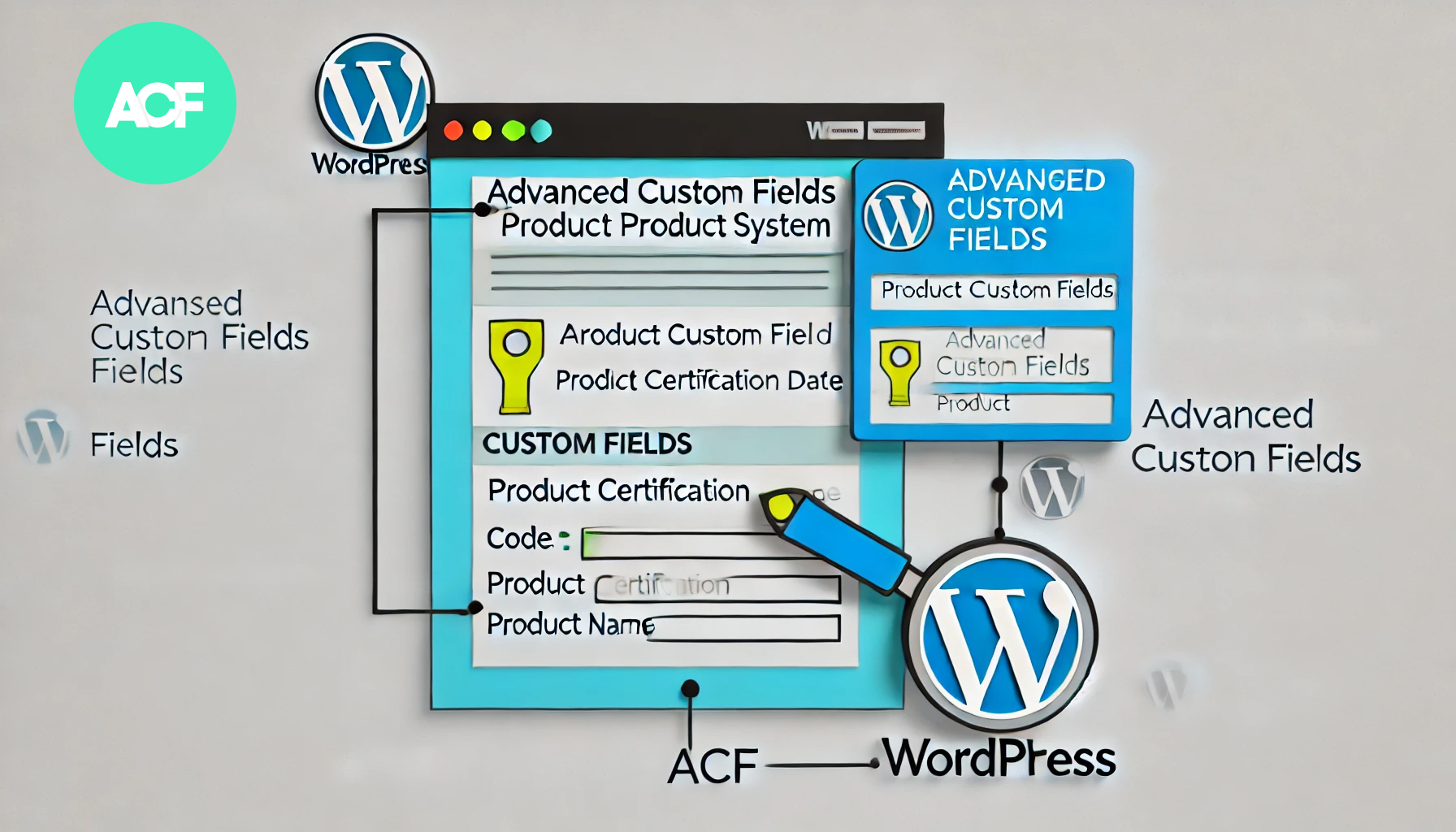
How to Build a Product Authentication Lookup in WordPress Using ACF
In WordPress, using the plugin Advanced Custom Fields (ACF), we can create a user-friendly product authentication query system. This article will detail how to implement this feature using ACF and provide clear step-by-step instructions. Step 1: Install and setup...

How to Optimize WordPress Media Library Image Loading Speed Using a CDN
In order to improve the performance of your website, using a Content Delivery Network (CDN) to optimize image loading speed is a very effective method. In this article, we will detail how to use CDN to optimize WordPress media library image loading speed. What is a CDN? A content delivery network (CDN) is a group of...

Elementor Hidden Elements Guide: Simple Controls for Showing and Hiding Page Elements
Elementor Pro's Hide if Empty method uses CSS, which means that even though the element still exists in the source code, it will be set to invisible (display). The advantage is that it works for all custom field providers such as ACF, JetEngine, Pods, Metabox...

Elementor 2024 Must-Have: Top WordPress Mega Menu Plugin Recommendations
Elementor's Best WordPress Mega Menu Plugins for 2024 highlights their features, customization options, and how they can enhance your site's user experience. With mega menus, users can quickly navigate through an entire website at a glance. This is particularly useful for content-rich sites...

How to Add Real-Time Inventory and Shipping Information to WooCommerce Product Detail Pages
Showing real-time inventory and delivery information to your customers in your WooCommerce website not only improves the user experience, but also increases the conversion rate of your products. In this article, we will detail how to add real-time inventory and delivery information to the product detail page to help you optimize the functionality of your online store. 1. ...

How to Effectively Solve WordPress Theme Editing Problems
"Unable to edit theme in WordPress" means that you can't access or modify the WordPress theme files or customize the appearance of your website using the theme editor. This may happen due to the following reasons: Lack of WordPress Appearance Editor Theme Editor...
How to easily modify the WordPress footer copyright text: three practical methods explained
What is WordPress Footer Copyrighted Text? WordPress footer copyright text is the text at the bottom of your website. By default, WordPress displays a copyright notice such as "Powered by WordPress". Why do I need to change the footer copyright text? Brand image is important...

A guide to using the Elementor Custom Arrows and Position Control Rotation plugin
Elementor rotator control is one of its many features and is widely used to display products, images or content. In this article, we will explain you in detail how to customize the rotation arrows and position in Elementor to enhance the visual effect of your website. Why Customize Rotation Arrows and Position? Rotation...

How to create full-width slides with text overlays using Elementor
How to use the Elementor plugin to create a full-width slideshow with text overlays in your WordPress site to help give your site a more professional look. Step 1: Add a full-width layout In the WordPress backend, click "Pages" > "Add New Page", and name the page...

 简体中文
简体中文  English
  日本語
日本語  Français
  Español



