










How to Create Custom Search Results Pages with Elementor: A Complete How-To Guide
Learn how to create customized search results pages using Elementor and Elementor Pro. This tutorial explains in detail the search box settings, live search templates, configuration of the archive post widget, and how to enhance the user experience.

How to create flexible custom one-page templates with Elementor Flexbox containers: a detailed tutorial
Learn how to create custom one-page templates using Elementor's Flexbox container with detailed step-by-step tutorials to provide flexible layouts and modern designs for blog posts, product pages, or service pages, optimizing user experience and responsive results.

How to Fix WordPress Theme File Editor Missing Issue: Complete Guide
Understand the common causes of WordPress theme file editor loss, including security settings, plugin conflicts, and configuration issues, and learn detailed repair steps and alternative theme customization methods to quickly restore file editing functionality.

How to Set Up WooCommerce One Page Checkout: 3 Ways to Increase Conversions
Optimize your WooCommerce store's checkout process, reduce cart abandonment and increase conversions with the One Page Checkout feature. This guide details how to implement the One Page Checkout feature using templates, shortcodes, custom code, or plugins, as well as solutions to common problems.

From Shipping Categories to Shipping Zones: Optimizing WooCommerce Store Logistics Options Across the Board
Learn how to set up shipping categories and shipping zones in WooCommerce to improve customer experience by optimizing shipping strategies. Detailed tutorials cover how to set up fixed shipping rates, free shipping, local pickup, and more to help e-commerce merchants streamline the logistics process and increase order conversions.

Comprehensive analysis of WooCommerce short code: e-commerce page optimization and functionality implementation guide
Comprehensive analysis of WooCommerce shortcode basics and application methods, including product display, shopping cart and checkout page optimization, user account management and advanced customization, to provide efficient solutions for e-commerce websites.

How to Customize WooCommerce Product Pages with Elementor to Improve User Experience and Page Appeal
Customize your WooCommerce product pages with Elementor, and easily design unique layouts with drag-and-drop editors and rich widgets to enhance user experience and page appeal, all without coding!
WordPress Membership Plugin Review: Simple WordPress Membership and Top 3 Alternatives
Comprehensive review of Simple WordPress Membership plugin, analyzing its core features, pros and cons, and recommending 3 best alternative plugins, including AovUp Membership, WP-Members and WooCommerce Memberships, to help you choose the most suitable solution for membership management....
How to Create a Wave Hover Effect in Elementor Gallery: Full Tutorial
Add a wave hover effect to your Elementor gallery to bring a dynamic visual experience to your WordPress site. This tutorial covers detailed steps including image settings, custom CSS code, animation tweaks, and more.

WordPress Text Effects Guide: Implementing Text Colors, Shadows and Animations to Easily Enhance Page Aesthetics
Learn how to add rich visual effects to text on a WordPress page or post, including color shifts, shadows, underline animations, typewriter effects, and more, to enhance page aesthetics and user experience.

Implementing Dynamic Tables in Elementor: A Guide to Automatic Updates and Custom Styles
Create dynamic tables in Elementor to display real-time updated data and reduce manual maintenance workload. This article introduces using TablePress and WP Data Tables to achieve automatic data synchronization for product catalogs, inventory information, etc., which helps to improve website user experience.
Three Ways to Implement Scrolling Animation in WordPress: Plugins, Elementor and CSS Tutorials
Add scrolling animation in WordPress to enhance web page dynamics and user experience. This article introduces a variety of ways to achieve scrolling animation through the Scrollsequence plugin, Elementor builder, and HTML anchor tags and CSS, suitable for different needs.
WordPress Fixed Links Not Working? A comprehensive fix guide to help you resolve link issues
Learn in detail how to fix WordPress fixed link errors, from basic settings to server configurations, resolving 404 errors and SSL-related issues, and ensuring that users navigate your site smoothly.
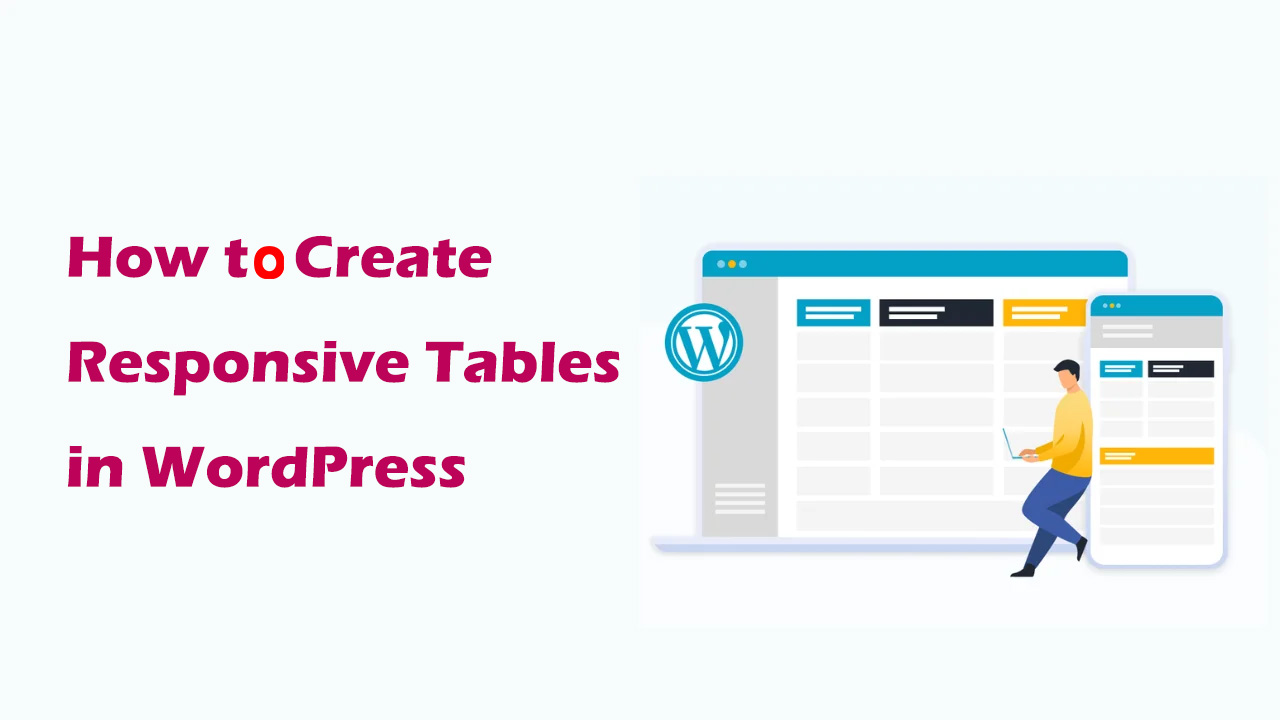
How to Create Responsive Tables in WordPress: Plugin and Manual Methods Explained
Learn how to create responsive tables in WordPress, including the easy way to use the TablePress plugin and the manual HTML+CSS customization method. Whether you're a beginner or a developer, it's easy to create tables that adapt to different screen sizes.
How to prevent WordPress blog content from being crawled: practical tips for protecting original content
Learn how to effectively prevent WordPress blog content from being crawled, including using copyright protection, disabling Trackback and Pingback, limiting RSS feeds, blocking crawlers from accessing your site, and other tactics that will help you protect your original content and improve your site's SEO ranking.

How to Remove Unused JavaScript in WordPress to Improve Website Performance and User Experience
Learn how to optimize WordPress website performance by removing unused JavaScript to increase page load speed, improve user experience, and help boost SEO rankings.
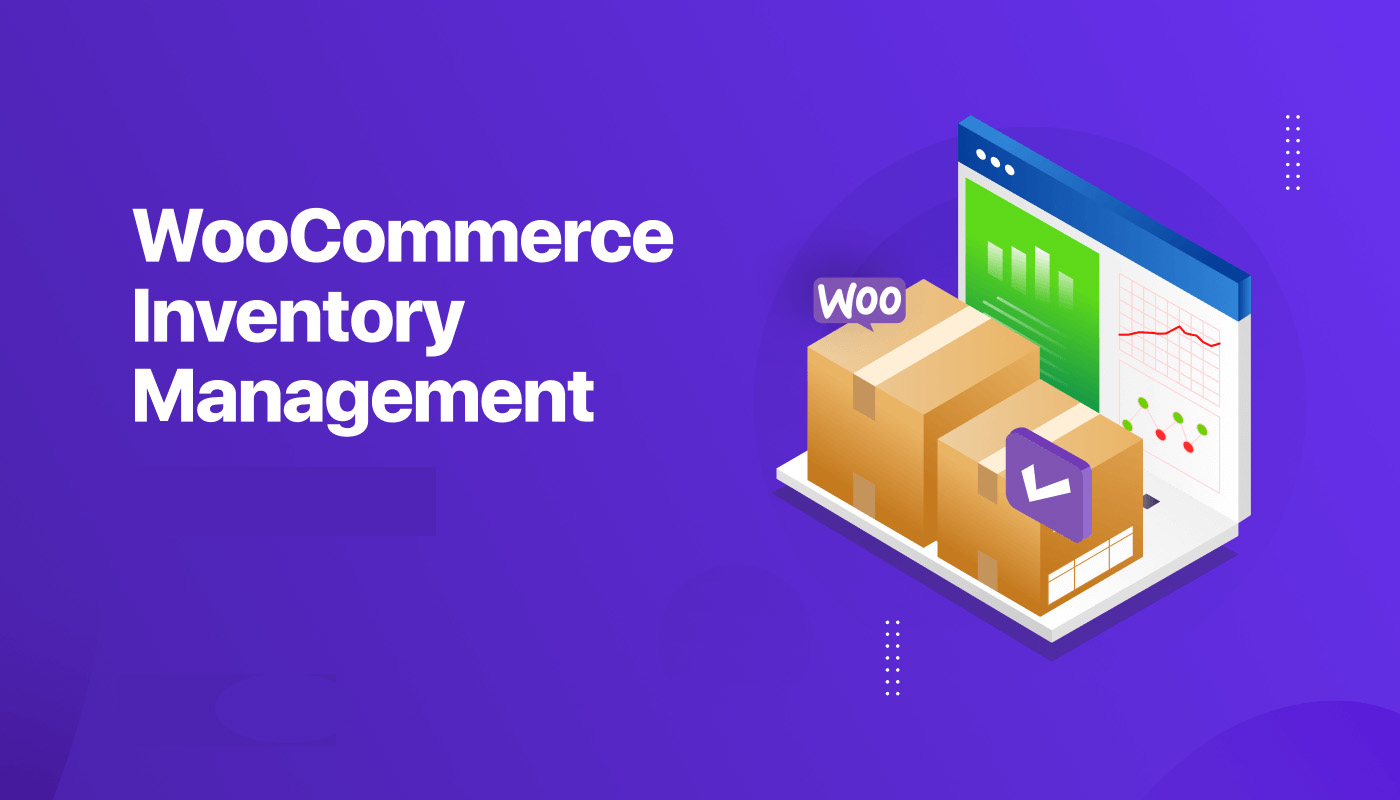
How to Manage Inventory Effectively in WooCommerce
Learn about WooCommerce's inventory management features, inventory settings from individual to variable products, bulk inventory management tips, and five recommendations for efficient inventory management plugins to help store owners easily control inventory, avoid stock outs, and improve store management efficiency.
Content Automation and Integration with Python and the WordPress REST API: A Comprehensive How-To Guide
Automate content publishing, data analysis, and page updates by integrating the WordPress REST API with Python. This guide covers the complete step-by-step process from API setup and authentication to content management to help realize efficient WordPress automation.
How to Improve SEO, User Experience and Website Management by Changing WordPress Page URLs
Why change page URLs in WordPress? Changing page URLs in WordPress can be an effective way to improve your website's performance, user experience, and overall management. Here are a few important reasons: Improve Search Engine Optimization (SEO) Optimizing page URLs can improve web...

How to Integrate AI and Machine Learning into Your WordPress Website to Improve Functionality and User Experience
Integrate AI and Machine Learning into Your WordPress Website Integrating Artificial Intelligence (AI) and Machine Learning (ML) models into your WordPress website isn't just about keeping up with the latest technological trends, it also extends functionality, enhances user experience, and transforms content creation and make...

How to fix Elementor loading lag: a detailed guide
Elementor simplifies the process of developing website pages in WordPress. However, you may occasionally experience Elementor getting stuck on loading screens, and sometimes widget panels may not load. These problems can come in many forms, and some users don't know what they...

Comprehensive Guide: How to Optimize WordPress Website Speed and Performance (I)
The first step you can take on how to speed up WordPress is to use the Google Lighthouse tool to better familiarize yourself with the issues affecting your site. The second step is to compress images to reduce the time it takes to load the first colored pixel on your site. A quick estimate will reveal that...
Comprehensive Guide: How to Optimize WordPress Website Speed and Performance (Part II)
18 Ways to Speed Up Your WordPress Website On how to speed up WordPress, to help the less tech-savvy optimize the speed of your WordPress website, you can operate on the following aspects so that you don't need to hire a developer until the final stage. 1. test your website...
How to add an administrator user in WordPress using FTP: a detailed guide
Using a version control system and automated deployment system is essential during WordPress theme development and administration. And when you're locked out of the WordPress admin area, using FTP to add an admin user is a quick and effective solution. In this article...

How to Optimize WordPress Website Performance
When it comes to WordPress performance optimization, we can try the following. Install the theme and populate it with content When setting up our theme in a new WordPress installation, you'll usually import some dummy content. This content is meant to help you get your site up and running quickly and understand its structure...

How to Hide WordPress Toolbar
When logging into the WordPress dashboard, you will see a toolbar (admin bar) at the top that provides quick links and the ability to manage sections. However, this toolbar can seem redundant or even annoying when you want to view the user-friendliness of your website or page layout. In this article, we'll go over a few...

How to use element caching to speed up page loading
Reducing page load time can increase visitor retention and improve your SEO score. Site performance can be significantly improved by using element caching. When widgets are rendered on the server, the HTML output is stored in a database. This way, the next time the element appears, it will be retrieved from the database...

How to Optimize Elementor Settings for Better Performance
1. Install Elementor and Configure Settings After installing Elementor, go to Settings and configure it appropriately: General Tab: Select the post types for which you want to use Elementor. If some custom post types (CPTs) do not require Elementor, turn off...

WordPress Password Protected Pages: 2 Easy to Follow Methods
Why Password Protect WordPress Pages When you don't want the public to have access to the content of specific pages in your WordPress website, then password protection plays a key role. Some tools allow website owners to restrict access to entire WordPress pages or only...

Overcoming the Elementor White Screen of Death: A Comprehensive Guide
Overcoming technical challenges is inevitable in web development. One particular headache is Elementor's White Screen of Death (WSoD). This article details the impact of this problem and its solution. The adverse effects of Elementor's White Screen of Death ...

 简体中文
简体中文  English
  日本語
日本語  Français
  Español



