








GiveBoost - Digital Marketing Agency Elementor Pro Template Suite
GiveBoost is an Elementor template suite designed for digital marketing and SEO agencies, containing a full set of templates for SEO optimization, creative agency, social media and other scenarios. All content is built with the Elementor plugin, which requires no coding and is very easy to...

Petro - Industrial Elements elementor template kit
Key Features Professional design: Petro - Industrial Elementor template suite is designed for industrial, oil & gas, manufacturing, machinery, energy, engineering and other multi-purpose businesses, with a beautiful and unique layout, perfect for all kinds of industrial related businesses' websites. Multiple page templates: included...
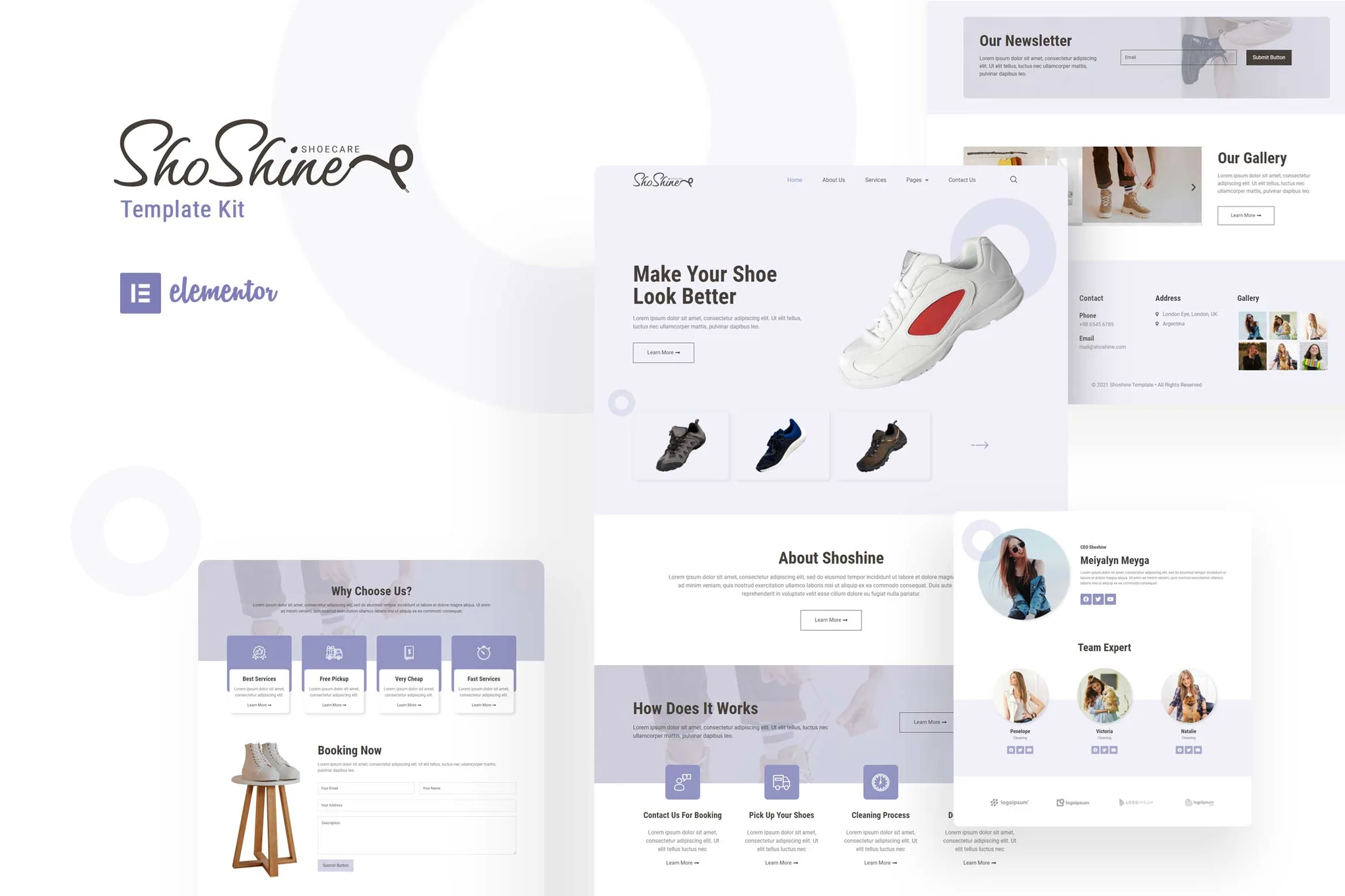
Shoshine: Professional Shoe Cleaning Service Elementor Template Kit
Shoshine is an Elementor template suite designed for shoe cleaning service providers, offering a wide range of page templates that are compatible with the free Elementor plugin to help you create professional websites with ease.

The Gutenberg Editor Explained: Features, Tips and Advanced Customization Guide
Learn the design concepts, core features and advanced techniques of the Gutenberg editor, and master the WordPress 5.0 block editor to optimize content creation and SEO. Quickly learn about reusable blocks, block patterns, and REST API integration!

Comprehensive Guide: How to Edit WordPress Robots.txt File to Improve Site Performance and SEO
Learn what a Robots.txt file is and why it's important, and easily edit your WordPress site's Robots.txt file with an FTP client, cPanel, or the AIOSEO plugin to speed up your site, optimize your server's performance, and improve your SEO rankings.

How to Change Your Site Title in WordPress: Five Ways and SEO Tips
Learn how to change your website title in WordPress with detailed steps on how to use the WordPress customizer, settings menu, Yoast SEO plugin, code editing, and more while optimizing your title for better search engine rankings and user experience.

How to Improve WordPress Website Performance by Optimizing Themes, Images, and Caching
Learn how to significantly improve the loading speed and search engine ranking of your WordPress website by choosing the right theme, optimizing images, using the caching plugin WP Rocket, setting up a CDN, and getting a high Google Page Speed score.

How to Add Buttons in WordPress Classic Editor
This article details three ways to add custom buttons in the WordPress Classic editor: inserting HTML and CSS manually for full customization, using plugins for quick implementation, and combining with the TinyMCE Advanced plugin to add them directly in the toolbar. Whether you are familiar with the generation...
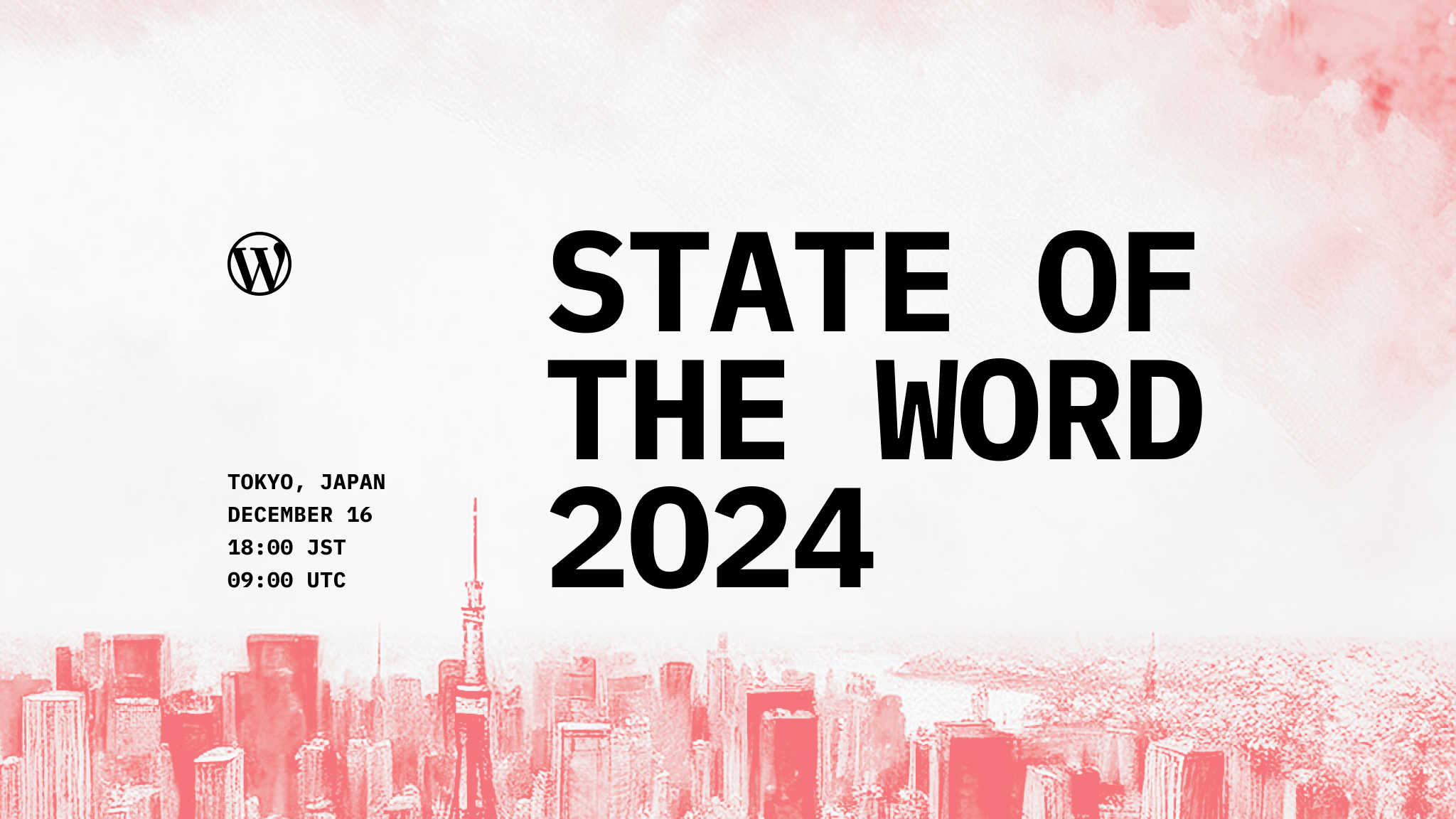
WordPress Development Review 2024: Gutenberg Updates, Playground Progress & WooCommerce New Themes in Perspective
A look back at key WordPress updates and developments for 2024, covering the Gutenberg 19.8 release, new eCommerce themes for WooCommerce, advances in Playground tools, and innovations and outlooks for the WordPress community. Learn about the upcoming State of the Word event with 20...
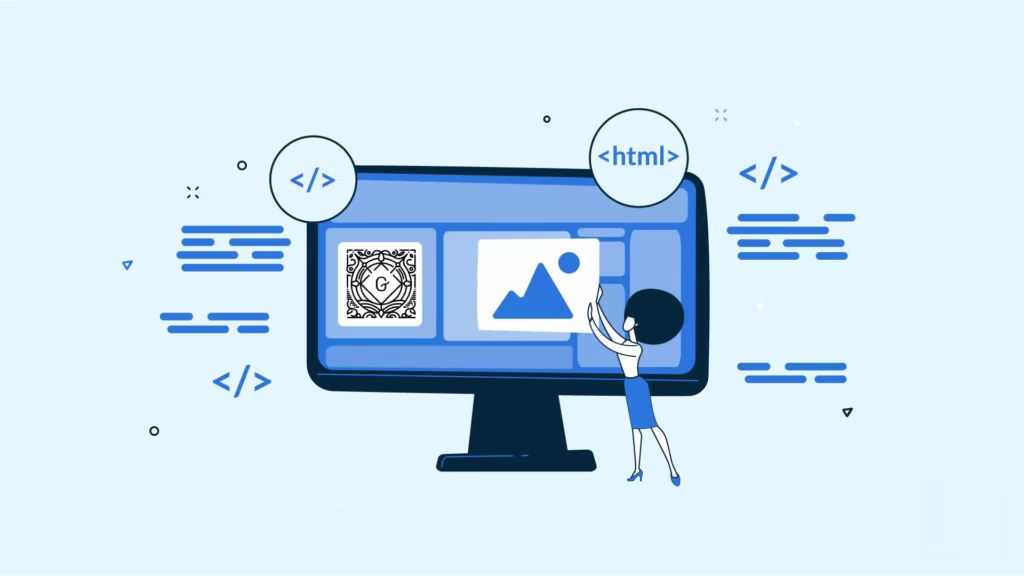
Creating Custom Gutenberg Blocks in WooCommerce: A Complete Developer's Guide
Learn how to develop custom Gutenberg blocks using the @wordpress/scripts package, ES6, and JSX, integrate them into WooCommerce, and add front-end and editor styles to them.

Best Gutenberg Plugin Picks for 2024: Featured Tools to Extend the Power of the WordPress Editor
Explore the best WordPress Gutenberg Blocks plugins for 2024 and learn how plugins can extend the functionality of the Gutenberg editor, create complex page layouts and enhance the user experience.
WordPress Editor Battle: Full Comparison of the Classic Editor and the Gutenberg Editor
Learn about the features, pros and cons, and key differences between the Classic Editor and the Gutenberg Editor to help you choose the right WordPress content editing tool for your site's needs.





