








Easily Remove WordPress Sidebars: 8 Ways to Improve the Simplicity of Your Website
Learn how to remove WordPress sidebars in 8 easy ways to optimize your website layout and improve user experience. Whether through theme settings, plugins, or manual code editing, this article provides detailed steps.

The Best Way to Customize Your WordPress Dashboard: 5 Practical Tips to Enhance Your Experience
Learn how to customize your WordPress dashboard with code and plugins. From removing unnecessary widgets to adding shortcut menus and personalizing your login page, this guide provides the 5 best ways to help you optimize your WordPress backend experience.

5 Practical Ways to Add Custom CSS in WordPress and FAQs
Adding custom CSS to WordPress is a very practical way to give you complete control over the look and feel of your website. Custom CSS is a very flexible and powerful tool in WordPress website customization, helping you to have fine control over your website's visuals, cloth...
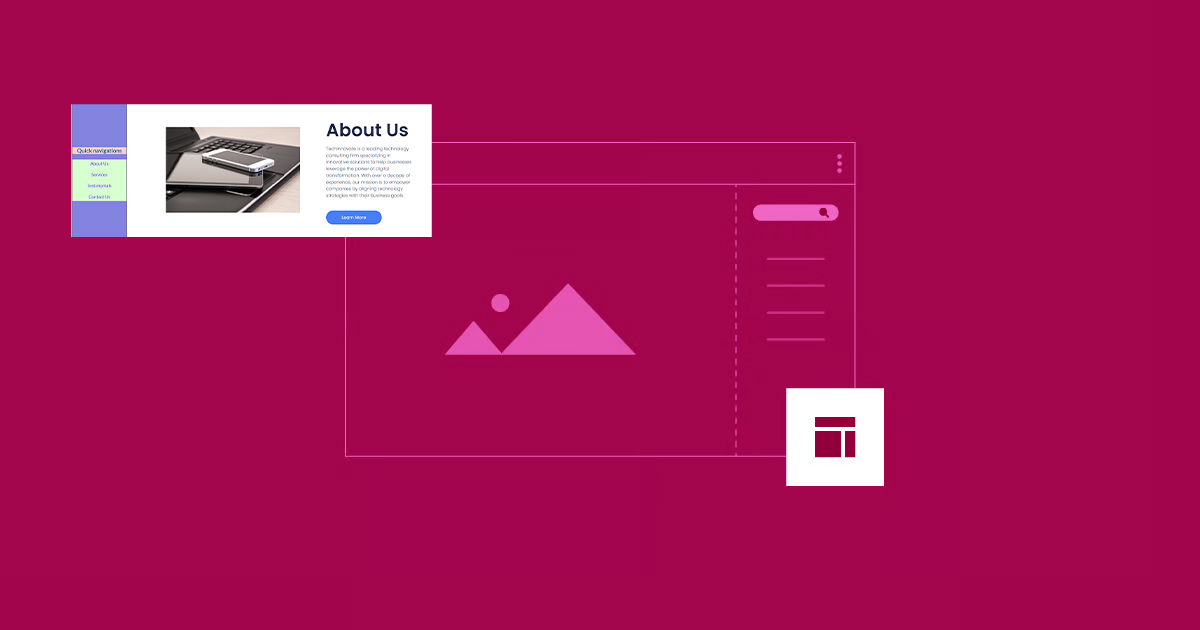
How to Create Vertical Sticky Headers with Containers in Elementor
What is a Vertical Sticky Header? Vertical Sticky Headers are a type of header bar that is fixed to the side of the page and stays visible as the user scrolls down the page, allowing easy access to other page areas or quick navigation. This design can be used in catalogs, navigation menus, link...

5 Creative Ways to Use Accordion Widgets: How to Embed Charts, Images, and More in Elementor
Web developers often use "Accordion widgets" (accordions) to organize content. Accordion widgets can show and hide content in a hierarchical fashion, i.e. a collapsible box, which makes the page look cleaner and improves the user interaction experience. With nested meta...
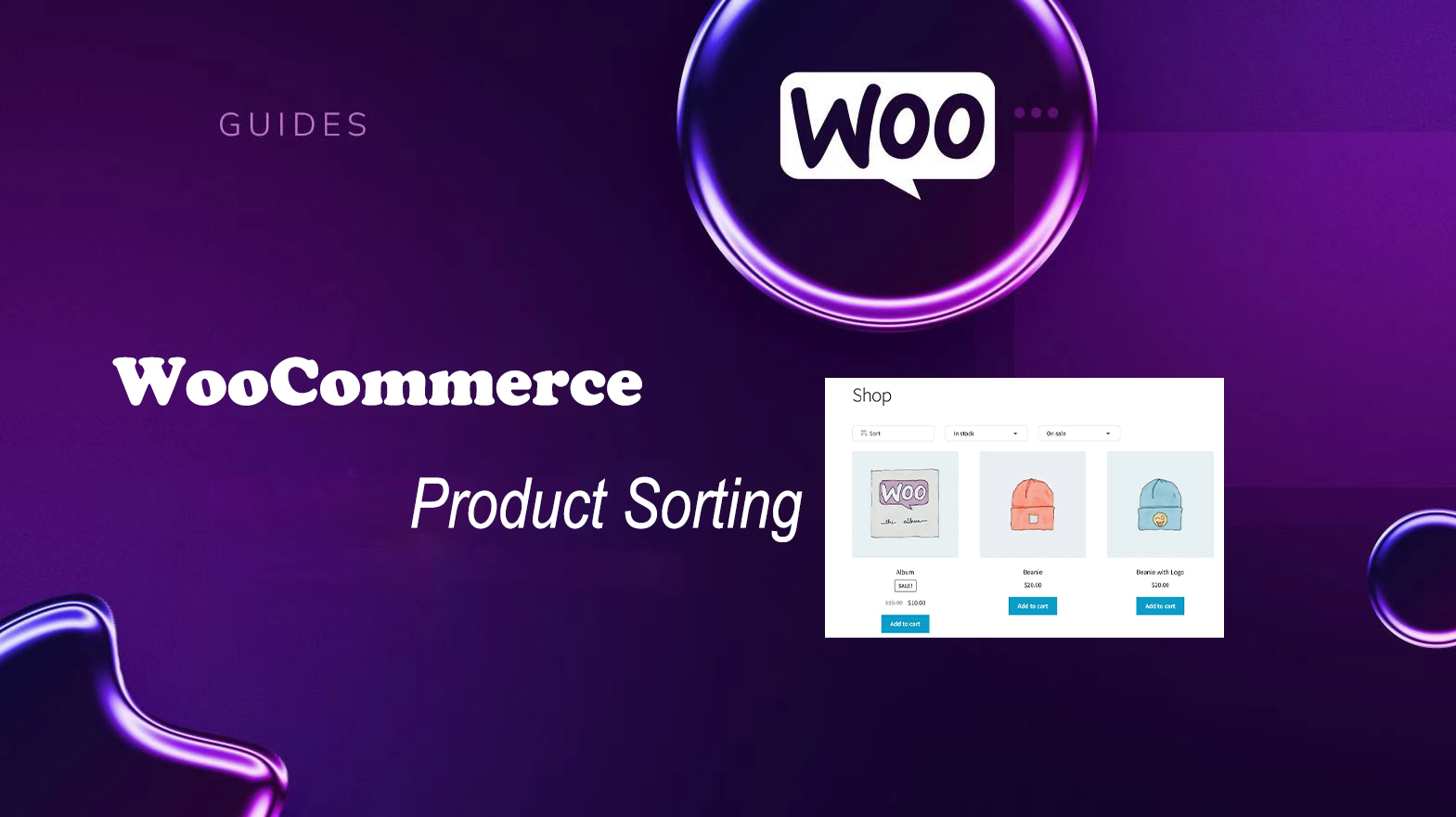
Improving User Experience and Conversion: A Comprehensive Analysis of WooCommerce Product Sorting Optimization Tips
In WooCommerce, more advanced sorting can be achieved through the built-in sorting options, manually adjusting the order of your products, or using a plugin. Why is WooCommerce product sorting important? Effective product sorting helps customers quickly find the items they need, which increases...
How to Optimize Images in Elementor: Improve Load Speed & SEO Results
Image optimization in an Elementor-powered WordPress website can improve loading speed and user experience. By properly optimizing image sizes, choosing the right format, compressing image files, and enabling delayed loading and content delivery networks (CDNs), you can ensure that pages load...

How to Add a Table of Contents to WordPress: a Complete Guide to Improving Readability and SEO
Adding a table of contents to a long WordPress post not only improves readability but also enhances the overall structure of the site. A table of contents provides readers with clear navigation and helps them quickly locate the content they are interested in. In this post, we will detail how to add a table of contents in WordPress...
Enhancing User Experience: How to Easily Adjust Line Spacing in WordPress
Although line spacing may seem like a small detail in web design, it has a huge impact on user experience. Especially in a text-based website, line spacing is directly related to the reader's reading experience, information absorption and the overall aesthetics of the website. Appropriate line spacing can enhance the website...
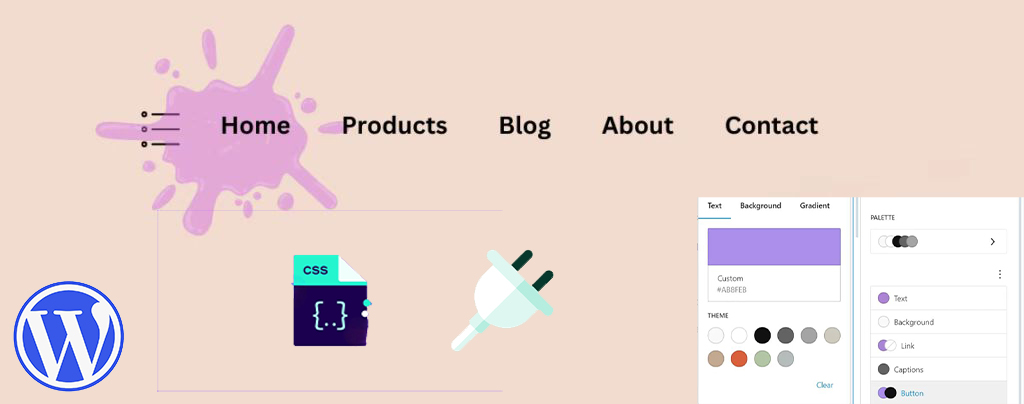
How to Easily Modify Menu Colors in WordPress: a Comprehensive Guide
An eye-catching and easy-to-navigate menu can greatly enhance the user experience and encourage them to browse further through your site's content. Adjusting the menu color can make your website design more personalized. This article will take you through the details of how to change menu colors in WordPress, teach...
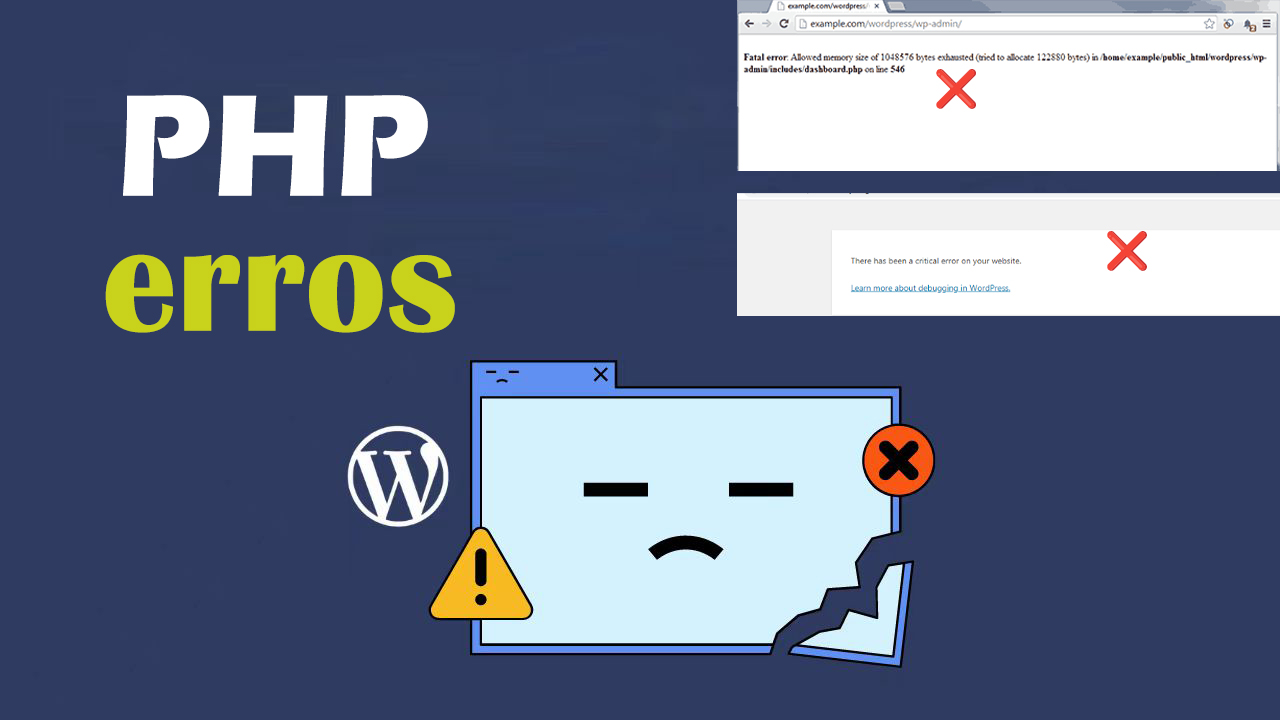
How to Quickly Identify and Fix PHP Errors in WordPress
PHP errors if left unfixed, they can not only slow down a website, they can even cause plugins to not work properly, affect SEO rankings, or even cause a website to go down. The longer they go unfixed, the more business damage they may cause. Therefore, fixing PHP errors quickly and effectively is...
How to Quickly Fix "jQuery Undefined" Error in WordPress
The "jQuery undefined" error is a common JavaScript error in WordPress that usually occurs when the jQuery library fails to load correctly. When a web page loads in the browser, the JavaScript code relies on jQuery for interactive functions (e.g.,...

 简体中文
简体中文  English



