








Podcastore Professional Podcast Website Elementor Template Suite
Podcastore Template Suite is an Elementor template designed specifically for podcasting websites, designed to help podcast creators, show hosts, and event organizers quickly create a modern and professional podcasting website. With an intuitive drag-and-drop page builder, no coding is required to easily self...

Moocoo - Event Organizer Elementor Template Pack
Learn how to install and use Moocoo Elementor template pack to quickly create professional websites for event organizers. The template supports no-code customization and is suitable for all types of event websites, offering a modern, fast-loading design.

Enhancing WordPress Website Performance with a Content Delivery Network (CDN): The Complete Guide
Learn how to improve the loading speed and performance of your WordPress website with a CDN (Content Delivery Network). This article details how to choose a CDN provider, set up a CDN plugin, configure caching and security features, and provides best practices and real-world examples to help you optimize your site...

Video SEO optimization full strategy: 6 practical tips to improve search rankings
Master the top 6 video SEO tips from content optimization and metadata setup to on-page structure and promotion strategies to boost search rankings and make videos more discoverable to your target audience!

How to Add Buttons in WordPress Classic Editor
This article details three ways to add custom buttons in the WordPress Classic editor: inserting HTML and CSS manually for full customization, using plugins for quick implementation, and combining with the TinyMCE Advanced plugin to add them directly in the toolbar. Whether you are familiar with the generation...

How to create and customize headers and footers with Elementor Free Edition
Learn how to use the free version of Elementor and the ElementsKit plugin to easily create and customize the header and footer of your WordPress website, entirely through a visual interface, with no coding experience required.

How to Hide the "Read More" Button in WooCommerce: Three Simple Methods
Learn three easy ways to hide the "Read More" button in WooCommerce and improve the user experience on product pages without complex code or plugins.

Beyond Google Translate: Why the WooCommerce Convert Languages by IP plugin is a better choice?
Google Translate is suitable for simple translation, but there are many limitations in WooCommerce malls, such as translation errors, SEO unfriendly and so on. In contrast, WooCommerce multilingual plugins such as WPML, TranslatePress, etc. provide more accurate translation, automatic language switching...

WordPress Custom CSS Getting Started Guide: 5 Must Learn Code Snippets
Learn how to customize your WordPress site with 5 must-have CSS code snippets to easily style fonts, buttons, spacing, images, and more for novice users who want to get started quickly.

How to Safely Downgrade WordPress: Full Tutorial (Manual & Plugin Methods)
Learn how to safely downgrade WordPress, including manual methods and tutorials on using the Core Rollback plugin to avoid compatibility issues. Take full backups, test staging sites, and take the necessary security measures to ensure your site is stable.
Bricks Ultimate Pro Plugin 1.8.xx Updated with Full Support for WP 6.8 and WooCommerce 9
Bricks Ultimate Pro plugin released several updates to support WordPress 6.8 and WooCommerce 9, adding dynamic tags and performance optimizations to improve build efficiency and compatibility.
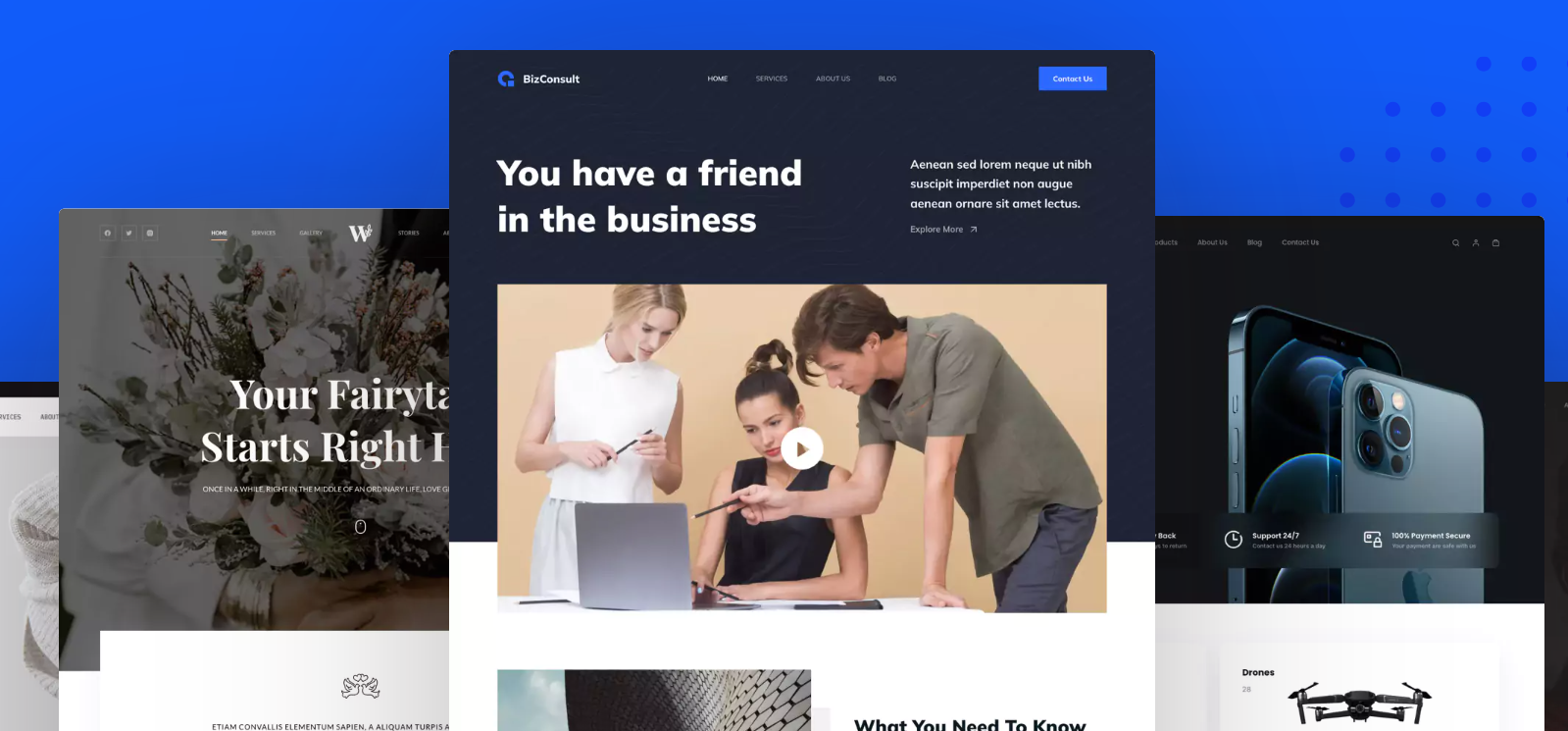
Blocksy Theme Version 2.1.0 Update Details
Blocksy version 2.1.0 is launched, bringing more customization options and performance optimizations including WooCommerce support, AJAX paging, breadcrumb navigation, video thumbnails, and dynamic data block functionality to enhance user experience.





