








How to Fix WordPress Plugins Disappearing from Dashboard: Detailed Causes and Solutions
Reasons and Solutions for Plugins Disappearing from WordPress Dashboard When using WordPress, there is a situation where plugins disappear, which not only affects the proper functioning of the website, but may also lead to a degradation of the user experience. Reasons for Plugins Disappearing User Permissions Not all users are...

How to Create and Optimize Recipe Cards in WordPress with the WP Tasty Recipes Plugin
What are recipe cards? Why should you use them? Recipe cards are an extremely useful tool in the culinary world. They provide the ingredients and instructions for cooking a specific dish, helping chefs to create a delicious meal. Recipe cards are usually in a structured format and contain the following sections: dish...
How to Automatically Deploy WordPress Theme Changes Using GitHub and Deploy
Why use a Version Control System for WordPress Theme Development? Using a Version Control System (VCS) for WordPress theme development can significantly improve development efficiency, team collaboration, and project stability. A version control system allows documenting changes to files or text...

A Comprehensive Guide to Securing Your Business WordPress Website
For organizations that use WordPress, it's critical to keep customer information safe and protect digital systems from online threats. At a corporate and organizational level, it's important to secure multiple WordPress sites. This is not just a small task, but requires careful planning, thorough...

Comparison of the 7 Best WordPress User Registration Plugins
There are many options to choose from when looking for the best WordPress user registration plugin for your website. Creating a signup form is one of the key steps to improving user engagement, and using the right plugin can make the process easier and more effective. In this article, we'll detail seven of the best...

How to Insert or Edit Links in WordPress Content Editor
A link is a word, group of words, or image that you can click on to go to a new page. In WordPress, inserting and editing links is a key part of improving user experience and site navigation. Below are detailed steps and methods to teach you how to add links to posts, pages and widgets. ...

How to Automatically Apply Elementor Gallery Pro Filters on Page Load
In this guide, it will be explained in detail how to automatically apply Elementor Gallery Pro filters on page load. By following the steps below, you can achieve the effect of automatically filtering a specific gallery on page load. How to apply Elementor Gallery Pro on page load ...

The Best Way to Customize Your WordPress Dashboard: 5 Practical Tips to Enhance Your Experience
Learn how to customize your WordPress dashboard with code and plugins. From removing unnecessary widgets to adding shortcut menus and personalizing your login page, this guide provides the 5 best ways to help you optimize your WordPress backend experience.

Easily Remove WordPress Sidebars: 8 Ways to Improve the Simplicity of Your Website
Learn how to remove WordPress sidebars in 8 easy ways to optimize your website layout and improve user experience. Whether through theme settings, plugins, or manual code editing, this article provides detailed steps.

Comprehensive Guide: How to Create and Customize User Registration Forms in WordPress
Learn how to create user registration forms in WordPress, covering enabling the built-in registration functionality, customization with plugins, code development, and best practices for optimizing user experience and form security.
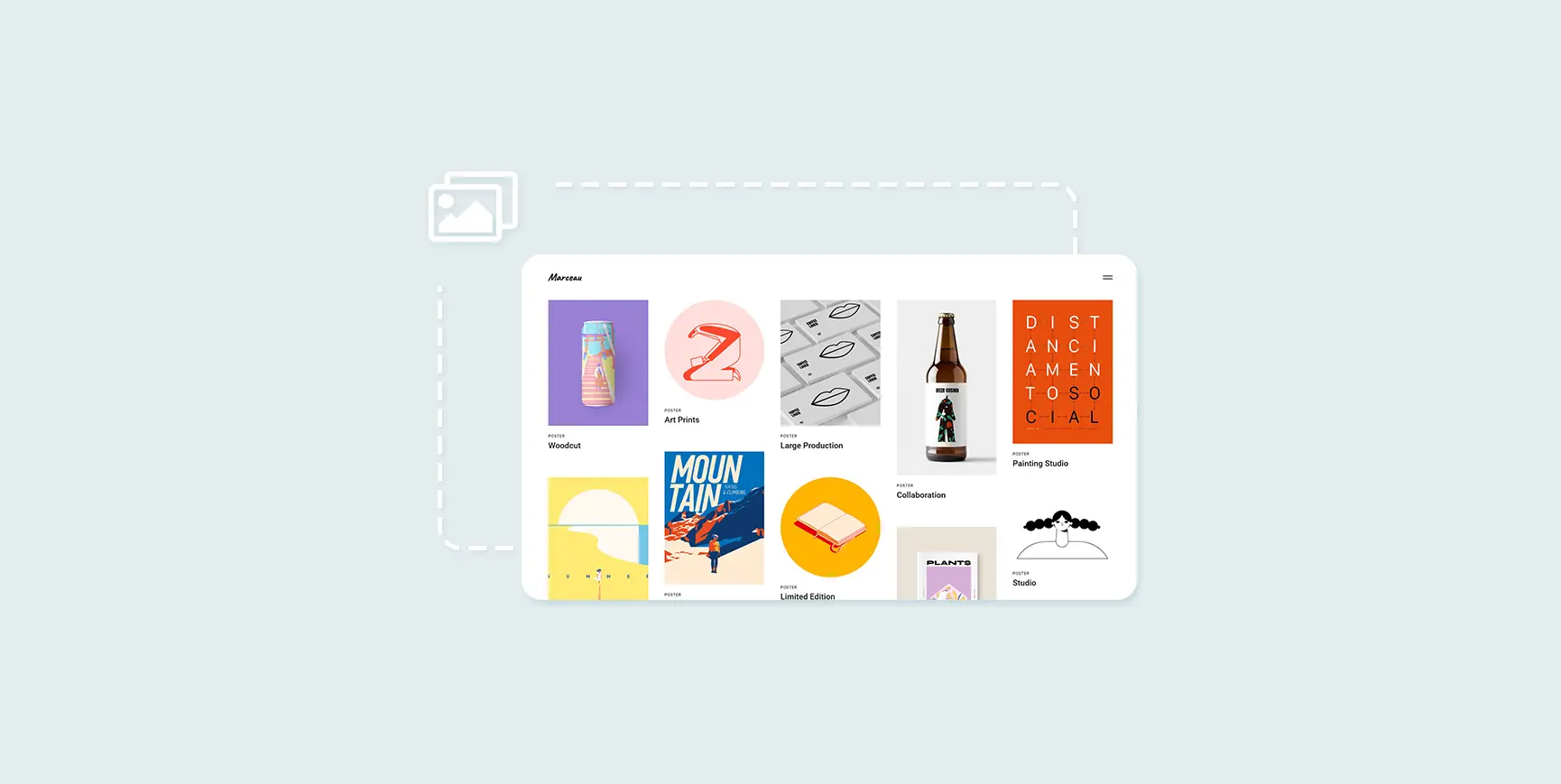
How to Create and Optimize Gallery in WordPress with Gutenberg Gallery Block
Gutenberg Gallery Block is a popular WordPress tool for photographers, artists, bloggers and businesses that makes creating galleries easy, intuitive and requires no coding knowledge. If you want to enhance your website with professional, stylish galleries...
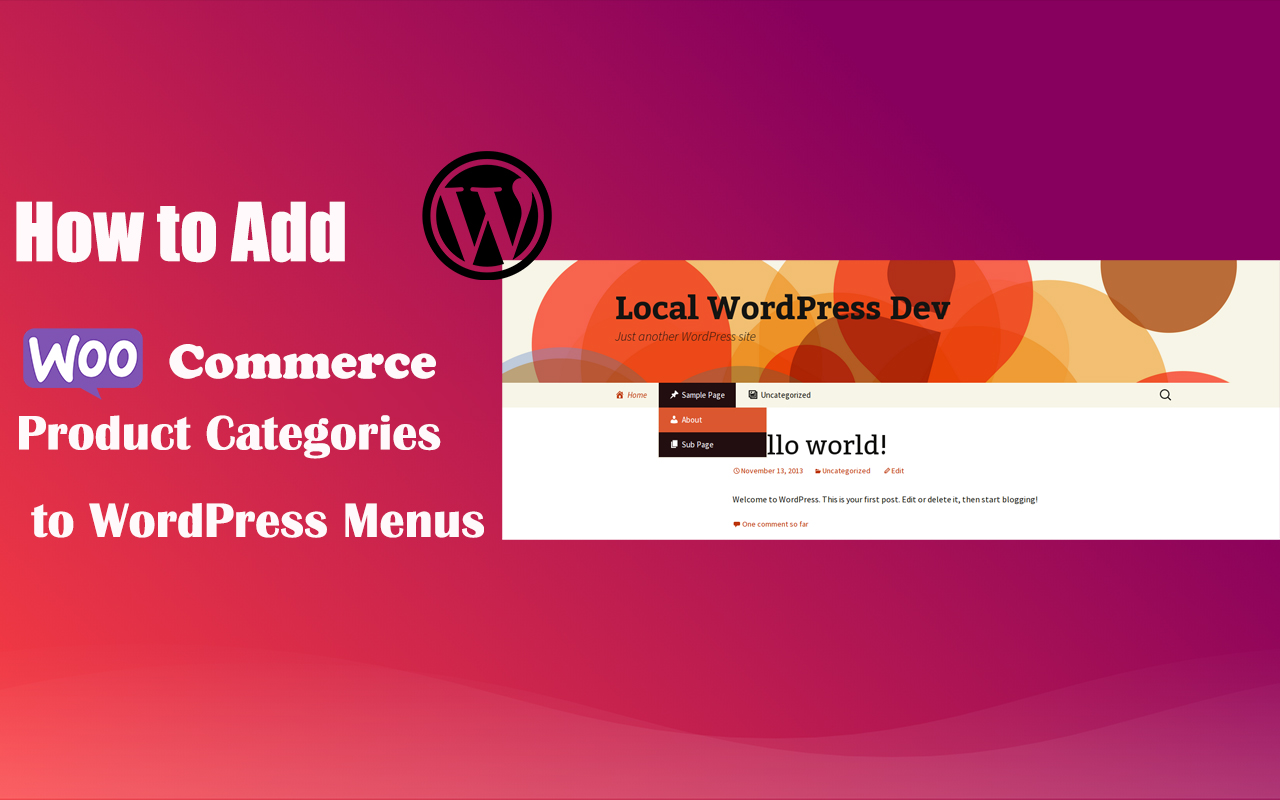
How to Add WooCommerce Product Categories to WordPress Menus to Improve User Experience and Conversions
When running a WooCommerce store, it's important to help users quickly navigate to product categories. By adding product categories to the main WordPress menu, you can simplify the user experience and make it easy for users to find the products they need. In this article, we'll detail how to add WooCommerce ...





