


 lit. a thief will have the guts of a rat



Why didn't you surrender earlier?





The Complete Guide to Using the WooCommerce REST API: A Tool for Quickly Connecting to External Systems
Understand basic WooCommerce REST API usage, key generation and connection testing to quickly establish data interaction with third-party systems.

Creating Custom WooCommerce Product Pages: Elementor Pro Tutorials
Customize WooCommerce product pages with Elementor Pro and easily design images, prices, and button layouts to improve brand image and conversion rates.

Cracking Plugins and SEO Performance: why your site rankings are suffering
Cracked plugins may seem like a money saver, but they can lead to security breaches, slower loading, and structural damage, directly affecting search rankings and website trust.

Recommended Best Image Optimization Plugins for WordPress in 2025: 6 Real-World Comparisons
A selection of the 6 best WordPress image optimization plugins of 2025, real test compression effect and loading speed, help website to improve SEO ranking.
Common Types of Malicious Code in Elementor Pro Cracked and How to Prevent It
Comprehensively analyzes the types of malicious code in Elementor Pro Cracked and provides plug-in security protection and risk identification methods.

Customizing the Product Display Module in a WooCommerce Theme with Elementor Pro: A Complete Tutorial
Customize WooCommerce product display modules with Elementor to achieve more flexible layouts and visual effects, and enhance the attractiveness of e-commerce pages.
Is the Elementor Pro worth it? A look at its price and return in one article
Fully analyze Elementor Pro's price, features and real-world returns to find out if it's the right fit for your WordPress site building needs.

WordPress Image Blurring Affects SEO?
WordPress Image Blurring Affecting Search Performance? Master image size, formatting and alt settings to improve overall visual quality and page ranking.
Recommended Collection of Free Plugins to Replace Elementor Pro (Legit and Powerful)
Want to achieve professional functionality with the free version of Elementor? This article recommends 6 powerful free plugin combinations covering forms, headers and footers, animation styles and layout modules.
Elementor Pro Animation Tutorial: 4 Tips for Creating Immersive Web Experiences
Use Elementor Pro to animate zooms, floats, text splits, and entrances for smoother, more eye-catching web effects.

WooCommerce Variable Merchandise Tutorial: Easily Set Size and Color Options
Want to make items available in a choice of sizes and colors? This WooCommerce tutorial teaches you how to quickly set up variable products to make your WordPress store more complete and your customers' shopping easier.

HD images blurred after uploading to WordPress? Hands-on guide to restore clarity
High-definition images become blurred after uploading? In this article, we will teach you how to solve the WordPress auto-compression problem by hand, and restore the clarity of the original pictures, so that every picture can be seen clearly.
Elementor Pro Tutorial: Editing Header and Paragraph Widgets and Applying Global Styles
Comprehensively explains how to set up title and text widgets in Elementor Pro, and introduces techniques for applying global fonts and colors.
Is using Elementor Pro Cracked Edition worth it or not? Risks Fully Explained
Elementor Pro Crack Plugin hides many risks, this article analyzes security, updates, legal issues and alternatives to help you make a reasonable choice.

How to avoid WordPress auto-compressing images causing blurriness? Complete Setup Guide
WordPress uploading blurry images? This guide breaks down the top five causes and provides a complete solution for turning off compression, plugin optimization and HD image settings.

How to Add PayPal Personal Payment Account in WooCommerce Theme Website
A complete step-by-step explanation of adding a PayPal personal collection account to a WooCommerce website, including code, API setup, and testing the payment process.
Elementor failed to load? 3 Ways to Fix "Please Enable Safe Mode" Problems
Encountered Elementor prompt "Please enable safe mode"? In this article, we share three common solutions to quickly restore editor functionality, suitable for novice troubleshooting.
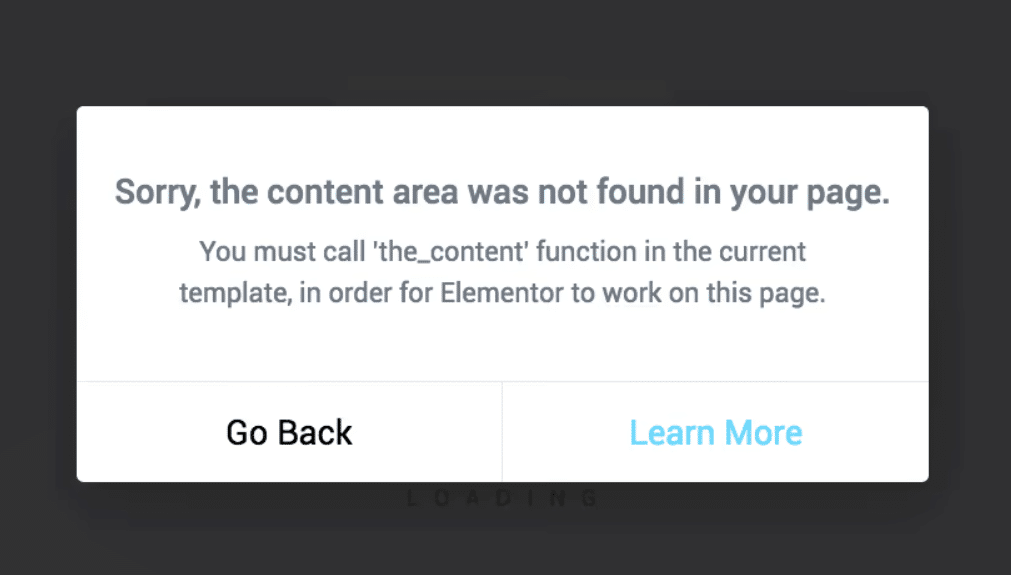
Elementor reports error "You must call the content function".
Detailed tutorial on how to restore page editing functionality when Elementor reports the error "You must call the content function".
Elementor Fonts Displaying Wrongly? This trick quickly restores your website's original style!
Experiencing font display anomalies while using Elementor? Simply turn off the ability to load Google fonts locally to easily restore the original style and improve site consistency.
GenerateBlocks Pro Styles Migration Tutorial: Upgrading from Old Global Styles to the New System
This tutorial describes how to migrate old GenerateBlocks Pro styles to the new global style system for more flexible page design and centralized management.

A Complete Guide to Creating Reusable Button Styles with GenerateBlocks Pro
Use GenerateBlocks Pro to create reusable button styles for unified maintenance and flexible reuse, improving the design efficiency and development quality of WordPress websites.
GenerateBlocks template library tutorial: single insert and batch insert operation demonstration
Master single and batch insertion of GenerateBlocks template libraries to quickly build page modules such as feature displays, galleries, price lists and team profiles.
The Complete Guide to GenerateBlocks Nested Selectors: A New Way to Unify Control of Card Styles
Learn to use GenerateBlocks nested selectors to build modular and structured card components, and master core layout techniques such as spacing, rounded corners and inner margins.
A Practical Guide to GenerateBlocks Global Styles: A Comprehensive Explanation of Three Efficient Usages
Master the three core uses of GenerateBlocks Global Styles: creating grid layouts, reusing spacing and shadow styles, and customizing header styles.
GenerateBlocks Template Library Explained: Free and Pro Users Deserve a Website Builder!
In-depth analysis of GenerateBlocks template library features, entry, free and Pro version of the difference between the expansion of the game, to help you quickly build high-quality WordPress pages.

Fully unlocked global styles and template libraries for GenerateBlocks
In-depth analysis of GenerateBlocks global style and template library features, support for multiple combinations and batch insertion of templates, to improve the efficiency of WordPress page design and style consistency.

How to Import Templates from GeneratePress Website Template Library
With GeneratePress' Site Library feature, you can quickly import preset templates for business, e-commerce, blogs and more, and easily build your own WordPress website without having to design it from scratch.

Adding Affiliate Marketing Leads in WordPress with GeneratePress
Use GeneratePress' Block Element and Hook features to flexibly add affiliate marketing messages to WordPress posts and increase your site's cash flow without code.
Using GeneratePress and GenerateBlocks to Create Page Heroes for Category/Tag Archive Pages
Use GeneratePress and GenerateBlocks plugins to customize the top banner of category and tag archive pages to dynamically display titles and descriptions, improving page visual effects and design quality.
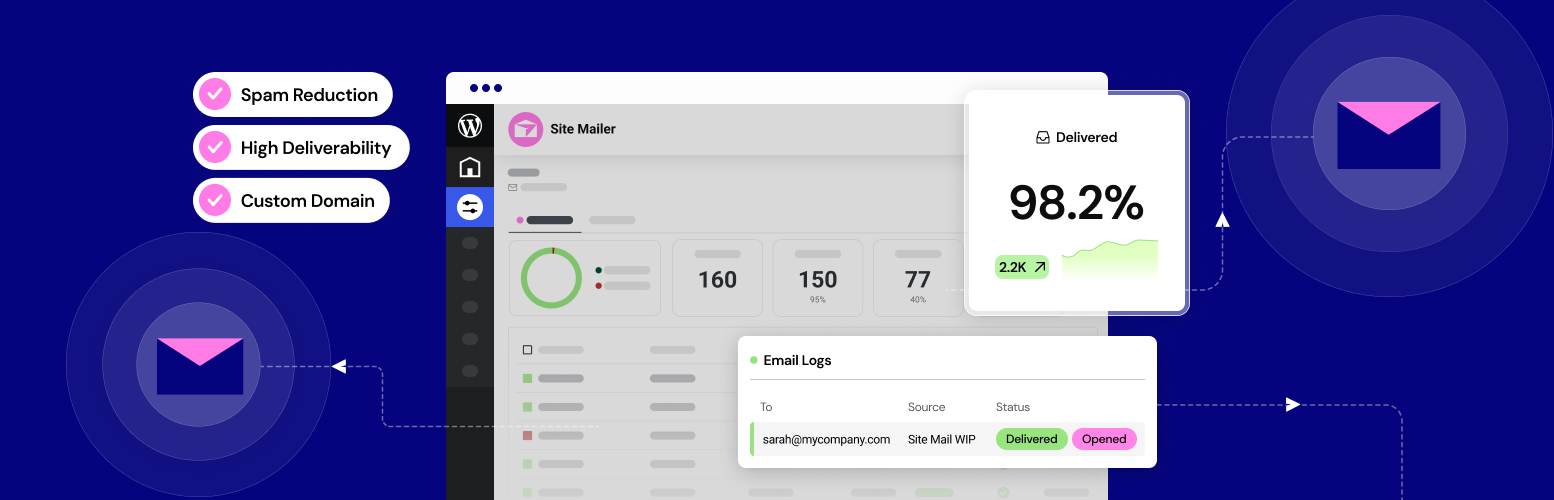
Why Site Mailer is a Better Choice than SMTP Plugin
Site Mailer simplifies WordPress email sending without SMTP plugin, supports custom domain name and log tracking, improves delivery rate and email management efficiency, adapts to WooCommerce and Elementor.

 简体中文
简体中文  English
  日本語
日本語  Français
  Español



