






The guy was lazy and didn't write anything...


Getting Started with the WordPress Gutenberg Editor: Learning from Scratch
This is a Gutenberg editor introductory tutorial, taking you from zero to learn block editing, layout skills and practical functions. Suitable for newbies to quickly master the basic operation of Gutenberg (Gutenberg), common blocks and SEO optimization methods!

How to Fix WordPress Gutenberg Editor Lag? The Ultimate Optimization Guide
Gutenberg editor running slowly? This article provides professional solutions, from browser optimization to server configuration, to completely solve the WordPress Gutenberg editor lagging problem! Contains PHP settings, plug-in management, cache optimization and other latest optimization techniques.

How to Activate WooCommerce Plugin: Full Graphic Tutorial
This article explains in detail how to install and activate the WooCommerce plugin in WordPress, including complete graphic steps, setup wizard instructions and FAQs, to help you quickly build a fully functional online store.
How to Activate WooCommerce and Set Up Payment Methods: Complete Tutorial for Beginners
This article explains how to activate the WooCommerce plugin in WordPress, and step-by-step configuration of Alipay, WeChat, PayPal, Stripe and other common payment methods, to help you easily set up an online store to support payment.
How to Activate and Set Up Email Notifications for WooCommerce
Learn how to activate and set up email notification features in WooCommerce, including order notifications, email template customization, sending issue troubleshooting and SMTP configuration to enhance customer experience and e-commerce professionalism.

How to Activate Tax and Shipping Settings in WooCommerce
Learn how to activate the tax and shipping rates feature in WooCommerce, with a comprehensive explanation of the setup method, shipping zone configuration, tax rules addition, and troubleshooting of common problems to improve the operational efficiency of e-commerce websites and ensure compliance and user experience.
How to Configure Coupons and Discounts After WooCommerce Activation
This article describes in detail how to configure coupons and discounts after WooCommerce activation, including setting the discount type, conditions of use, expiration date, free shipping, and other promotional options for e-commerce newbies and advanced sellers, to help you increase your conversion rate and sales.
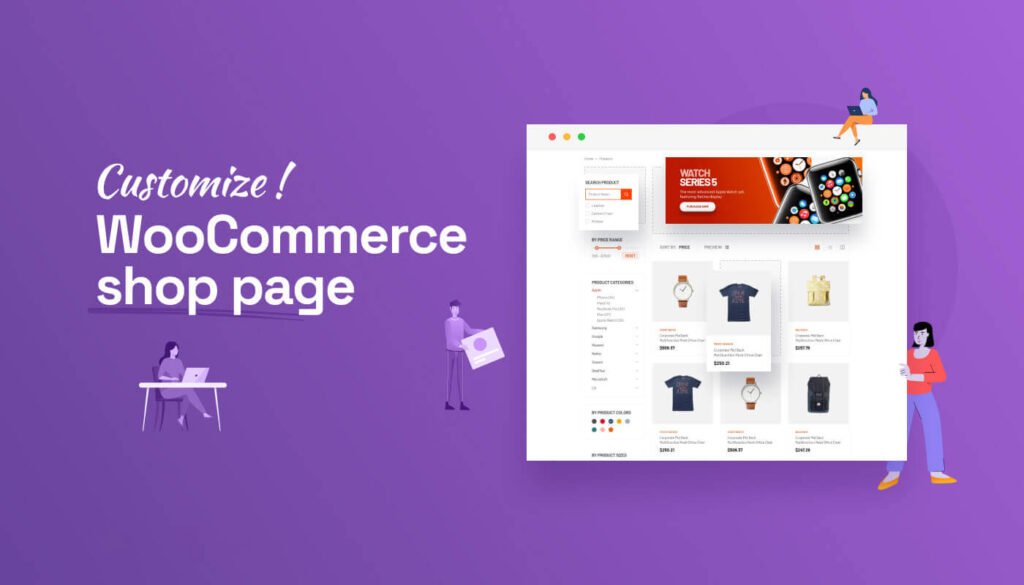
How to Customize Store Pages after WooCommerce Activation
Want to make your WooCommerce store page more beautiful and personalized? This article explains in detail how to customize your store page layout and functionality through theme settings, Elementor, Gutenberg, and shortcodes, etc., to improve user experience and conversion rate overall.

How to Add Products and Set Prices after WooCommerce Activation: Complete How-to Guide
This article describes in detail how to add products, set prices and manage inventory after activating the WooCommerce plugin, including different product types, promotional price settings, batch import and other operational skills to help you quickly and efficiently complete the process of online store merchandise shelves.

How to Set Up Refund and Return Policies After WooCommerce Activation
This article describes in detail how to set up refund and return policy after WooCommerce activation, including adding policy page, configuring order refund function, binding payment gateway, recommending plug-ins, etc. It helps sellers to establish clear and compliant after-sales process and improve user trust and shopping experience.

How to Activate and Setup Gift Card Feature in WooCommerce
Learn how to activate and set up the gift card feature in WooCommerce, including plugin selection, frontend purchase process, backend management, and advanced marketing techniques to help you increase your repurchase rate and brand impact.
How to Activate WooCommerce and Manage Backend Orders
This article describes in detail how to activate the WooCommerce plugin in WordPress and efficient management of orders, including plugin installation, order process, background operations and practical management skills, suitable for new sellers to quickly get started.
WooCommerce How to Activate and Setup Product Recommendation Feature
This article details how to set up the WooCommerce product recommendation feature, including built-in cross-sell/up-sell configurations, and the best plugin recommendations. Learn how to increase customer unit price with smart recommendations for e-commerce stores of all sizes.

WooCommerce How to Activate and Configure Tax Rules and Zones
This article details how to activate and configure tax rules and zones in WooCommerce, including enabling tax functionality, setting national and provincial tax rates, assigning commodity tax classes, and testing that taxes and fees take effect correctly, for both cross-border and local e-commerce users.
WooCommerce Activation and Product Import Configuration Guide
Comprehensive guide teaches you how to activate the WooCommerce plugin and import products efficiently, including CSV file preparation, batch import process, common problem solving and store configuration optimization for WordPress eCommerce beginners.

How to Activate the Inventory Management System for WooCommerce: Complete Configuration Guide
A detailed guide on how to activate and configure WooCommerce's Inventory Management System, covering inventory tracking, out-of-stock alerts, batch updates and FAQs to help you efficiently manage your e-commerce merchandise inventory.
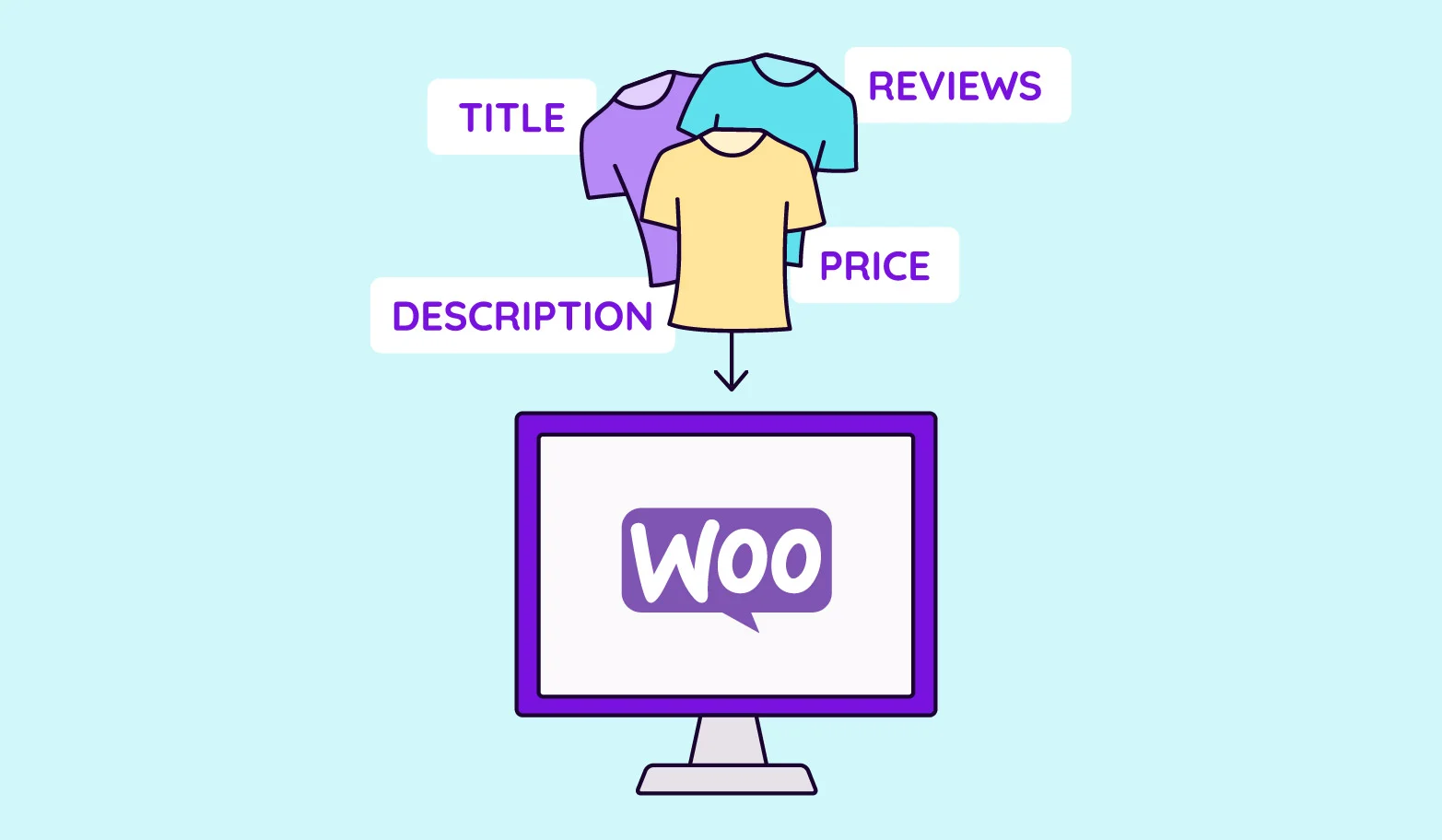
How to activate WooCommerce and set up product variants (e.g. colors, sizes): full tutorial
The detailed tutorial teaches you how to enable product variants in WooCommerce, including the creation of color, size and other attributes, variant combination generation, stock and price configuration and front-end display optimization.
How to Activate Membership Rewards System through WooCommerce: An Effective Strategy to Create User Loyalty
Learn how to enable membership points system through WooCommerce, configure points acquisition and redemption rules with the help of professional plug-ins, enhance user loyalty and repurchase rate, and create an efficient e-commerce membership incentive mechanism.
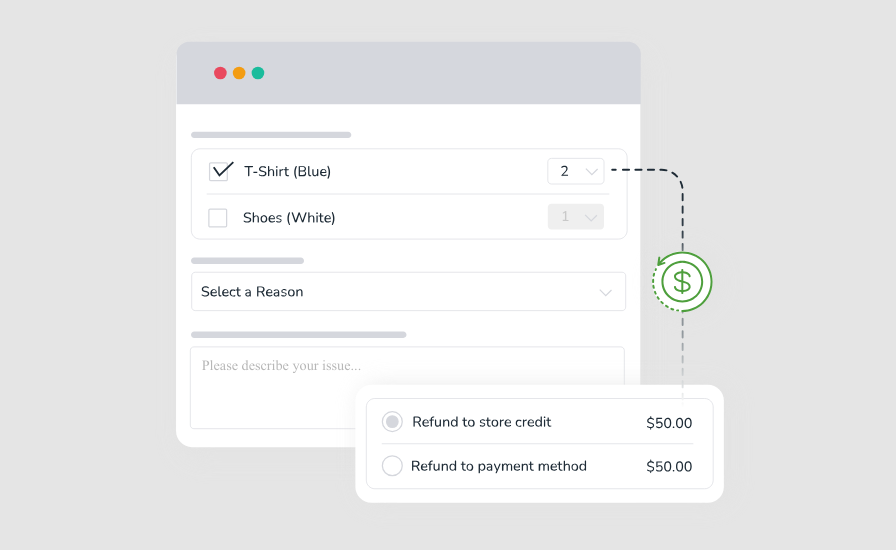
How to Activate and Enable Returns and Exchanges in WooCommerce: A Full Process Guide from Setup to Practice
Learn how to activate and configure returns and exchanges in WooCommerce. Create a clear and efficient after-sales process with plugin recommendations and practical setup guides to increase user satisfaction and brand trust.
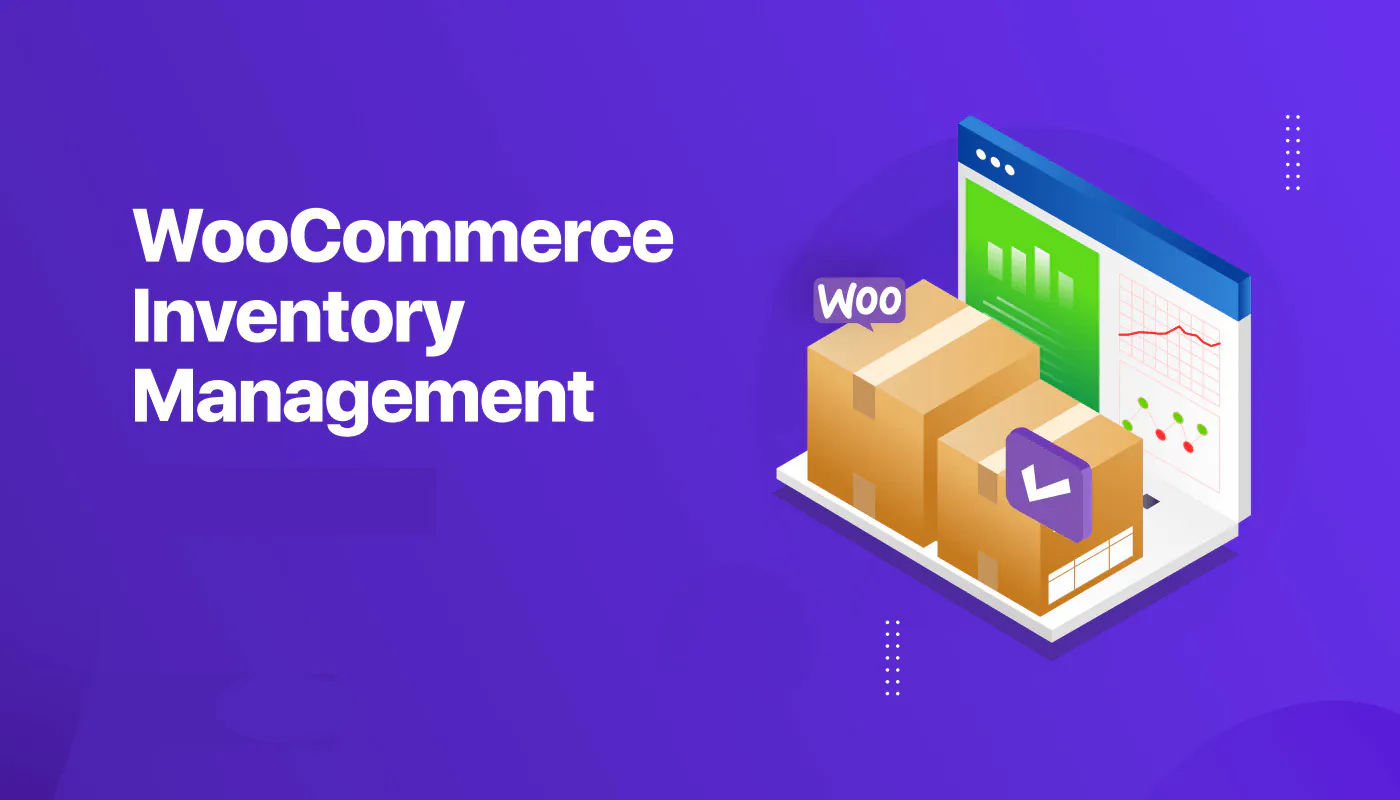
How to achieve real-time inventory updates after WooCommerce activation: a practical guide to e-commerce inventory management
Learn how to realize real-time inventory update after WooCommerce activation. Through plugin configuration, API docking and multi-platform synchronization, you can achieve accurate inventory management, avoid overselling, and improve user experience and operational efficiency.

How to Activate Batch Processing with WooCommerce: A Key Tool for Improving Ecommerce Operational Efficiency
Learn how to activate and use the batch processing function in WooCommerce, combined with the recommendation plug-in to realize the efficient management of product, order, and customer data, and comprehensively improve the efficiency of e-commerce back-office operation.

How to activate and set up customer support features (e.g. chat plugin) for WooCommerce: Creating an Efficient Communication Ecommerce Experience
Learn how to activate and set up customer support features in the WooCommerce store, including live chat, work order systems, and AI customer service plugins. With this tutorial, it's easy to build an efficient and professional customer communication system to increase user satisfaction and conversion rates.

How to Activate and Setup Multiple Shipping Options for WooCommerce: A Step-by-Step Guide to Creating a Flexible Delivery System
Learn how to activate and configure multiple shipping options in WooCommerce, covering flat rate shipping, free shipping, local pickup and the use of third-party logistics plugins. Enhance the operational efficiency and user satisfaction of your e-commerce site by flexibly setting up delivery zones and multi-warehouse shipping strategies.
How to activate and set up custom tags and metadata with WooCommerce: a practical guide to accurately optimize product information
This article details how to activate and set up custom tags and metadata in WooCommerce, including using ACF plugin to add product fields, set up SEO titles and descriptions, front-end display methods and batch management techniques, to help you optimize your product information and improve search rankings and user experience ...

How to Configure Virtual and Physical Products after WooCommerce Activation: A Comprehensive Setup Guide
This article describes in detail how to configure virtual and physical goods after WooCommerce activation, including the difference between the types of goods, configuration steps, order process differences, and how to use plug-ins to support the download of content or a combination of merchandising, to help you efficiently manage multiple types of merchandise and improve the operational efficiency ...

How to Activate and Configure Product Filtering in WooCommerce: A Guide to Key Settings that Enhance the Shopping Experience
This guide explains in detail how to set up product filtering in WooCommerce, including basic category filtering and advanced plugin configuration. Learn how to use WOOF and other plug-ins to achieve multi-dimensional filtering such as price, color, brand, etc., to improve the user shopping experience and conversion rate. Suitable for all kinds of e-commerce network...
How to manage customer feedback and reviews after WooCommerce activation: creating a high-trust shopping experience
This article teaches you how to enable and manage customer reviews and feedback in WooCommerce to boost user trust and conversions for a high-quality e-commerce experience.

How to Activate WooCommerce and Enable Social Login: The Complete Guide
This tutorial explains how to activate WooCommerce and enable social login, support Facebook, Google and other third-party accounts with one-click login, improve conversion rate and user experience, compatible with Elementor page builder.
SEO Optimization Settings after WooCommerce Activation: Overall Improvement of Your Ecommerce Site's Search Ranking
Comprehensively explains SEO settings after WooCommerce activation, including Rank Math plugin configuration, product page optimization, image ALT, Schema markup, sitemap and noindex settings, which help e-commerce websites to improve search ranking and natural traffic.
How to Manage Order History and Order Export after WooCommerce Activation: A Practical Guide to Improve Operational Efficiency
Comprehensive analysis of how to manage order history and export data after WooCommerce activation, covering order status explanation, filtering techniques, plug-in recommendations and export operations, to help e-commerce sites achieve efficient order processing and data backup.

 简体中文
简体中文  English
  日本語
日本語  Français
  Español



