






The guy was lazy and didn't write anything...


How to create and manage product categories and subcategories after WooCommerce activation: a complete tutorial on building a clear product structure
Detailed explanation on how to create and manage product categories and subcategories in WooCommerce, including category structure settings, menu display, gadget usage and optimization suggestions, helping e-commerce websites build a clear and efficient product navigation system.
How to Activate WooCommerce and Setup Customer Shopping History and Referrals: Full Tutorial
Learn how to activate customer shopping history and personalized recommendation features in WooCommerce, using default settings or plugins to enhance the customer experience and increase sales opportunities. Make your store smarter and more profitable with recommender systems, cross-selling & up-selling.
How to Increase Store Conversions After WooCommerce Activation
Learn how to boost conversions by optimizing your WooCommerce store's loading speed, recommendation features, checkout process, customer reviews, limited time offers, and more. In this article, we will share practical tips and tricks to help you increase store sales and customer satisfaction.
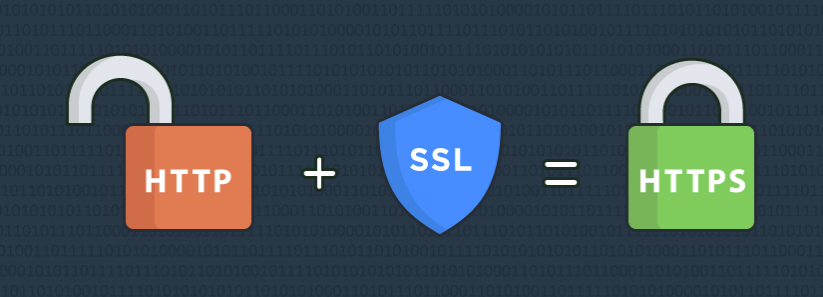
How to Secure Payments with SSL Encryption after WooCommerce Activation
Learn how to enable SSL encryption protection for your WooCommerce store to secure customer payments, improve site trust and search rankings. This article details the steps for obtaining and installing SSL certificates, configuring HTTPS, and enforcing SSL encryption to help you build a safe and secure...
How to activate WooCommerce and enable the recurring subscription service feature (using the Subscriptions for WooCommerce plugin)
Learn how to activate and enable the recurring subscription service feature in your WooCommerce store using the Subscriptions for WooCommerce plugin. This article details plugin installation, recurring subscription product creation, payment gateway configuration and auto-renewal feature setup to help you set up the subscription feature for Gu...
How to Activate and Setup Website Statistics and Analytics Tools with WooCommerce
Learn how to integrate Google Analytics, MonsterInsights and other mainstream web analytics tools in WooCommerce to achieve user behavior tracking, e-commerce statistics and conversion rate analysis, and comprehensively improve e-commerce operational efficiency.

How to optimize the security of your website after WooCommerce activation (a guide to protection even for newbies)
Learn how to optimize website security after WooCommerce activation, including enabling SSL, updating plugins, setting strong passwords, double authentication, firewall plugins, backup mechanisms, and more. Newbies can also easily follow the operation, comprehensively improve the security level of the online store, protect customer data and order system...
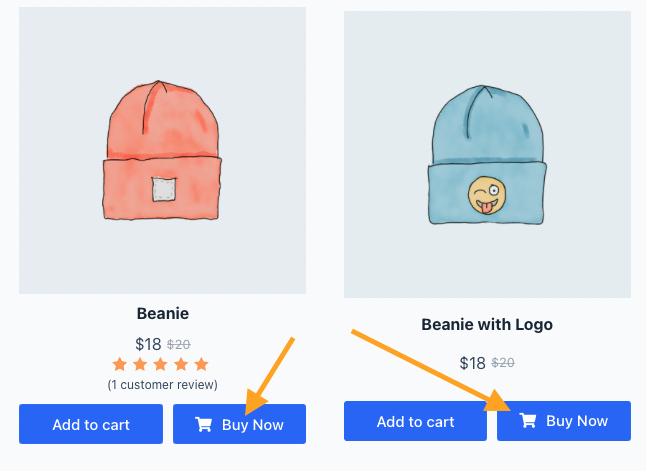
How to Activate and Enable One-Click Checkout via WooCommerce (Pure Free Solution Explained)
Realize WooCommerce one-click checkout function with free plugin, click the Buy Now button to skip the shopping cart and go directly to the checkout page, to improve the efficiency of ordering and conversion rate.
How to activate WooCommerce and set up cross-border e-commerce and international delivery features
Build a cross-border e-commerce site through WooCommerce, this article explains in detail how to activate the plugin, configure international delivery, set up multi-currency and payment methods to realize global sales.

WooCommerce Product Reviews & Ratings Enablement Guide: Boosting Trust & Conversions
Learn how to enable product reviews and ratings in your WooCommerce store to boost user trust and purchase conversions. This article provides detailed setup steps and optimization suggestions to help you create a more professional eCommerce page.

How to Use Mailing Lists to Increase Sales After WooCommerce Activation
Use free plugins like MailPoet and Hustle to quickly build WooCommerce mailing lists and realize a double boost in order conversion and customer retention.

How to Activate WooCommerce and Set Product Pricing by Region
Use the Price Based on Country plugin to enable WooCommerce product pricing by country, with support for automatic switching of prices and currencies.

How WooCommerce Activates and Optimizes the Store Interface for Mobile
This article details how to activate WooCommerce and fully optimize the mobile store interface, covering responsive theme selection, page builder usage, commonly used optimization plugin recommendations, and mobile shopping process improvement strategies to help you improve website loading speed, user experience and mobile...
How WooCommerce Activates and Increases Page Load Speed in Stores: A Comprehensive Optimization Guide
Learn how to activate WooCommerce and improve page load speeds with caching, hosting, CDN, image optimization, and more to create an efficient e-commerce site.
How WooCommerce Activates and Supports Bulk Pricing and Discounts via Plugins: A Practical Solution to Boost Conversions
WooCommerce Bulk Pricing and Discounting is realized through the plugin, supporting multiple price rule configurations, helping B2B wholesale, membership tiering and promotional activities, and comprehensively improving the conversion rate and customer unit price of the store.
How to Activate WooCommerce and Set Up Site Notification Bars and Countdown Promotions: Create More Attractive Ecommerce Pages
Add a top notification bar and a limited time countdown to your WooCommerce store with the free plugin to draw users' attention to promotions and increase click-through rates and order conversions.

WooCommerce Activate and Enable Advanced Product Filtering: WOOF by Category as an Example
Enable category filtering for WooCommerce with the WOOF by Category plugin to improve filtering efficiency and shopping experience.

How to Optimize Store SEO and Metadata After WooCommerce Activation
Comprehensive tutorial on how to optimize your WooCommerce store's SEO and metadata with Rank Math or Yoast SEO plugin, including title descriptions, image ALTs, structured data, URL structure, breadcrumb navigation, and sitemap settings, to comprehensively improve search rankings with point...
How to Activate and Support Regional Tax and Compliance Requirements with WooCommerce
A comprehensive guide that teaches you how to configure multi-region tax rates, VAT compliance, automated invoicing, and checkout experience optimization through WooCommerce to help B2B and cross-border e-commerce companies easily cope with global tax requirements.
How WooCommerce Activates and Supports VAT VAT Rule Settings (e.g. in the EU)
Detailed explanation of how to set up VAT VAT for WooCommerce, including EU tax rates, VAT ID verification and OSS support for cross-border e-commerce sellers.

How to activate WooCommerce and set up cross-border return rules and policies
Learn how to set up clear cross-border return policies and operational procedures in WooCommerce to boost international customer trust and repurchase rates.
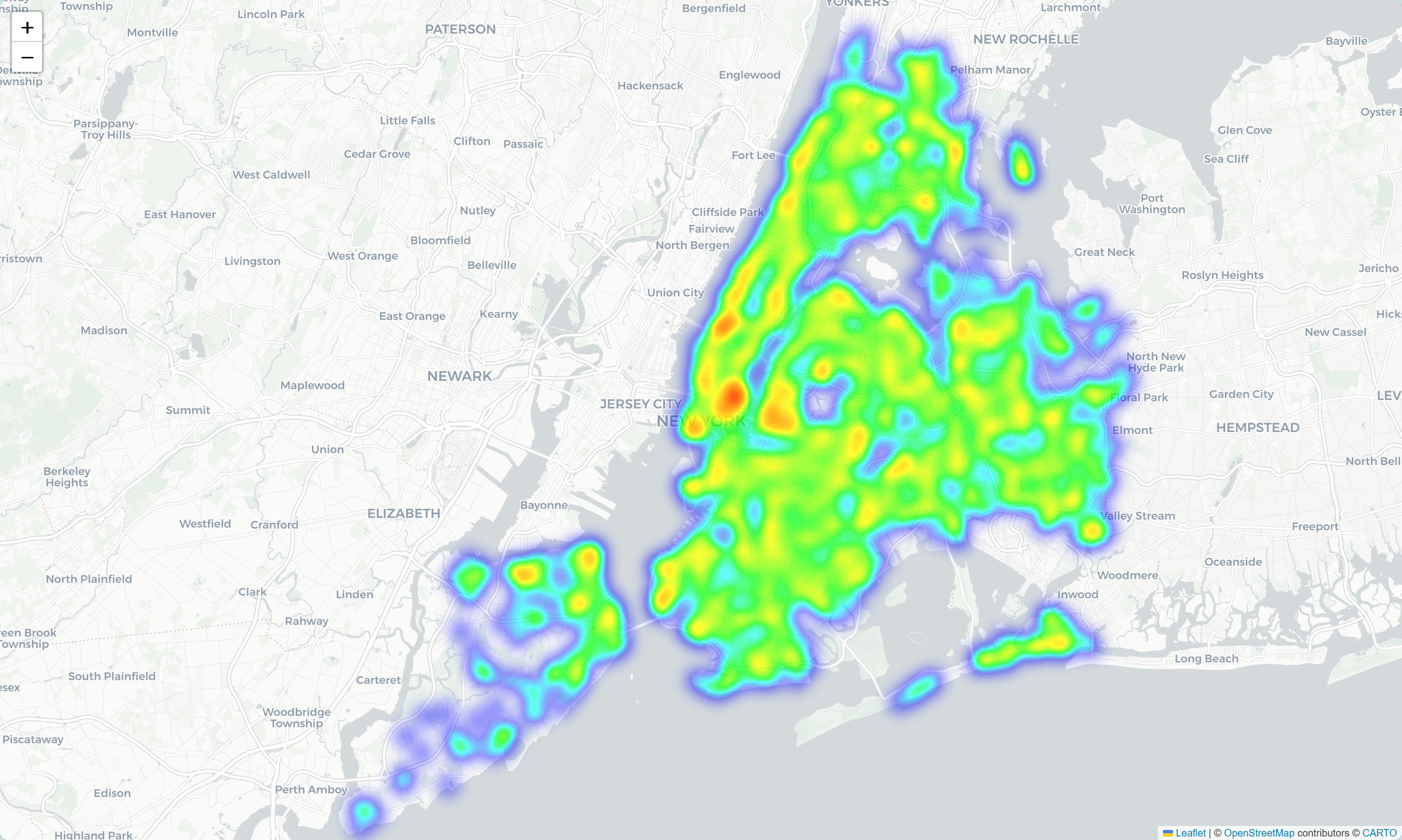
How to Enable Customer Behavior Heatmap & Analytics Tool after WooCommerce Activation
Integrate heatmap tools like Hotjar or Clarity into WooCommerce to track click, scroll, and stay behaviors to gain deeper insights into customer paths, optimize page layouts, and increase conversions.

WooCommerce How to Activate Automatic Malicious IP Blocking and Order Scraping Protection
Prevent WooCommerce stores from being interfered by malicious IP attacks and fraudulent orders by enabling auto-blocking mechanism, CAPTCHA verification and abnormal order analysis tools to enhance the security of e-commerce operations.

How to Activate and Setup Appointment Delivery Time Selection via WooCommerce
Add delivery appointment function for WooCommerce, support date and time selection, holiday exclusion and time period setting, improve customer experience and logistics efficiency.
How to Configure Free Shipping Full Value Conditions and Discount Rules after WooCommerce Activation
Quickly master how to set up WooCommerce's free shipping and discounts for full price, increase conversion rate and customer unit price, and create an efficient e-commerce promotion system.

How to Add Text, Images, and Media Files to the Gutenberg Editor
The complete guide teaches you to add text, images, and videos to the WordPress Gutenberg editor to make content creation more intuitive and efficient.
Frequently Asked Questions and Solutions for the Gutenberg Editor
Summarize common problems and solutions of Gutenberg editor, help you quickly troubleshoot loading failures, wrong styles, block anomalies and other editing faults.

How to Insert Links and Buttons in Gutenberg: A Practical How-to Guide for WordPress
Graphic explanation of how to add text links, image links and buttons in the Gutenberg editor to improve page navigation and user interaction experience.
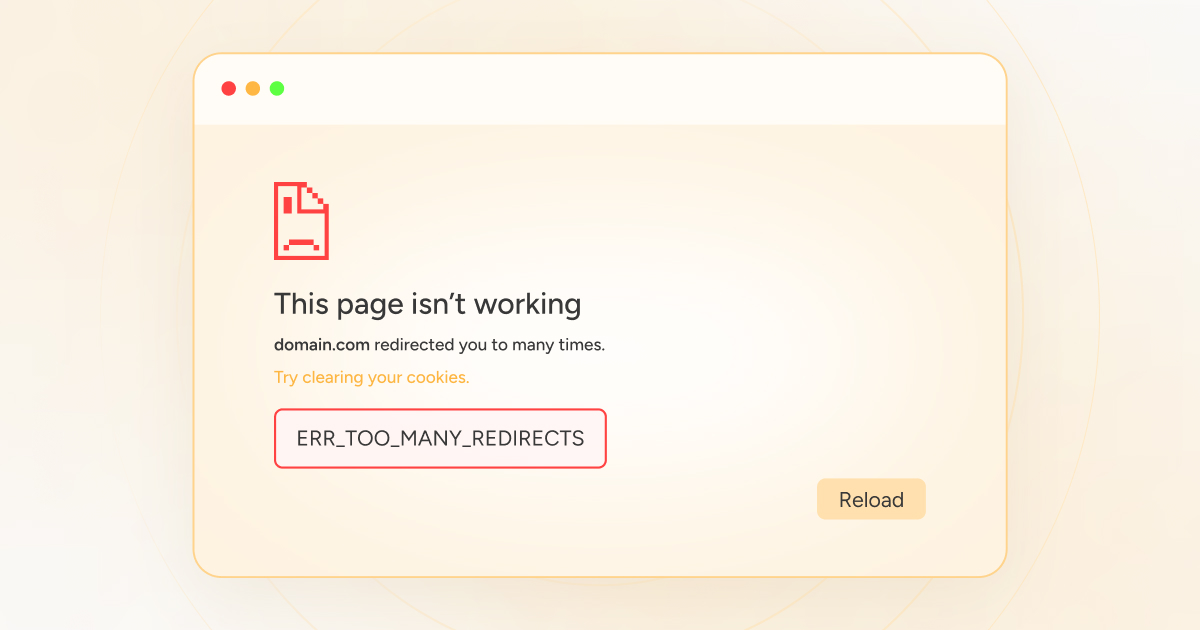
What to do with err_to_many_redirects? A complete guide to fixing it even for newbies
WordPress page jump error? This guide teaches you to solve the problem of "ERR_TOO_MANY_REDIRECTS" redirects too much, even newbies can quickly fix it!

Gutenberg 20.6 and 20.7 Update Integration Content
Gutenberg 20.6 and 20.7 were released, bringing updates such as navigation menu transparency controls, startup mode support for all article types, and significant improvements to the editing experience and performance.

 简体中文
简体中文  English
  日本語
日本語  Français
  Español



