






The guy was lazy and didn't write anything...





How to Install the TranslatePress Plugin - A Quick Start Guide for Multilingual WordPress Websites
Want to make your WordPress website support multi-language switching? This tutorial shows you how to install and setup the TranslatePress plugin to build visual, multilingual, auto-translating websites step by step, without coding basics.

How to enable automatic translation on TranslatePress?
It explains in detail how to enable TranslatePress auto-translation function, and comprehensively compares Google Translate and DeepL to help you efficiently build a multi-language website.
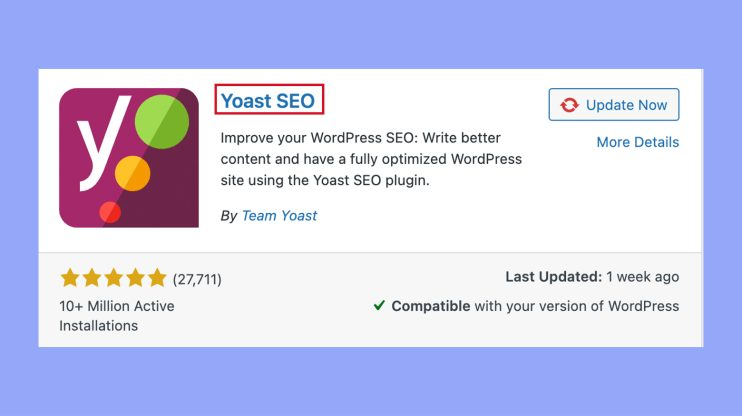
Yoast SEO installs a blank website or 500 error causes and treatments
Your website is blank or 500 error after Yoast SEO installation? This article analyzes the common causes, including plugin conflicts, PHP version, memory limitations and .htaccess configuration, and provides detailed solutions to help you quickly restore your WordPress website.

What is WordPress Loop Carousel?
Learn what WordPress Loop Carousel is and how to implement infinite loop rotation effect in your website using Elementor or plugins. This article introduces the concept, application scenarios, advantages and disadvantages with practical setup methods to help you optimize your website interaction design.
Do I need to uninstall other SEO plugins before installing Yoast SEO?
Do you need to uninstall other SEO plugins before installing Yoast SEO plugin? This article explains the impact of multi-plugin conflict, the preparations before switching, and how to safely migrate the original SEO settings to help you successfully complete plugin replacement and optimization.

How to Optimize Images on WooCommerce Product Pages with Yoast SEO to Improve Page Load Speed?
Optimizing images on WooCommerce product pages is critical to improving load speed, SEO rankings, and user experience. This article explains how to leverage the Yoast SEO plugin and other tools such as Smush and Imagify to optimize image formats, enable ALT tags, use delayed...

A Complete Guide to Setting Product Page Titles and Descriptions with Yoast SEO
A comprehensive guide on how to optimize product page titles and descriptions to boost search rankings and click-through rates with the Yoast SEO plugin for WooCommerce and WordPress e-commerce sites.

What advanced options do I need to configure after Yoast SEO installation?
Comprehensively analyze the advanced settings of Yoast SEO plugin after installation, including content indexing control, breadcrumb navigation, structured data, title template and sitemap configuration, which will help you improve the overall SEO performance of your WordPress website.

Getting Started: What is an Open Source CMS? What can it do? Who is it for?
Comprehensive introduction to the concept of open source CMS, functionality and applicability of the crowd, newcomers can easily understand the process and advantages of building a station.
WooCommerce 10.1.1 and 10.1.2 Updates: Smoother Checkout Experience and Higher Backend Stability
A full breakdown of the WooCommerce 10.1.1 and 10.1.2 updates: checkout experience optimizations, shipping rate formulas, WooPayments improvements and persistent cart fixes.

Content site, forum, membership system: different types of websites should choose which open source CMS?
How to choose the open source CMS?WordPress is suitable for content sites, phpBB and Discourse to build forums, Joomla and plugin support membership system.
Elementor Pro getting stuck? The Ultimate Optimization Tips to Improve Website Speed Revealed!
Find out how Elementor Pro may affect website loading speed? Improve the loading speed and performance of your Elementor website by optimizing images, enabling caching, reducing plugins, optimizing databases, and more to ensure a smooth user experience.
Gutenberg vs Elementor: Stop picking blind!
Who to choose between Gutenberg vs Elementor? Speaking clearly from speed, SEO, maintenance cost and usage scenarios, with 10 questions for quick self-test, no more redoing pages.

Why more and more businesses are moving from Drupal to WordPress
More and more companies are choosing to migrate from Drupal to WordPress due to its simplicity, richness of plugins, low maintenance costs, SEO friendliness and more efficient marketing integration.
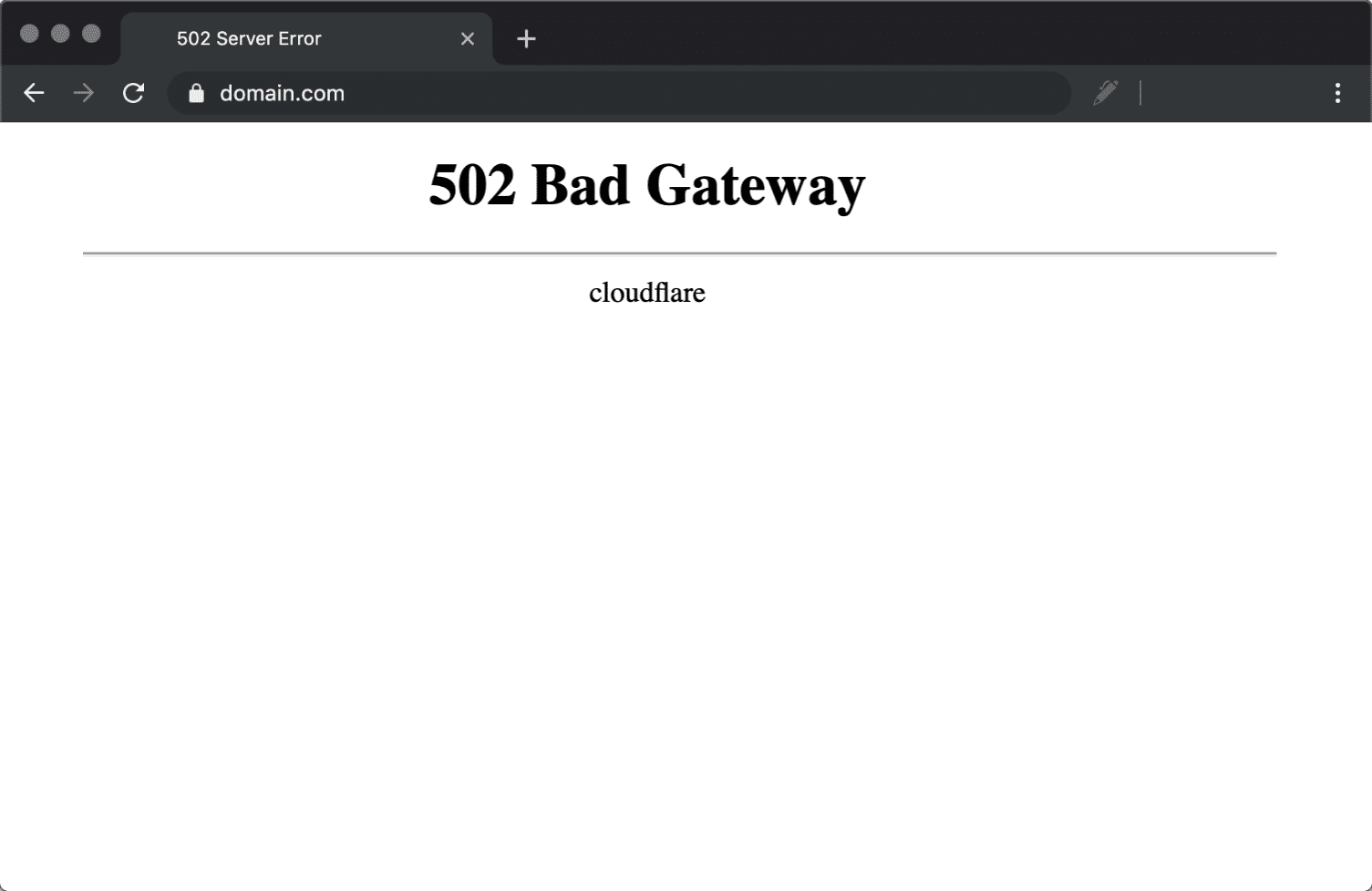
Website crashing? How to check if it's caused by a 502 error
02 Bad Gateway error is commonly seen when a website crashes. This article provides simple and effective checking steps and fixes to help you get your website back up and running quickly.

What is WordPress Plugin Compatibility? Core Concepts Newbies Must Understand
Understand the importance of WordPress plugin compatibility, master plugin conflict troubleshooting and maintenance skills to improve the speed and stability of the site.

How to Activate WooCommerce and Enable Social Login: The Complete Guide
This tutorial explains how to activate WooCommerce and enable social login, support Facebook, Google and other third-party accounts with one-click login, improve conversion rate and user experience, compatible with Elementor page builder.

Multi-language e-commerce plugin comparison: which one is a must-have for cross-border sellers?
Comprehensive comparison of WPML, Polylang, Weglot and TranslatePress to help cross-border sellers choose the best multi-language e-commerce plugin to boost global sales.

How to Optimize Store SEO and Metadata After WooCommerce Activation
Comprehensive tutorial on how to optimize your WooCommerce store's SEO and metadata with Rank Math or Yoast SEO plugin, including title descriptions, image ALTs, structured data, URL structure, breadcrumb navigation, and sitemap settings, to comprehensively improve search rankings with point...

What is 502 Bad Gateway?Has the website crashed? Read more in one article!
Don't panic when you encounter "502 Bad Gateway"! This article explains the causes of 502 errors, troubleshooting steps and repair methods to help you quickly restore access to the site and prevent recurrence.
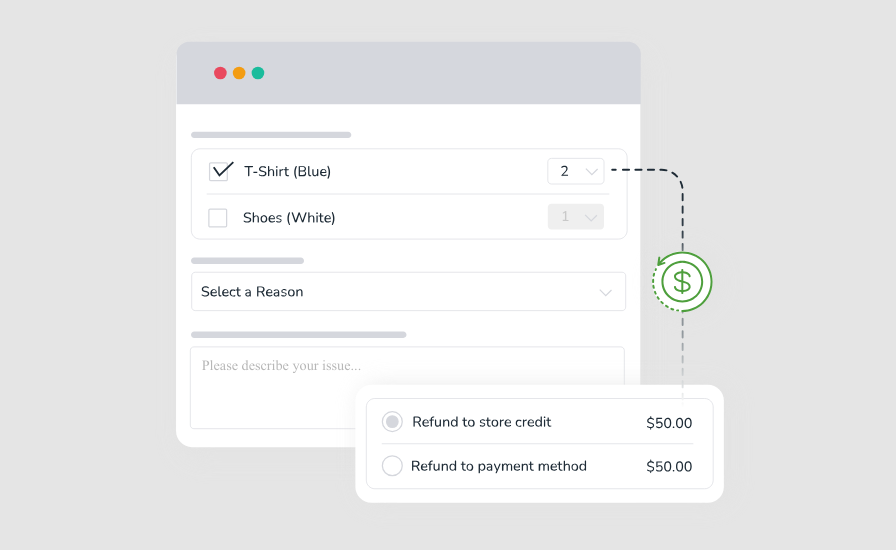
How to Activate and Enable Returns and Exchanges in WooCommerce: A Full Process Guide from Setup to Practice
Learn how to activate and configure returns and exchanges in WooCommerce. Create a clear and efficient after-sales process with plugin recommendations and practical setup guides to increase user satisfaction and brand trust.
How to manage customer feedback and reviews after WooCommerce activation: creating a high-trust shopping experience
This article teaches you how to enable and manage customer reviews and feedback in WooCommerce to boost user trust and conversions for a high-quality e-commerce experience.

Guide to Adding Custom Titles and Descriptions to Each Post with Yoast SEO
Use the Yoast SEO plugin to set custom titles and descriptions for each post to boost search engine rankings and click-through rates, and it's easy for WordPress newbies to master.
How to activate WooCommerce and set up cross-border e-commerce and international delivery features
Build a cross-border e-commerce site through WooCommerce, this article explains in detail how to activate the plugin, configure international delivery, set up multi-currency and payment methods to realize global sales.

WordPress Multi-Language Plugin for SEO: The Secret to Boosting Your Site's Ranking
Optimize SEO with WordPress Multilingual Plugin to boost your website ranking and international traffic, so that your website can easily reach the global market.
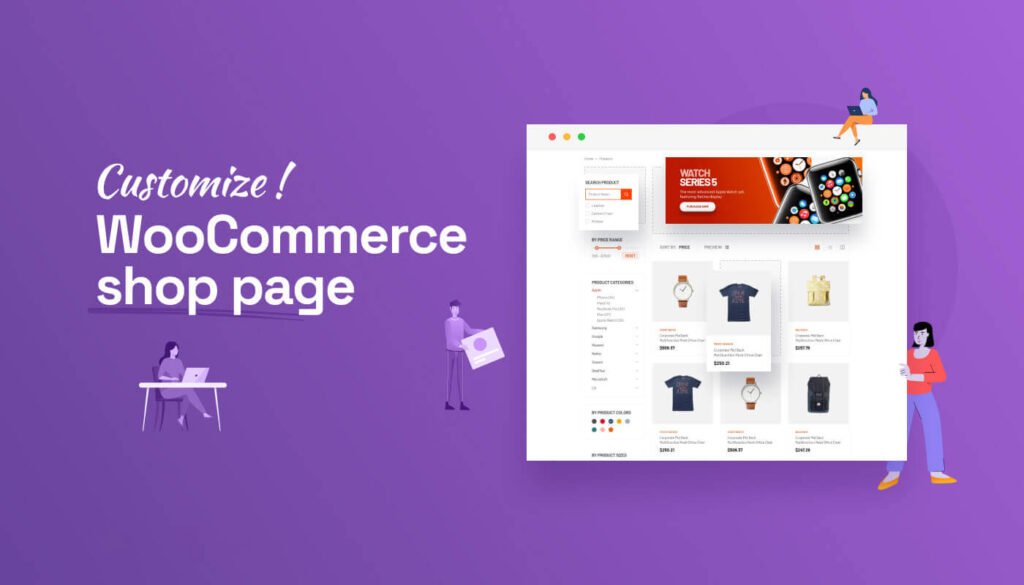
How to Customize Store Pages after WooCommerce Activation
Want to make your WooCommerce store page more beautiful and personalized? This article explains in detail how to customize your store page layout and functionality through theme settings, Elementor, Gutenberg, and shortcodes, etc., to improve user experience and conversion rate overall.
WooCommerce Batch Operation Common Errors and Solutions
Summarize the common error types and solutions in WooCommerce batch operations to help you avoid import failures, misplaced fields and plugin conflicts, and efficiently manage product data.

How to Activate WooCommerce Plugin: Full Graphic Tutorial
This article explains in detail how to install and activate the WooCommerce plugin in WordPress, including complete graphic steps, setup wizard instructions and FAQs, to help you quickly build a fully functional online store.
How to Activate WooCommerce and Set Up Payment Methods: Complete Tutorial for Beginners
This article explains how to activate the WooCommerce plugin in WordPress, and step-by-step configuration of Alipay, WeChat, PayPal, Stripe and other common payment methods, to help you easily set up an online store to support payment.

How to Activate Batch Processing with WooCommerce: A Key Tool for Improving Ecommerce Operational Efficiency
Learn how to activate and use the batch processing function in WooCommerce, combined with the recommendation plug-in to realize the efficient management of product, order, and customer data, and comprehensively improve the efficiency of e-commerce back-office operation.

 简体中文
简体中文  English
  日本語
日本語  Français
  Español



